
FAQ
SEARCH THAT CAD GIRL SITE
What you should know about purchasing MicroSurvey
+
About MicroSurvey Software
MicroSurvey Software, based in West Kelowna, British Columbia, has been developing survey and mapping software since 1985. Acquired by Hexagon in 2012, the company serves surveyors, engineers, police departments, seismic professionals and public safety agencies in over 120 countries. Their focus is on delivering intuitive, powerful software backed by responsive technical support and training.
Click here to learn more about MicroSurvey Software
About the MicroSurvey Line of Products
MicroSurvey develops specialized software to support the full workflow of land surveyors, civil engineers and construction professionals—from field data collection through drafting, network adjustments and final deliverables. Each product is designed to streamline productivity and ensure accuracy using industry-standard file formats and tools.
MicroSurvey’s premiere office product offers a comprehensive CAD software solution tailored for surveyors, offering field to finish drafting, COGO, traverse adjustments, surface modeling, volume calculations and alignment tools that can be run on your choice of CAD platforms:
- MicroSurvey CAD runs standalone on an included license of IntelliCAD. Click here to learn more about MicroSurvey CAD
- MicroSurvey embeddedCAD runs standalone on an included license of embedded AutoCAD (OEM). Click here to learn more about MicroSurvey embeddedCAD
- MicroSurvey inCAD is a plugin that installs on top of a separately purchased license of any AutoCAD-based software such as AutoCAD, AutoCAD Map or Civil 3D. Click here to learn more about MicroSurvey inCAD
- SurveyTools for BricsCAD is a plugin that installs on top of a separately purchased license of BricsCAD Professional. Click here to learn more about SurveyTools for BricsCAD
STAR*NET is a powerful least squares adjustment software for refining 2D and 3D survey networks. It supports GNSS vector processing, geoid modeling, error analysis and more. Click here to learn more about STAR*NET
FieldGenius is a field data collection software designed for use with GPS and total stations, including point management, staking, cut sheets and real-time map display. It is available for both Windows and Android platforms, making it versatile for different field environments. Click here to learn more about FieldGenius
FieldGenius Legacy is the legacy version of FieldGenius, available only for Windows, with the same core features as the current version but no longer under active development or updates. Click here to learn more about FieldGenius Legacy
Operating System
- MicroSurvey CAD: Windows 10 & 11 (64-bit only)
- embeddedCAD: Windows 10 & 11 (64-bit only)
- inCAD: Windows 10 & 11 (64-bit only)
- SurveyTools for BricsCAD: Windows 10 & 11 (64-bit only)
- STAR*NET: Windows 10 & 11 (64-bit only)
- FieldGenius: Windows 10 & 11 (64-bit), Android
- FieldGenius Legacy: Windows 10 & 11 (64-bit only)
System Requirements
- 64-bit Windows 10 or 11
- Intel Pentium 4 or better
- 8 GB RAM (minimum)
- 1024×768 resolution or higher
- OpenGL-compatible graphics card
- 10–20 GB of free disk space
Click here to learn more about MicroSurvey System Requirements
CAD Platform
- MicroSurvey CAD: Standalone with IntelliCAD engine
- embeddedCAD: Standalone with embedded AutoCAD OEM engine
- inCAD: Add-on for full AutoCAD (not LT)
- SurveyTools for BricsCAD: Add-on for BricsCAD (V23 or newer)
How and Where to Purchase
MicroSurvey products can be purchased directly from MicroSurvey or through their authorized dealer network. Pricing is subject to change without notice and varies depending on software edition and add-ons.
If you would like a referral from That CAD Girl to one of our trusted partners, please click here to Send Us a Message with your request.
Upgrades to New Versions and Crossgrades to Different License Types or Editions
Upgrades are available for customers on the previous version or with an active CCP. Users can also crossgrade from one edition or platform to another (for example, from embeddedCAD to MicroSurvey CAD).
License Types, License Terms & Editions
Please note that MicroSurvey has recently updated the license types, terms and editions offered for certain products.
The information below outlines all available offerings with regard to license types, terms and editions. Please refer to individual product listings for up-to-date availability.
MicroSurvey License Types
Single or Floating
- Single License (aka Standalone) = This is a license that is authorized online through a MicroSurvey cloud server. A Single license allows one person to use MicroSurvey or BricsCAD on one computer.
- FLT = Floating (aka Network) = This is a license that is authorized online through a MicroSurvey cloud server. A Floating license allows 1 license of MicroSurvey or BricsCAD to be accessed from different computers. The number of “Floating (or Network)” licenses dictates the number of users who can concurrently use the software.
MicroSurvey License Terms
Perpetual or Subscription
- A Perpetual license, generally, includes a lifetime license to use the program. NOTE: Some additional benefits included with the license, such as tech support or upgrades, will typically expire more quickly. Refer to MicroSurvey’s End User License Agreement (EULA) for more information.
- A Subscription license can be considered a short-term, renewable rental use of the program. MicroSurvey Subscription terms are typically 1-year.
MicroSurvey Editions
Some MicroSurvey products are offered in multiple Editions, each providing different levels of functionality. These typically range from Basic to Standard, Premium, Ultimate and Studio.
- Click here for MicroSurvey CAD feature table
- Click here for MicroSurvey embeddedCAD feature table
- Click here for MicroSurvey inCAD feature table
- Click here for SurveyTools for BricsCAD feature table
- Click here for STAR*NET feature table
- Click here for FieldGenius feature table
- Click here for FieldGenius Legacy feature table
Software Trials
Free 30-day trials are available for most MicroSurvey products. Trials are fully functional and do not require reinstallation if converted to a full license.
If you would like our help requesting a trial of this software from an authorized dealer, please click here to Send Us a Message with your request.
Support & Training Options
For most products, MicroSurvey includes a 12 month Customer Care Package
(CCP), which includes:
- Software updates and maintenance builds
- Priority helpdesk access
- Discounted training options
In addition, MicroSurvey offers a variety of self-paced training courses, some of which are FREE.

If you find the material on this website helpful, please consider supporting That CAD Girl by purchasing our products or services.
If you are interested in purchasing products or services we do not offer, we would love to refer you to oe of our Trusted Partners. Please click here to send us a message with your request.
Downloading, Installing and Licensing progeEARTH
+Do I need to uninstall the progeEARTH trial before installing the full version?
Yes. If you already downloaded and installed the progeEARTH trial, you will need to remove it before installing the full version of progeEARTH.
To remove the trial, use Add or Remove Programs in the Windows Control Panel.
Do I need to reset the progeCAD user interface after removing progeEARTH?
Yes. After removing the progeEARTH trial, you should reset the progeCAD user interface before installing the full version of progeEARTH.
You can do this through the progeCAD Center, which is installed when progeCAD is installed.
How do I reset the progeCAD user interface?
To reset the progeCAD user interface:
- Open the Windows Start menu.
- Look for the progeCAD folder.
- Start the progeCAD Center.
- Go to Settings > Repair.
- Make sure the profile you are using is selected, usually Default.
- Press OK.
- Accept the default selection in the dialog box.
- Press OK again.
Your menus should now be reset and ready for the progeEARTH installation.
Do I need progeCAD Professional installed before installing progeEARTH?
Yes. You must have progeCAD Professional installed before installing progeEARTH.
The correct version of progeCAD is required. progeCAD must be the same version required for your progeEARTH installation.
Where do I download the full version of progeEARTH?
When you are ready to download and install progeEARTH, scroll to the bottom of this FAQ to find the correct download link.
After downloading the installer, you should copy the file to a removable storage device, such as a jump drive, as a backup.
How do I activate my progeEARTH license?
To activate progeEARTH, use your assigned serial number along with the Product I.D. that appears in the Registration Dialog Box.
You can register the program online here:
How many computers can I install progeEARTH on?
progeEARTH licenses are valid for installation on only one computer at a time.
How do I move or reinstall progeEARTH on a new computer?
To move or reinstall progeEARTH, follow the same installation steps outlined above.
Before installing on a new computer, you must request that your license be unlocked.
Please contact support here to unlock your license:
Once your license has been unlocked, you can proceed with the installation and activation on the new machine.
What information do I need to save?
Be sure to print and save your progeEARTH serial number. You will need it if you ever need to reinstall or move the software.
progeEARTH Download Links
| progeEARTH Version | progeCAD Link | That CAD Girl Link |
|---|---|---|
| 2026 | Download 2026 from progEARTH site | Follow this link and then Click the Download button Download 2026 from That CAD Girl |
| 2025 | Download 2025 from progearth site | Follow this link and then Click the Download button Download 2025 from That CAD Girl |
If you find the material on this website helpful, please consider supporting That CAD Girl by purchasing our products or services.
If you are interested in purchasing products or services we do not offer, we would love to refer you to oe of our Trusted Partners. Please click here to send us a message with your request.
Downloading, Installing and Licensing progeCAD
+Do I need to download and install progeCAD again if I already installed the trial?
No. If you already downloaded and installed the same version of progeCAD Professional that you purchased, you can simply register the trial version without downloading and installing it again.
What should I check before registering progeCAD?
Make sure you are registering the correct software type and version that you ordered.
A progeCAD Professional license cannot be activated with a progeCAD NLM serial number and a progeCAD NLM license cannot be activated with a progeCAD Professional serial number. A serial number from a previous version also cannot be used with a newer version.
Where do I download progeCAD?
If you have not downloaded and installed progeCAD, scroll to the bottom of this FAQ for download links.
How do I install progeCAD after downloading it?
When you run the progeCAD Downloader, you will be asked to specify the target folder.
Once the download process is complete, you can click Install to proceed or Open Folder to view the installation files location.
Open the folder where the installer is located and make a backup copy to external media such as a CD or thumb drive.
You will need this installer if you ever switch computers, reinstall the software or have a hardware failure.
How do I activate progeCAD?
To activate progeCAD, use the unique unlock code or serial number provided with your order.
Register the software using your serial number when prompted during the activation process.
How many computers can I install progeCAD on?
The progeCAD Single+ license can be installed on up to two computers at a time, as long as both installations are used by the same person and are never used at the same time.
What should I save for future reinstallations?
Be sure to save your serial number along with your installer backup. You will need the serial number if you ever need to reinstall or move the software.
Most email programs have a Save As feature. We recommend saving your unlock code email as a text or HTML file and storing it with your installer backup on a thumb drive, CD or other backup media.
How do I reinstall, move or install progeCAD on a second computer?
To reinstall, move or install progeCAD on a second computer, refer to the email you received when you ordered progeCAD.
- Open the unlock code email.
- Download your version of progeCAD from the link in the email.
- If the download link does not work, change the link from http to https. Your browser may be blocking insecure connections or http requests.
- Register using your serial number.
- If you are moving the software to a new computer, remove it from the old computer if possible.
What technical support is included with progeCAD?
progeCAD USA provides 30 days of free technical support after registration.
Please allow up to 5 business days after registering your software for the support agreement to go into effect and for your serial number login to become active in the support area.
You can access the progeCAD USA help desk here:
Where can I find support resources after the first 30 days?
After your initial 30 day support period has expired, progeCAD USA provides online tools and resources for software questions.
Visit the support site here:
We recommend bookmarking this link for future reference.
What is iCARE?
iCARE is a yearly subscription for progeCAD that includes help desk support, upgrades and updates.
iCARE also allows users to help specify features that progeSOFT may consider adding in the future.
You must purchase iCARE within 30 days of your progeCAD purchase.
progeCAD Download Links
| progeCAD Version | progeCAD Link | That CAD Girl Link |
|---|---|---|
| 2026 | Download 2026 from progeCAD site | Follow this link and then Click the Download button Download 2026 from That CAD Girl |
| 2025 | Download 2025 from progeCAD site | Follow this link and then Click the Download button Download 2025 from That CAD Girl |
If you find the material on this website helpful, please consider supporting That CAD Girl by purchasing our products or services.
If you are interested in purchasing products or services we do not offer, we would love to refer you to oe of our Trusted Partners. Please click here to send us a message with your request.
What you should know about purchasing progeCAD by progeSOFT
+
About the Companies
About progeSOFT
progeSOFT, founded in 1985 and based in Chiasso Switzerland, is a privately owned company known for delivering low cost 2D and 3D CAD software for Windows and macOS. The company develops both progeCAD for Windows and iCADMac, a native DWG CAD solution for macOS, giving users on either platform powerful tools for drafting and design at a competitive price.
As a founding member of the IntelliCAD Technology Consortium, progeSOFT has helped shape the direction of DWG-based CAD development. Today, it serves a global user base across industries like construction, engineering and manufacturing, with major clients including Boeing, Samsung and ABB Group.
Click here to learn more about progeSOFT
About progeCAD USA
progeCAD USA is the North American distributor for progeSOFT’s CAD products.
Headquartered in Clackamas Oregon, the company provides support and resources for users of DWG-based CAD software in the United States and surrounding regions.
progeCAD USA also develops progeEARTH, a civil and survey add-on suite designed for land development professionals working in coordinate geometry, terrain modeling and road design.
The company has been involved in CAD software development since 1985 and was one of the founding members of the IntelliCAD Technology Consortium (ITC) in 1999.
Click here to learn more about progeCAD USA
About the Software
About progeCAD
progeCAD is a DWG-native 2D and 3D CAD application developed by progeSOFT. Built on the IntelliCAD engine, it works natively in DWG format and includes a wide set of design tools and libraries.
Available through a try and buy model, progeCAD is used by over 250,000 professionals worldwide across industries such as construction, automotive and technology. It delivers high performance CAD at a competitive price.
Click here to learn more about progeCAD
Click here for a feature comparison between progeCAD, AutoCAD and AutoCAD LT
About iCADMac
iCADMac is the first DWG-native 2D/3D CAD solution designed specifically for macOS, compatible with AutoCAD files up to the 2025 version.
It offers a familiar AutoCAD-like interface and provides tools such as PDF import/export, gradient hatches, tables, ACIS® solid modelling, constraints, custom blocks, extensive hatch patterns and powerful rendering capabilities.
Click here to learn more about iCADMac
Click here for a list of features in iCADMac
About progeEARTH
progeEARTH is a civil and survey add-on suite for progeCAD Professional. It includes tools for coordinate geometry (COGO), digital terrain modeling (DTM) and simple road corridor design.
The suite is organized into modules—Survey/Cogo, DTM and Roads—each tailored to support topographic mapping, site planning and field-to-finish workflows.
Click here to learn more about progeEARTH
Operating System
progeCAD
Windows 10 and 11 (64-bit only)
iCADMac
macOS v13 (Ventura), v14 (Sonoma), v15 (Sequoia)
System Requirements
progeCAD
- Processor: 2.2 GHz or faster (2.5 GHz recommended)
- RAM: Minimum 4 GB (8 GB recommended)
- Disk: At least 4 GB free disk space
- Graphics: Dedicated NVIDIA GeForce or compatible; Artisan Render does not support AMD graphics cards
iCADMac
- Intel® Core™ i5 or superior
- ARM: Apple M1 ARM or superior
- 8 GB RAM (16 GB recommended)
- 8 GB free disk space for download and installation
- mac OS X-compliant printer
Click here to learn more about progeCAD System Requirements
Click here to learn more about iCADMac System Requirements
CAD Platform
All application software developed by progeSOFT and progeCAD USA are built on the IntelliCAD CAD platform.
How and Where to Purchase
progeCAD and progeEARTH can be purchased directly from the progeCAD USA or through their authorized dealer network.
Pricing is subject to change without notice and varies depending on software edition and add-ons.
If you would like a referral from That CAD Girl to one of our trusted partners, please click here to Send Us a Message with your request
Upgrades to New Versions, Competitive Upgrades and Crossgrades to Different License Types
progeCAD and iCADMac can be upgraded to the most current version at a reasonable, reduced rate versus the cost of a new license. An active subscription to iCARE includes updates and upgrades to newly released versions.
Users of other CAD programs, such as AutoCAD, are eligible for discounted competitive upgrades to Single or Network licenses of progeCAD Professional.
Click here to learn more about progeCAD upgrades and crossgrades
Click here to learn more about iCADMac upgrades
Click here to learn more about iCARE
License Types and License Terms
License Terms
Both progeCAD and iCADMac sell with perpetual licenses which do not expire and no annual fee required. The licensed software version will run for as long as your hardware and operating system support it.
License Types
iCADMac
Offers only a SL – Single license deployment.
progeCAD
Offers both Single License and Network License deployment options.
- SL – Single license
These licenses are assigned to individual users and can’t be shared. The Single License allows the same user to keep the software installed simultaneously on a desktop and a laptop for more flexibility. - NLM – Network Licenses
Network licenses aren’t assigned to individual users and can be shared. Network licenses do not require an internet connection to activate or use. progeCAD NLM can be installed on as many computers as you want. However, you can use the software simultaneously only on the number of purchased seats. License Take-Away included: thanks to this feature NLM licenses can be temporarily moved on laptops or a remote PC to be used offline. Max flexibility!
Click here AND
Click here to learn more about progeCAD licensing
Click here to learn more about iCADMac licensing
Software Trials
progeCAD, progeEARTH and iCADMac can run in trial mode for 30 days. After this period, you need to activate a valid commercial license.
If you would like our help requesting a trial of this software from an authorized dealer, please click here to Send Us a Message with your request
Support & Training Options
iCARE support and maintenance program includes free technical assistance via the web with the new help desk service through ticket, email, live chat and remote support.
Free video recordings and tutorials for progeCAD and iCADMac are available from progeSOFT’s website here: https://www.progesoft.com/video-tutorial/progeCAD-professional-media-video
If you find the material on this website helpful, please consider supporting That CAD Girl by purchasing our products or services.
If you are interested in purchasing products or services we do not offer, we would love to refer you to oe of our Trusted Partners. Please click here to send us a message with your request.
Which Topcon / MAGNET software do I need in the field?
+Topcon provides four primary field software options designed around distinct job roles and construction phases:
- Topcon Field supports full survey and advanced layout workflows using GNSS and optical instruments.
- Topcon Field Mobile delivers core layout and verification tools in a simplified mobile friendly experience.
- Pocket 3D focuses on grade checking, earthwork verification and machine control support.
- Topcon Digital Layout is purpose built for vertical building layout by concrete, steel and MEP trades.
Side by side selection guide
This overview highlights how each field application aligns with different responsibilities on the jobsite. Many organizations deploy multiple tools across crews rather than relying on a single solution.
| Selection factor | Topcon Field | Topcon Field Mobile | Pocket 3D | Topcon Digital Layout |
|---|---|---|---|---|
| Primary focus | Survey grade data collection and advanced layout | Everyday construction layout and verification | Earthwork checks and production support | Interior and vertical building layout |
| Typical users | Survey crews and advanced layout teams | Foremen, supers and project engineers | Grade checkers, operators and site supervisors | Concrete, steel and MEP trade crews |
| Common jobsite use | Topo, control, stakeout and as built surveys | Points and lines layout plus progress checks | Cut and fill checks, volumes and model validation | Anchors, walls, sleeves and BIM driven layout |
| Device platforms | Windows based controllers and tablets | Android and iOS devices | Windows, Android and iOS devices | Windows, Android and iOS devices |
| Learning curve | Best for experienced technical users | Designed for fast adoption | Minimal training required | Built for non survey professionals |
| Licensing approach | Perpetual or subscription options | Subscription based | Perpetual with annual maintenance | Subscription only |
How to choose the right field software
- Select Topcon Field when survey grade accuracy and combined GNSS and optical workflows are required
- Select Topcon Field Mobile when crews need layout and verification without full survey functionality
- Select Pocket 3D when earthwork, grade checking and machine control drive the jobsite
- Select Topcon Digital Layout when vertical construction trades need accurate layout without survey training
If you find the material on this website helpful, please consider supporting That CAD Girl by purchasing our products or services.
If you are interested in purchasing products or services we do not offer, we would love to refer you to oe of our Trusted Partners. Please click here to send us a message with your request.
Which Topcon / MAGNET software do I need for the office?
+- Topcon Tools is a lightweight, standalone desktop tool for file conversions, GNSS and total station processing, QA/QC, adjustments, localization, visualization and reporting. It is often used as a preprocessing step before Topcon Office or other CAD workflows.
- Topcon Office Base is the core desktop environment for import/export, data prep, basic QA/QC, reporting, and light drafting. It is the foundation product for adding Survey and or Site Prep modules.
- Topcon Office Base + Survey adds survey-grade computation, adjustments, GNSS processing, richer COGO, drafting, and professional survey delivery workflows. Topcon Survey includes all the functionality of Topcon Tools.
- Topcon Office Base + Site Prep adds modeling and construction takeoff capabilities for surfaces and corridors, volumes, and file prep tools for GPS-guided machine control systems.
- Topcon Office Base + Survey + Site Prep is the complete office suite that unifies survey computation and adjustment, drafting, surface and corridor modeling, quantities and volumes, and machine-control data prep. Topcon Survey includes all the functionality of Topcon Tools.
Side by side selection guide
This overview highlights how each office product aligns with different responsibilities. Many organizations start with Office Base then add Survey and or Site Prep as their needs expand. :contentReference[oaicite:0]{index=0}
| Selection factor | Topcon Tools | Topcon Office Base | Office Base + Survey | Office Base + Site Prep | Office Base + Survey + Site Prep |
|---|---|---|---|---|---|
| Primary focus | Survey data processing, QA/QC, localization, visualization, and reporting. A Swiss Army knife for converting file formats from one to another. | Core import/export, coordinate management, basic QA/QC, reports, light drafting | Survey-grade computation: GNSS processing, adjustments, robust COGO and survey deliverables | Modeling and takeoff: surfaces, corridors, volumes, machine control file prep | Full suite: survey computation + modeling, takeoff, design, and machine control prep |
| Typical users | Survey techs/processors, survey managers or PLS doing QA/QC and adjustments | CAD/BIM techs, party chiefs/field techs prepping stakeout lists, owner-operators | Survey manager/PLS, party chief or office survey lead handling control and deliverables | Estimators, takeoff specialists, surface modelers, CAD techs supporting grading and machine control | Survey leads, CAD/civil designers, site modelers, project engineers/PMs managing end-to-end workflows |
| Common office use | Import and QA GNSS/TS data, run closures and least-squares, apply localization/datum transforms, export reports, import and export files of different formats for outside project partners | Import field data, validate, set coordinate systems, cleanup linework/points, basic volumes/areas, export to field/clients | Control, traverse and least-squares adjustment, GNSS baseline checks, robust COGO, stakeout prep, record mapping and reporting | 3D surface/corridor modeling, quantity takeoffs from PDF or CAD, volumes, machine-control data prep, as-built comparisons | Corridor and site design, road rehab workflows, utilities/trenches, pads and grading models, takeoffs and QC across survey + construction |
| Common project types | Control and boundary surveys, GNSS/TS network processing, survey QA/QC prior to CAD/civil handoff | Small site development, utilities, topo mapping/updates, as-built checks, change orders | Boundary and ALTA, subdivision and land development, utility and ROW survey and mapping | Site development, roads/corridors, subdivisions, industrial pads, mass grading | Highways and overlays, airports and logistics pavements, commercial/industrial site development, design-build heavy civil |
| Licensing approach | 1- or 3-year subscription. Includes Enterprise check-in/check-out convenience | 1- or 3-year subscription. Includes Enterprise check-in/check-out convenience | Subscription (1 or 3 year) or perpetual. Includes Enterprise. Subscription supports check-in/check-out convenience | Subscription (1 or 3 year) or perpetual. Includes Enterprise. Subscription supports check-in/check-out convenience | Subscription (1 or 3 year) or perpetual. Includes Enterprise. Subscription supports check-in/check-out convenience |
How to choose the right office software
- Select Topcon Tools when you need a standalone “Swiss Army knife” for help converting to/from an expansive variety of filetypes, survey processing, QA/QC, least-squares adjustment, localization, and reporting without CAD production, modeling, or takeoff.
- Select Topcon Office Base when you need a core office hub for import/export, coordinate setup, cleanup, reports, and light drafting
- Select Office Base + Survey when your office delivers survey-grade computation including control, traverse, GNSS processing, adjustments, and robust COGO deliverables
- Select Office Base + Site Prep when your focus is surfaces, corridors, volumes, takeoffs, and machine control data prep
- Select Office Base + Survey + Site Prep when your team needs the complete suite for survey delivery plus modeling, takeoff, design, and machine control workflows
If you find the material on this website helpful, please consider supporting That CAD Girl by purchasing our products or services.
If you are interested in purchasing products or services we do not offer, we would love to refer you to oe of our Trusted Partners. Please click here to send us a message with your request.
Does BricsCAD Offer a 30 day Trial?
+
Can I run BricsCAD without a license?
Yes. If you do not own a license, you can run BricsCAD in trial mode.
How long does the BricsCAD trial last?
The BricsCAD trial lasts 30 days from the time it is activated.
Is the BricsCAD trial fully functional?
Yes. During the trial period, BricsCAD runs as a fully functional version with no feature limitations.
What happens when I open BricsCAD in trial mode?
When BricsCAD is opened in trial mode, the BricsCAD Launcher opens automatically and displays how many days remain in your trial.
What options do I have when the BricsCAD Launcher opens?
You have two options:
- Continue to launch BricsCAD in trial mode
- Enter License to activate a Single user Volume or Network license
What license level does BricsCAD use during the trial?
By default, BricsCAD runs in Ultimate mode during the trial, giving you access to all available features.
Can I test different BricsCAD license levels during the trial?
Yes. You can switch between license levels while in trial mode to evaluate which edition best fits your needs.
How do I change the license level during a BricsCAD trial?
Use the SETLICENSELEVEL command within BricsCAD to change the active license level.
What license levels are available in BricsCAD?
BricsCAD offers five license levels:
- BricsCAD Lite
- BricsCAD Pro
- BricsCAD BIM
- BricsCAD Mechanical
- BricsCAD Ultimate
Can I apply a purchased license to a trial installation?
Yes. If you purchase a license during or after the trial, you can activate it without reinstalling BricsCAD.
If you find the material on this website helpful, please consider supporting That CAD Girl by purchasing our products or services.
If you are interested in purchasing products or services we do not offer, we would love to refer you to oe of our Trusted Partners. Please click here to send us a message with your request.
What Licensing Options Does BricsCAD Offer?
+
What is a BricsCAD perpetual license?
A perpetual license is a one time purchase that gives you ownership of the software.
What is BricsCAD Maintenance?
BricsCAD Maintenance is an optional annual plan for perpetual licenses. It provides:
- Priority Support
- Access to product updates
- Access to future major release versions
What is a BricsCAD subscription license?
A subscription license allows you to use the latest version of BricsCAD for one year. While active it includes Priority Support and access to all new versions released during the subscription term.
What is a BricsCAD single user license?
A single user license is assigned to one person. It is intended for individual use and is not a floating license.
A single user license may be installed on two computers, such as a desktop workstation and a laptop. However, the software may only be used on one computer at a time. Concurrent use is not permitted.
Single user licensing is available for both perpetual and subscription licenses.
Can I use my BricsCAD license on two machines?
Yes. If you own a single user BricsCAD license, you may install it on two machines for the same user. Typical examples include an office computer and a home or field laptop.
This dual install allowance does not apply to network or volume licenses unless expressly permitted by Bricsys.
What is a BricsCAD network license?
A network license is a floating license that allows multiple users to access BricsCAD within a local area network. Licenses are checked out from a central license server when BricsCAD is launched.
The number of network licenses purchased determines how many users can run BricsCAD at the same time.
Network licenses are available as perpetual or subscription licenses and include one year of BricsCAD Maintenance.
What is a BricsCAD volume license?
A volume license allows BricsCAD to be used within a defined group of users using the same license key.
Volume licenses are available as perpetual or subscription licenses and include one year of BricsCAD Maintenance.
Volume licenses do not include the dual install rights provided with single user licenses unless explicitly authorized by Bricsys.
What is a BricsCAD academic license?
BricsCAD academic licenses are free for 12 months and available to students instructors faculty and educational institutions.
Students may renew annually with a valid student ID.
What license types are available for academic use?
Academic licensing is available in single user network or volume formats.
If you find the material on this website helpful, please consider supporting That CAD Girl by purchasing our products or services.
If you are interested in purchasing products or services we do not offer, we would love to refer you to oe of our Trusted Partners. Please click here to send us a message with your request.
How Does BricsCAD Handle GIS and Online Map Services?
+
Does BricsCAD allow users to link to open source or government services such as feature services or map services?
Yes. BricsCAD supports connecting to Web Map Service (WMS) endpoints using the MAPCONNECT command, which lets you add map imagery from many public and government-hosted WMS servers into your drawing.
Before adding WMS data, Bricsys notes you must set the drawing’s geographic location using GEOGRAPHICLOCATION.
See: MAPCONNECT command (WMS connections).
BricsCAD also supports displaying online maps inside a drawing using GEOMAP, and the related GEOMAPKEY workflow for assigning an API key.
Bricsys documentation specifically references Esri Maps Keys for access to Esri online maps.
See: GEOMAP command
and GEOMAPKEY command (Esri Maps Key).
For importing vector GIS data as CAD entities with attributes, BricsCAD provides GISIMPORT, which Bricsys documents as supporting SHP, GML, KML/KMZ, and Esri Geodatabase formats.
See: GISIMPORT command
and GIS Import dialog box.
Related references
- BricsCAD MAPCONNECT (WMS setup):
Bricsys Help Center - GEOMAP and GEOMAPKEY (online maps and API keys):
GEOMAP,
GEOMAPKEY - GISIMPORT (SHP, GML, KML/KMZ, Geodatabase import):
GISIMPORT - Example third-party WMS guidance for BricsCAD Pro (Nearmap):
Nearmap BricsCAD Pro WMS Integration
If you find the material on this website helpful, please consider supporting That CAD Girl by purchasing our products or services.
If you are interested in purchasing products or services we do not offer, we would love to refer you to oe of our Trusted Partners. Please click here to send us a message with your request.
What you should know about purchasing Carlson
+
About Carlson Software, the Company
Carlson Software, founded in 1983 and headquartered in Maysville, Kentucky, is a developer of CAD-based software for land surveying, civil engineering, construction and mining. The company provides desktop software, data collection solutions and OEM hardware integration through an extensive global dealer network. Carlson is known for delivering customer-focused software with perpetual licenses, low maintenance fees and long-term product support.
Click here to learn more about Carlson Software, the Company
About the Software
Carlson Software offers modular desktop solutions for land development professionals. Core modules for surveying, civil engineering and construction include Survey, Civil, GIS, Hydrology, Construction, CADnet, Trench and GeoTech.
Carlson works with both IntelliCAD and AutoCAD platforms and maintains full compatibility with DWG file formats. Specialized software is also available for 3D point cloud processing and embedded field data collection using Carlson SurvPC.
Click here to learn more about Carlson Software
Operating System Compatibility
- Carlson 2020–2025 with IntelliCAD 9.x–12.x: 64-bit Windows 7, 8, 8.1, 10, 11
- Carlson on AutoCAD 2022 Embedded: Windows 10 and 11 (64-bit only)
- Takeoff R12, R13 / Survey OEM 2022–2025: Windows 10 and 11 (64-bit only)
- Vista and 32-bit versions are not supported
System Requirements
Carlson 2020–2025 with IntelliCAD 9.x–12.x:
- Minimum CPU: Intel Pentium 4 or comparable
- Recommended CPU: Intel i5 or i7 (use cpubenchmark.net for comparisons)
- Minimum RAM: 2 GB (64-bit Windows 7–11); 8+ GB recommended
- Graphics card: Compatible with OpenGL 1.4 or higher
- Recommended GPU: Discrete Nvidia Geforce preferred; ATI/AMD acceptable but less consistent driver support
- Not recommended: Nvidia Quadro and powerful gaming cards
Carlson with AutoCAD 2022 Embedded (including Takeoff R12, R13 / Survey OEM 2022–2025):
- OS: 64-bit Windows 10 or 11
- Processor: Basic 2.5–2.9 GHz; Recommended 3+ GHz
- RAM: 8 GB minimum, 16 GB recommended
- Disk Space: 10 GB free for installation
- Monitor: 1920 x 1080 or higher, up to 3840 x 2160
- Display card: Minimum 1 GB GPU with DirectX 11; Recommended 4 GB GPU with DirectX 12
- Browser: Internet Explorer 11 or later
Click here to learn more about Carlson’s System Requirements
CAD Platform Options
Carlson Software modules provide options for CAD platform:
- “for CAD” programs include a license of IntelliCAD
- Embedded AutoCAD (OEM) programs include a license of AutoCAD OEM
- Modules with IntelliCAD can also be installed on full AutoCAD, AutoCAD Map or Civil 3D
How and Where to Purchase
Carlson Software is available for purchase directly from Carlson or through an authorized dealer network.
Upgrades and Crossgrades
Carlson users can purchase upgrades from older versions at discounted prices. Crossgrades are also available for switching between platforms or changing product bundles.
Maintenance customers receive version upgrades annually (typically each fall). Users without maintenance can upgrade their perpetual license at any time.
License Types and Terms
- Perpetual Standalone: One-time purchase with two activations per seat
- Perpetual Network: Floating license with server-based access and license borrowing
Users may choose software modules individually or as part of bundled suites such as Survey/Civil, Civil Suite or Takeoff Suite.
Software Trials
Free 30-day trials of Carlson desktop software are available.
Support and Training Options
Carlson Software provides technical support by email and phone.
That CAD Girl offers a variety of training options for CAD and Carlson Software including live, custom training, recorded sessions and printed manuals.
If you find the material on this website helpful, please consider supporting That CAD Girl by purchasing our products or services.
If you are interested in purchasing products or services we do not offer, we would love to refer you to oe of our Trusted Partners. Please click here to send us a message with your request.
What you should know about purchasing BricsCAD by Bricsys
+
About Bricsys
Bricsys, a part of Hexagon AB, is a global provider of engineering design software founded in 2002 and headquartered in Ghent, Belgium. Bricsys is known for developing BricsCAD, a DWG-compatible CAD platform built for 2D drafting, 3D modeling, mechanical design and building information modeling (BIM).
As part of Hexagon’s Geosystems division, Bricsys benefits from strong integration with surveying, construction and geospatial technology.
Click here to learn more about Bricsys
About BricsCAD-Based Software
BricsCAD is a powerful, DWG-native CAD platform that supports 2D drafting, 3D modeling, mechanical design and BIM workflows. Bricsys develops multiple applications built on the BricsCAD platform:
- BricsCAD Lite – 2D drafting
- BricsCAD Professional – 2D and 3D modeling
- BricsCAD BIM
- BricsCAD Mechanical
- BricsCAD Ultimate – all-in-one suite
The applications offer a familiar AutoCAD-like interface and full compatibility with DWG, DXF, DGN, IFC and point cloud formats. BricsCAD runs on Windows, macOS and Linux and includes AI-powered tools such as Blockify, CopyGuided and Parametric Blocks.
Click here for a BricsCAD vs AutoCAD comparison
Supported Operating Systems
- Windows 10 (x86-64), Windows 11 (x86-64)
- macOS 11.0 (Big Sur) or higher
- Ubuntu 22.04 LTS and later
- openSUSE (April 2022+ with glibc ≥ 2.35)
- Fedora (April 2022+ with glibc ≥ 2.35)
Note: Windows 10 support ends October 14, 2025. The Windows and Linux versions of BricsCAD are built and supported for the x86-64 (AMD64) architecture.
Note: macOS compatibility varies by version. BricsCAD V25 and V24 are compatible with macOS 15 (Sequoia).
Click here for more about BricsCAD compatibility with Apple products
System Requirements
- Minimum CPU: Intel Core i5 or AMD Ryzen 5
- Recommended CPU: Intel Core i7/i9 or AMD Ryzen 7/9
- Minimum Memory: 8 GB
- Recommended Memory: 16 GB
- Disk Space: 3 GB for BricsCAD Ultimate
- Minimum Display: Full HD (1920 x 1080) True Color and 4 GB VRAM
- Recommended Display: 4K Retina or UHD with PCIe graphics and 8 GB VRAM
Click here for information about BricsCAD System Requirements
CAD Platform
All BricsCAD applications (Lite, Pro, BIM, etc) are built on the same BricsCAD core platform.
How and Where to Purchase
BricsCAD is available through Bricsys and authorized dealers. Pricing varies by edition and add-ons.
If you would like a referral from That CAD Girl to one of our trusted partners, please click here to Send Us a Message with your request.
Upgrades and Crossgrades
Perpetual licenses can be upgraded by purchasing maintenance or version upgrades.
Subscription licenses include automatic access to all updates during the subscription term.
Users may crossgrade between editions (e.g. Lite to Pro or Pro to BIM) by paying the difference in cost.
License Options
- Academic License: Free 12-month access for students and faculty, renewable annually with valid academic ID
- Single-User License: One computer, one user, one OS
- Network License: Shared access on LAN (Local Area Network); available for perpetual or subscription licenses with 1-year maintenance
- Volume License: One license key used across a defined user base; includes 1-year maintenance
Click to learn more about BricsCAD license options
License Terms
- Perpetual License
- Subscription License
Click to learn more about BricsCAD license terms
License Levels
- BricsCAD Lite: Best for 2D designs; view, move and copy 3D but not edit; supports LISP routines
- BricsCAD Pro: Adds full 3D modeling, rendering, constraints and 3rd-party application support
- BricsCAD BIM: All Pro features plus streamlined BIM workflow using DWG
- BricsCAD Mechanical: All Pro features plus complete mechanical toolset including sheet metal
- BricsCAD Ultimate: Combines BIM and Mechanical in one platform
Click here to learn more about BricsCAD license levels
Software Trials
You can trial BricsCAD Ultimate for 30 days. All features are enabled during this period. Use the SETLICENSELEVEL command to test other levels. After 30 days, a valid commercial license is required.
If you would like our help requesting a trial of this software from an authorized dealer, please click here to Send Us a Message with your request.
Support and Training Options
Bricsys provides onboarding and learning resources through the Bricsys Learning portal.
Technical support is available via the Bricsys help center, including their knowledge base and ticket system.
If you find the material on this website helpful, please consider supporting That CAD Girl by purchasing our products or services.
If you are interested in purchasing products or services we do not offer, we would love to refer you to oe of our Trusted Partners. Please click here to send us a message with your request.
What you should know about purchasing Topcon
+
About Topcon Positioning Systems
Topcon Positioning Systems Inc, headquartered in Livermore, California, is the division within Topcon Corporation that develops Topcon Office and Topcon Field software.
A subsidiary of Japan-based Topcon Corporation (founded in Tokyo in 1932), Topcon Positioning Systems specializes in creating precision positioning and measurement solutions for surveying, construction, geospatial and agriculture markets.
With a global network of hardware and software development, the company’s mission centers on improving workflows and data accuracy through seamless integration between office environments and job sites.
Click here to learn more about Topcon Positioning Systems
About Topcon Office, Field and Enterprise Software
Topcon offers a suite of software platforms—Topcon Office, Topcon Field and Topcon Enterprise—designed to support seamless workflows between field and office. These tools work together to manage GNSS and total station data, 3D models and BIM-based construction processes.
Topcon Office includes modules for Office, Survey and Site Prep to support a range of design and data preparation workflows.
Office runs on a proprietary CAD engine built specifically for surveying and construction, allowing tight integration with Topcon hardware and cloud services without relying on third-party platforms like AutoCAD or IntelliCAD.
Topcon Field handles real-time data collection and hybrid positioning in the field, while
Topcon Enterprise is a cloud-based platform that connects office teams, field crews and machine operators for seamless field-to-office workflows. It stores project data and insights for use with Topcon software, Sitelink3D and Autodesk or Bentley solutions, allowing files to be converted, shared and accessed in real time. By providing accurate and consistent cloud-connected geopositioning data, Enterprise helps improve productivity and reduces downtime and rework.
Click here to learn more about Topcon Office Software
Click here to learn more about Topcon Field Software
Click here to learn more about Topcon Enterprise Software
Operating System
Topcon Office runs on 64-bit Windows PCs.
Topcon Field is available for Windows tablets, Android and iOS devices.
Topcon Enterprise is accessed through any modern web browser and connects all devices through the cloud.
CAD Platform
Topcon Office is built on a custom CAD engine developed specifically for Topcon’s surveying and construction workflows.
Recommended System Requirements
- Processor: Multi-core CPU (2 GHz or higher recommended)
- RAM: Minimum 8 GB (16 GB recommended)
- Storage: SSD strongly recommended, minimum 2 GB available
- Graphics: DirectX 11 or OpenGL-compatible GPU
- Internet: Required for Topcon Enterprise and license management
How and Where to Purchase
Topcon software is sold through authorized dealers and pricing varies by product, license type and selected modules.
Pricing is subject to change without notice and varies depending on software edition and add-ons.
If you would like a referral from That CAD Girl to one of our trusted partners, please click here to Send Us a Message with your request.
Upgrades to New Versions and Crossgrades to Different License Types
Users with active subscriptions or maintenance plans receive upgrades automatically through the myTopcon portal.
Perpetual license users can purchase upgrades separately.
License Types, License Terms & Modules
License Types
Topcon offers both single user and network/floating licenses.
Network licenses, known as “Check In / Check Out,” can be shared among multiple users through Topcon Enterprise. Licenses can also be temporarily assigned for offline use for up to 30 days.
All licenses are tied to your Topcon Account. No dongles are required.
License Terms
- Perpetual licenses: One-time purchase with one year of support
- Subscription licenses: Available with 1- or 3-year terms
Modules
Topcon Office includes 3 modules:
- Office: Core CAD tools for importing plans, combining survey data and building 3D terrain models for site preparation and machine control
- Survey: Tools for property plotting, subdivision design, surface modeling and GNSS/total-station data post-processing
- Site Prep: Functions for designing roads, corridors, trenches, material takeoffs and preparing machine-control files
Software Trials
30-day trial versions of Topcon Office and Topcon Field can be requested through any authorized dealer. Trials include full module access and cloud services.
If you would like our help requesting a trial of this software from an authorized dealer, please click here to Send Us a Message with your request.
Support & Training Options
Topcon offers extensive support through the myTopcon NOW platform, including technical documentation, firmware updates and remote help.
Topcon Office and Topcon Field publish the software manuals as part of the installation. The manuals can be found via the Help menu.
If you find the material on this website helpful, please consider supporting That CAD Girl by purchasing our products or services.
If you are interested in purchasing products or services we do not offer, we would love to refer you to oe of our Trusted Partners. Please click here to send us a message with your request.
What you should know about purchasing CMS IntelliCAD
+
About CAD-Manufacturing Solutions (CMS)
CAD-Manufacturing Solutions Inc (CMS), based in Azle Texas, has over 30 years of experience in the CAD industry. Originally known for its proprietary ProCADD software, CMS now develops and markets CMS IntelliCAD which is built on the powerful customizable IntelliCAD Technology Consortium (ITC) platform.
The team behind CMS has been deeply involved in CAD software development for decades and continues to rely on CMS IntelliCAD internally, including at a partner corporation focused on advanced crane innovation and design.
Click here to learn more about CAD-Manufacturing Solutions (CMS)
About CMS IntelliCAD
CMS IntelliCAD is a DWG-native CAD application offering 2D drafting, 3D modeling and BIM underlay capabilities. It includes support for AutoCAD-like menus, ribbon interface, advanced rendering and custom development via LISP, VBA, .NET, IRX and SDS.
The software is designed to support users transitioning from AutoCAD or IntelliCAD-based platforms and includes customizable workspaces, menus, toolbars and command-line access.
All editions support CAD standards, external references (Xrefs), DGN overlay and interoperability with other CAD and GIS formats.
Click here to learn more about CMS IntelliCAD
Click here for a comparison between CMS IntelliCAD and AutoCAD
Operating System
CMS IntelliCAD runs on 64-bit Microsoft Windows systems.
System Requirements for CMS IntelliCAD 10 and Higher
- Processor: Intel Pentium 4 or faster, or comparable processor
- System Memory: 2 GB RAM minimum (more recommended for large files)
- Hard Disk Space: 4 GB free disk space recommended
- Display and Graphics: 1024 x 768 resolution or higher, OpenGL ES support
- Input Devices: Keyboard and mouse or other pointing device
For the most stable performance, users should install the 64-bit version of CMS IntelliCAD on 64-bit systems. The 64-bit version offers better handling of large drawings by accessing more system memory.
Click here to learn more about System Requirements for CMS IntelliCAD
CAD Platform
All CMS IntelliCAD applications (PE, PE Plus, Easy-Run) are built on the IntelliCAD platform.
How and Where to Purchase
CMS IntelliCAD products can be purchased directly from CMS IntelliCAD or through their authorized dealer network.
Pricing is subject to change without notice and varies depending on software edition and add-ons.
If you would like a referral from That CAD Girl to one of our trusted partners, please click here to Send Us a Message with your request.
Upgrades to New Versions, Competitive Upgrades and Crossgrades
CMS IntelliCAD offers upgrades from previous versions, crossgrades between editions and competitive upgrades for users of other CAD programs. A valid serial number is required for any upgrade or crossgrade.
License Types, License Terms & Editions
License Type
- Single
- Network license: Available in quantities of 3, 5, 10 and 20 for concurrent users
- Easy Run: Premium Edition only, accessed through a browser using Turbo.net technology
License Terms
- Perpetual license: One-time payment
- Subscription: Annual license with updates and support
Editions
- Premium Edition (PE): 2D/3D drafting, DWG compatibility, LISP/VBA/.NET customization
- Premium Edition Plus (PE Plus): Adds 3D ACIS solids, BIM underlay and Artisan rendering
Software Trials
CMS IntelliCAD can run in trial mode for 30 days. After this period, a valid commercial license is required for continued use.
If you would like our help requesting a trial of this software from an authorized dealer, please click here to Send Us a Message with your request.
Support & Training Options
- Community forum: forums.intellicadms.com
- Optional annual Paid Support Pack for activation help and priority access
- Phone support: +1 (817) 221-8855
- Training resources: Free course, videos, webinars and documentation included with purchase
Click here for more information about CMS IntelliCAD training and support
If you find the material on this website helpful, please consider supporting That CAD Girl by purchasing our products or services.
If you are interested in purchasing products or services we do not offer, we would love to refer you to oe of our Trusted Partners. Please click here to send us a message with your request.
[FAQ509] What is Carlson Academy?
+
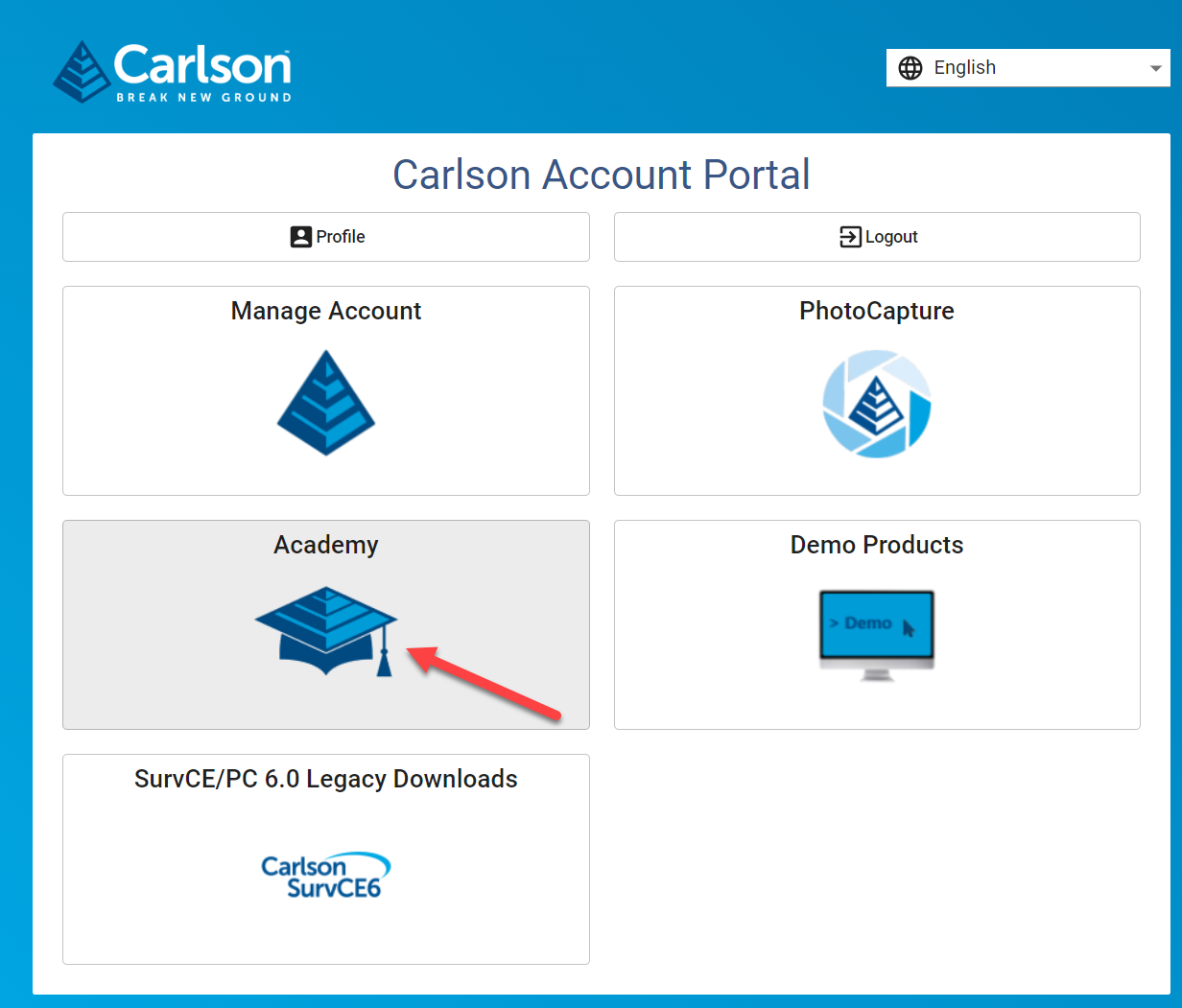
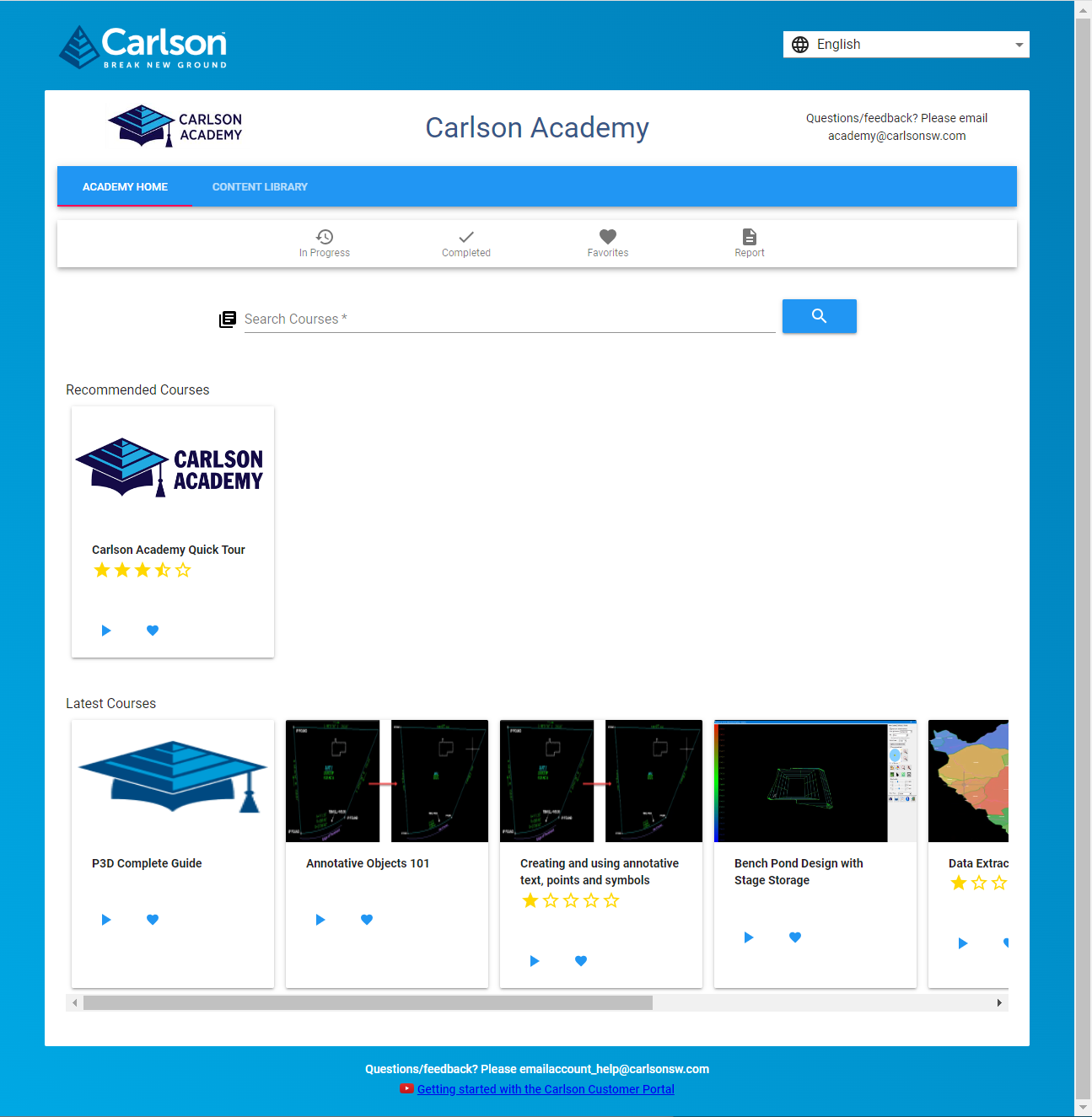
According to Carlson’s website, Carlson users with an active maintenance plan can access the lessons provided in Carlson Academy after creating or logging into their account here.
If you find the material on this website helpful, please consider supporting That CAD Girl by purchasing our products or services.
If you are interested in purchasing products or services we do not offer, we would love to refer you to oe of our Trusted Partners. Please click here to send us a message with your request.
[FAQ458] What is “The Little CAD Engine That Could” Website?
+Across all software platforms, the nature of bug fixes is that, when you fix one… you might create several more. And the new ones may be absolute show-stoppers that Murphy’s Law guarantees will happen on a weekend when projects need to be completed and no one is on-duty at Carlson to help.
Fear of that happening on a broad-scale is one reason that Carlson only posts a new Build, with updates to both the IntelliCAD and Carlson programs, every few months.
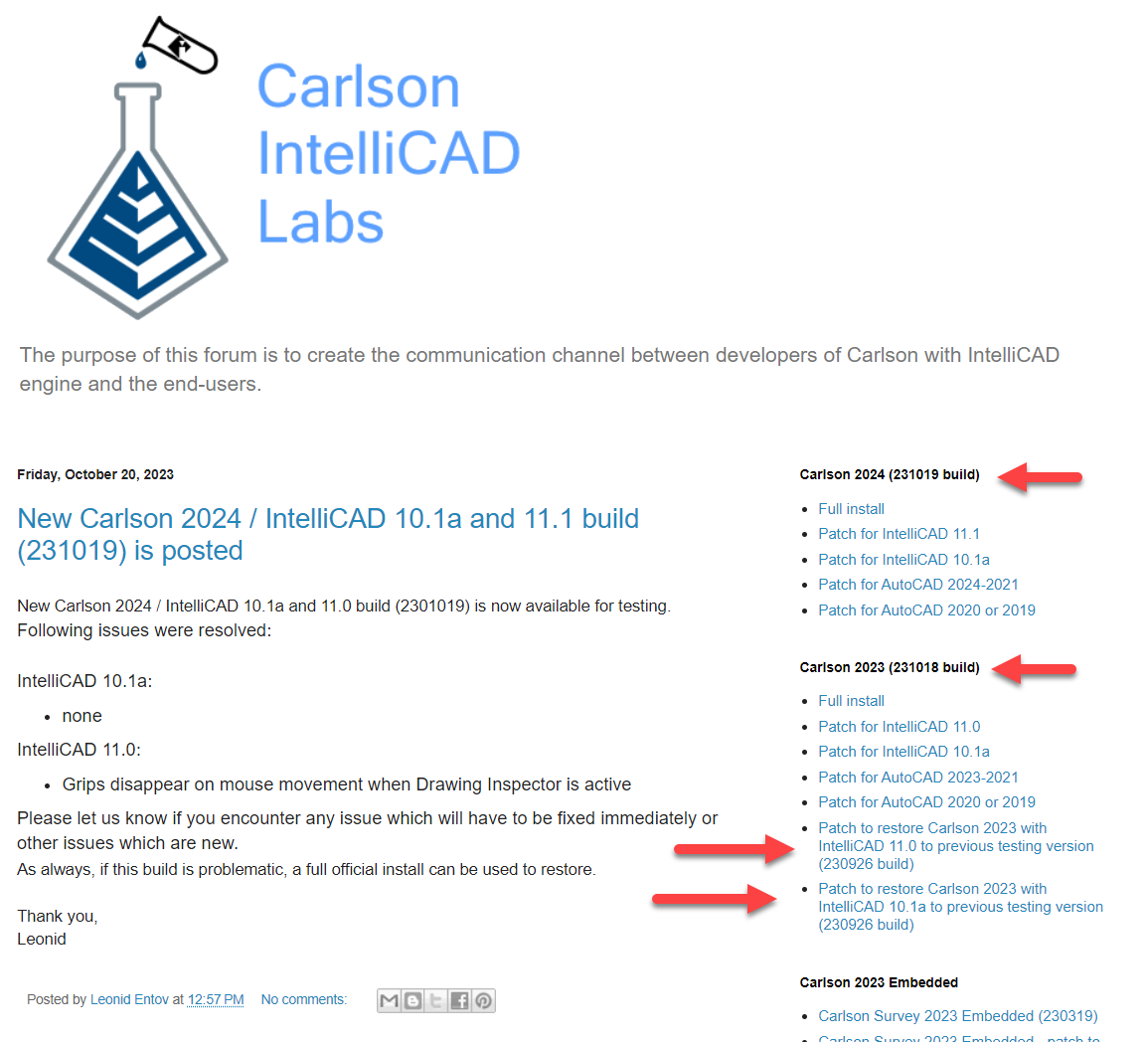
So, as a way to incorporate and test more often, Carlson’s development team has been posting interim TESTING Builds to a separate website – The Little CAD Engine That Could – for many years.
Users who are comfortable working in testing/beta releases of Carlson with IntelliCAD can find additional testing Builds at this website and, if you report a bug to Carlson Support, they may point you here as well.
Two of my favorite things about the posted Builds at The Little CAD Engine That Could are
1) there is a Comment section that allows the developers to describe the bugs that have been fixed in the Build and allows users to provide feedback and comments and
2) in addition to providing links to update to the newer testing Build, they also provide links to revert to previous Builds that may end up being more stable.
FAQ: How do I know if I’m running the latest build of my Carlson Software?
FAQ: How can I find out when new versions or builds of Carlson are released?
FAQ: What is the latest and greatest version/build of my Carlson Software? (a running thread)
FAQ: Where do I find the build date or build number of my Carlson Software?
If you find the material on this website helpful, please consider supporting That CAD Girl by purchasing our products or services.
If you are interested in purchasing products or services we do not offer, we would love to refer you to oe of our Trusted Partners. Please click here to send us a message with your request.
[FAQ452] When I upgrade, do I immediately lose access to the older version of my software?
+Actually, when you purchase your upgrade or receive a new serial number by virtue of a maintenance upgrade, nothing happens until you want it to.
Whenever you’re ready to install the upgrade, you can do so on the same computer or on a different computer. When you install and register the license with the new serial number, a 60-day “clock” starts counting down on the older installation. When the 60-days expire, the old license will de-activate and will revert to running in trial mode.
If you find the material on this website helpful, please consider supporting That CAD Girl by purchasing our products or services.
If you are interested in purchasing products or services we do not offer, we would love to refer you to oe of our Trusted Partners. Please click here to send us a message with your request.
[FAQ416] Download & install your license of Carlson SurvPC
+When downloading Carlson SurvPC (and SurvCE), you are first required to enter a serial number before being directed to the correct page to download. This is to ensure you have the correct version (due to device compatibility).
How to install and run a trial: During installation you will be prompted for your serial number. If you are installing for the purpose of running a trial, it is not necessary to enter the serial number during installation; however, without a serial number, SurvPC will run in 15-point demo-mode for an unlimited number of days. If you use the trial serial number during installation, it will unlock unlimited points but will also reduce the trial period to 30 days.
- Follow this link: https://web.carlsonsw.com/files/updates/updates05.php?ss_email=&product=SurvPC
- Enter your serial number XXXXX-XXXXX-XXXXX-XXXXX-XXXXX
- Enter your email address (for a trial)
- Click on “Show Files”
- Download #1 or #2 will be the full, complete, up-to-date version of the software. Select “Download”.
- During installation, enter your serial number when prompted: XXXXX-XXXXX-XXXXX-XXXXX-XXXXX.
If you find the material on this website helpful, please consider supporting That CAD Girl by purchasing our products or services.
If you are interested in purchasing products or services we do not offer, we would love to refer you to oe of our Trusted Partners. Please click here to send us a message with your request.
[FAQ270] P3D? or Point Cloud? then Point Cloud Basic? or Point Cloud Advanced?
+Here is a handy chart – current as of the 2023 product release: Comparison: Point Cloud Basic vs Point Cloud Advanced
Point Cloud Advanced Videos
https://www.youtube.com/watch?v=d2Sgk21HnPw&t=34s
Carlson Point Cloud Advanced 2023 – Part 2
https://www.youtube.com/watch?v=ftIdxr9cPmU&t=36s
Carlson Point Cloud Advanced 2023 – Part 3
https://www.youtube.com/watch?v=fXchPkwVPcE&t=33s
I don’t know about you but the new Carlson product offerings for P3D Topo and Point Cloud Basic and Point Cloud Advanced confuse me. Admittedly, these are products I haven’t dived into much and have relied on Mark Long and Doug Aaberg for their advice and direction. So, I put the question to them, “Who Needs Point Cloud? And Who Needs P3D Topo?”
Doug Aaberg: I feel that while Carlson P3D topo is a good solution for producing, manipulating surface models as well as some hydrology capabilities while Carlson Point Cloud is a good solution for performing virtual surveys and extracting existing data out of a cloud. It is probably to simple to surmise by saying Engineers would like P3D while Surveyors would like Point Cloud but I sort of think that way. The truth is, there is a lot of overlap between the two products.
Mark Long says: Carlson P3D Topo is intended to take large point clouds and create surface models for design professionals via Drones or Lidar.
And as to the difference between Point Cloud Basic and Advanced? Doug says: Point Cloud Basic – designed to work within a CAD environment to manipulate and extract data from a point cloud. It has a very large capacity (up to a billion points) and is a great program for performing a “virtual survey” directly in a cloud. It allows the creation of Carlson points and 3D polylines utilizing a typical Carlson Field to Finish code table (FLD file) and draws entities directly into an open CAD drawing with no additional export function. A notable feature is Survey by Grid which sets points at any specified grid spacing.
Point Cloud Advanced – contains all of the functionality of Carlson Point Cloud Basic plus the ability to extract features such as trees, hydrants and poles. It also allows the creation of solids and utilizes typical Carlson cross section alignments (mxs files) to extract cross sections and profiles. You can select cloud data by color or elevation and create regions for isolating portions of a cloud for editing or extracting features.. A notable feature is the ability to simplify a TIN and create smoother looking contour lines.
If you find the material on this website helpful, please consider supporting That CAD Girl by purchasing our products or services.
If you are interested in purchasing products or services we do not offer, we would love to refer you to oe of our Trusted Partners. Please click here to send us a message with your request.
[FAQ250] What is Carlson Software’s Maintenance Plan?<br>And why you should buy it through an Authorized Carlson Reseller
+The maintenance program is available for programs that include IntelliCAD and/or run on top of a separately purchased license of an AutoCAD-based program. The following modules of Carlson office products are available with maintenance: Survey, Civil, Hydrology, GIS, Basic Mining, Geology, Underground Mining, Surface Mining, Natural Regrade, Field, CADnet, GeoTech, Trench and Construction.
This maintenance program does not include Carlson Survey or Takeoff with embedded AutoCAD (OEM). These programs must be upgraded individually after a new version has been released.
BENEFITS OF MAINTENANCE FROM CARLSON SOFTWARE:
- Automatic upgrades for all modules when a new version is released.
- Unlimited access to Carlson Academy (requires login), Carlson Software’s online learning platform See FAQ: What is Carlson Academy?
COST OF MAINTENANCE FROM CARLSON SOFTWARE:
- An active Maintenance Plan can be renewed annually at a cost of 10% of software retail price.
- If Maintenance is not renewed prior to expiration, Maintenance increases by 10% per year after the expiration date.
- Importantly… Carlson never charges more than 50% of the retail price of any program to upgrade and bring it up to the current version.
WHY BUY FROM AN AUTHORIZED RESELLER?
Regardless of your license status (trial, old, prospecting or current), you’ll always get FREE tech support directly from Carlson. So, why not support another small business by buying from them? In many cases, a Reseller will offer discounts and/or training but, at a minimum, you will gain one more level of support when you need it.
If you find the material on this website helpful, please consider supporting That CAD Girl by purchasing our products or services.
If you are interested in purchasing products or services we do not offer, we would love to refer you to oe of our Trusted Partners. Please click here to send us a message with your request.
[FAQ450] My Maintenance is Current… Where’s My Upgrade?
+With the building out of your That CAD Girl Customer Portal, we are doing our best to have all the information you need about your serial numbers easily accessible and available to you.
As soon as possible after a new release, we will post your new, upgraded serial number(s) to your Customer Portal and will upload a new maintenance report showing your new serial number(s). However, if you get to this before we do… you can use the Carlson Software Serial Number Upgrade Lookup site to get your new serial number as soon as it’s released.
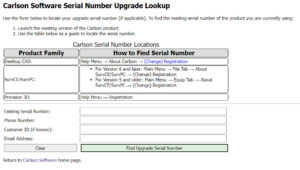
You will need the items listed below. Your serial number and Carlson Customer ID can be found on your That CAD Girl Customer Portal:
- Your current serial number
- Your Carlson Customer ID
- Phone Number
- Email Address
If you find the material on this website helpful, please consider supporting That CAD Girl by purchasing our products or services.
If you are interested in purchasing products or services we do not offer, we would love to refer you to oe of our Trusted Partners. Please click here to send us a message with your request.
[FAQ411] Download & install your license of Carlson Software (General)
+FAQ: Download and install your Carlson Software (with your AutoCAD or IntelliCAD)
FAQ: Download and install your Carlson Survey with embedded AutoCAD (OEM)
FAQ: Download and install your Carlson Takeoff with embedded AutoCAD (OEM)
- Follow this link: http://www.carlsonsw.com/support/software-downloads/
- Use the drop-down box below the prompt “Select product you are looking for”, to select the correct program
- From the drop-down list, select the correct “Product Version”
- Download #1 or #2 will be the full, complete, up-to-date version of the software. Select “Download”.
- During installation, enter your serial number when prompted: XXXXX-XXXXX-XXXXX-XXXXX-XXXXX.
- Start Carlson Software
- Go to Help > About Carlson
- Pick the “Change Registration” button
- Once the “Add/Remove Serial Number” dialog box is open, pick the “Add” button
- Complete the Registration Information with your new serial number: XXXXX-XXXXX-XXXXX-XXXXX.
Instructions for installing the network license manager can be found here: http://www.carlsonsw.com/support/knowledge-base/?action=display_topic&topic_id=55.
You can also refer to this FAQ: Download and Install the Carlson Network License Manager
If you need a new (or updated) network license file, please contact Brian Hammer in Carlson’s Boston office. His email is [email protected] and the phone number is 606-564-5028.
If you find the material on this website helpful, please consider supporting That CAD Girl by purchasing our products or services.
If you are interested in purchasing products or services we do not offer, we would love to refer you to oe of our Trusted Partners. Please click here to send us a message with your request.
[FAQ400] Find Answers on your new That CAD Girl Portal
+Find Answers on your new That CAD Girl Portal
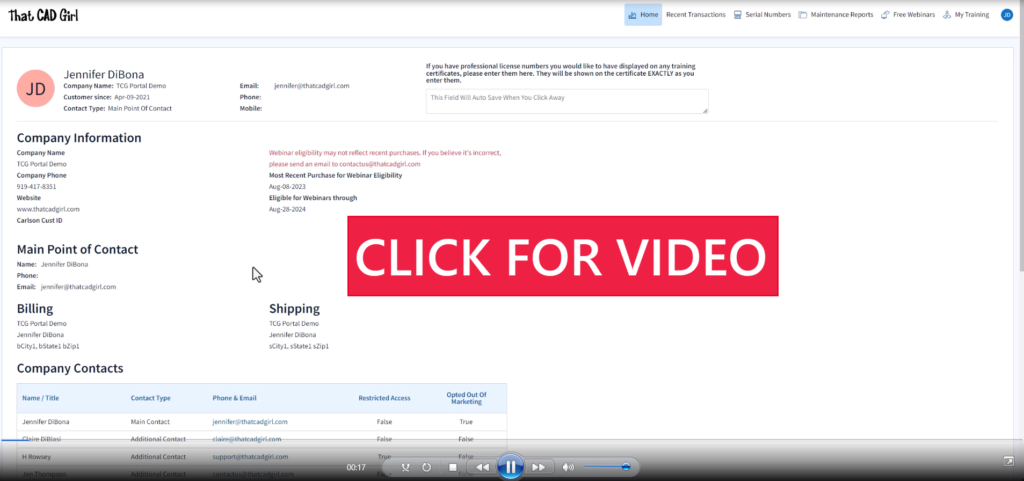
If you (or your company) have ever requested a proposal or invoice from That CAD Girl – Congrats! You have a portal!
Every portal is specific for the email address we have on file for you, so – Click here to access That CAD Girl’s Customer Portal then enter your email address.
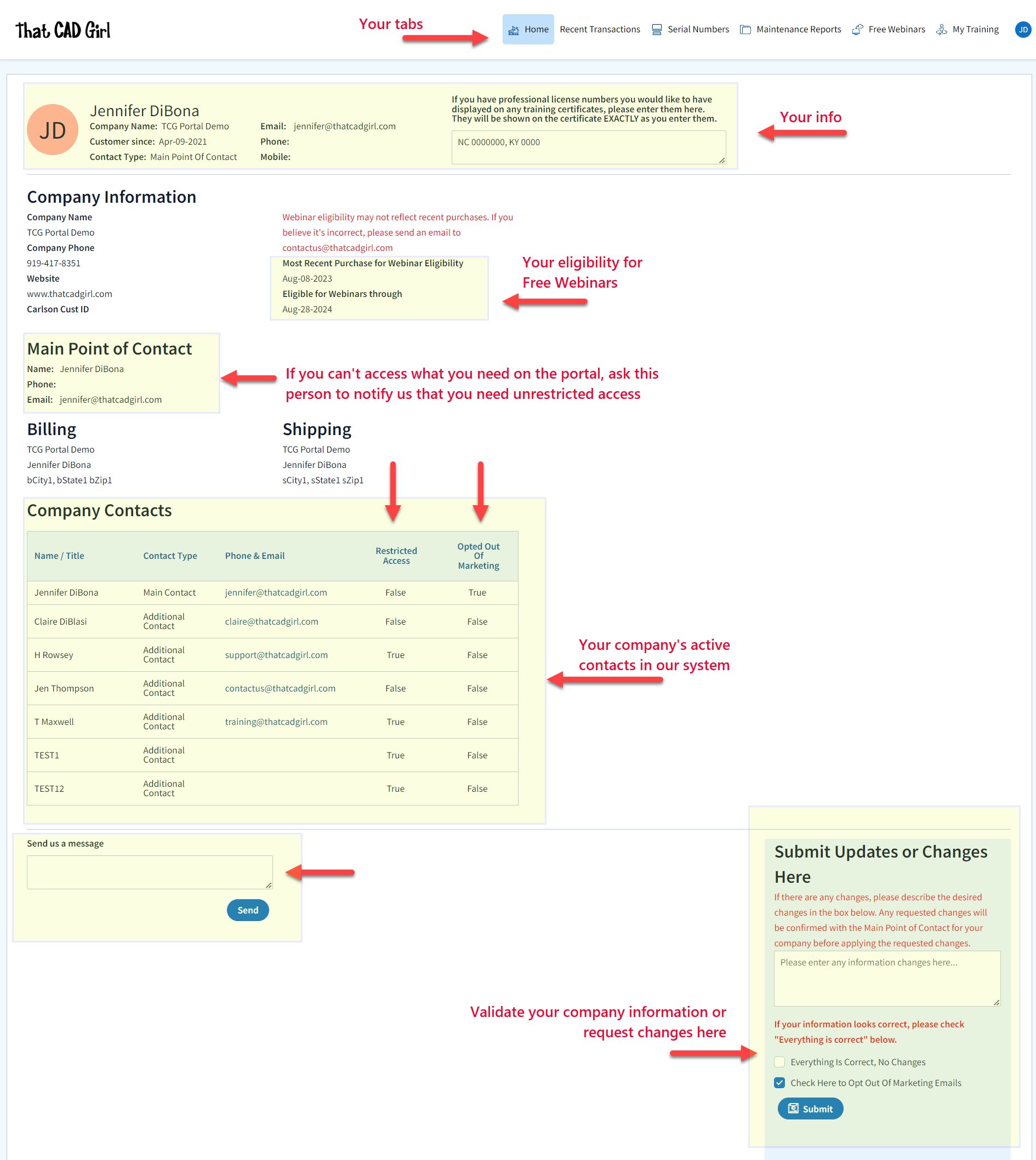
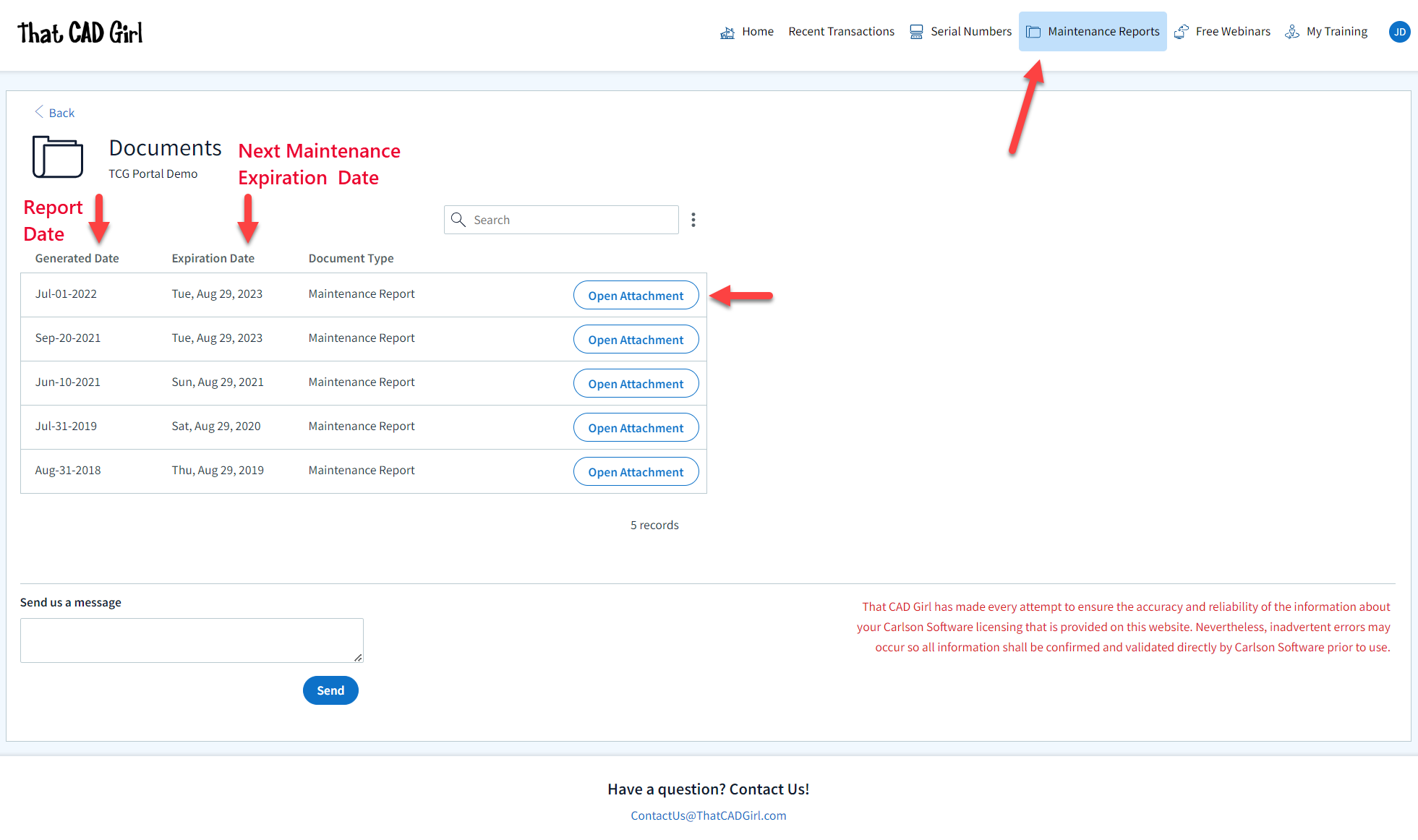
The availability of tabs on your portal will depend on whether you have been granted Full Access by the primary contact in your company or if you have Restricted Access. Everyone will have Home, Free Webinars and My Training tabs while those with Full Access will have access to Recent Transactions, Serial Numbers and Maintenance Reports.
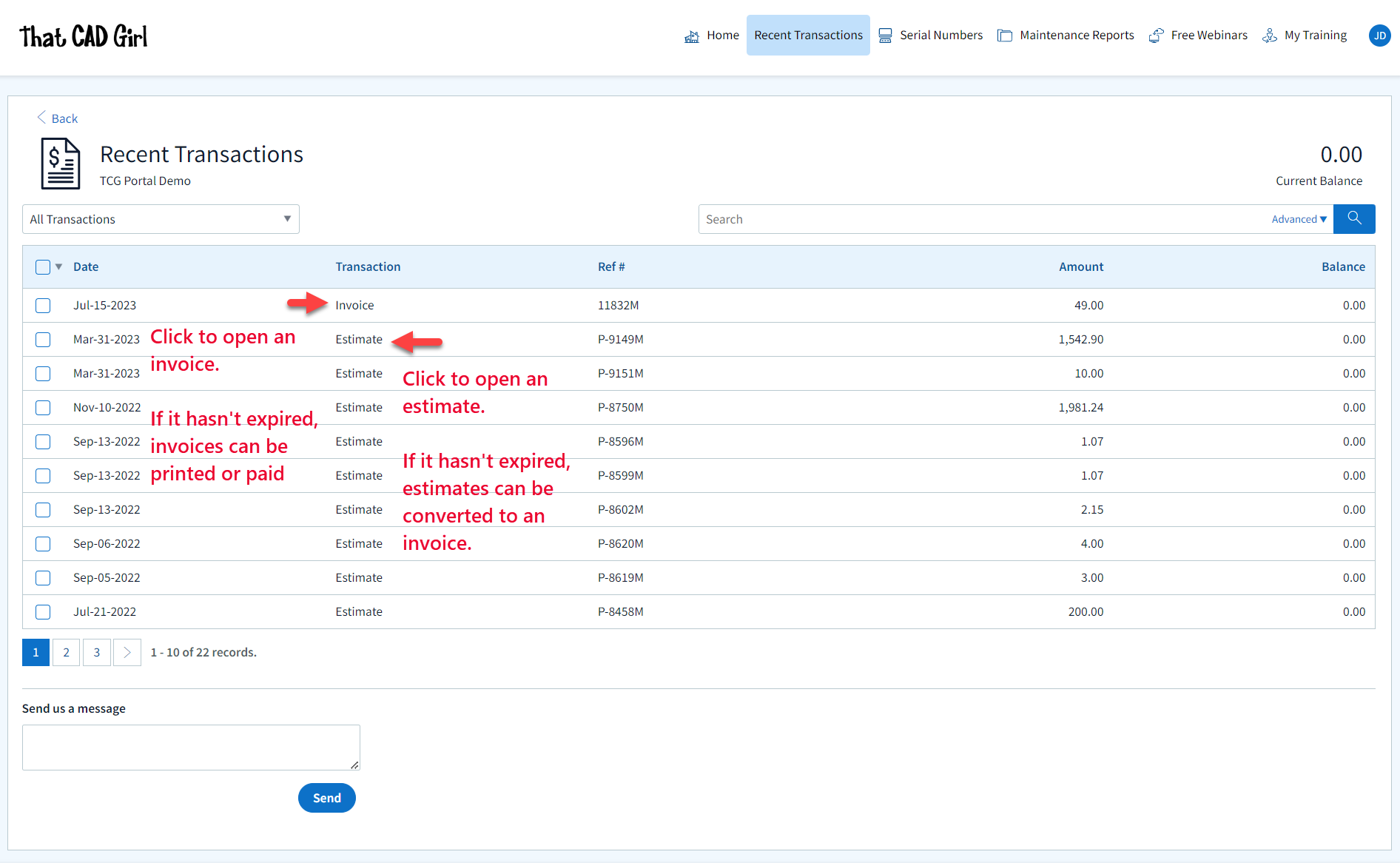
Clicking on an Estimate – When viewing an Estimate (Proposal) in Recent Transactions, you have different options depending on whether the Estimate has been previously converted to an invoice, is active (unexpired) or is past due (expired).
For active (unexpired) and unconverted Estimates, you can click “Accept & Pay” to convert the Estimate to an Invoice and proceed directly to our payments screen or click “Create Invoice” to convert the Estimate to an invoice and proceed to the Invoice screen.
For past due (expired) or previously converted Estimates, you only have the “Print” button that allows you to export to a PDF.
NOTE: Once an Estimate has been converted to an Invoice using either option, you must return to the Recent Transactions table and open the Invoice to pay.
Clicking on an Invoice – When viewing an Invoice in Recent Transactions, you have different options depending on whether the Invoice is active or past due.
For active (unexpired) Invoices, you can click “Pay Now” to proceed to our payment screen.
For past due (expired) Invoices, you only have the “Print” button that allows you to export to a PDF.
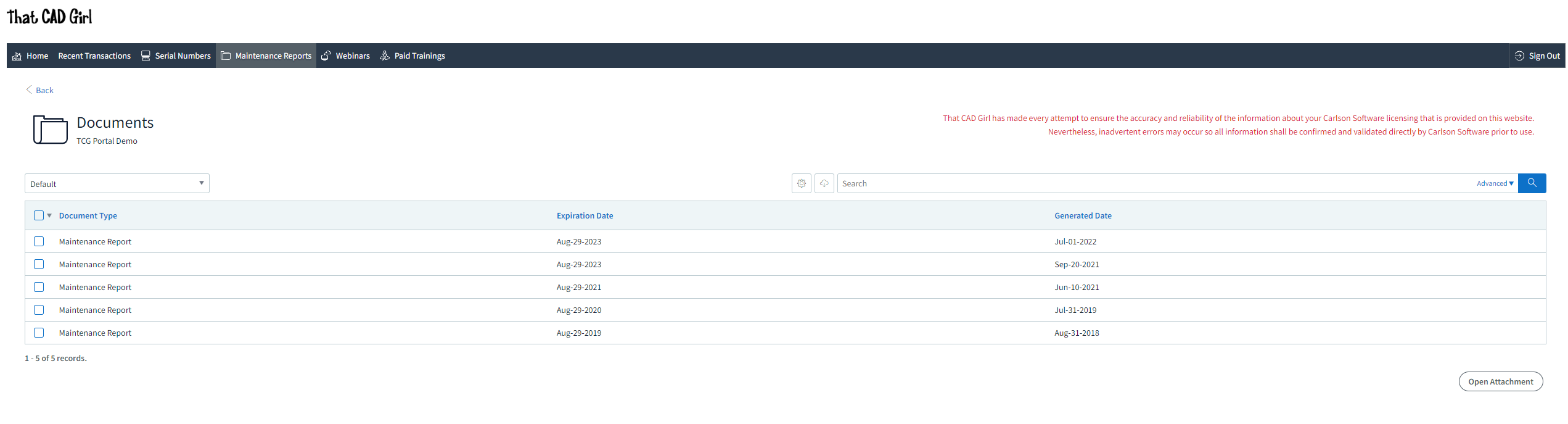
DISCLAIMER: That CAD Girl has made every attempt to ensure the accuracy and reliability of the information about your Carlson Software licensing that is provided on this website. Nevertheless, inadvertent errors may occur so all information shall be confirmed and validated directly by Carlson Software prior to use.
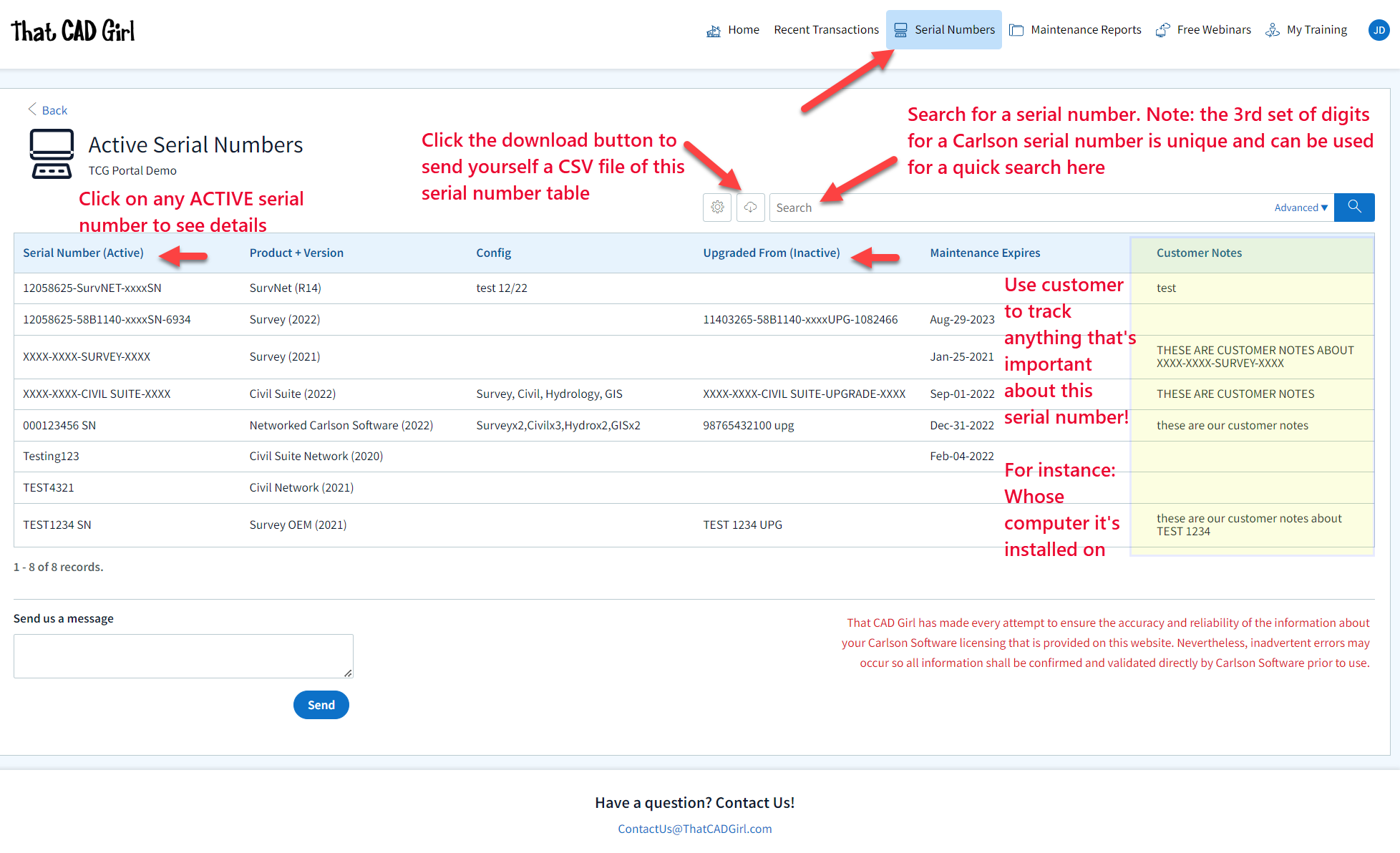
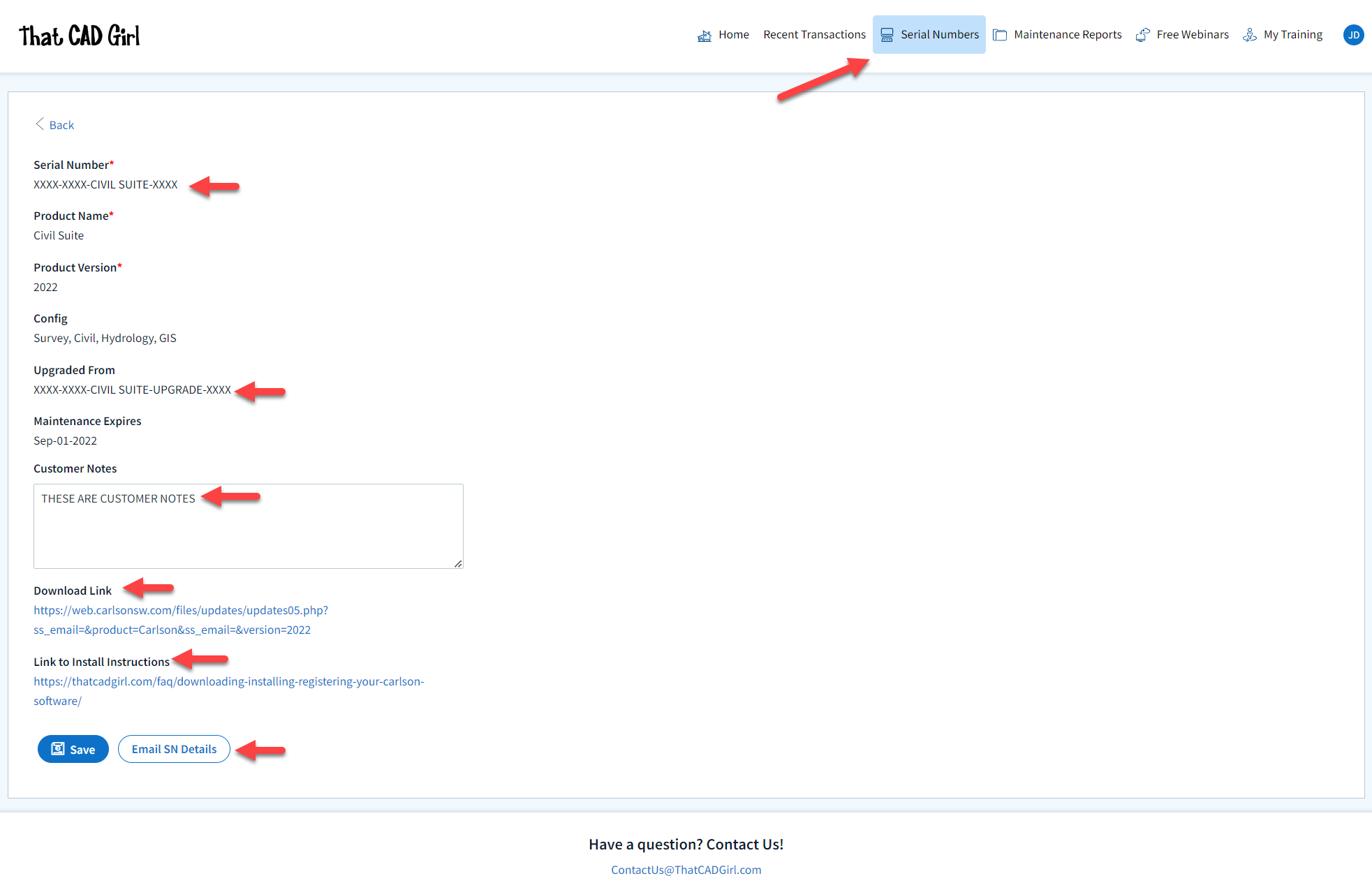
Also, clicking on any serial number in the list brings you to a details page where you can add any “Customer Notes” that are helpful to you such as the user name, location or even the Change Key associated to that installation. You can also find the link to download and link to installation instructions.
DISCLAIMER: That CAD Girl has made every attempt to ensure the accuracy and reliability of the information about your Carlson Software licensing that is provided on this website. Nevertheless, inadvertent errors may occur so all information shall be confirmed and validated directly by Carlson Software prior to use.
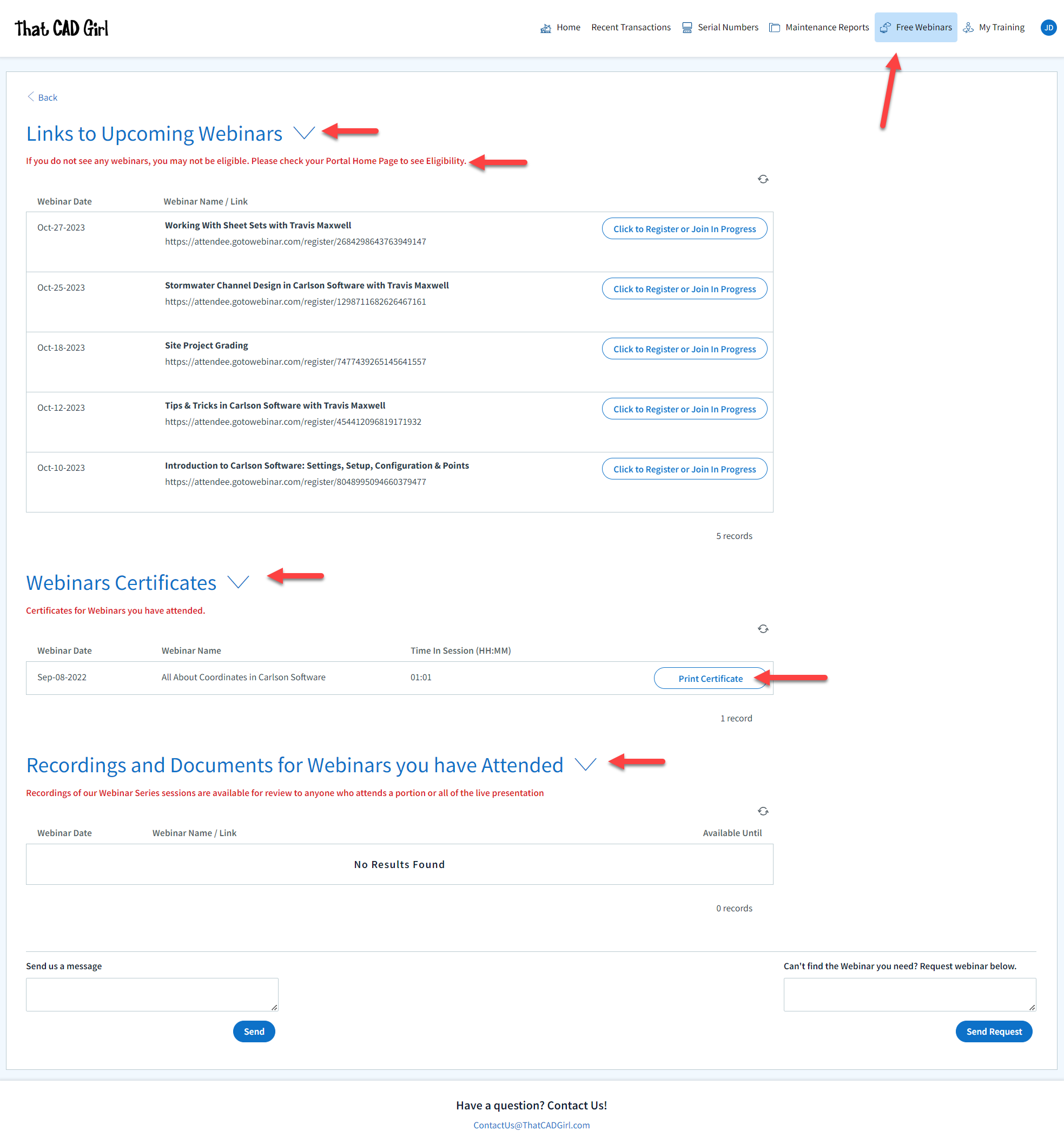
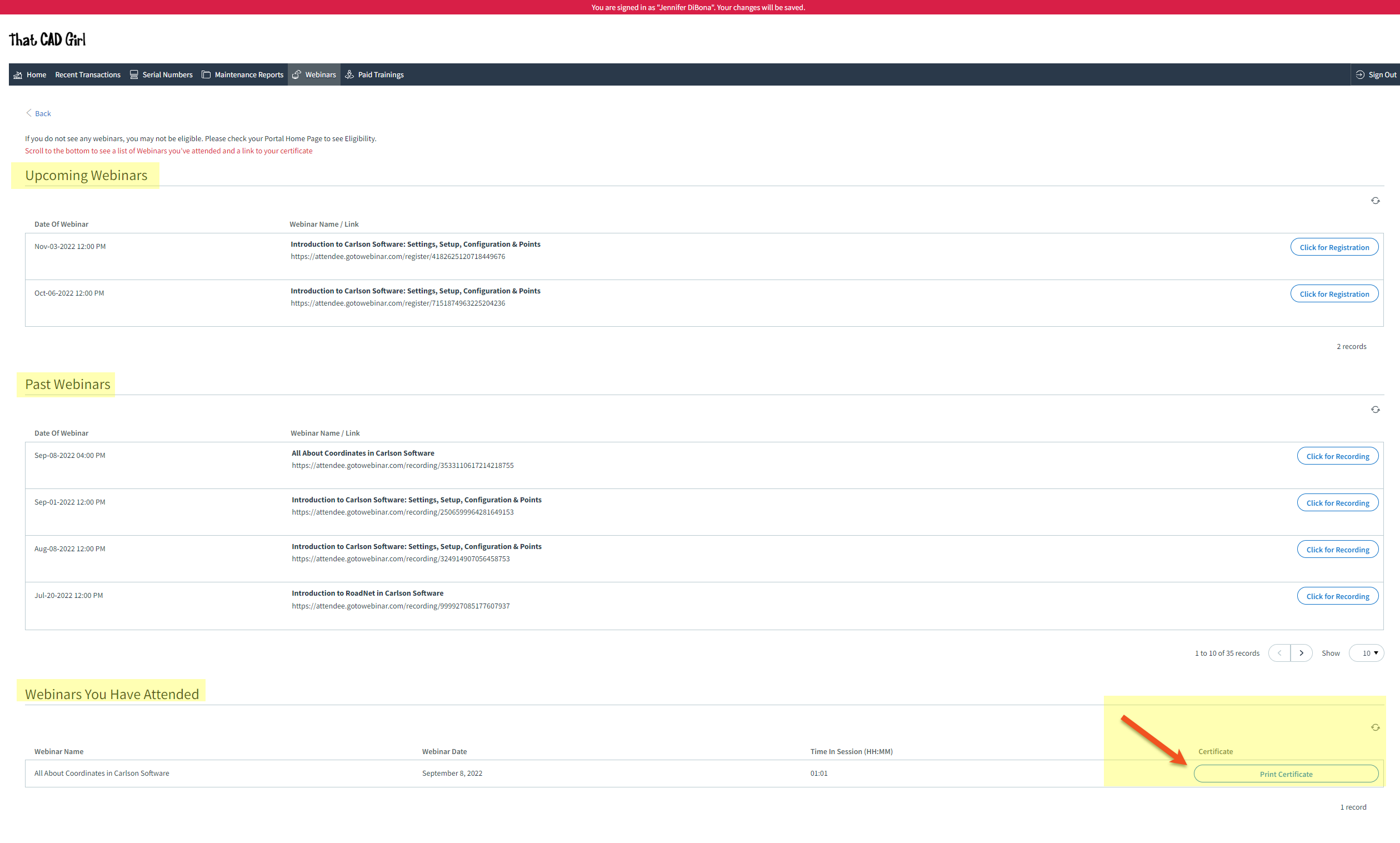
- A list of Upcoming sessions in our Webinar Series with links to pre-register
- A list of webinars that you attended and a button to download a Certificate of Attendance. Note: You can add your professional license numbers on your Home tab and they will appear on your certificates.
- A list of recordings of webinars that you attended
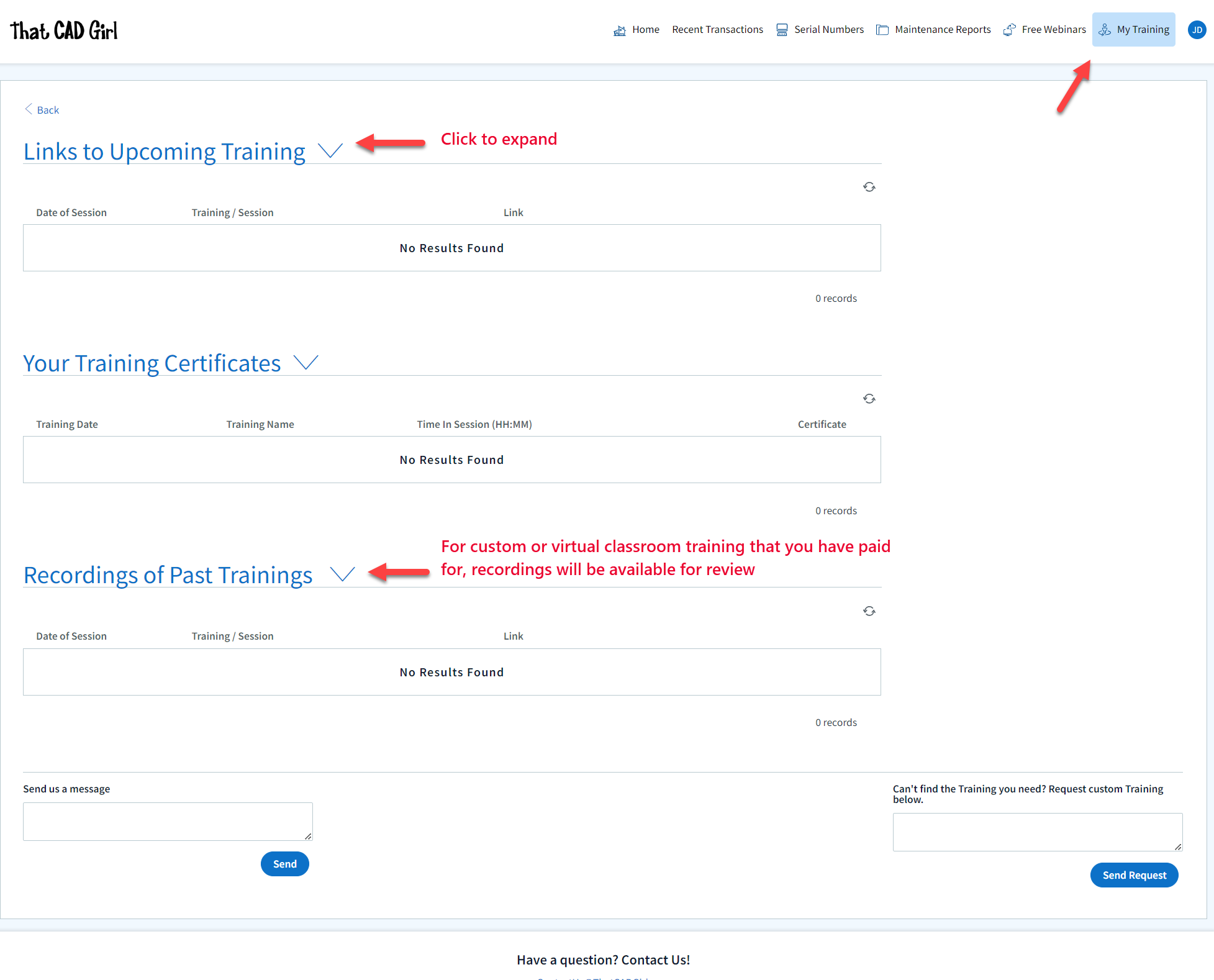
- A list of Upcoming Training sessions that have already been paid for with links to pre-register
- A list of Past Training sessions the user has paid for and attended with a link to download a Certificate of Attendance
- A list of Past Training sessions with links to the recording
Find Answers on your new That CAD Girl Portal
If you have ever requested a proposal or invoice from That CAD Girl – Congrats! You have a portal!
Every portal is specific for the email address we have on file for you and you can access yours by following this link and entering your email address.
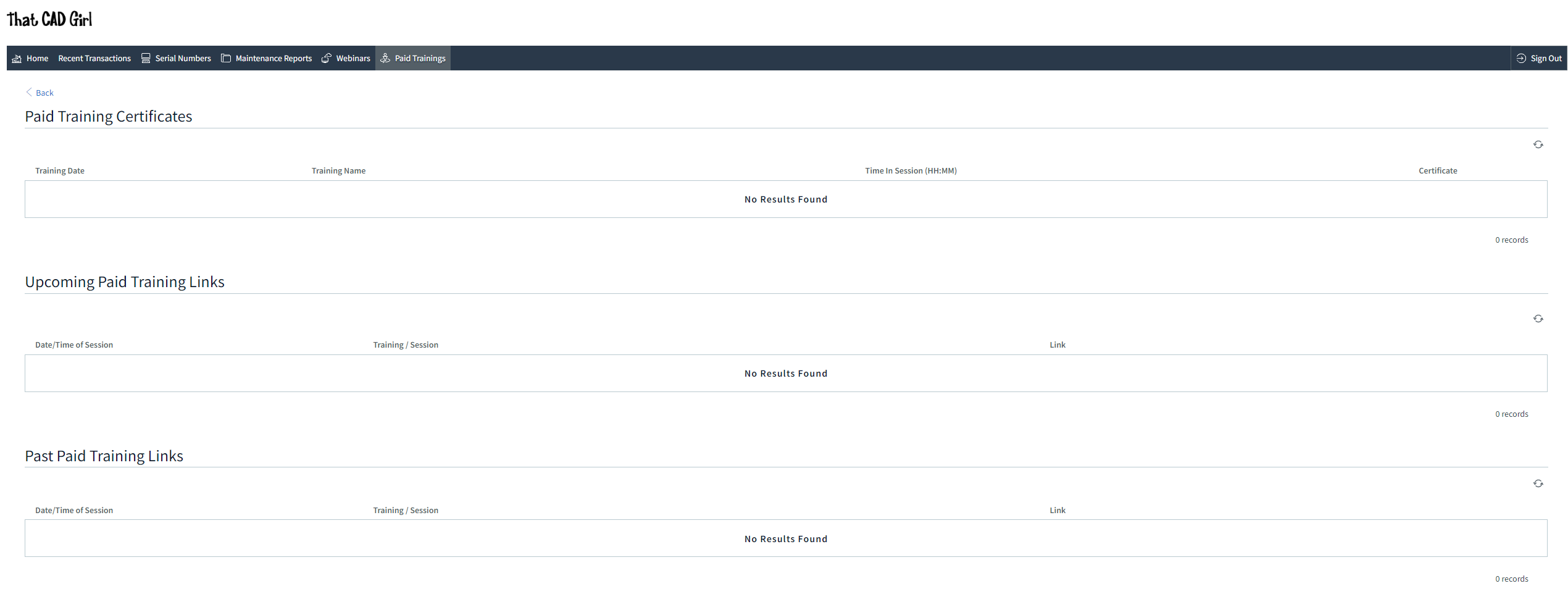
The availability of tabs on your portal will depend on whether you have been granted Full Access by the primary contact in your company or if you have Restricted Access. Everyone will have Home, Webinars and Paid Training tabs while those with Full Access will have access to Transactions, Serial Numbers and License Reports.
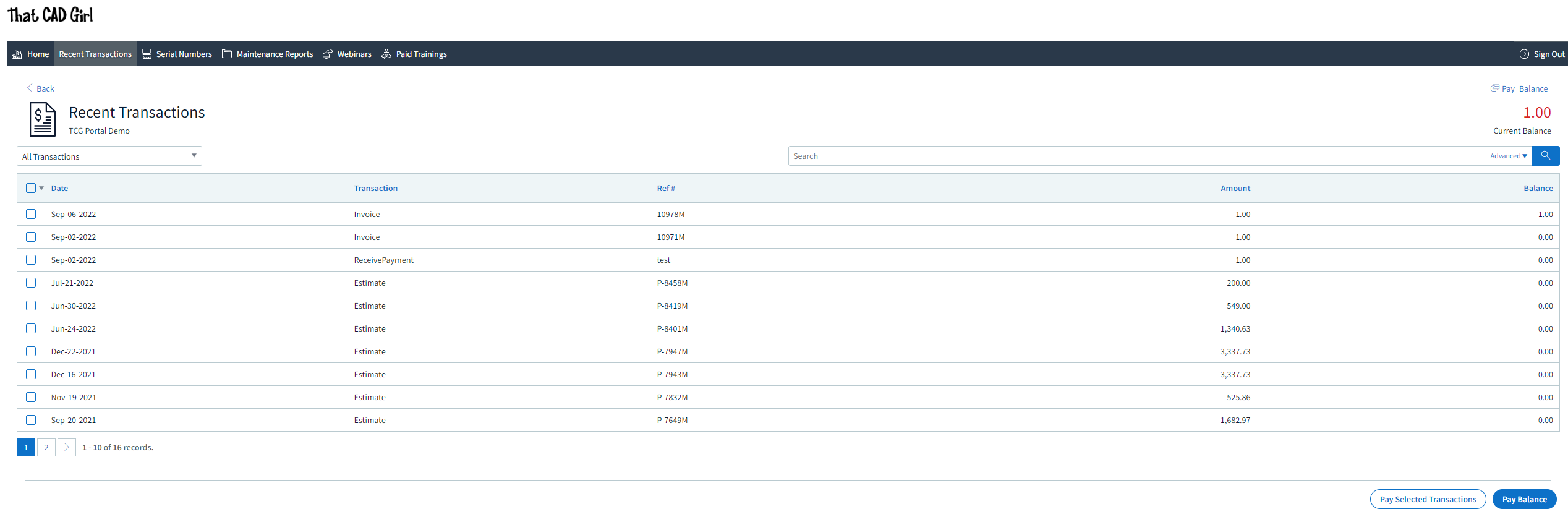
DISCLAIMER: That CAD Girl has made every attempt to ensure the accuracy and reliability of the information about your Carlson Software licensing that is provided on this website. Nevertheless, inadvertent errors may occur so all information shall be confirmed and validated directly by Carlson Software prior to use.

Also, clicking on any serial number in the list brings you to a details page where you can add any “User Notes” that are helpful to you such as the user name, location or even the Change Key associated to that installation. You can also find the link to download and link to installation instructions.
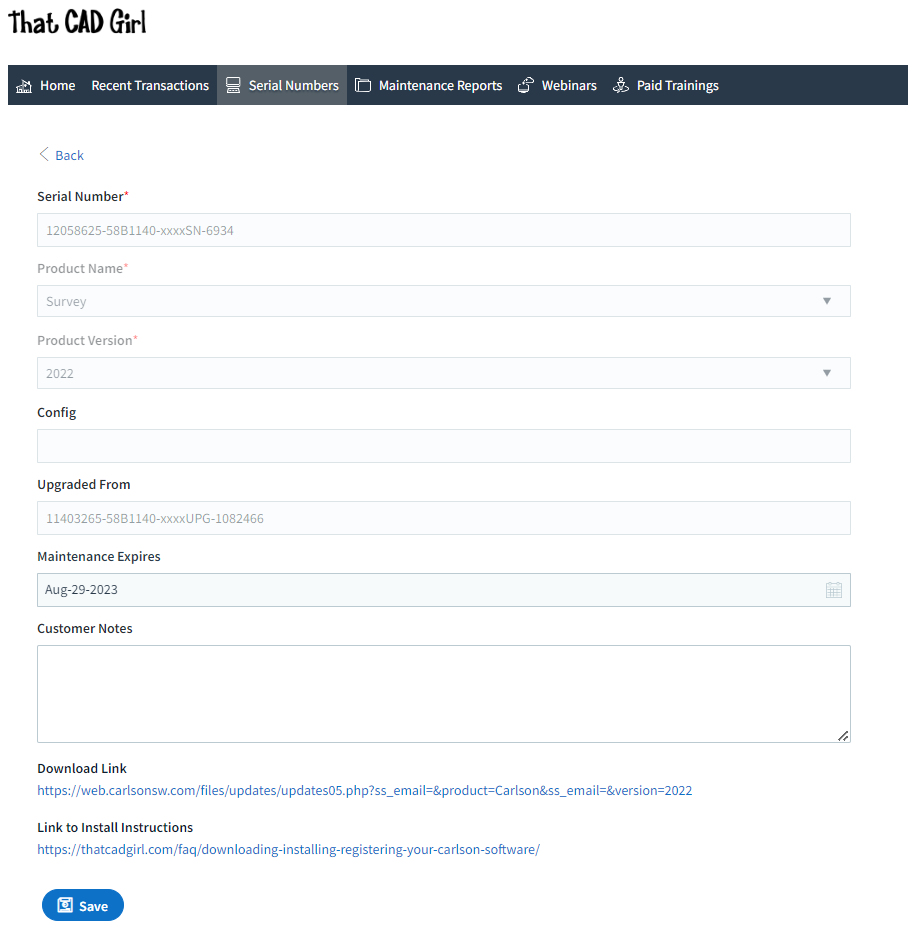
DISCLAIMER: That CAD Girl has made every attempt to ensure the accuracy and reliability of the information about your Carlson Software licensing that is provided on this website. Nevertheless, inadvertent errors may occur so all information shall be confirmed and validated directly by Carlson Software prior to use.
- A list of Upcoming sessions in our Webinar Series with links to pre-register
- A list of Past sessions in our Webinar Series with links to the recording
- A list of sessions the user has attended with a link to download a Certificate of Attendance
- A list of Paid Training sessions the user has attended with a link to download a Certificate of Attendance
- A list of Upcoming Paid Training sessions that have already been paid for with links to pre-register
- A list of Past Paid Training sessions with links to the recording
If you find the material on this website helpful, please consider supporting That CAD Girl by purchasing our products or services.
If you are interested in purchasing products or services we do not offer, we would love to refer you to oe of our Trusted Partners. Please click here to send us a message with your request.
[FAQ420] I’ve Installed My Carlson Software – Now What Do I Do?
+
Installing and Registering
FAQ: How do I register my Carlson Software? And what are change keys?
FAQ: Can I install my Carlson desktop software on two computers?
FAQ: What happens if I get a new computer and need to reinstall Carlson?
FAQ: What happens if I get a new computer and need to reinstall Carlson?
Tracking my Licenses and Keeping Up to Date
FAQ: That CAD Girl Customer Portal
FAQ: My Maintenance is Current… Where’s My Upgrade?
FAQ: When I upgrade, do I immediately lose access to the older version of my software?
FAQ: I can’t seem to keep up with my Carlson maintenance – Can you help?
FAQ: Do I qualify for an automatic upgrade to the new version of Carlson?
Technical Support
FAQ: Where do I get support for Carlson Software and how much will it cost me?
FAQ: How can I be sure I’m running the latest build of my Carlson Software?
FAQ: How can I find out when new versions or builds of Carlson are released?
FAQ: Where do I find the build date or build number of my Carlson Software?
FAQ: I think I found a bug in my Carlson Software – how can I get it resolved?
FAQ: What is the latest and greatest version/build of my Carlson Software? (a running thread)
FAQ: What is “The Little CAD Engine That Could” Website?
Training
FAQ: What options do I have for training on CAD or Carlson Software?
FAQ: Am I eligible to attend your Carlson Software webinars for free?
FAQ: Before I buy, can I attend a webinar for free?
FAQ: Does That CAD Girl training qualify for PDH/CEU/continuing education credit?
If you find the material on this website helpful, please consider supporting That CAD Girl by purchasing our products or services.
If you are interested in purchasing products or services we do not offer, we would love to refer you to oe of our Trusted Partners. Please click here to send us a message with your request.
[FAQ230] Does Carlson Software Still Offer Perpetual Licenses?
+The change from a perpetual license model (you purchase once and continue to use it forever) to a subscription license model (you pay by the month or by the year for access) in our little CAD corner of the world has sparked a lot of questions, debate and heartburn.
In 2015 Autodesk announced they would be shifting toward a subscription model of delivery for their AutoCAD-based products. Although some Autodesk accounts and products were grandfathered in, any new purchases of AutoCAD are now available by subscription only. And, the kicker, you stop paying, you can’t access the software or your data.
Carlson Software remains committed to the perpetual license model where you, the user, never have to worry about losing access to your software or data. Carlson’s desktop software includes a license of IntelliCAD so, if you ever stop paying for your AutoCAD, Carlson with IntelliCAD can give you another option to open your DWG files. If you want to ensure you have “perpetual” access to all your other data such as points, surfaces, road designs and more – make sure you archive your project data to Land XML files so that it can be retrieved with other land development, survey, civil and construction software programs.
See also: How can I access and use my old Civil 3d, Land Desktop, Eagle Point or Terra Model data?
See also: Get a Perpetual License with Carlson or download PDF
See also: Robert Green’s CAD Manager’s Newsletter #350 Autodesk Goes Subscription-Only in 2016 or download PDF
See also: Autodesk Courtesy Notice: End of Perpetual Licenses Sales, including individual products and suites
If you find the material on this website helpful, please consider supporting That CAD Girl by purchasing our products or services.
If you are interested in purchasing products or services we do not offer, we would love to refer you to oe of our Trusted Partners. Please click here to send us a message with your request.
[FAQ313] What features are in Carlson iCAD? (a running thread)
+
Refer to this FAQ to see the latest improvements to Carlson’s desktop software products
This program is comparable to AutoCAD LT.
Features and Benefits of Carlson iCAD 2017
- Open/Save .dwg and .dxf files: Supports 2017 and earlier formats
- Plot: Output to printers and PDF
- Google Earth: Import and Export KML/KMZ
- Civil 3D: Convert Civil 3D custom objects to standard CAD entities
- Xref: Manage external references
- Drawing Utilities: Functions include spell check and purge
Edit Menu:
- Clipboard: Copy and paste drawing entities
- Standard CAD Edits: Functions include move, copy, erase, offset, trim
- Text: Edit, resize, rotate and move text
- Polyline Utilities: Smooth, reduce, reverse and edit polylines
- Join Nearest: Create polylines from lines and arcs
- Image: Adjust quality and clip images
View Menu:
- Zoom: By window, center, extents
- 3D Viewer Window: 3D display of drawing entities with lighting controls
- Twist Screen: Set plan rotation for drawing display
- Display Order: Control display order for entities
- Layer Controls: Edit layer properties and display
Draw Menu:
- Standard CAD entities: Line, polyline, circle, rectangle, arc
- Text: Draw either regular Text or MText
- Hatch: Use Hatch Wizard or regular CAD Hatch
- Image: Supports many formats including .jpg, .tif, .sid, .png and .bmp
- Leader: Several leader styles plus option to draw labels
- Blocks: Includes Write Block and Insert
Inquiry Menu:
- Drawing Inspector: Show tooltip of properties as move cursor over entities
- Entity Info: Pick entity to report layer, curve info, angle info or distance
- List: Report details of selected entities
Settings Menu:
- Options: Settings for CAD engine
- Symbol Library: Manage your collection of symbol drawings to insert
- Quick Keys: Define command line shortcut names for commands
- Toolbar Setup: Manage your toolbar layouts
- Object Snap: Set CAD screen pick snap modes
Annotate Menu:
- Angle/Distance: Commands to label bearing or azimuth and distance of lines
- Annotate Arc: Commands to label arc dimensions
- Areas: Commands to label areas defined by linework boundaries
System Requirements:
- Microsoft® Windows® 10, Windows 8, Windows 7, and Windows Vista® are supported
- Both 32-bit and 64-bit processors are supported
Menus in Survey 2017
Menu bar in Survey 2017 showing the compact version of the CG Survey menu

Survey Menu
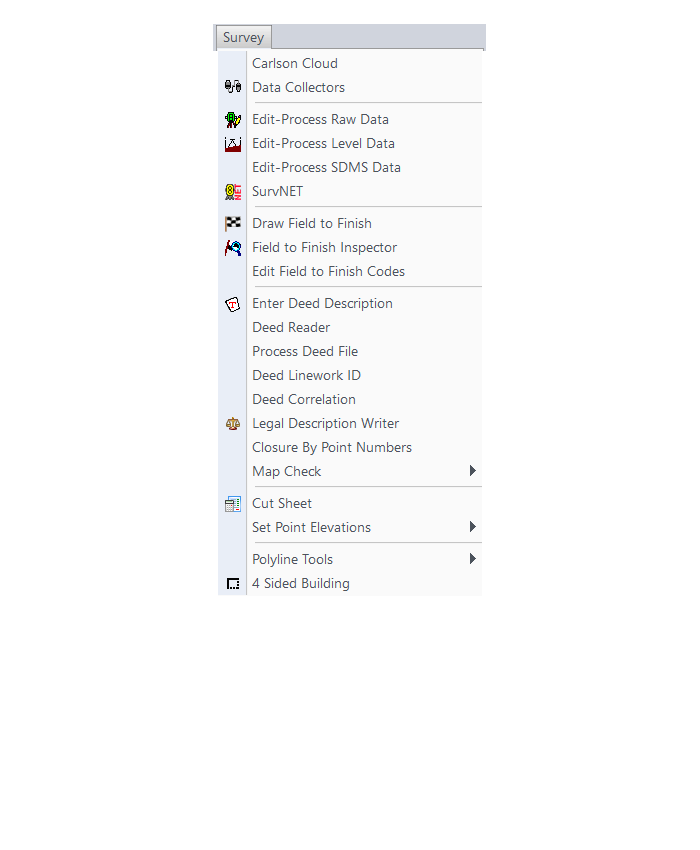
COGO Menu
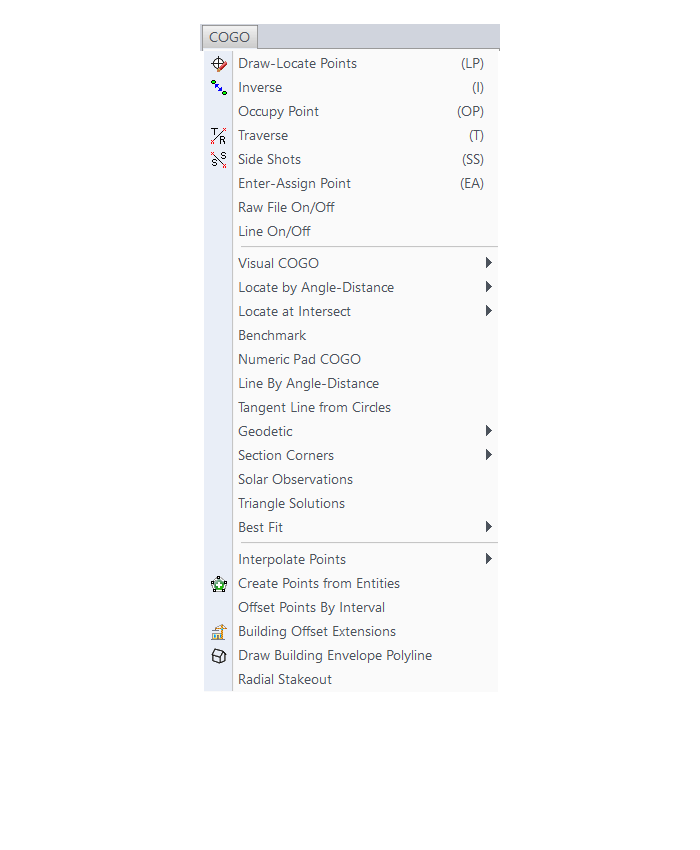
Centerline Menu
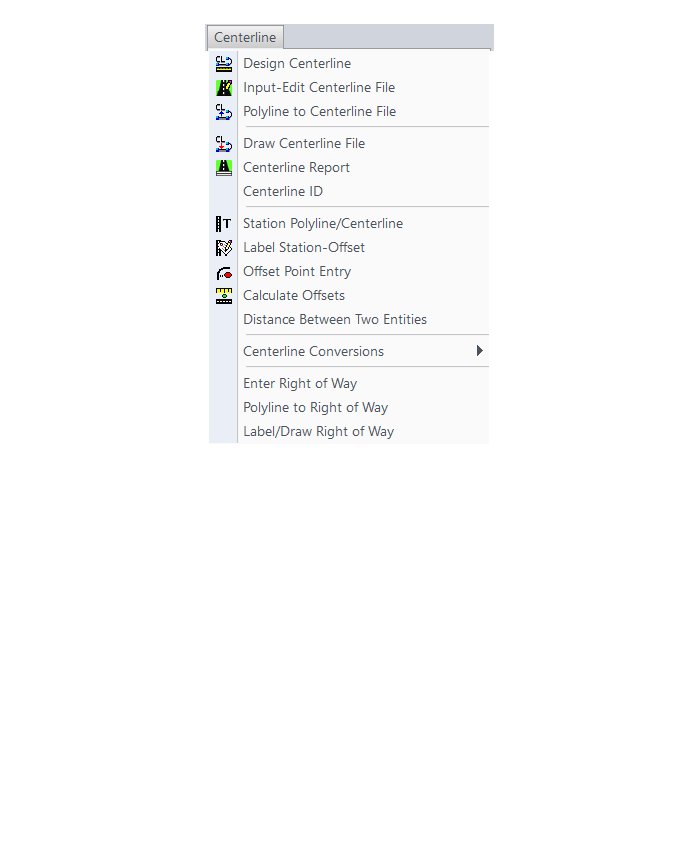
Area/Layout Menu
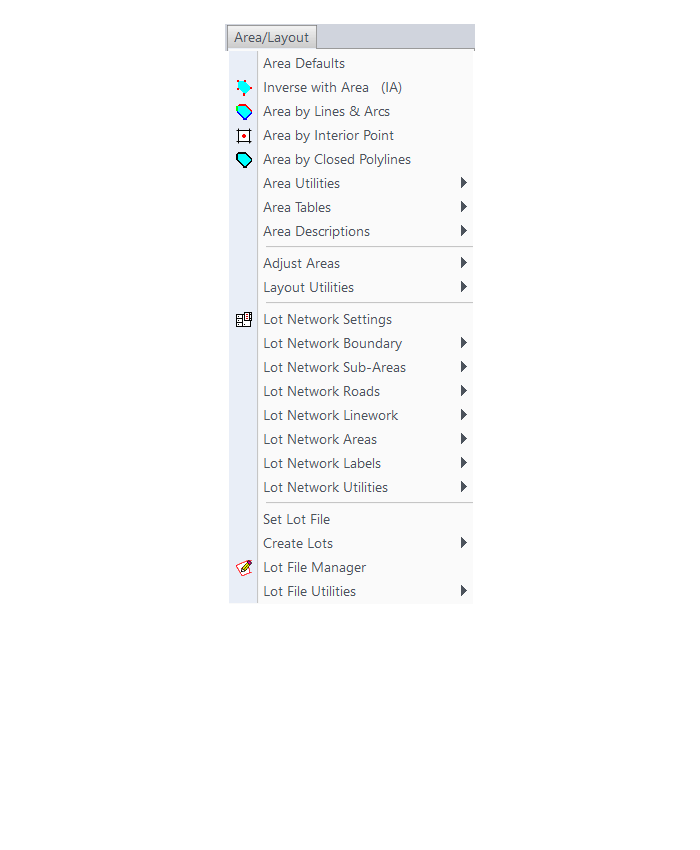
Annotate Menu
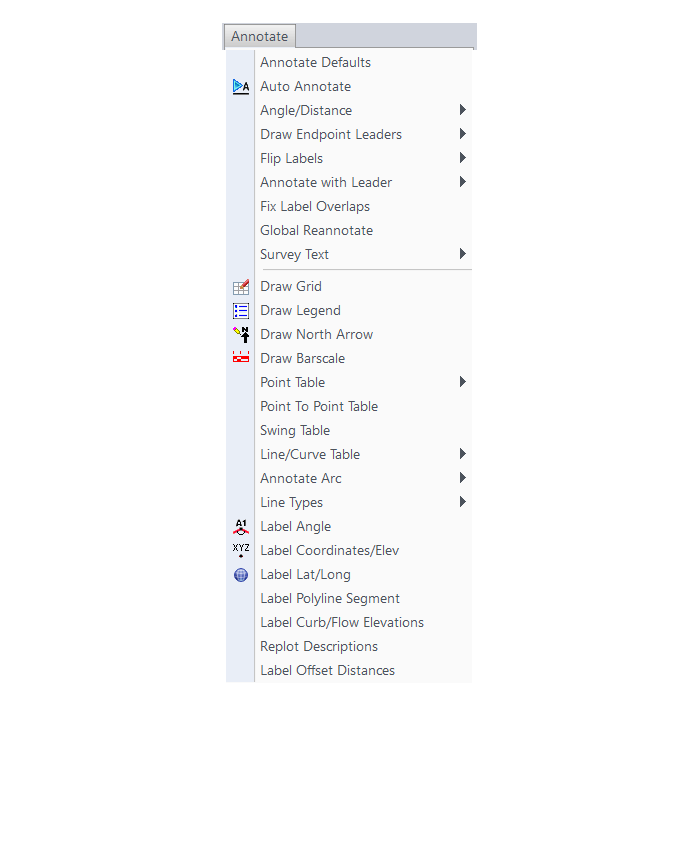
Surface Menu
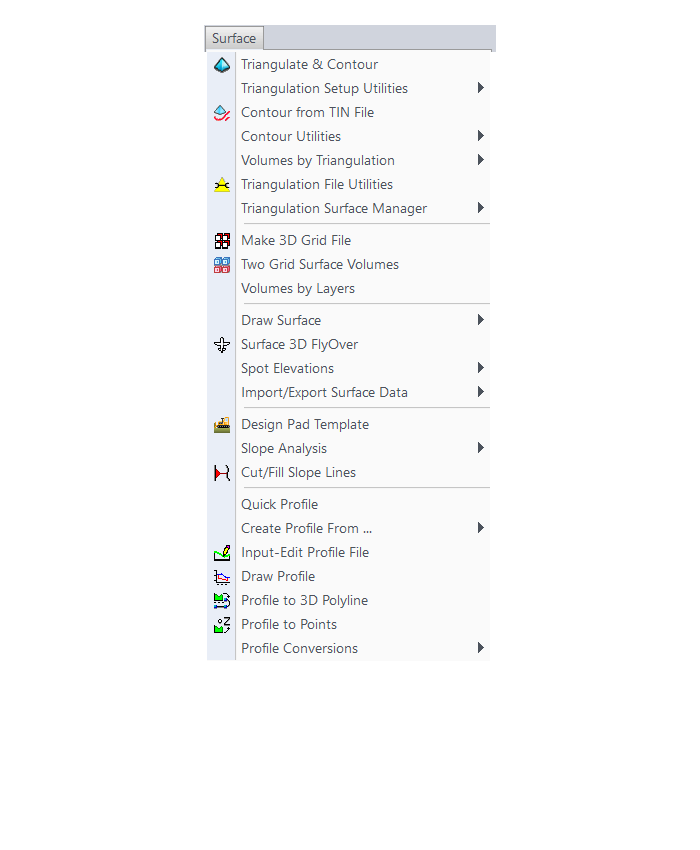
GIS Menu
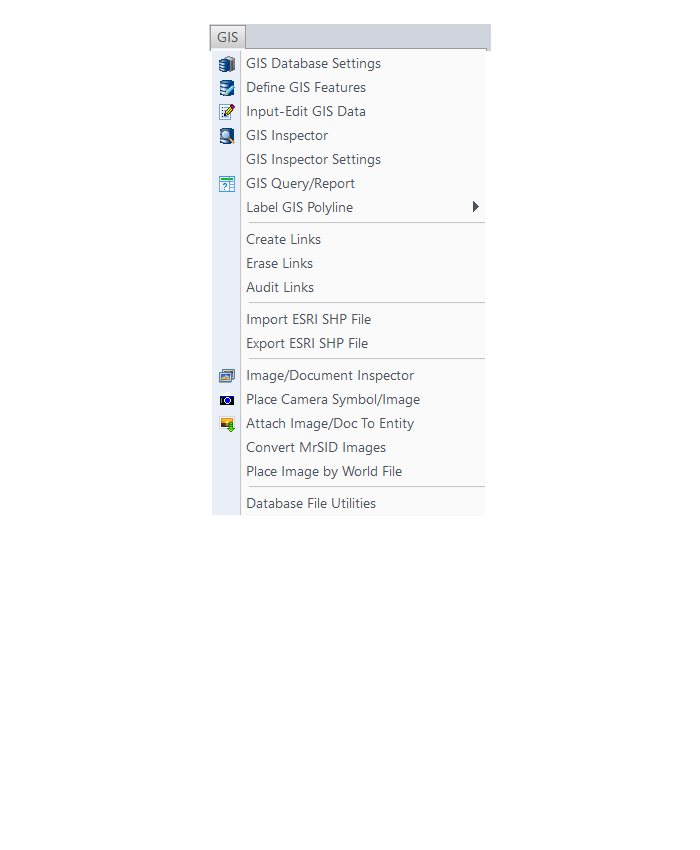
CG-Survey Menu
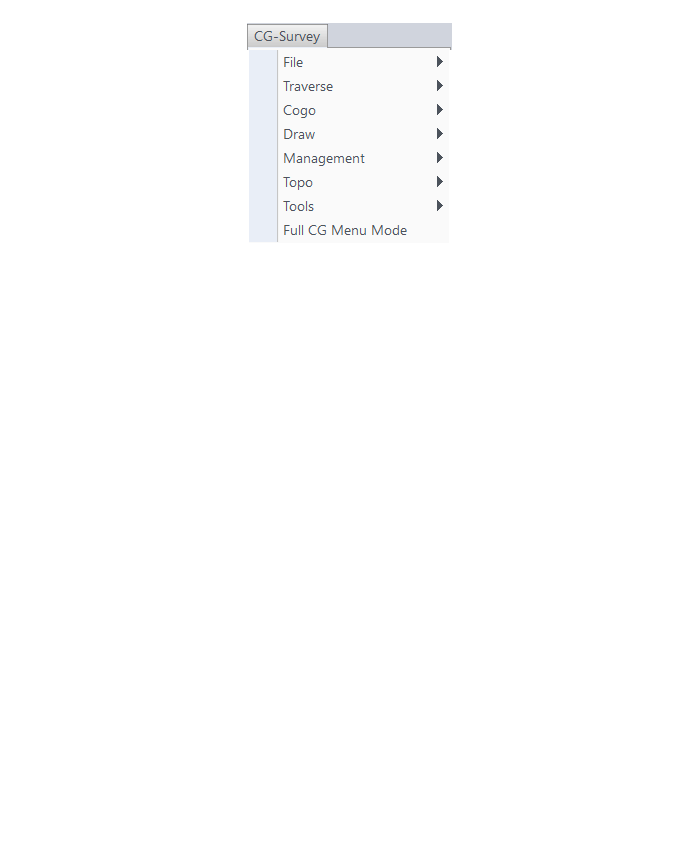
Menu bar in Survey 2017 showing the expanded version of the CG-Survey menu

The menus below are available when using the expanded version of the CG-Survey menu
CG File Menu
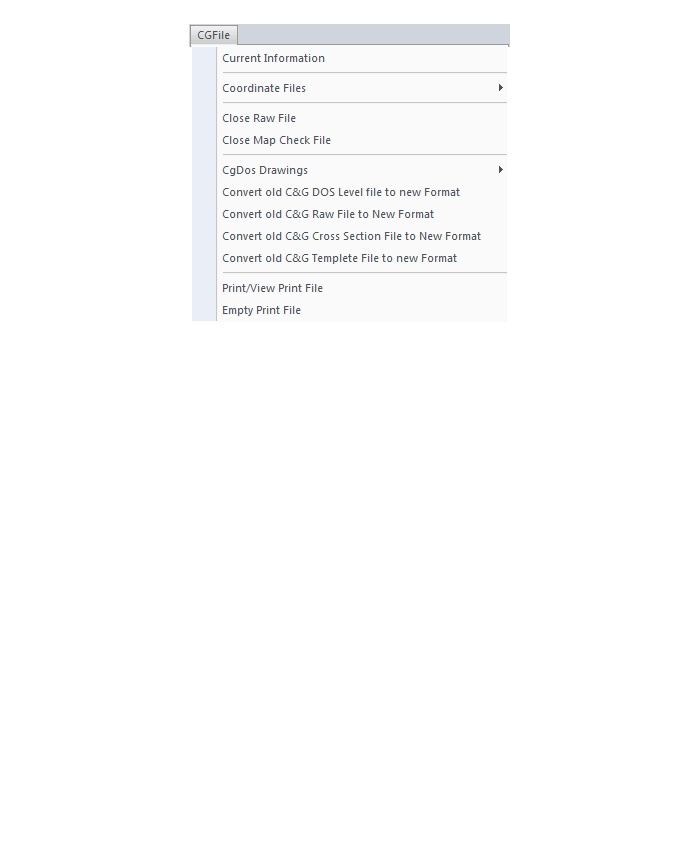
CG Trav Menu
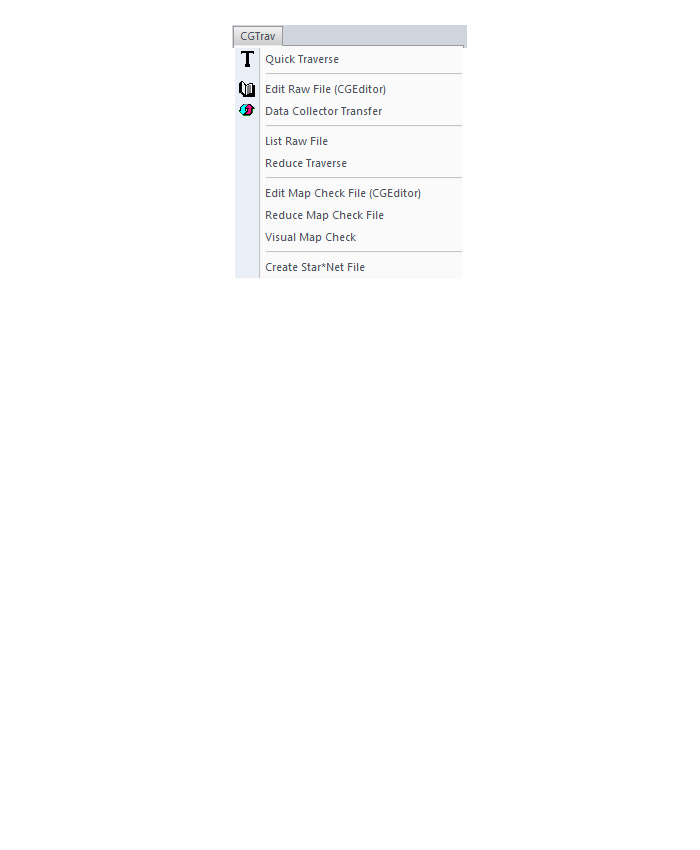
CG Cogo Menu
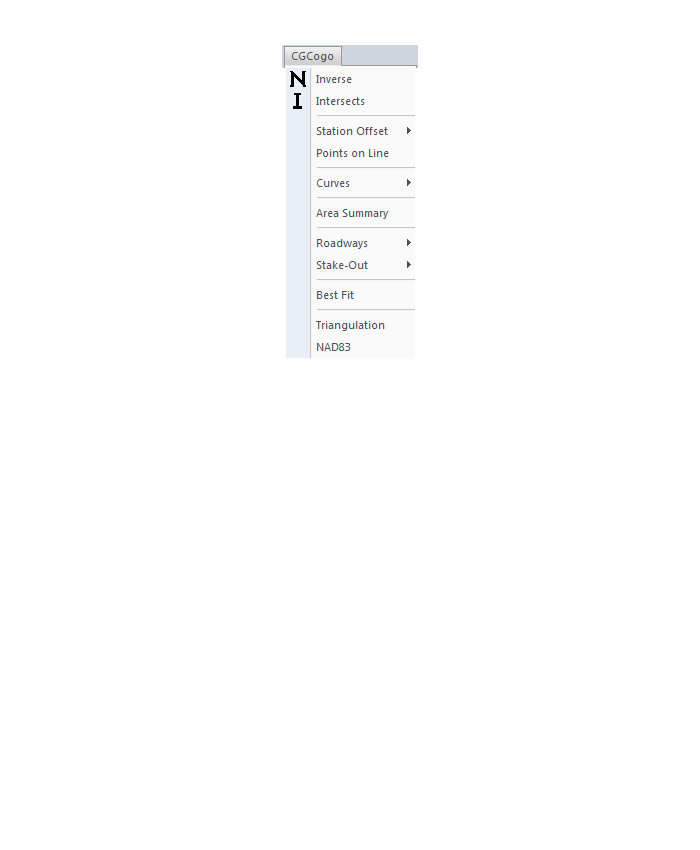
CG Draw Menu
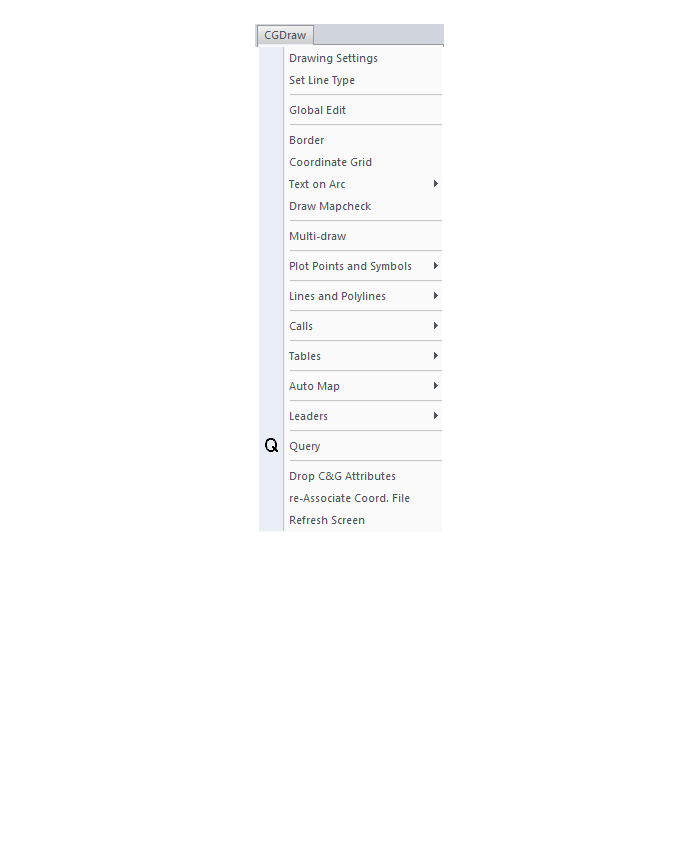
CG Mngmt Menu
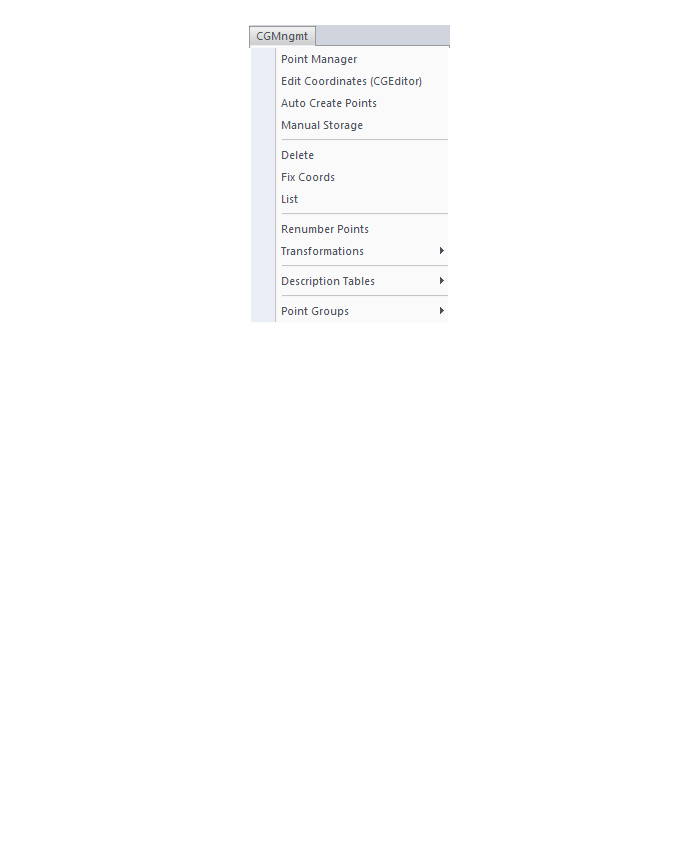
CG Topo Menu

CG Tools Menu
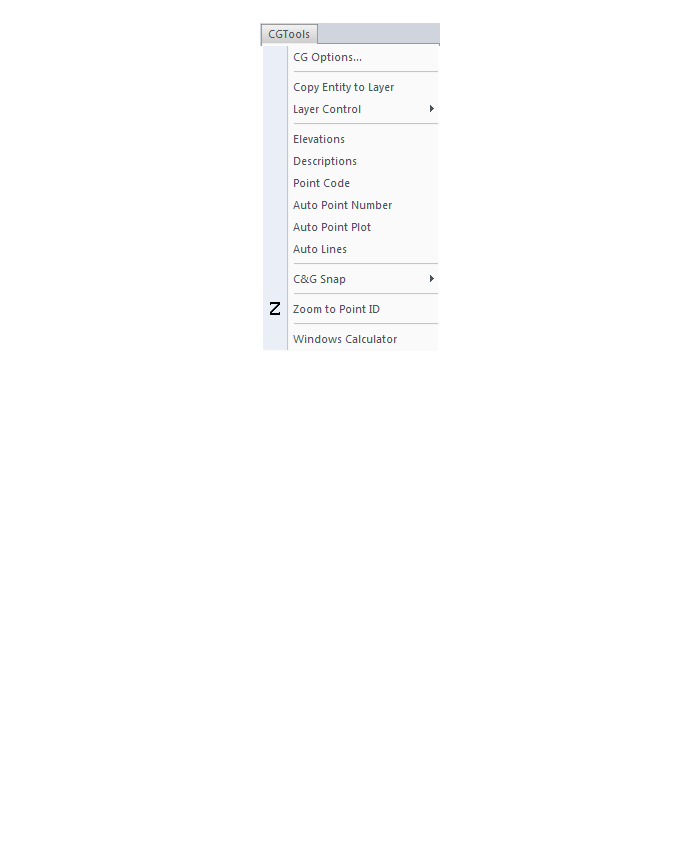
The menus below are in all non-OEM programs of Carlson 2017 desktop software
(Click image to see more)
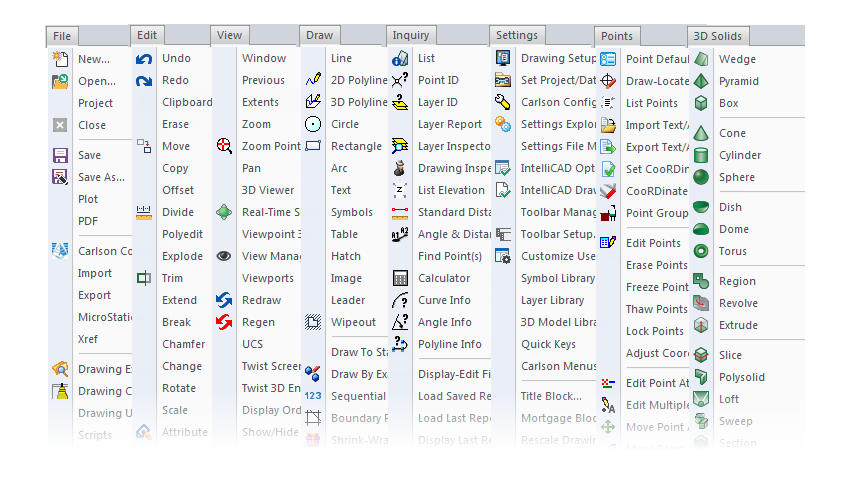
If you find the material on this website helpful, please consider supporting That CAD Girl by purchasing our products or services.
If you are interested in purchasing products or services we do not offer, we would love to refer you to oe of our Trusted Partners. Please click here to send us a message with your request.
[FAQ210] What should I buy if I need a basic CAD program (like AutoCAD LT)?
+In September, Carlson Software introduced a new program in their lineup: Carlson iCAD. This program is comparable to AutoCAD LT with basic drafting and inquiry tools but is built on IntelliCAD 8.3.
FAQ: What features are in Carlson iCAD? (a running thread)
View Carlson iCAD in our online store
If you truly, truly only need generic-CAD functionality, I recommend purchasing Carlson GIS with IntelliCAD. It’s the cheapest of all the desktop products and you can load this basic IntelliCAD menu:


If you find the material on this website helpful, please consider supporting That CAD Girl by purchasing our products or services.
If you are interested in purchasing products or services we do not offer, we would love to refer you to oe of our Trusted Partners. Please click here to send us a message with your request.
[FAQ023] Use DWG Convert to save DWG files to an earlier version
+DWG TrueView is FREE utility available from Autodesk. They release a new version of this program every year, just like their other products.
With the True Convert utility you can convert any newer version DWG or DXF to any earlier version. I’d recommend you enable the option that creates a .bak file with the original just in case you need it later.
Inside the True Convert utility you can also enable several other options that will run routines such as Audit, Purge, XREF Binding, etc. during the convert process.
You can download DWG True View 2018 here.
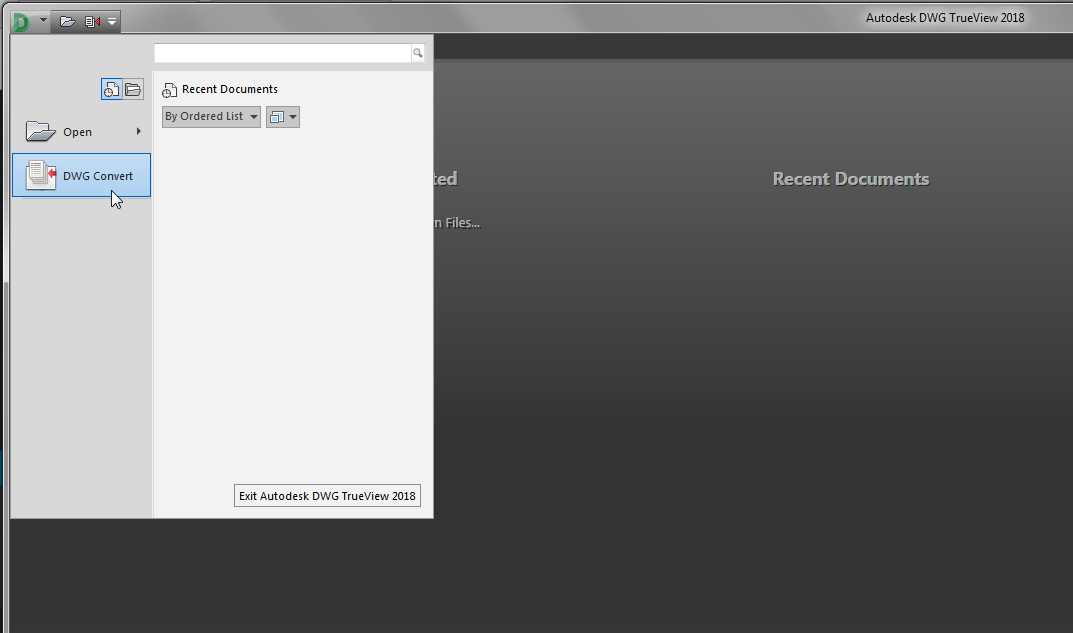
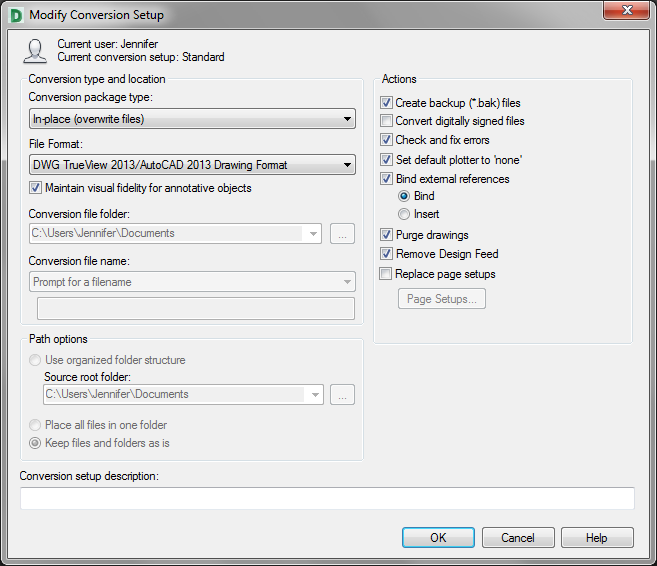
If you find the material on this website helpful, please consider supporting That CAD Girl by purchasing our products or services.
If you are interested in purchasing products or services we do not offer, we would love to refer you to oe of our Trusted Partners. Please click here to send us a message with your request.
[FAQ314] What features are in Carlson Precision 3D? (a running thread)
+Refer to this FAQ to see the latest improvements to Carlson’s desktop software products
Carlson Precision 3d Topo 2017
Features and Benefits of Precision 3D 2017
Carlson Precision 3D Topo’s editing ability of digital terrain models (DTMs) offers many benefits:
- Load and review the two most common formats for surfaces: LandXML and DXF files of 3D Faces, in addition to TIN and Grd files from Carlson Software.
- Overlay other LandXML file types such as points, alignments, parcels, storm and sanitary sewers, culvert pipes and other piping systems.
- View the 3D Surface with user-controlled textures to quickly spot errors in the DTM.
- Fix the errors in the DTM for re-saving and use in CAD programs, or for direct output for machine control and survey stakeout.
Never before has there been such an array of tools to locate and correct DTM errors, all in a sharp 3D interface. Surveyors, contractors and engineers alike can use the software to make sure the final DTM surface is of the highest quality. Editing tools include surface blending, spike and dimple removal, DTM vertex editing and surface pad placement by defined polygon and outslope conditions. Multiple undoes and redoes allow you to study your changes and makes things perfect.
If you find the material on this website helpful, please consider supporting That CAD Girl by purchasing our products or services.
If you are interested in purchasing products or services we do not offer, we would love to refer you to oe of our Trusted Partners. Please click here to send us a message with your request.
[FAQ269] What are the system requirements to run Carlson SurvPC?
+
Click here to review the minimum system requirements for SurvPC.
If you find the material on this website helpful, please consider supporting That CAD Girl by purchasing our products or services.
If you are interested in purchasing products or services we do not offer, we would love to refer you to oe of our Trusted Partners. Please click here to send us a message with your request.
[FAQ312] What features & menus are in Carlson SurvCE and SurvPC? (a running thread)
+SurvCE and SurvPC 5.xx

Features and Benefits of SurvCE and SurvPC 5.x
- Get the software that supports a wide variety of equipment, old or new.
- Enjoy excellent, free (and prompt) technical support
- Be heard – Carlson listens to its customers’ input for new features or drivers for all of its products
Carlson SurvCE is a complete data collection system for Real Time (RTK) GPS and Total Stations with in-field coordinate geometry. It supports the widest range of popular and new release RTK GPS and conventional/robotic total stations.
SurvCE and its full-windows companion SurvPC can be configured with various combinations of 4 modules: Total Station (Basic), Robotics (requires Basic), Carlson GPS and Advanced Roading (Requires Basic or other Carlson GPS).
Refer to this FAQ to see if your hardware is supported in SurvCE & SurvPC
Menus in SurvCE and SurvPC 5.x
File Menu
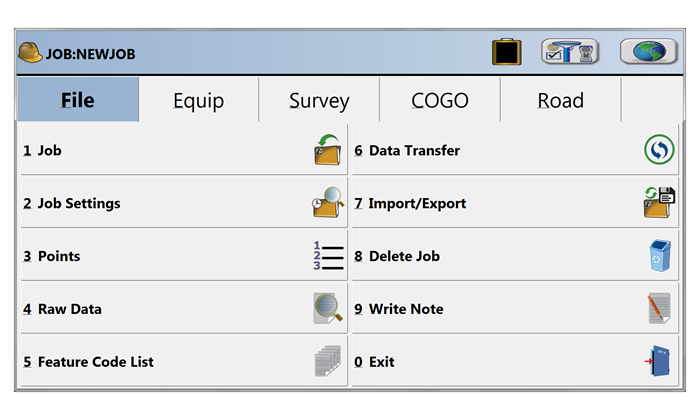
Equip Menu
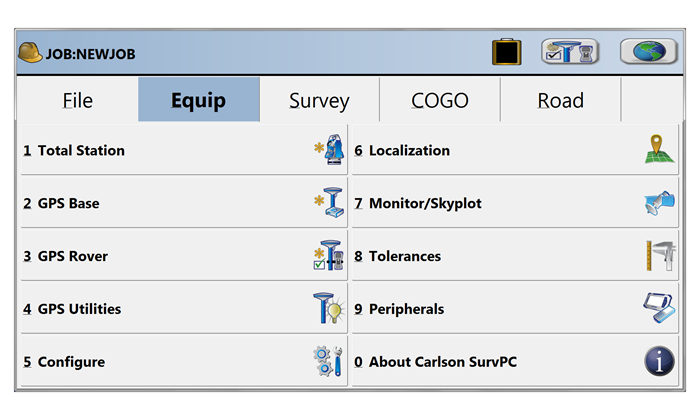
Survey Menu
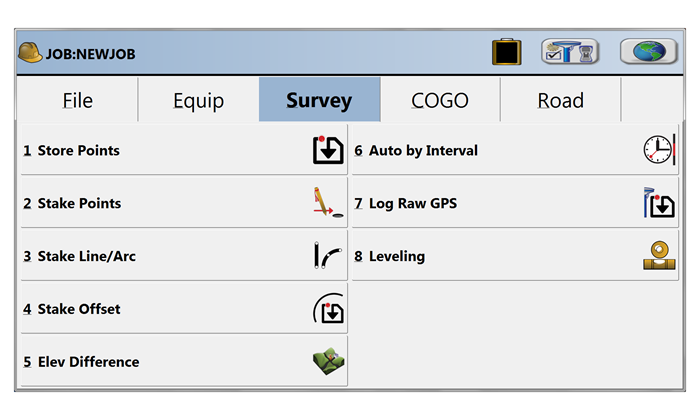
COGO Menu
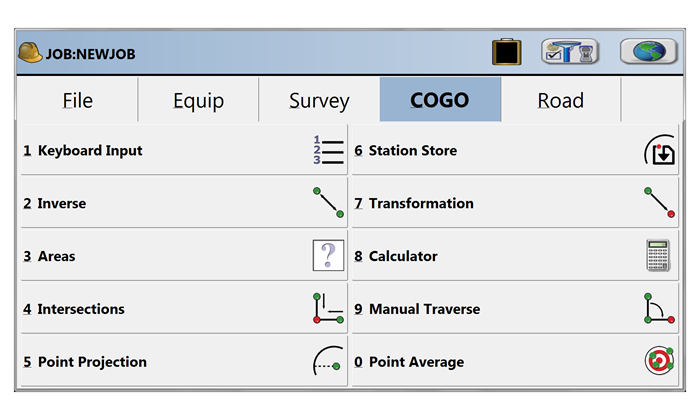
Road Menu
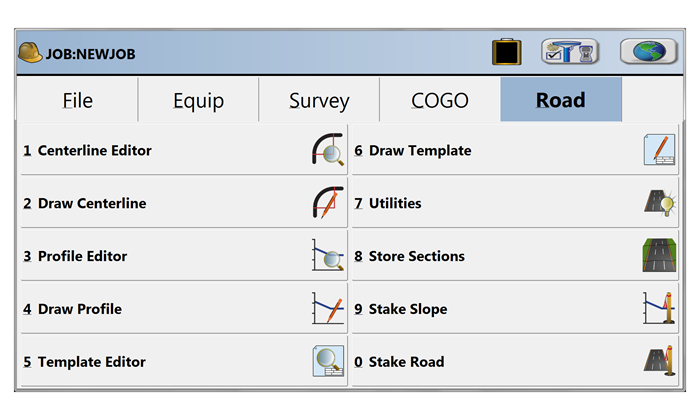
Select Equipment
Map View | FILE Menu
Map View | VIEW Menu
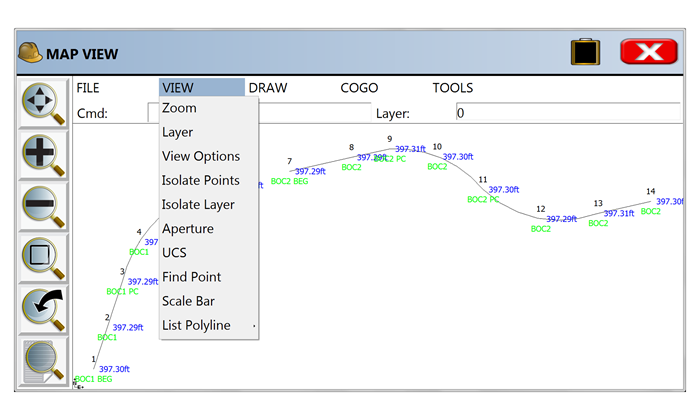
Map View | DRAW Menu
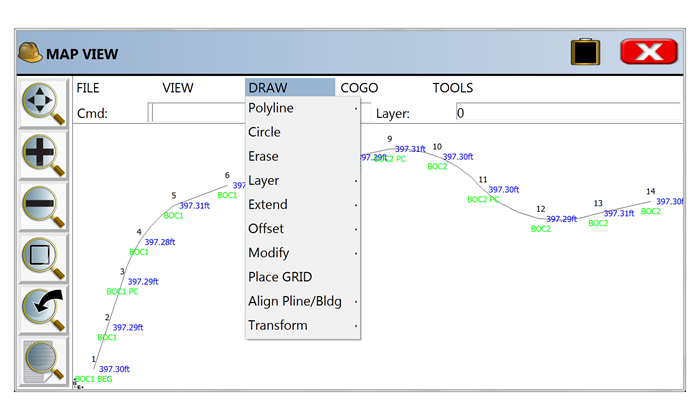
Map View | COGO Menu
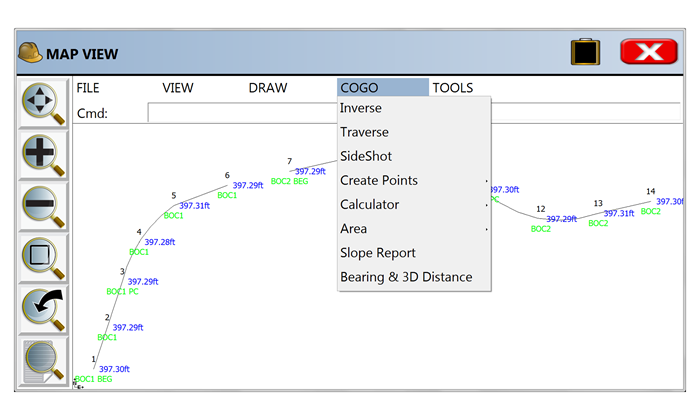
Map View | TOOLS Menu
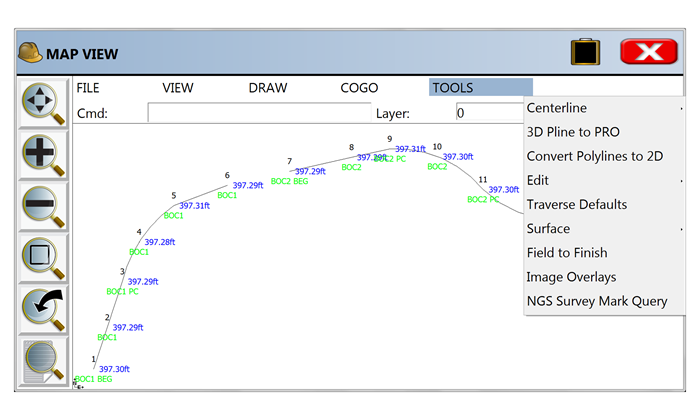
If you find the material on this website helpful, please consider supporting That CAD Girl by purchasing our products or services.
If you are interested in purchasing products or services we do not offer, we would love to refer you to oe of our Trusted Partners. Please click here to send us a message with your request.
[FAQ020] Are Express Tools available in Carlson?
+Carlson Layer Tools are highlighted in the View menu below:
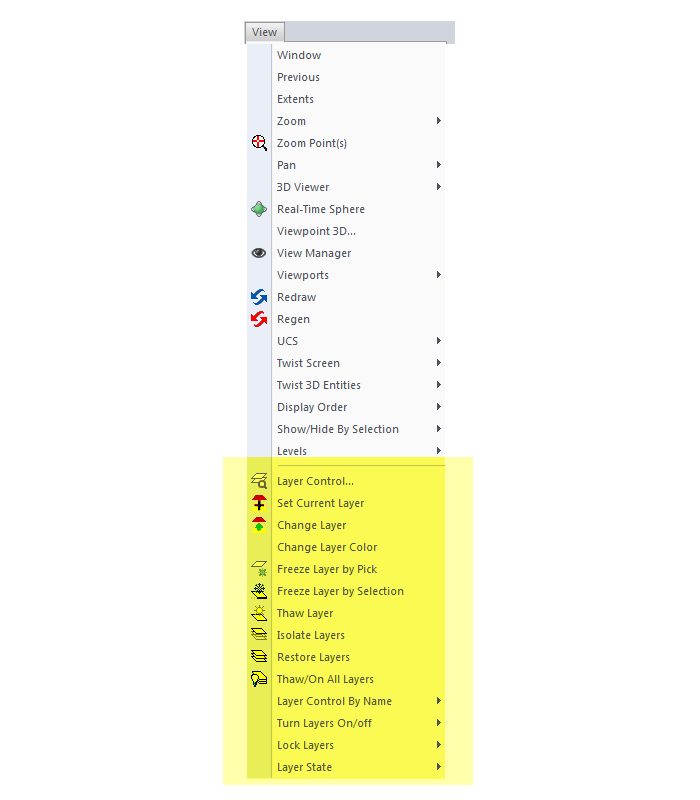

If you find the material on this website helpful, please consider supporting That CAD Girl by purchasing our products or services.
If you are interested in purchasing products or services we do not offer, we would love to refer you to oe of our Trusted Partners. Please click here to send us a message with your request.
[FAQ311] What features & menus are in Carlson Takeoff with embedded AutoCAD (OEM)? (a running thread)
+Takeoff 2017 (R9) with embedded AutoCAD (OEM)

Features and Benefits of Takeoff 2017 (R9) with embedded AutoCAD (OEM)
Key features include:
- Calculate site cut & fill and topsoil
- Differentiate strata volumes & dirt vs. rock
- Accurately determine subgrade quantities
- Estimate trench and pipe quantities
- Estimate roadways from cross-sections
- Prepare the design info for exact staking
- Create a 3D model for machine control
Menus in Takeoff 2017 (R9) with embedded AutoCAD (OEM)
Menu bar in Takeoff 2017 (R9)

The menus below are available in Carlson Takeoff 2017 (R9) with embedded AutoCAD (OEM)
File Menu
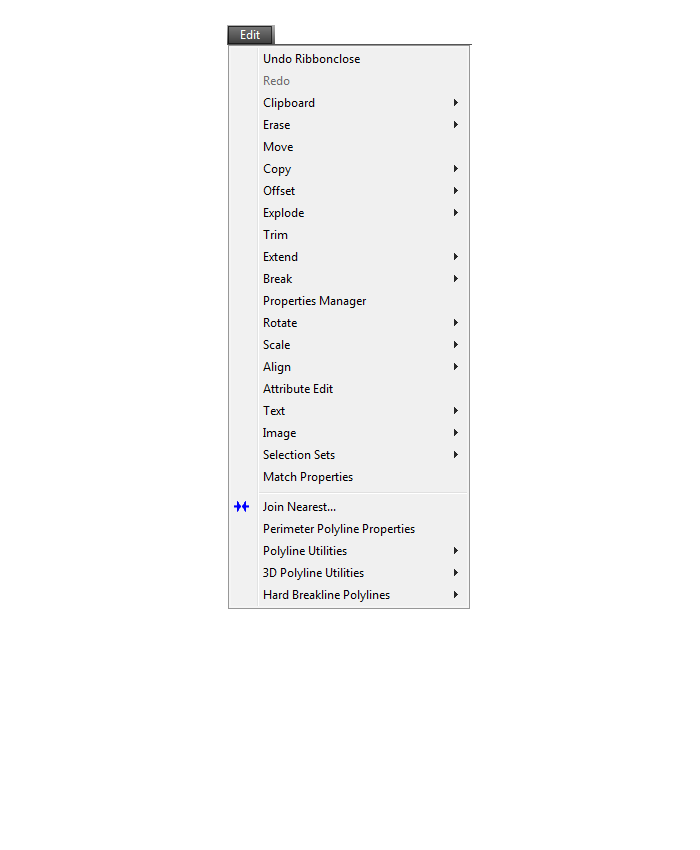
Edit Menu
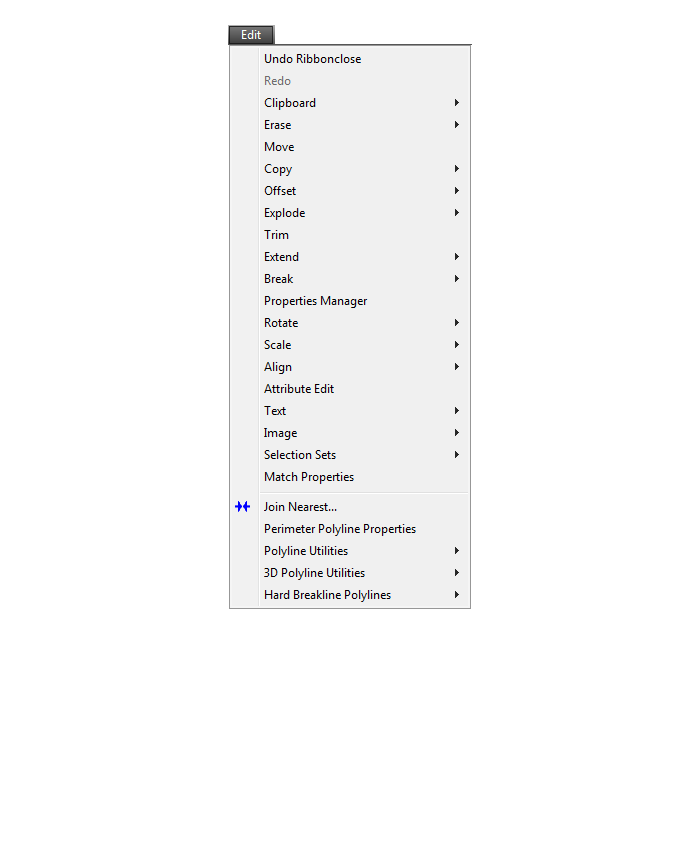
View Menu
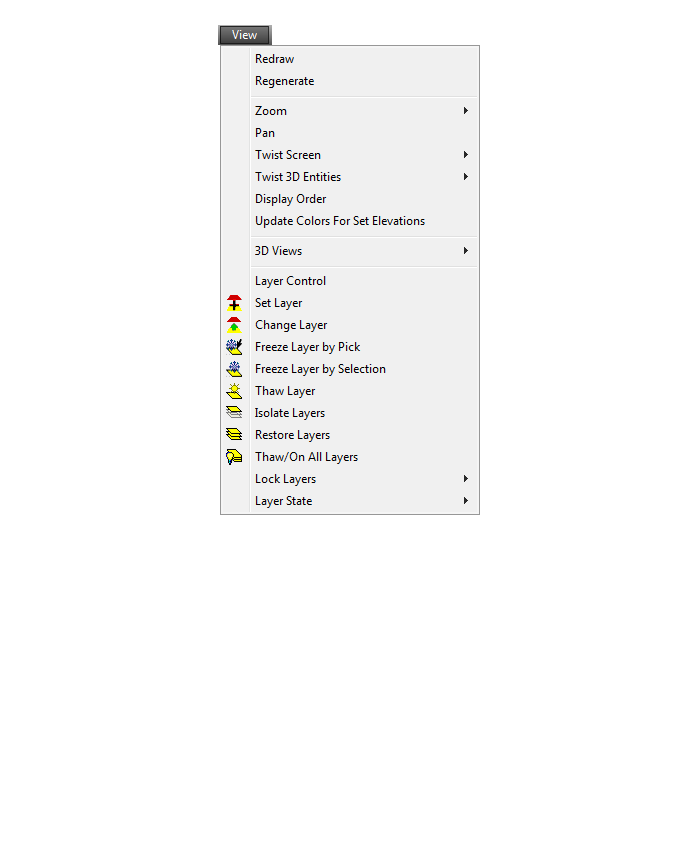
Draw Menu
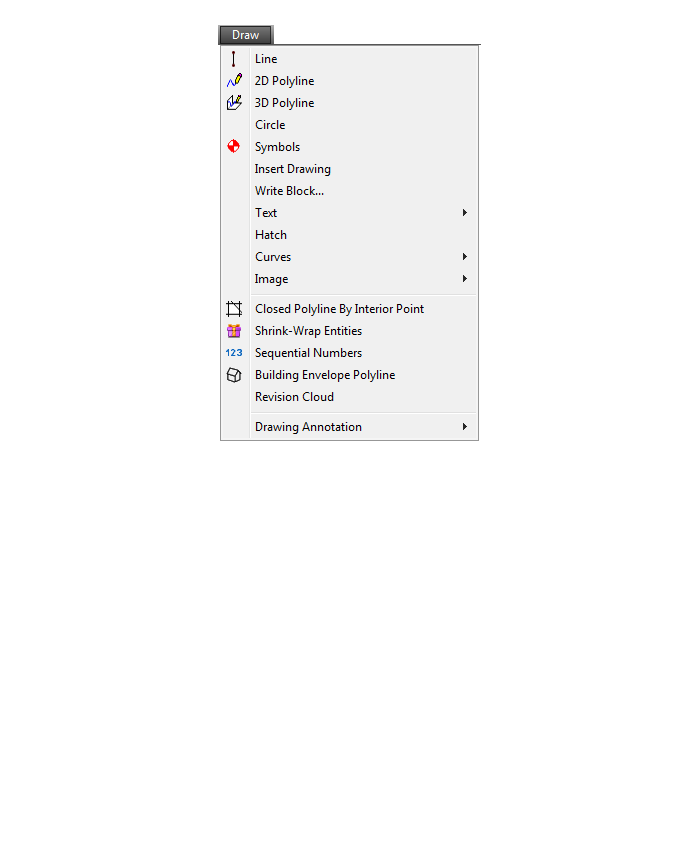
Digitize Menu
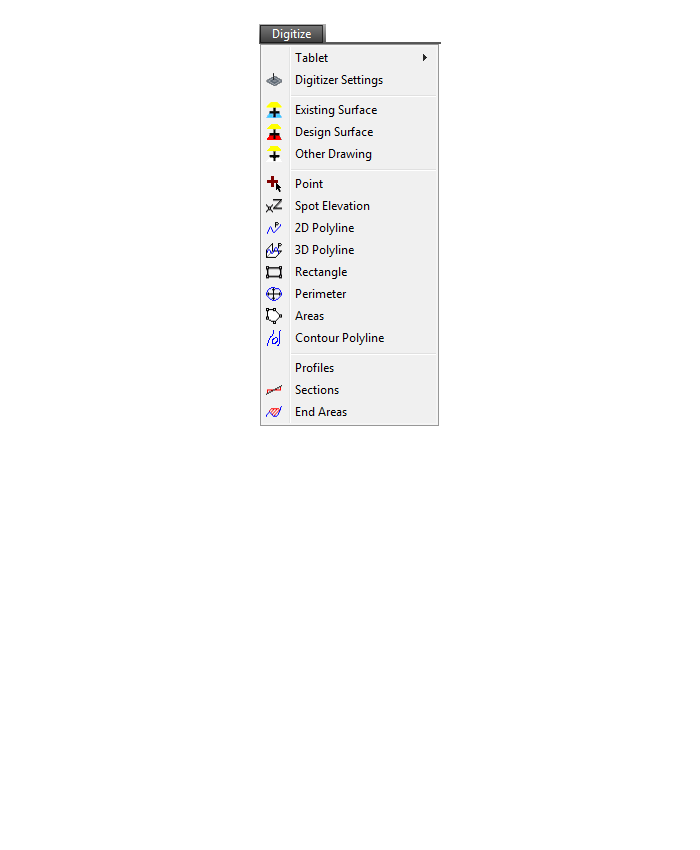
Raster Menu
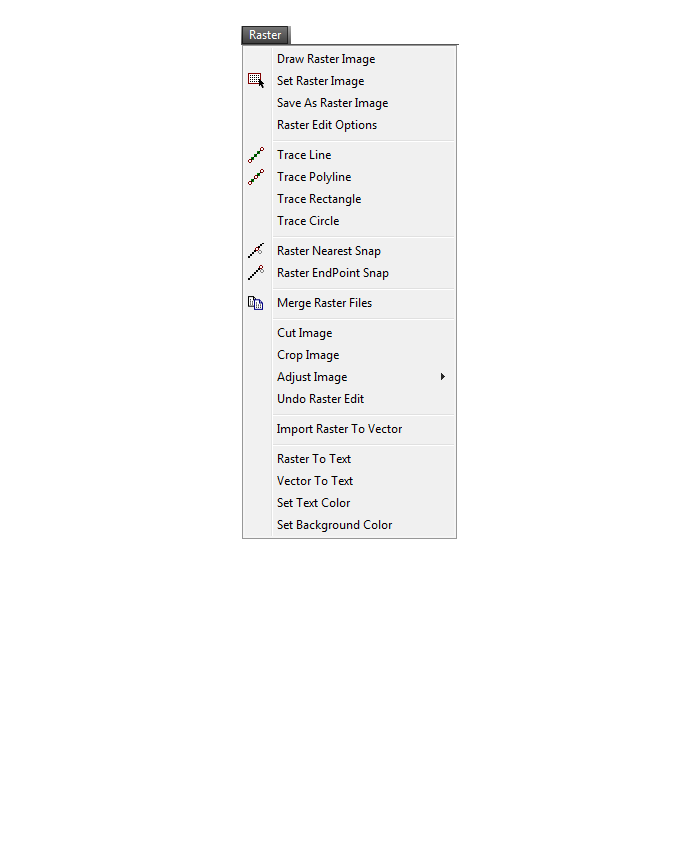
Elevate Menu
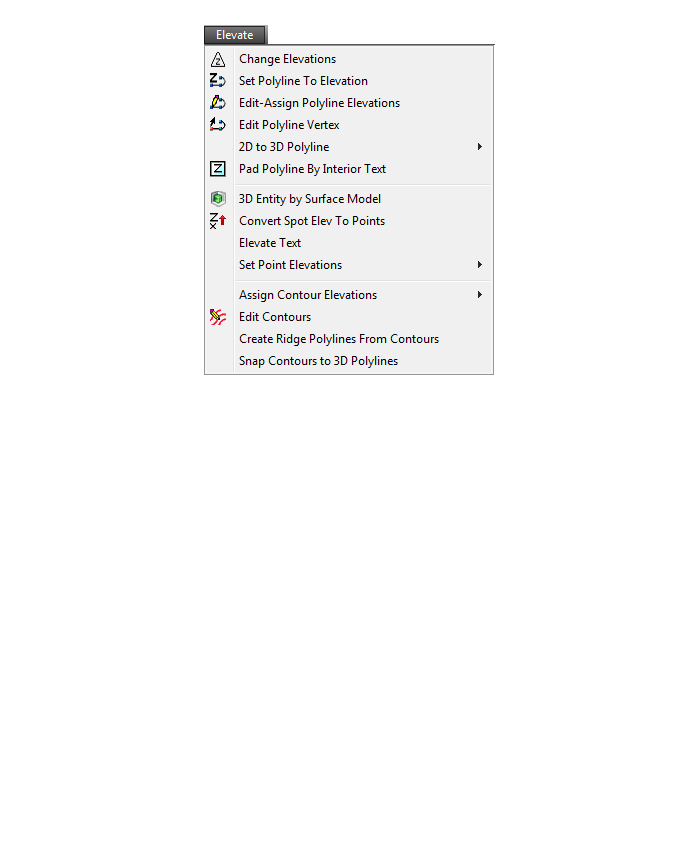
Takeoff Menu
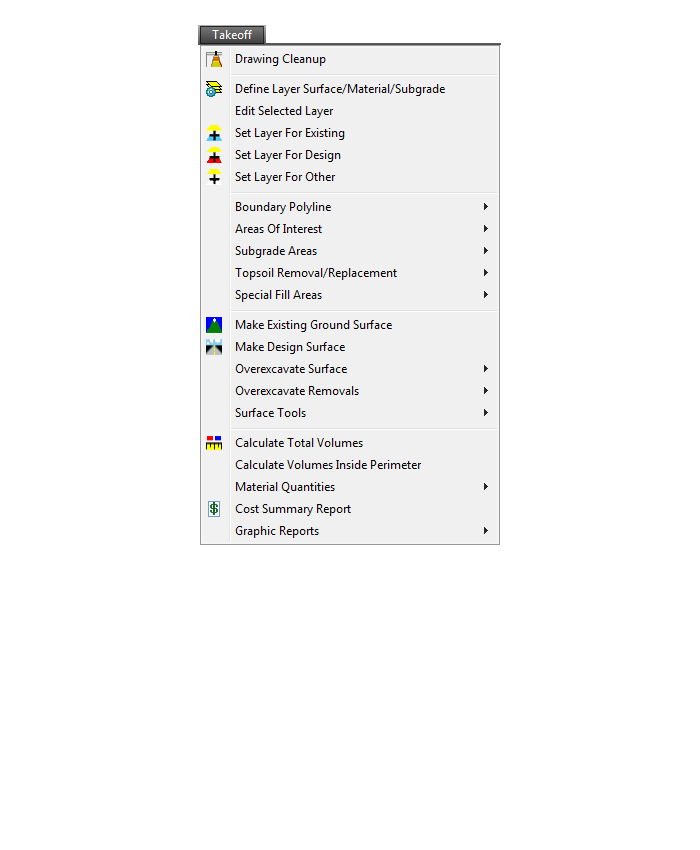
Drillhole Menu
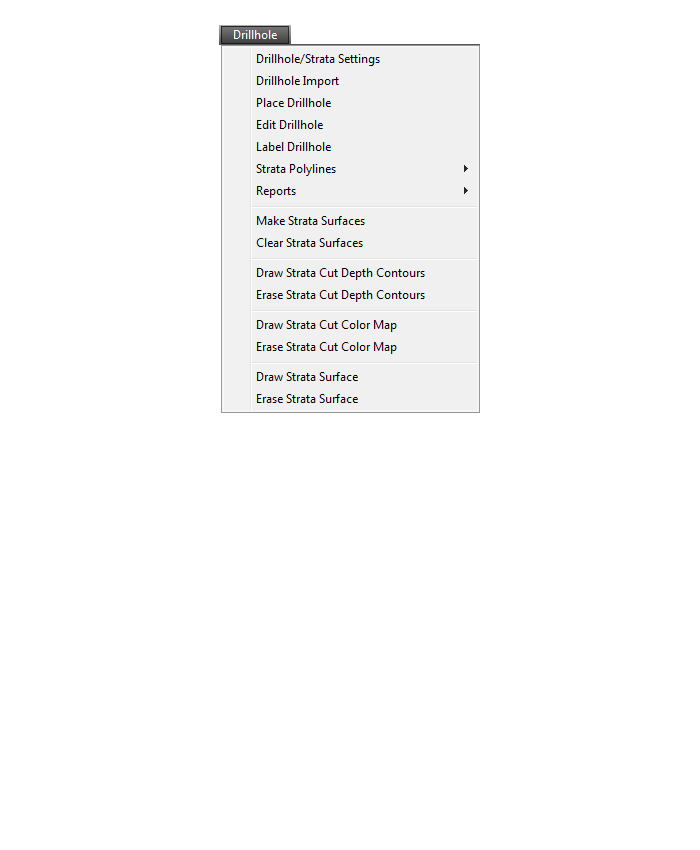
Trench Menu
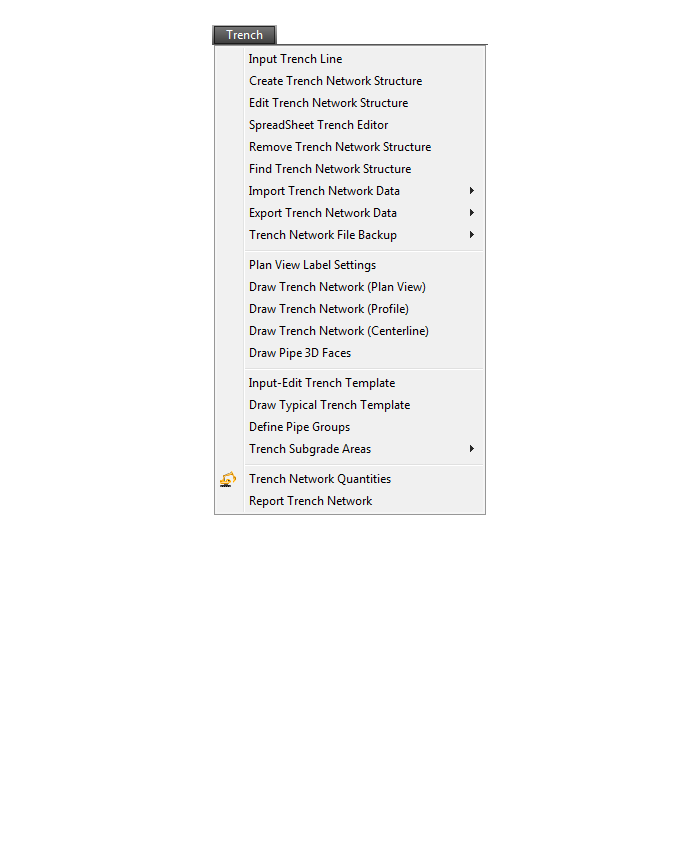
Roads Menu
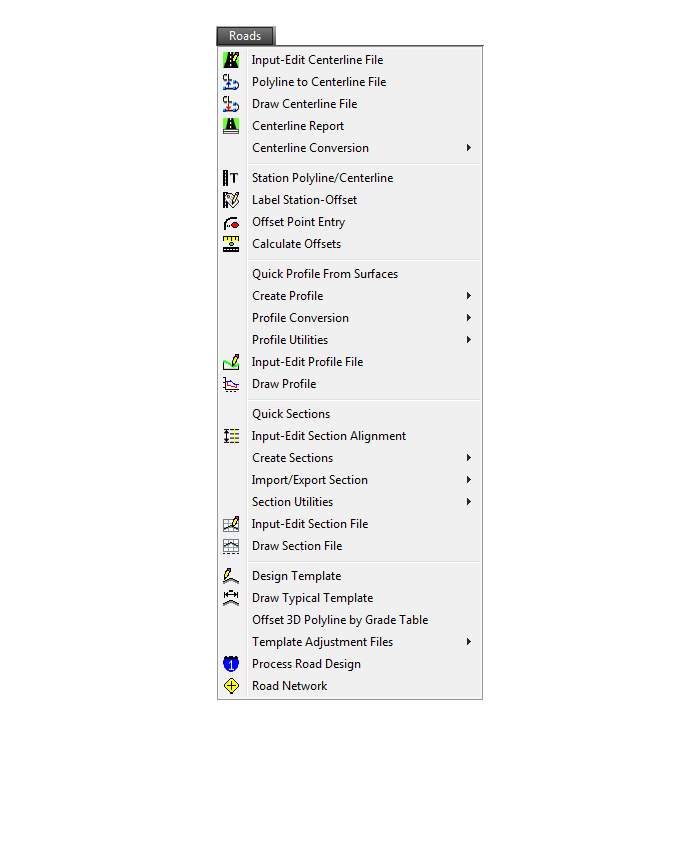
Points Menu
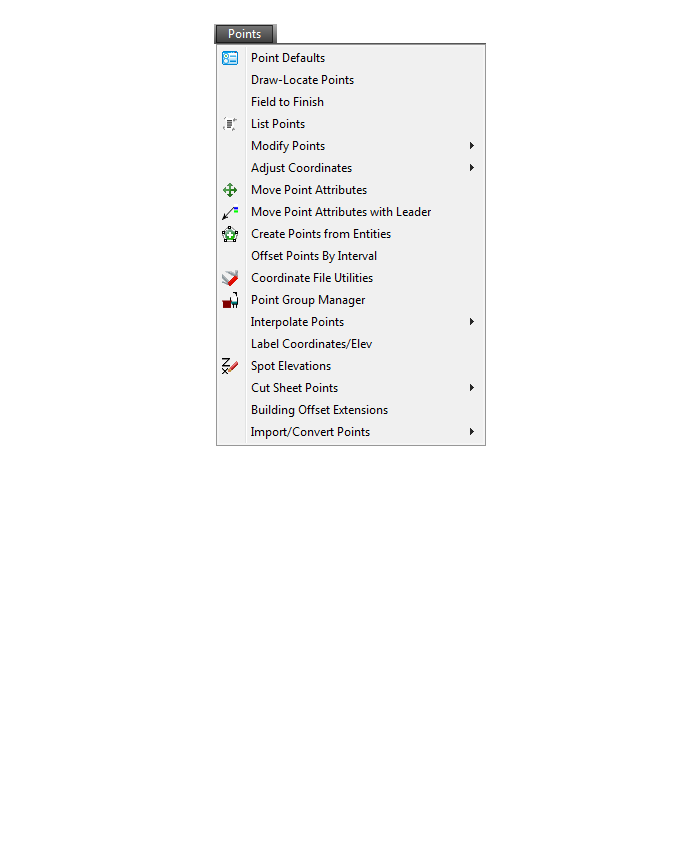
Surface Menu
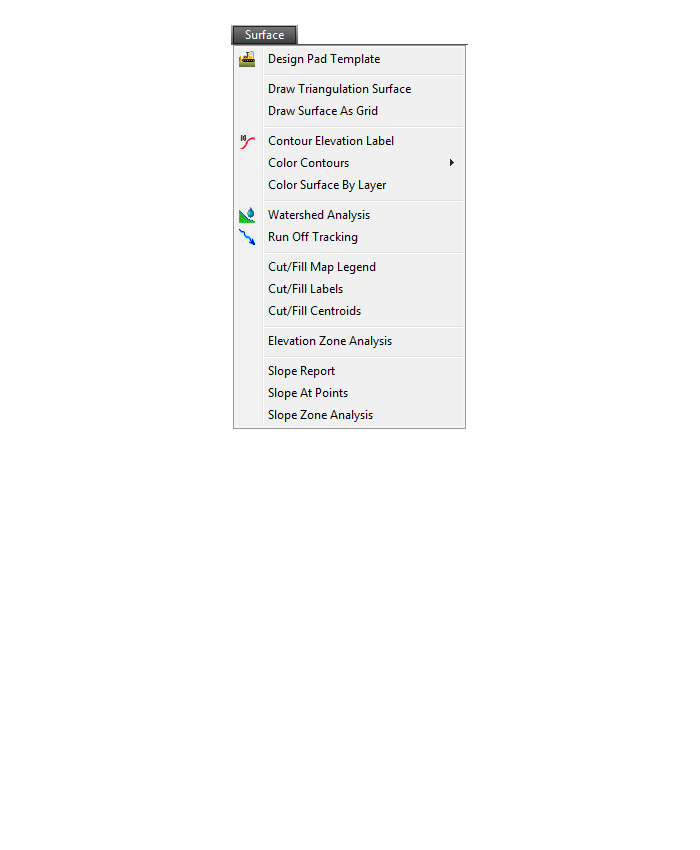
Inquiry Menu
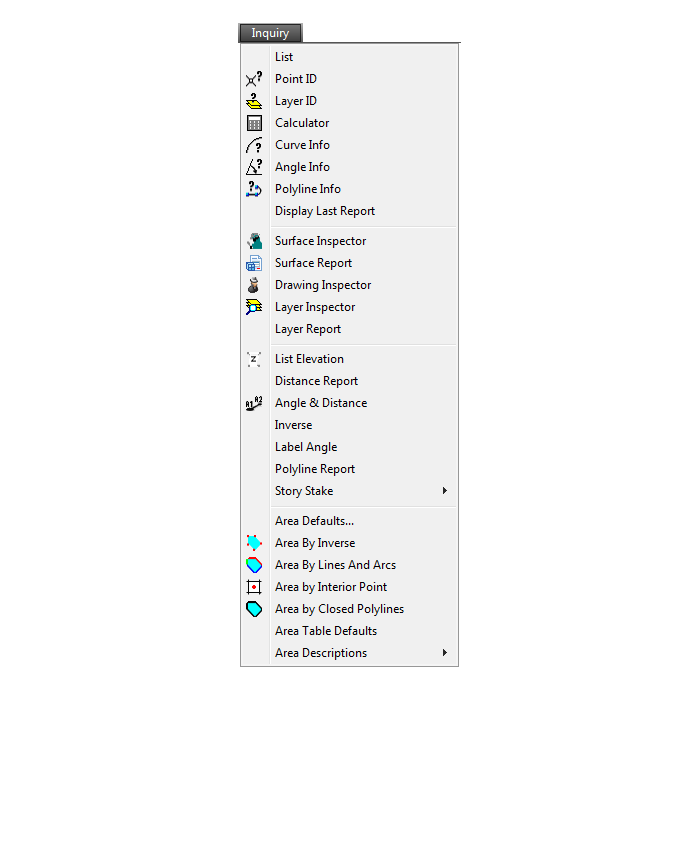
Settings Menu
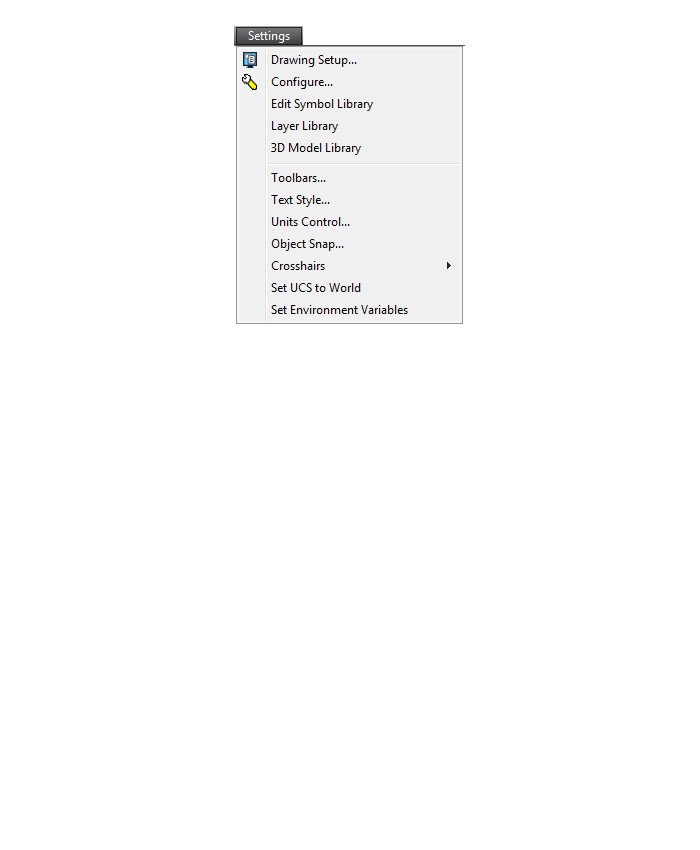
Display Menu
Window Menu
Help Menu
If you find the material on this website helpful, please consider supporting That CAD Girl by purchasing our products or services.
If you are interested in purchasing products or services we do not offer, we would love to refer you to oe of our Trusted Partners. Please click here to send us a message with your request.
[FAQ310] What features & menus are in Carlson Point Cloud? (a running thread)
+Carlson Point Cloud 2019 - Basic and Advanced
Features and Benefits of Point Cloud 2019
Comparison: Point Cloud Basic vs Point Cloud Advanced
Commands in Point Cloud Basic and Point Cloud Advanced
Carlson Point Cloud is a modular program that provides this powerful ability to go from field scan to finished plat, all with seamless integration to Carlson Survey, Carlson Civil and Carlson Mining. Carlson Point Cloud delivers a whole new level of powerful automation for large data sets. It gives laser scanner users the ability to process millions of data points with Carlson Software ease-of-use.
Register your scan to local coordinates, filter or decimate the points, overlay raster images in 3D, snap to edges and code the descriptions for automated field-to finish processing of linework and symbols and create contours, profiles, sections, and breaklines. You will be able to read scan data from many instruments, view and process up to 1 billion points, and then perform the Field-to-Finish from the scanned data!
This Carlson Software office product allows users to export surface models, points, contours, breaklines, grid and profiles to CAD.
Carlson Point Cloud 2017
Features and Benefits of Point Cloud 2017
Register your scan to local coordinates, filter or decimate the points, overlay raster images in 3D, snap to edges and code the descriptions for automated field-to finish processing of linework and symbols and create contours, profiles, sections, and breaklines. You will be able to read scan data from many instruments, view and process up to 1 billion points, and then perform the Field-to-Finish from the scanned data!
This Carlson Software office product allows users to export surface models, points, contours, breaklines, grid and profiles to CAD.
Menus in Point Cloud 2017
Menu Bar in Point Cloud 2017

The menus below are available in Carlson Point Cloud 2017
Point Clouds Menu
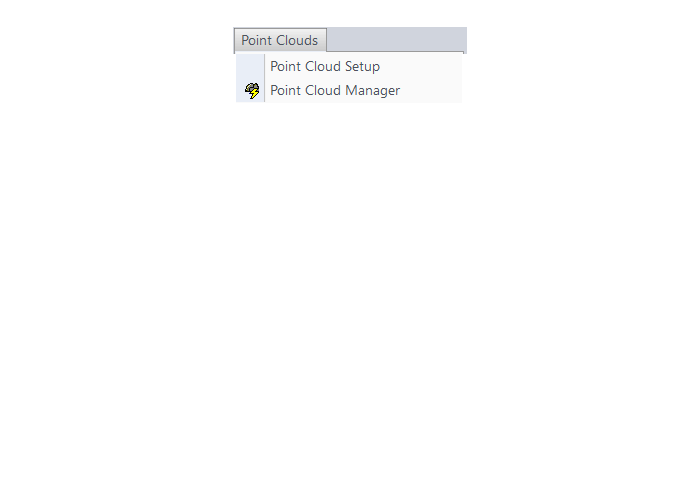
The menus below are in all non-OEM programs of Carlson 2017 desktop software
(Click image to see more)
If you find the material on this website helpful, please consider supporting That CAD Girl by purchasing our products or services.
If you are interested in purchasing products or services we do not offer, we would love to refer you to oe of our Trusted Partners. Please click here to send us a message with your request.
[FAQ309] What features & menus are in Carlson GeoTech? (a running thread)
+FAQ: What are the improvements to Carlson over previous versions? (a running thread)
Carlson GeoTech 2025
Features and Benefits of GeoTech 2025
“GeoTech will model all core samples and produce a detailed, easy-to-read report for drill logs, cross sections, and plan view,” says Dave Carlson, V.P. of Development for Carlson Software.
In addition, this information is fully integrated with Carlson Civil, for determining site stability and suitability, and also Carlson Construction, for accurate strata takeoff estimation.
FAQ: What are the improvements to Carlson over previous versions? (a running thread)
Carlson GeoTech 2017
Features and Benefits of GeoTech 2017
“GeoTech will model all core samples and produce a detailed, easy-to-read report for drill logs, cross sections, and plan view,” says Dave Carlson, V.P. of Development for Carlson Software.
In addition, this information is fully integrated with Carlson Civil, for determining site stability and suitability, and also Carlson Construction, for accurate strata takeoff estimation.
Menus in GeoTech 2025
Menu Bar in GeoTech 2025

The menus below are available in Carlson GeoTech 2025
Menus in GeoTech 2017
Menu Bar in GeoTech 2017

The menus below are available in Carlson GeoTech 2017
Drillhole Menu
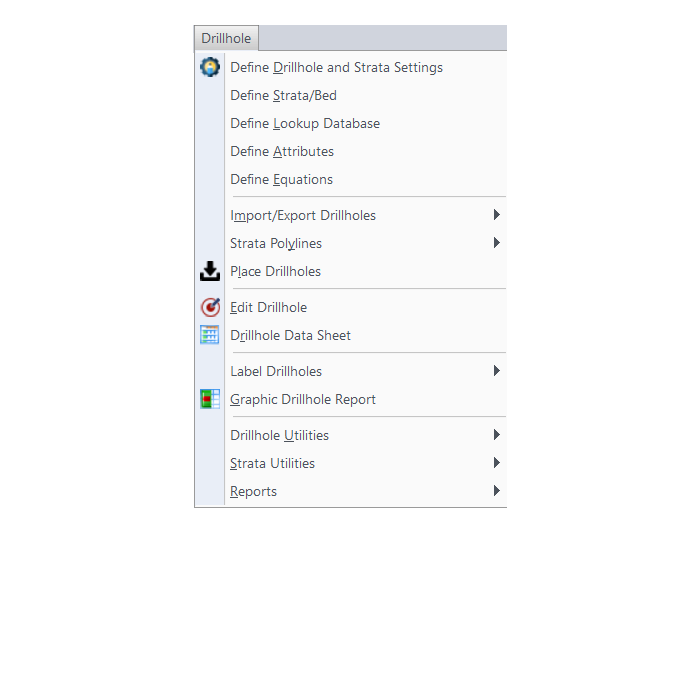
StrataCalc Menu
Grids Menu
Map Menu
Drillhole Menu
StrataCalc Menu
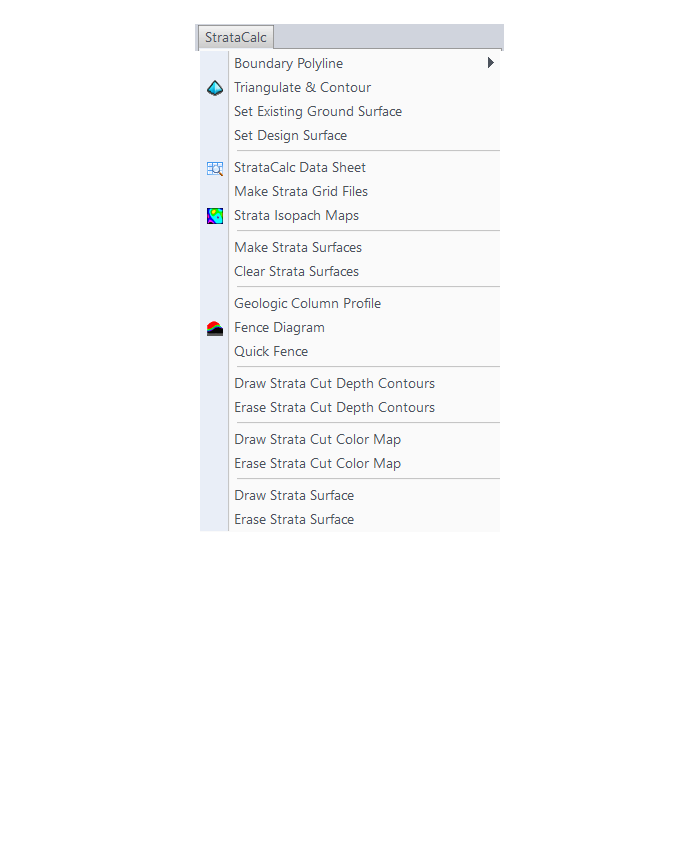
Grids Menu
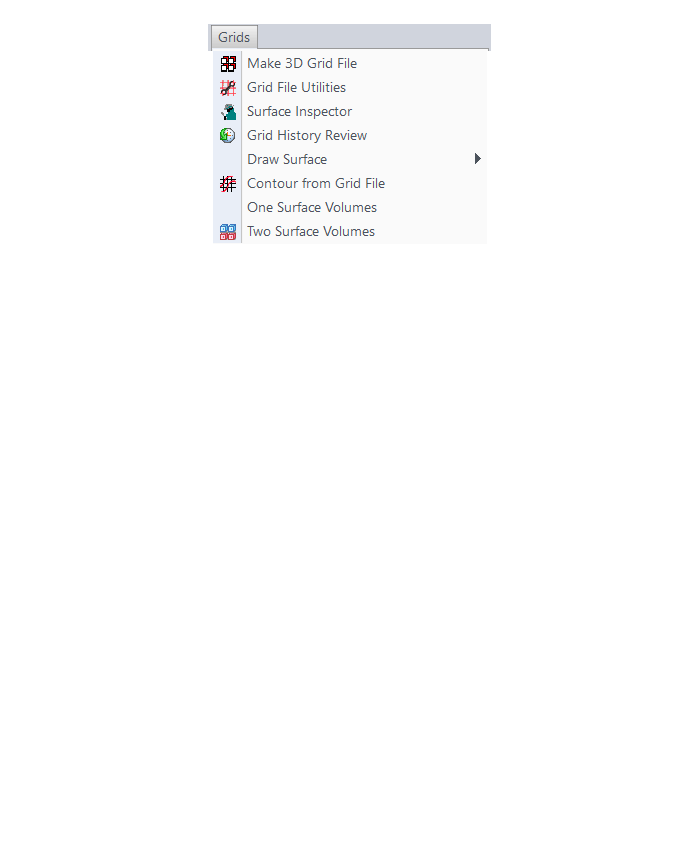
Map Menu
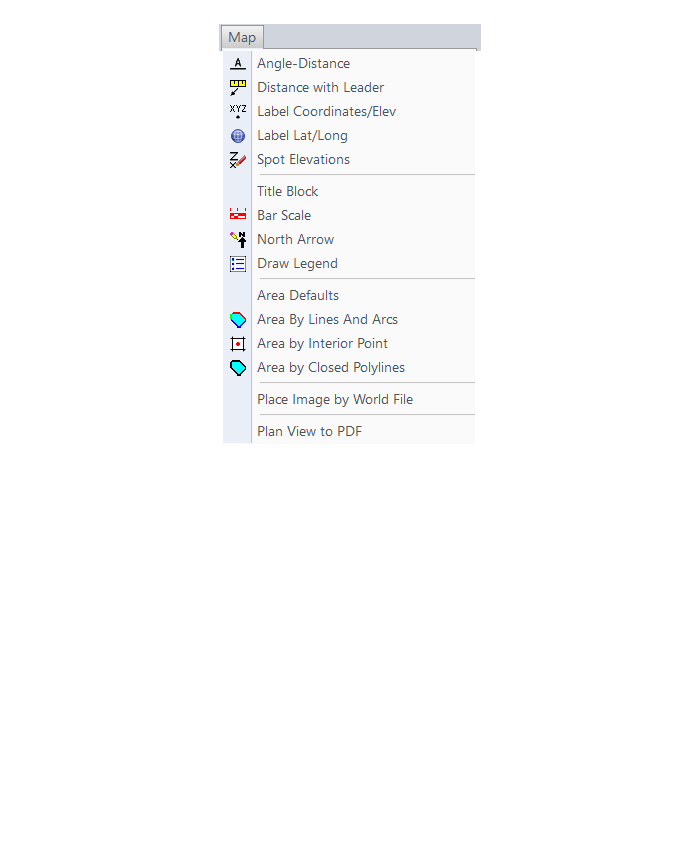
The menus below are in all non-OEM programs of Carlson 2017 desktop software
(Click image to see more)
The menus below are in all non-OEM programs of Carlson 2017 desktop software
(Click image to see more)
If you find the material on this website helpful, please consider supporting That CAD Girl by purchasing our products or services.
If you are interested in purchasing products or services we do not offer, we would love to refer you to oe of our Trusted Partners. Please click here to send us a message with your request.
[FAQ308] What features & menus are in Carlson Trench? (a running thread)
+Carlson Trench 2017

Features and Benefits of Trench 2017
Carlson Trench is for calculations related to installing pipes, sewers, or utility lines. The CAD software calculates the volume of the trench cut, the volume of backfill (excluding the pipe size), and the linear footage of pipe broken down by the pipe material, size, and/or depth.
Carlson Trench is fully integrated with Carlson Civil and Carlson Construction, and also Carlson Hydrology to meet the variety of customers’ needs.
Menus in Trench 2017
Menu Bar in Trench 2017

The menus below are available in Carlson Trench 2017
Trench Menu
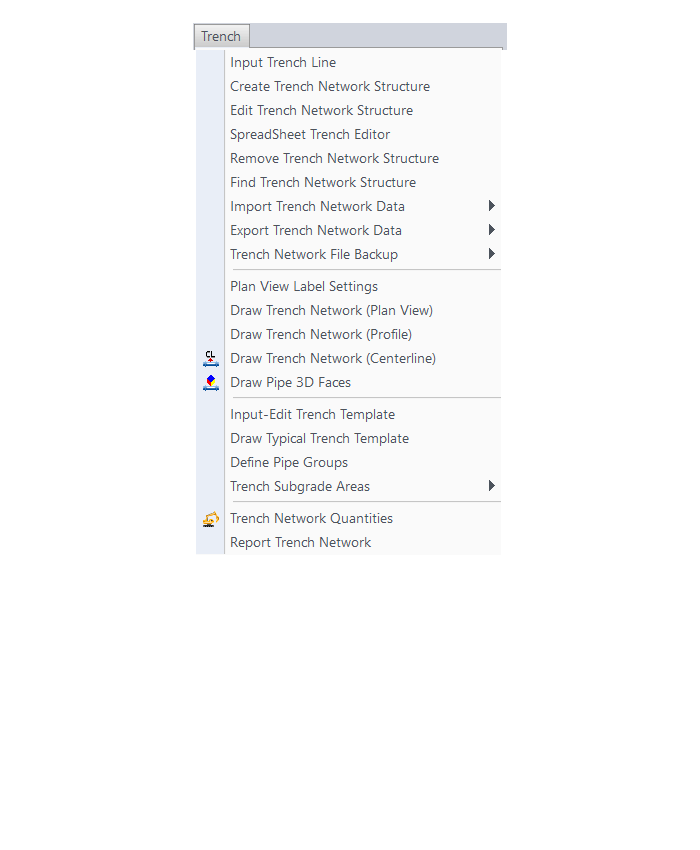
Utility Menu
The menus below are in all non-OEM programs of Carlson 2017 desktop software
(Click image to see more)
Carlson Trench 2020
Features and Benefits of Trench 2020
Carlson Trench is for calculations related to installing pipes, sewers, or utility lines. The CAD software calculates the volume of the trench cut, the volume of backfill (excluding the pipe size), and the linear footage of pipe broken down by the pipe material, size, and/or depth.
Carlson Trench is fully integrated with Carlson Civil and Carlson Construction, and also Carlson Hydrology to meet the variety of customers’ needs.
Menu Bar in Trench 2020

The menus below are available in Carlson Trench 2020
Trench Menu
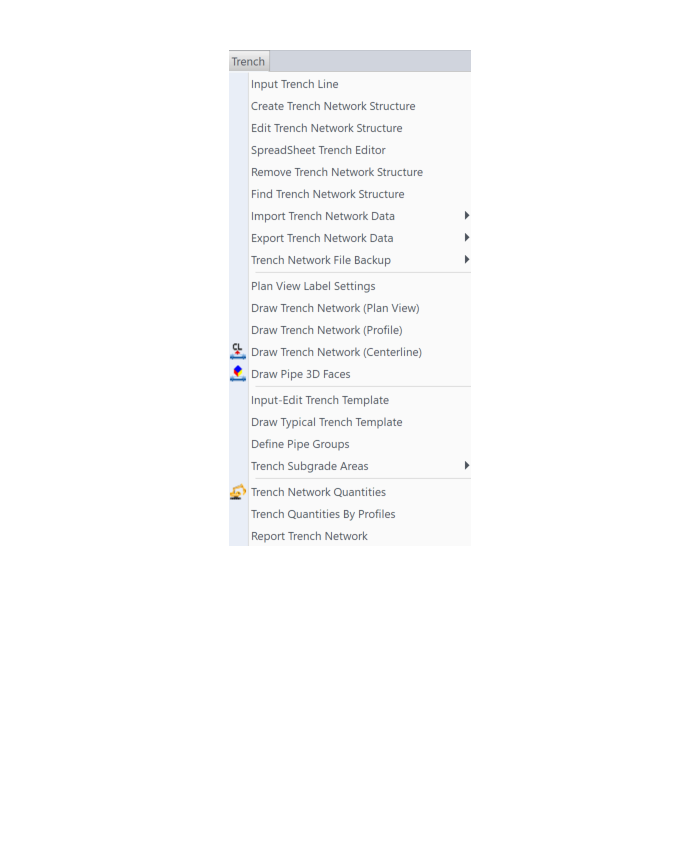
Utility Menu

The menus below are in all non-OEM programs of Carlson 2020 desktop software
(Click image to see more)
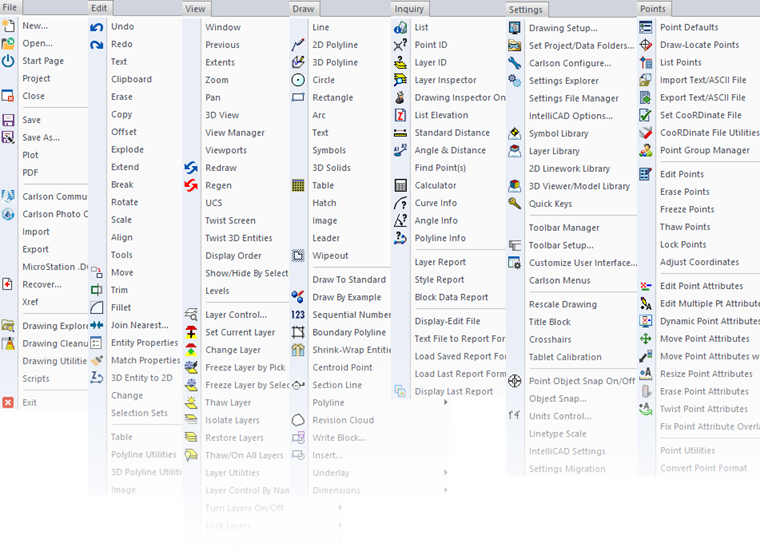
Carlson Trench 2022
Features and Benefits of Trench 2022
Carlson Trench is for calculations related to installing pipes, sewers, or utility lines. The CAD software calculates the volume of the trench cut, the volume of backfill (excluding the pipe size), and the linear footage of pipe broken down by the pipe material, size, and/or depth.
Carlson Trench is fully integrated with Carlson Civil and Carlson Construction, and also Carlson Hydrology to meet the variety of customers’ needs.
Menus in Trench 2022
Menu Bar in Trench 2022

The menus below are available in Carlson Trench 2022
2022 Trench Menu
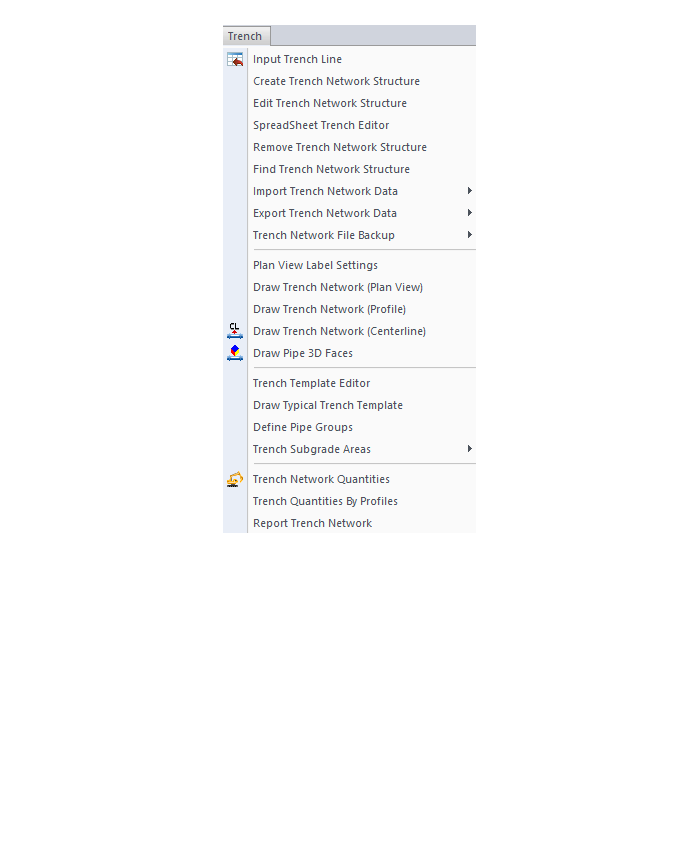
2022 Utility Menu

The menus below are in all non-OEM programs of Carlson 2022 desktop software
(Click image to see more)
Carlson Trench 2024
Features and Benefits of Trench 2024
Carlson Trench is for calculations related to installing pipes, sewers, or utility lines. The CAD software calculates the volume of the trench cut, the volume of backfill (excluding the pipe size), and the linear footage of pipe broken down by the pipe material, size, and/or depth.
Carlson Trench is fully integrated with Carlson Civil and Carlson Construction, and also Carlson Hydrology to meet the variety of customers’ needs.
Menus in Trench 2024
Menu Bar in Trench 2024

The menus below are available in Carlson Trench 2024
2024 Trench Menu
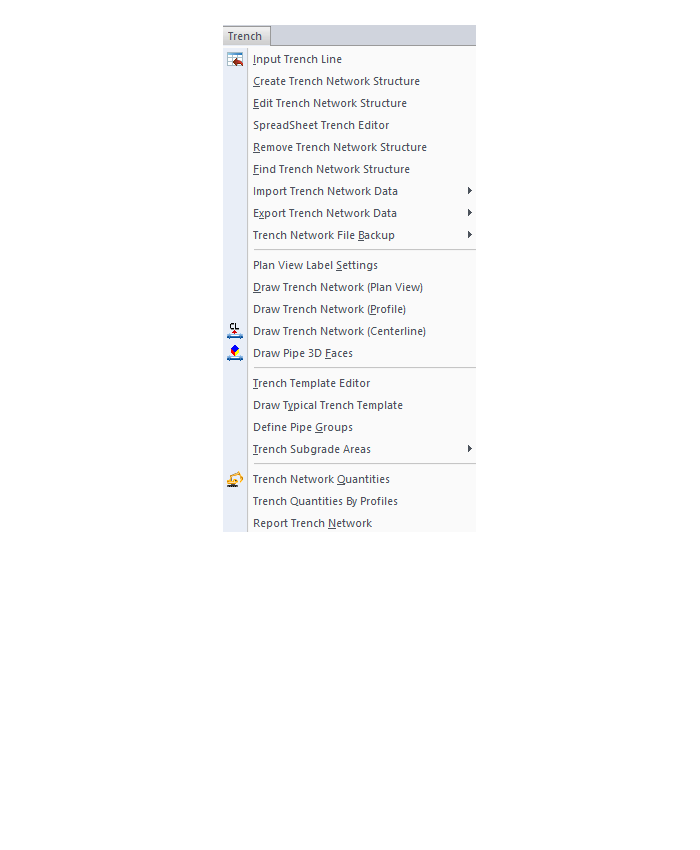
2024 Utility Menu

The menus below are in all non-OEM programs of Carlson 2024 desktop software
(Click image to see more)
If you find the material on this website helpful, please consider supporting That CAD Girl by purchasing our products or services.
If you are interested in purchasing products or services we do not offer, we would love to refer you to oe of our Trusted Partners. Please click here to send us a message with your request.
[FAQ307] What features & menus are in Carlson CADNet? (a running thread)
+Carlson CADNet 2017

Features and Benefits of CADNet 2017
Carlson CADnet, introduced in 2014, allows users to import faster images and PDF files and, if needed, even to merge multiple images into one file that can be digitized or otherwise converted by CAD software using a variety of raster-to-vector routines. CADNet also gives you many tools to help clean up text and linework generated from raster images.
Recent updates to CADNet gives you the ability to export drawing entities to 3D PDF files, import Sketchup files and import and export BIM models (doors, windows, walls, roofs, etc.) and bring them into CAD as CAD software entities; plus, CADnet includes a routine to export surfaces into BIM.
Menus in CADNet 2017
Menu Bar in CADNet 2017

The menus below are available in Carlson CADNet 2017
Digitize Menu
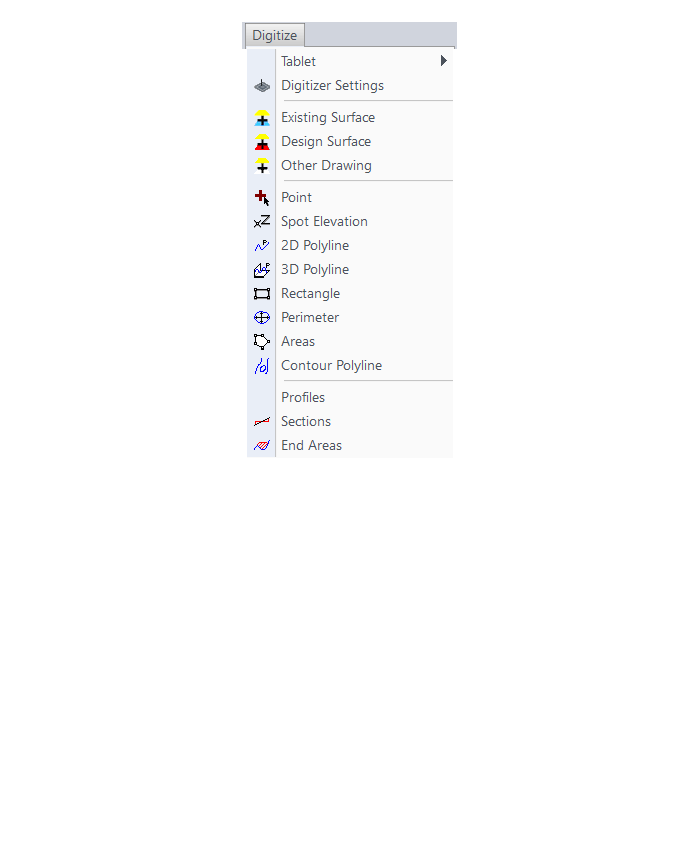
Raster Menu
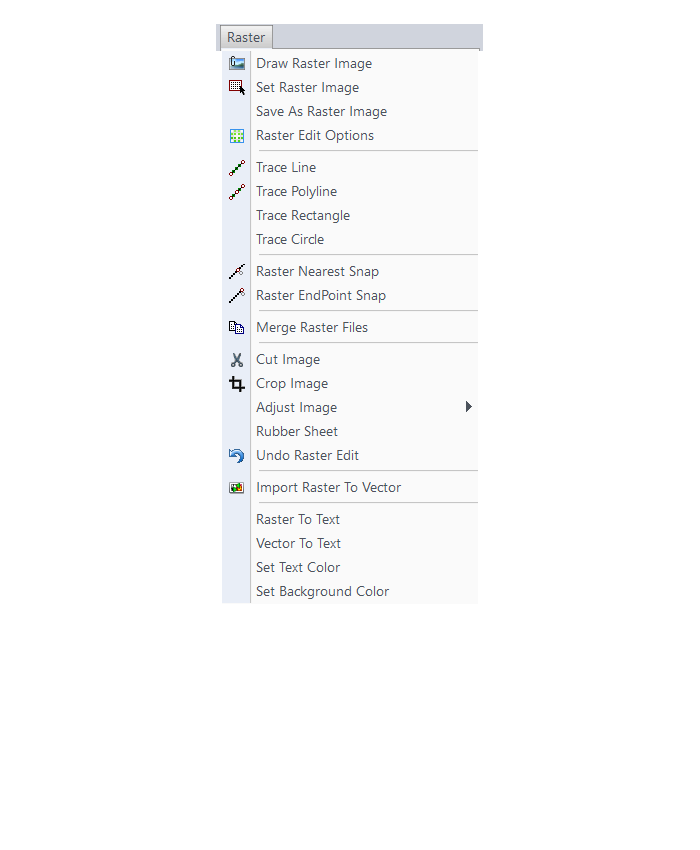
PDF Menu
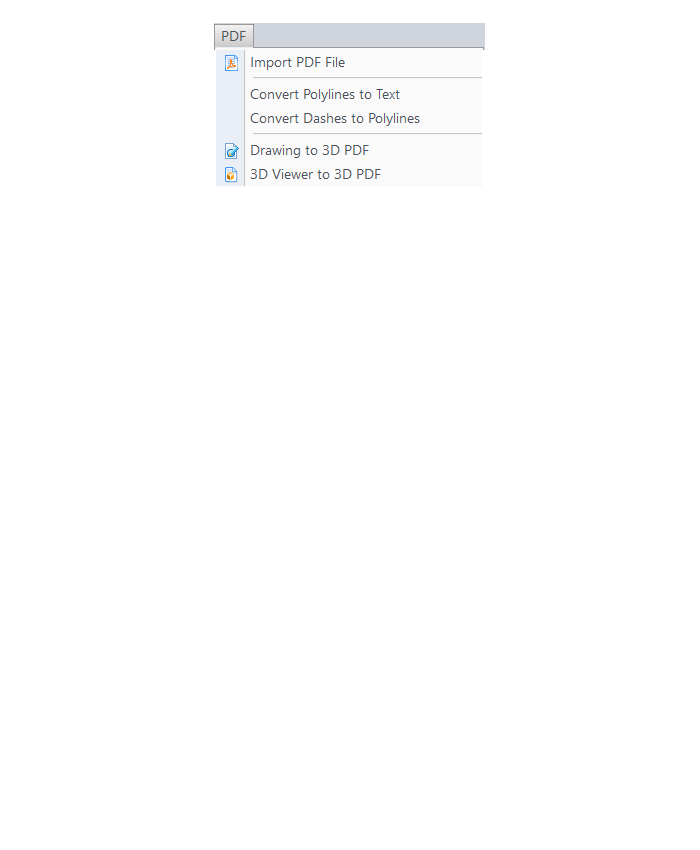
BIM Menu
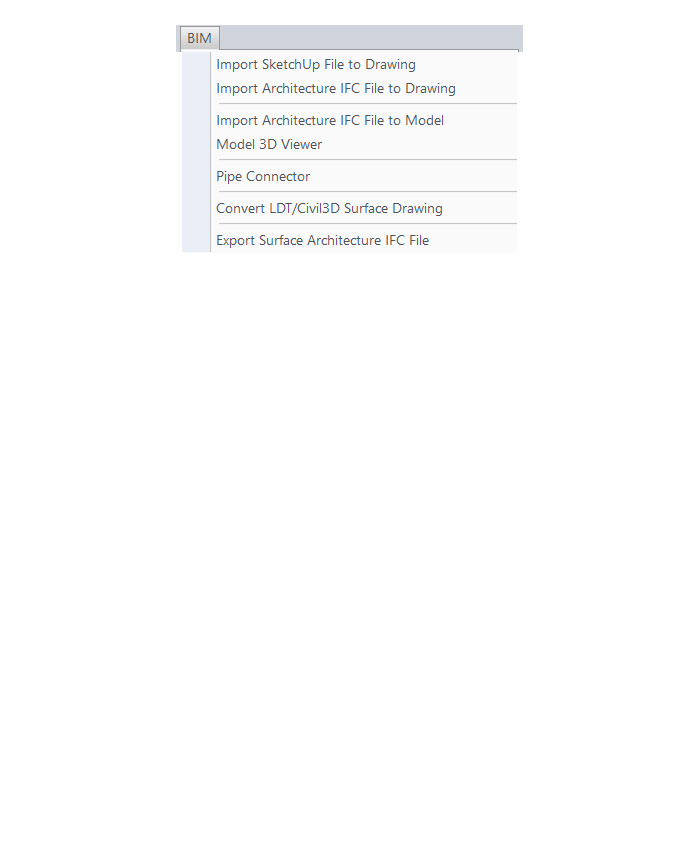
The menus below are in all non-OEM programs of Carlson 2017 desktop software
(Click image to see more)
If you find the material on this website helpful, please consider supporting That CAD Girl by purchasing our products or services.
If you are interested in purchasing products or services we do not offer, we would love to refer you to oe of our Trusted Partners. Please click here to send us a message with your request.
[FAQ306] What features & menus are in Carlson Construction? (a running thread)
+Carlson Construction 2017

Features and Benefits of Construction 2017
Fully supporting all of the major 3D Machine Control formats for today’s heavy equipment with 3D Machine Control Systems, Carlson Construction gives you the tools you need for taking your data into the 3D environment. Whether your Carlson software need is “Data Preparation,” “Site Preparation,” or specifically creating Machine Control Guidance Models, Carlson Construction will get the job done for you.
Menus in Construction 2017
Menu Bar in Construction 2017

The menus below are available in Carlson Construction 2017
Elevate Menu
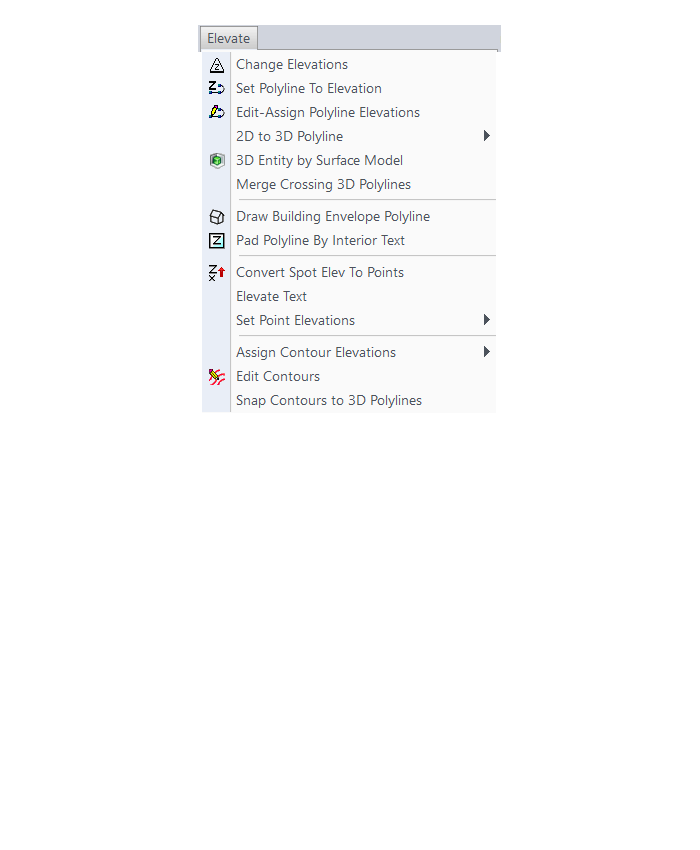
Surface Menu
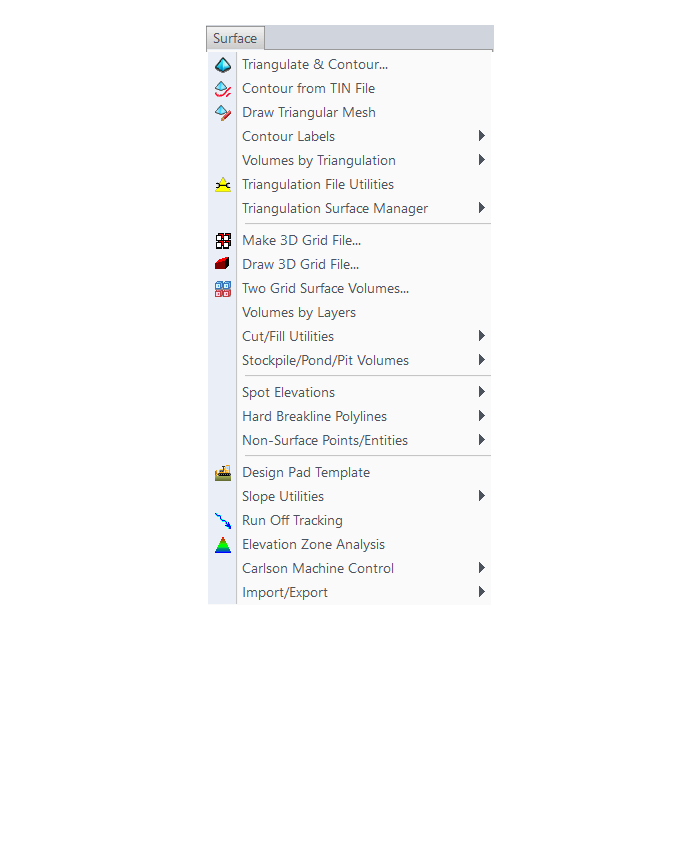
Takeoff Menu
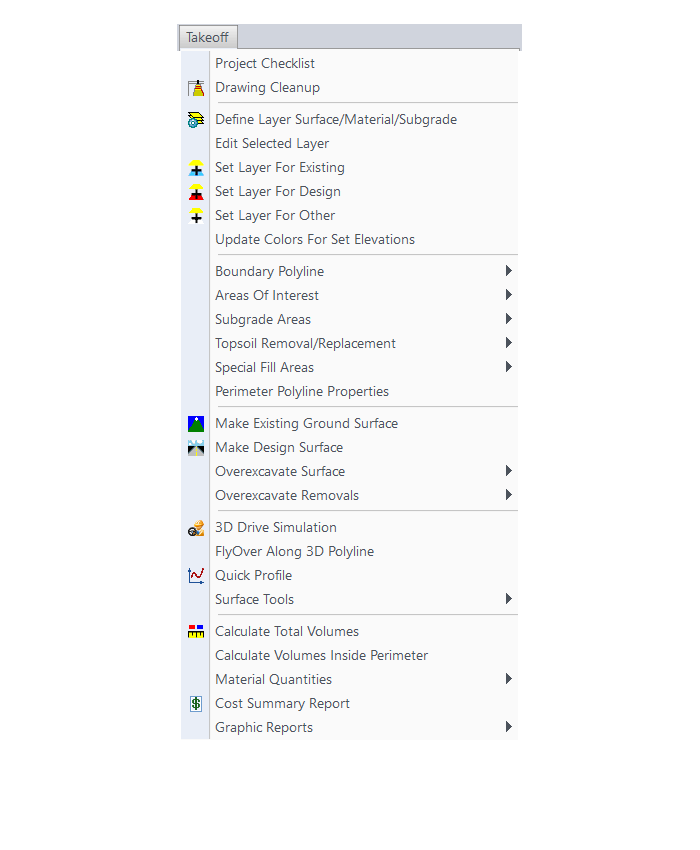
Roads Menu
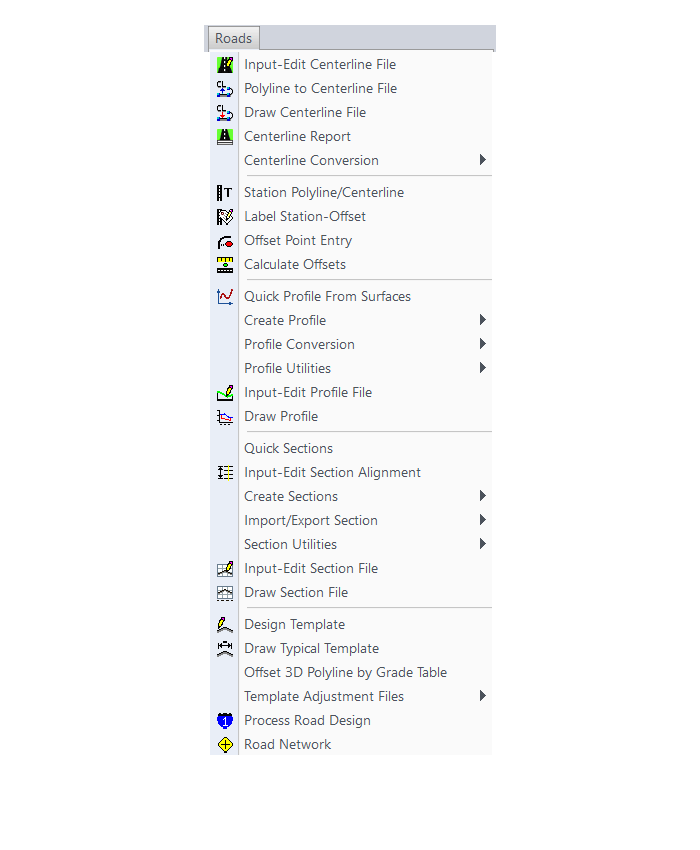
Survey Menu
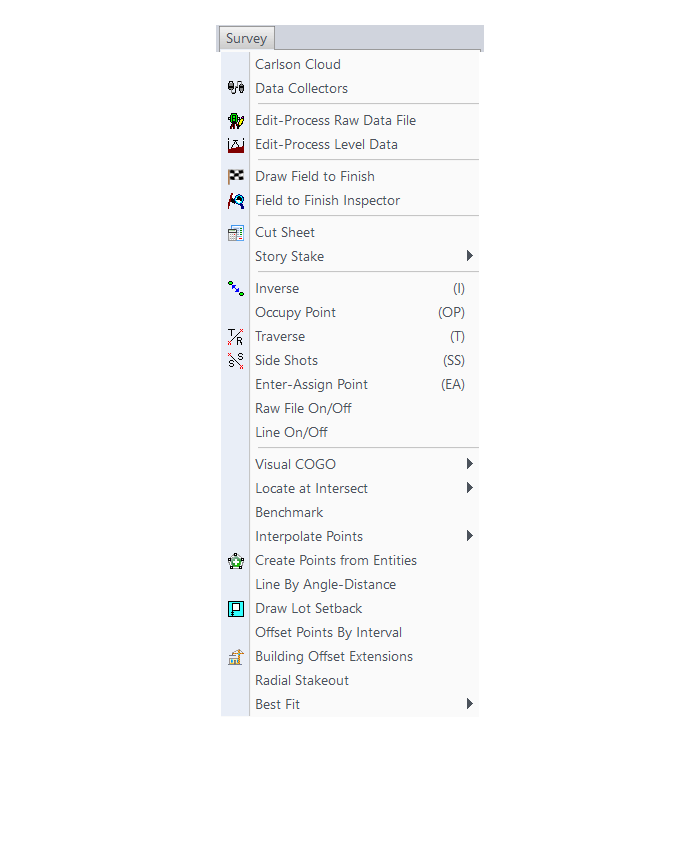
Annotate Menu
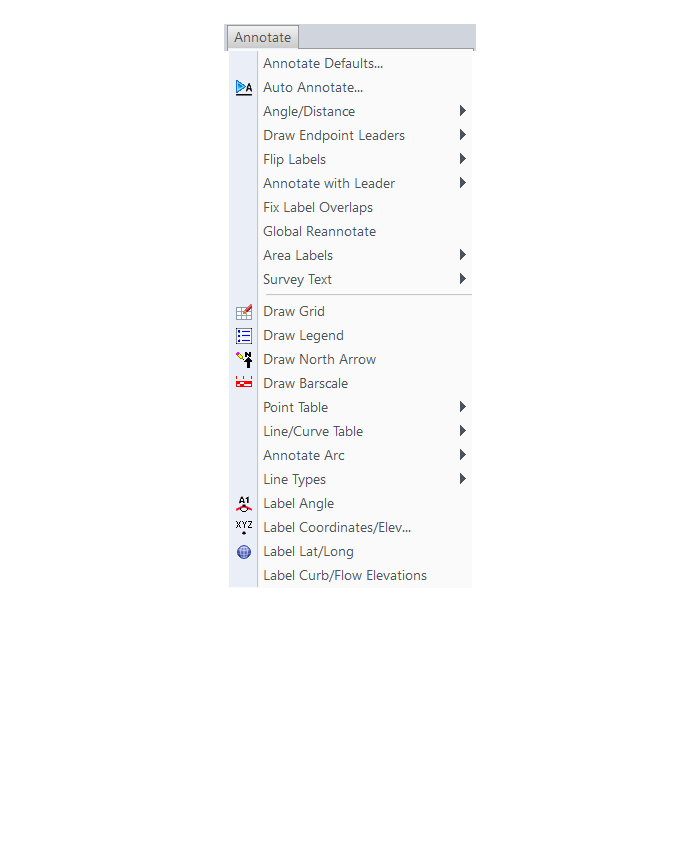
Display Menu
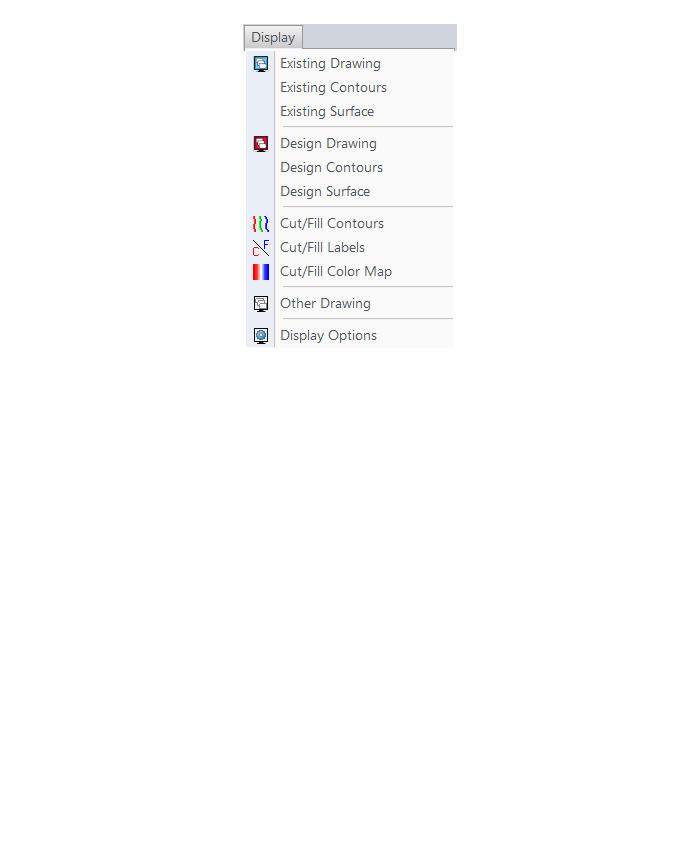
The menus below are in all non-OEM programs of Carlson 2017 desktop software
(Click image to see more)
If you find the material on this website helpful, please consider supporting That CAD Girl by purchasing our products or services.
If you are interested in purchasing products or services we do not offer, we would love to refer you to oe of our Trusted Partners. Please click here to send us a message with your request.
[FAQ305] What features & menus are in Carlson GIS? (a running thread)
+Carlson GIS 2017
Features and Benefits of GIS 2017
- Take advantage of the Carlson/Esri® partnership with these and other CAD software commands:
- Import/Export Esri SHP files
- Export DWG file with Esri MSC data
- Export Esri Projection file
- Import and Export GIS Data between Carlson GIS and Carlson SurvCE
- Work with many image formats including:
- Geo-referenced images
- Google Earth images
- CAD software images
- MrSID images
- Convert GIS data to and from AutoCAD Map
- Query and Report GIS generated entities
- Hatch & Label GIS generated polylines
- Create, Audit and Erase links to GIS database
- Define Note file prompts for data collection
Menus in GIS 2017
Menu Bar in GIS 2017

The menus below are available in Carlson GIS 2017
GIS Data Menu
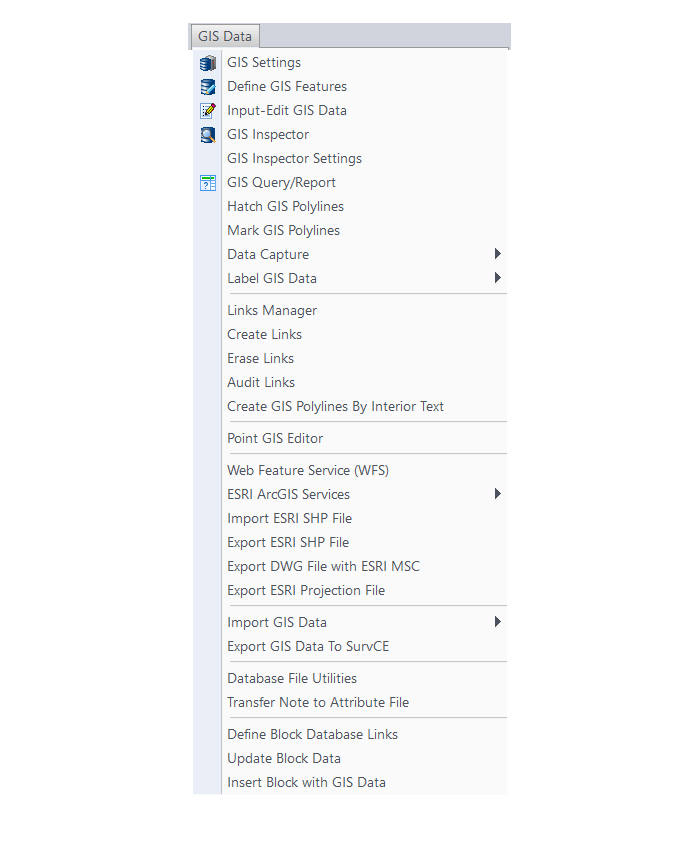
GIS Tools Menu
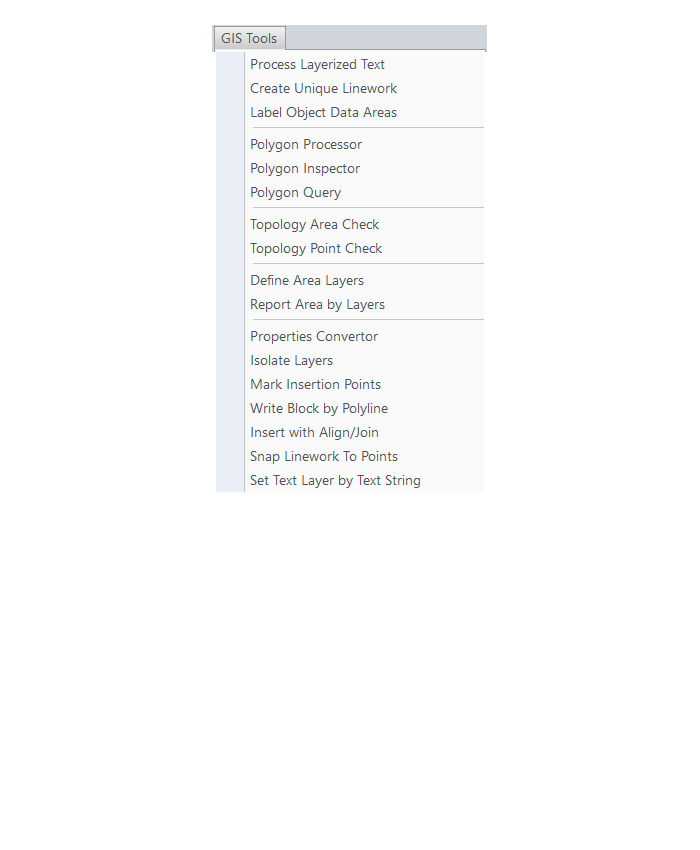
Images Menu
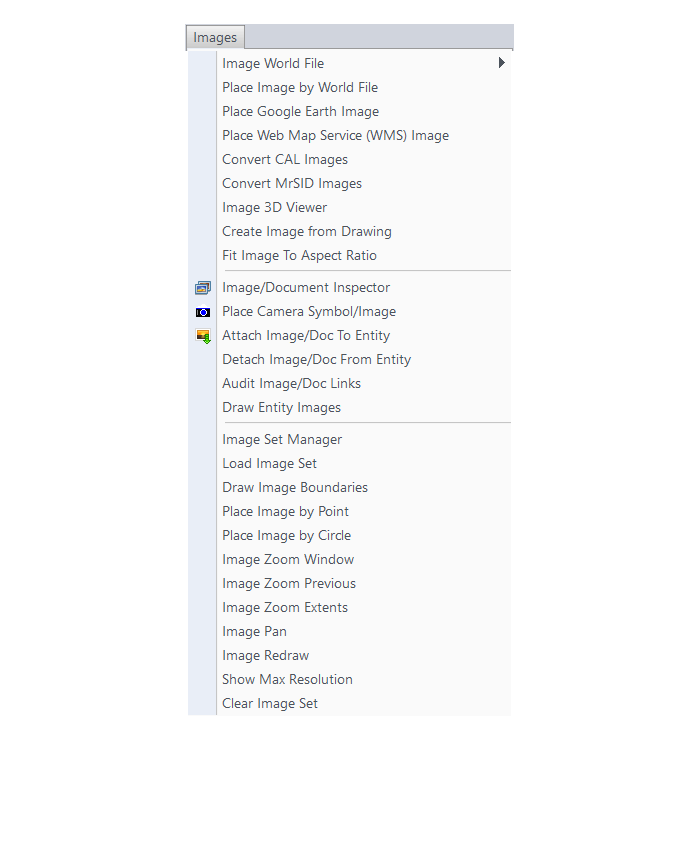
The menus below are in all non-OEM programs of Carlson 2017 desktop software
(Click image to see more)
If you find the material on this website helpful, please consider supporting That CAD Girl by purchasing our products or services.
If you are interested in purchasing products or services we do not offer, we would love to refer you to oe of our Trusted Partners. Please click here to send us a message with your request.
[FAQ304] What features & menus are in Carlson Hydrology? (a running thread)
+Carlson Hydrology 2017

Features and Benefits of Hydrology 2017
Here are some of the things you can do with Carlson Hydrology:
- Use it to perform all of your stormwater modeling and design or use it to compile data that can then be used in other hydrology programs,
- Link directly to other hydrology programs including HydroCAD®, Pizer HYDRA®, TR-20, SEDCAD, HEC-RAS and HEC-2,
- Analyze and design using either SCS or Rational method,
- Determine runoff volumes with easy-to-use, layer-based tools
- Track runoff and analyze watershed data within the entire watershed or just above a selected point – such as a catch basin,
- Create surface model files with CAD support for existing and proposed conditions
- Design and then report storage volumes for bench and valley ponds that can be designed using various design criteria such as adding multiple interior benches and automatically removing the berm in cut conditions,
- Create custom fields for pipe structures and inlet libraries,
- Tap extensive libraries for rainfall data, inlets, manholes and outlet structures,
- Pick a button to “Process” or have updates automatically occur when changes to road designs surfaces affect storm or sewer structures,
- Design sanitary sewer or storm pipe runs in a dockable palette or in a spreadsheet editor,
- Tie pipe design criteria to surfaces, centerlines and profiles
- Calculate inlet intercepted and bypass flows, gutter spread and depth, pipe flow depth and velocity, and hydraulic and energy grade lines
- Choose to match stormwater pipes at the crown or at the flowline
- Receive warnings for collisions and when pipe length, cover, slope, flow rates or other design criteria do not fall within an acceptable, customizable range
- Design ponds, spillways, orifices, weirs, multiple outlets, channels, culverts, pipes and lift stations
- Draft sewer pipe dynamically in plans, profiles and 3D
Menus in Hydrology 2017
Menu Bar in Hydrology 2017

The menus below are available in Carlson Hydrology 2017
Surface Menu
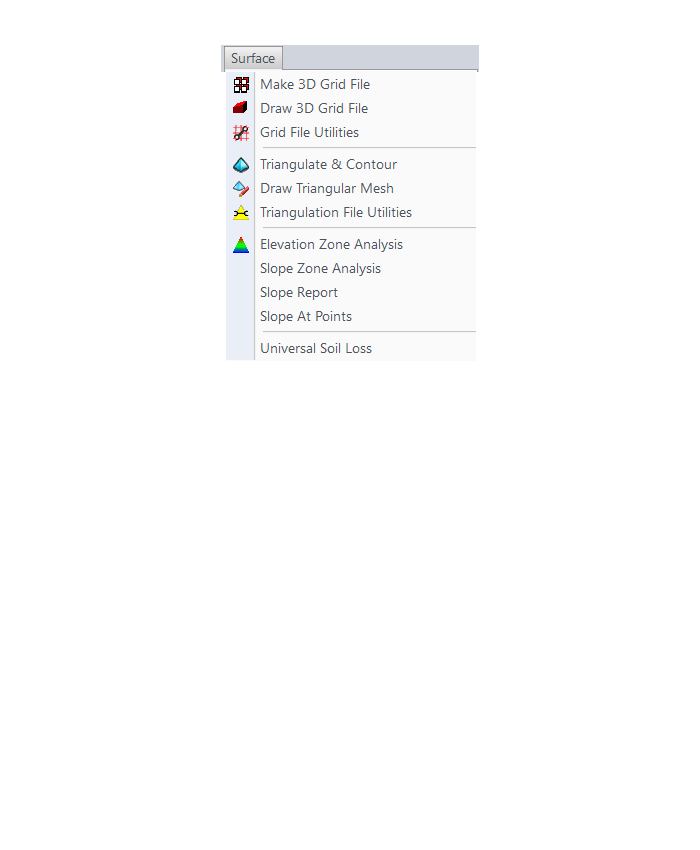
Watershed Menu
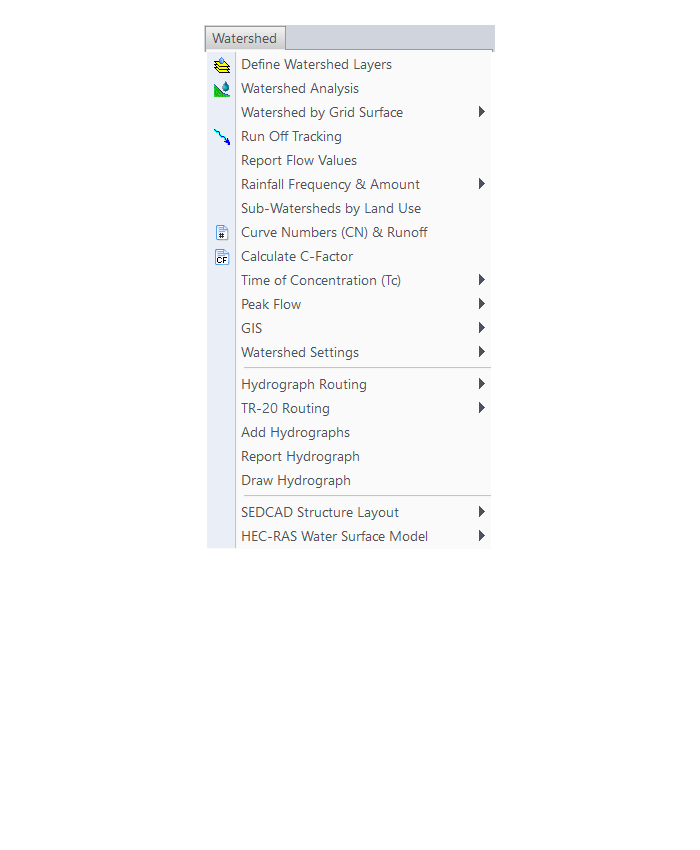
Structure Menu
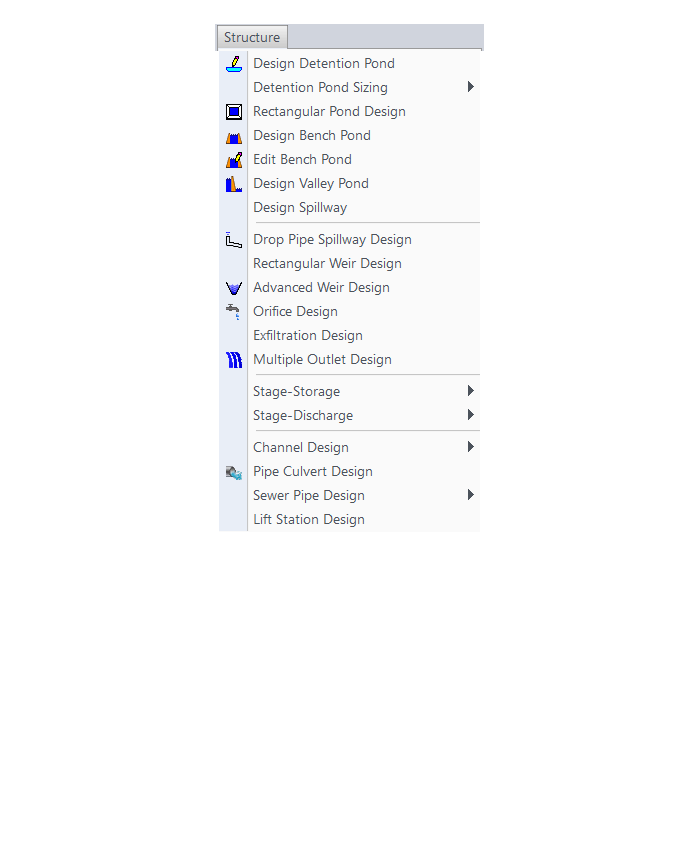
Network Menu
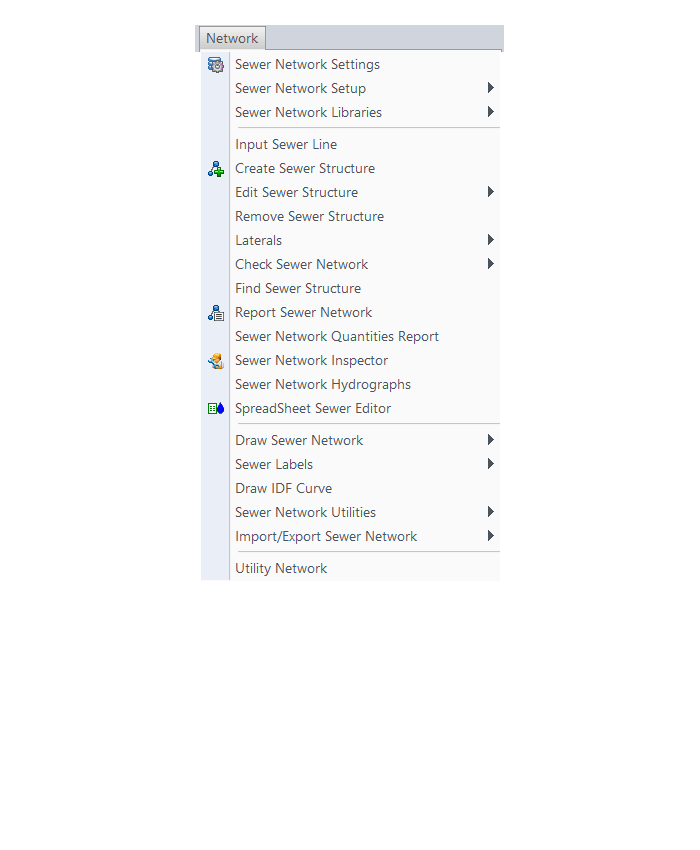
HydroCAD Menu
The menus below are in all non-OEM programs of Carlson 2017 desktop software
(Click image to see more)
If you find the material on this website helpful, please consider supporting That CAD Girl by purchasing our products or services.
If you are interested in purchasing products or services we do not offer, we would love to refer you to oe of our Trusted Partners. Please click here to send us a message with your request.
[FAQ303] What features & menus are in Carlson Civil? (a running thread)
+Carlson Civil 2017

Features and Benefits of Civil 2017
- Utilize the very best Carlson software support tools for all your design build, site design & site grading, subdivision design & subdivision grading and road design & road grading needs,
- Perform tasks associated with civil BIM (Building Information Modeling),
- Use the Lot Network feature to create a dynamic subdivision design that takes into account road centerline and right of way, building setbacks, wetland or poor soils areas and inserts one or more building footprints onto each lot,
- Use vehicle path tracking to ensure adequate roadway clearance,
- Create, define, edit and draw centerline alignments using a variety of methods including best fit,
- Easily elevate 2d, zero-elevation polylines from points, text or text with a leader for detailed site grading,
- Label elevation, slope and other properties of polylines,
- Design a centerline and profile along a surface that maintains a maximum slope,
- Import surfaces from Civil 3d and Google Earth®,
- Create surface model files for existing and proposed conditions,
- Design and balance cut and fill for one or more building pads at a time,
- Edit the contours generated from a surface model and automatically update the underlying TIN file,
- Calculate earthwork volumes between two surfaces including building pads, stockpiles and borrow pits,
- Report storage volumes for bench and valley ponds that can be designed using various design criteria such as adding multiple interior benches and automatically removing the berm in cut conditions,
- Use the layer-based SiteNet commands to calculate and report volumes and/or quantities:
- Of an entire site or within a perimeter Polyline,
- Of cut & fill dirt; of topsoil removal & replacement; of materials such as asphalt, stone, concrete and curb; and of pipe and structure depth,
- That can be exported directly to Microsoft Excel®,
- Create cut & fill color maps or a grid of cut and fill labels,
- Create, define, edit and draw profiles using a variety of methods including best fit,
- Create, define, edit and draw cross sections using a variety of methods,
- Define, edit and draw typical cross sections to create a library of roadway templates that meet detailed design standards,
- Use the Road Network feature to dynamically design a network of highways or roads that automatically tie intersections together, allow detailed grading at each intersection and cul-de-sac and allow real-time volume determination as the road profile is adjusted,
- Design roads that that incorporate varying roadway widths, multiple templates, super elevation, topsoil removal & replacement, road rehabilitation including overlays after leveling or milling operations and more,
- Automatically elevate building pads and property lot lines using grading rules applied to a road design,
- Process Road Design for final sections, final contours and volumes,
- Pick a button to “Process” or have updates automatically occur when changes to centerlines or surfaces affect profiles, changes to profiles affect cross sections or changes to surfaces affect storm or sewer structures,
- Automatically generate a Carson software support plan and profile sheets in model or paper space where the plan and profile views can be shifted or rotated incrementally with the pick of a button,
- View your entities or surfaces in 3d or drive through them in a humvee, police car or school bus.
Menus in Civil 2017
Menu Bar in Civil 2017

The menus below are available in Carlson Civil 2017
3D Data Menu
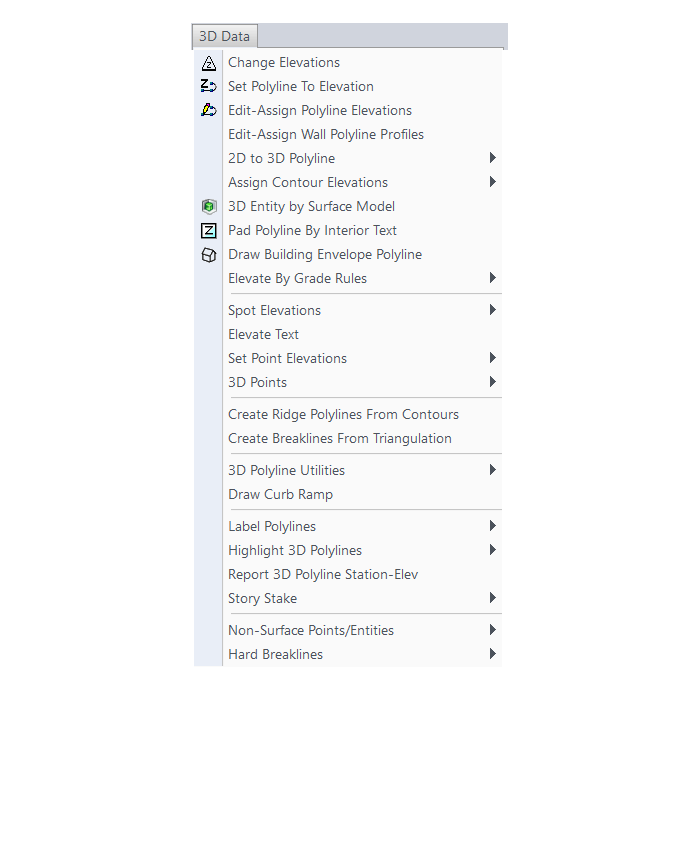
Surface Menu
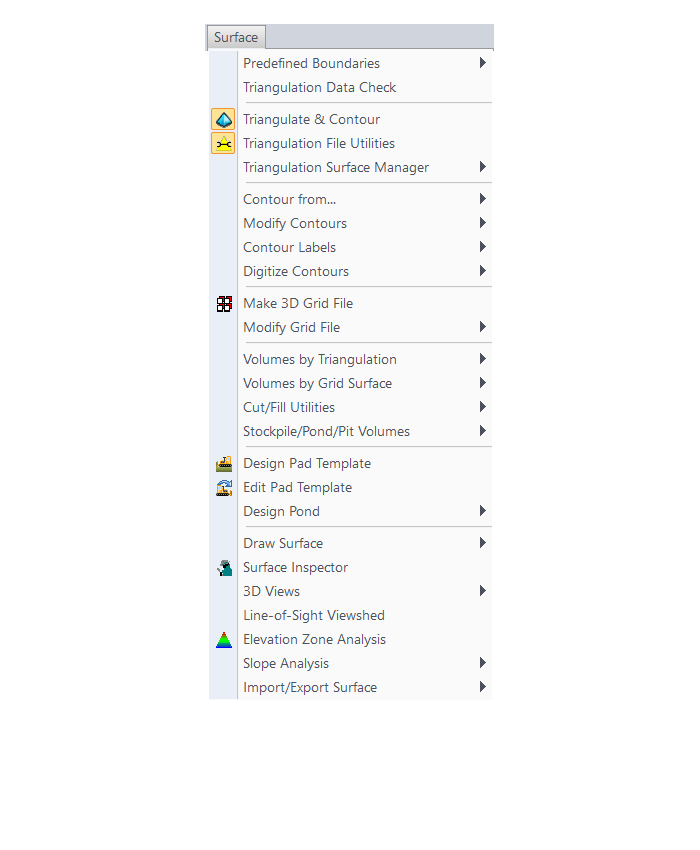
SiteNet Menu
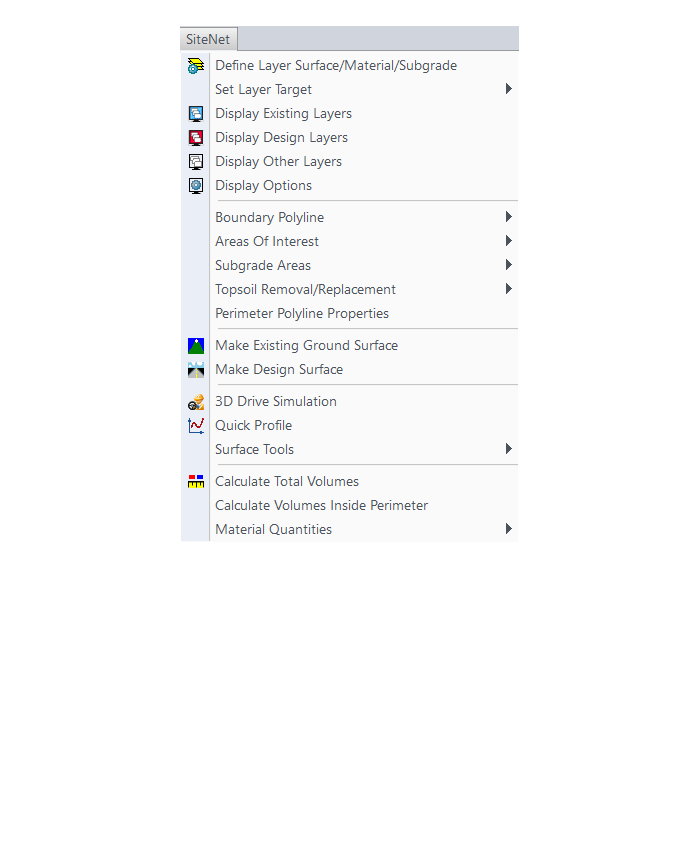
Centerline Menu
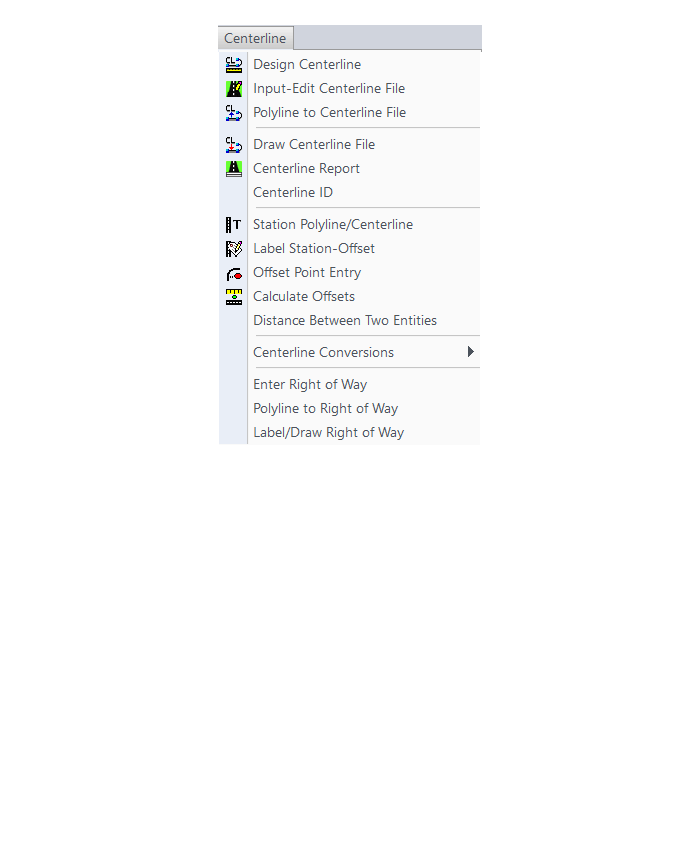
Profiles Menu
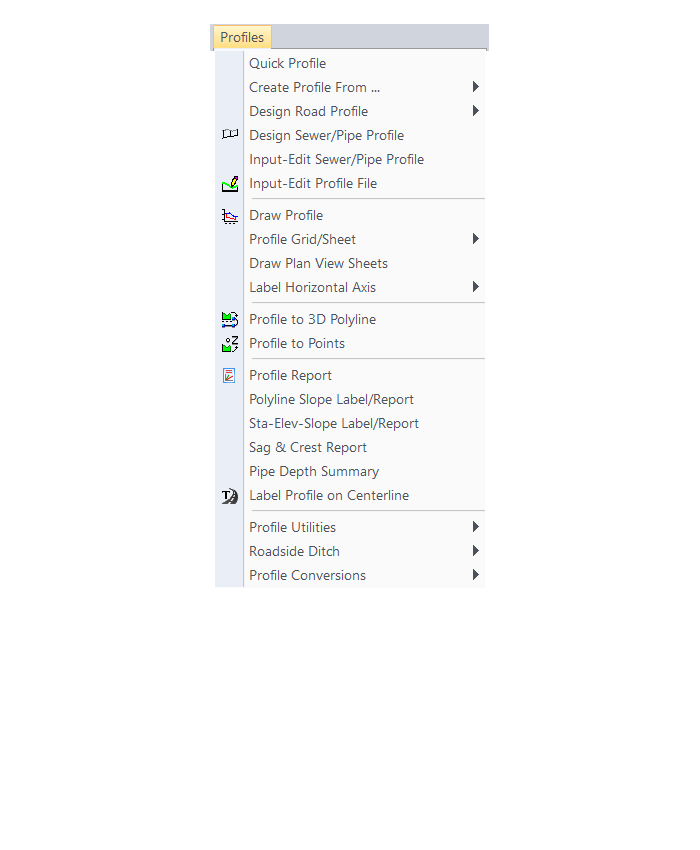
Sections Menu
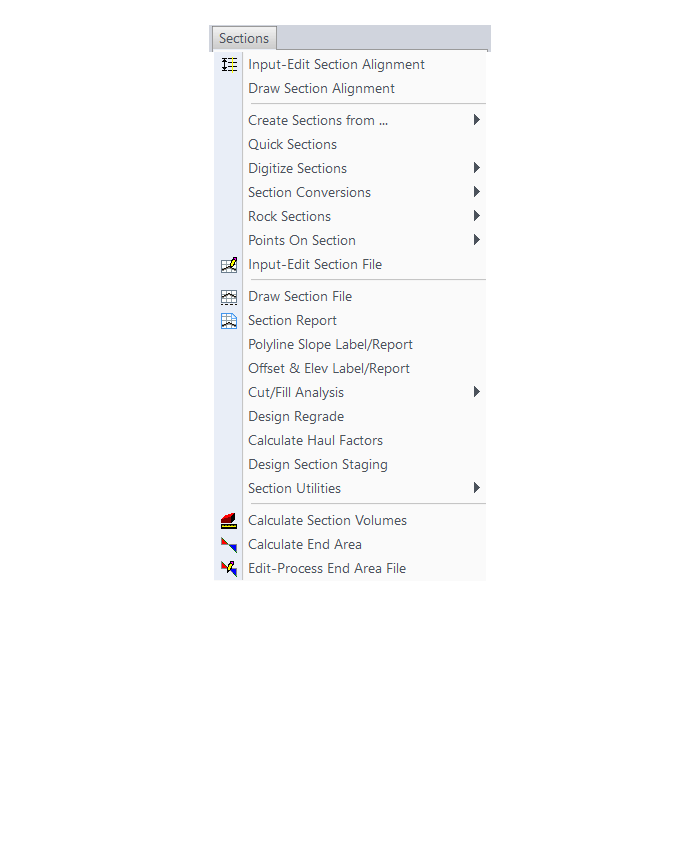
Roads Menu
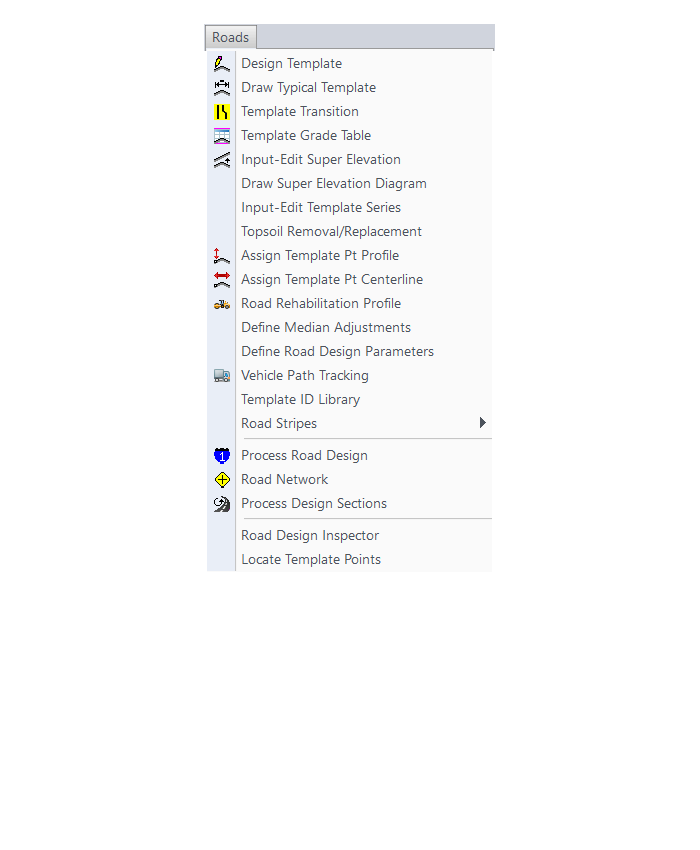
Area Layout Menu
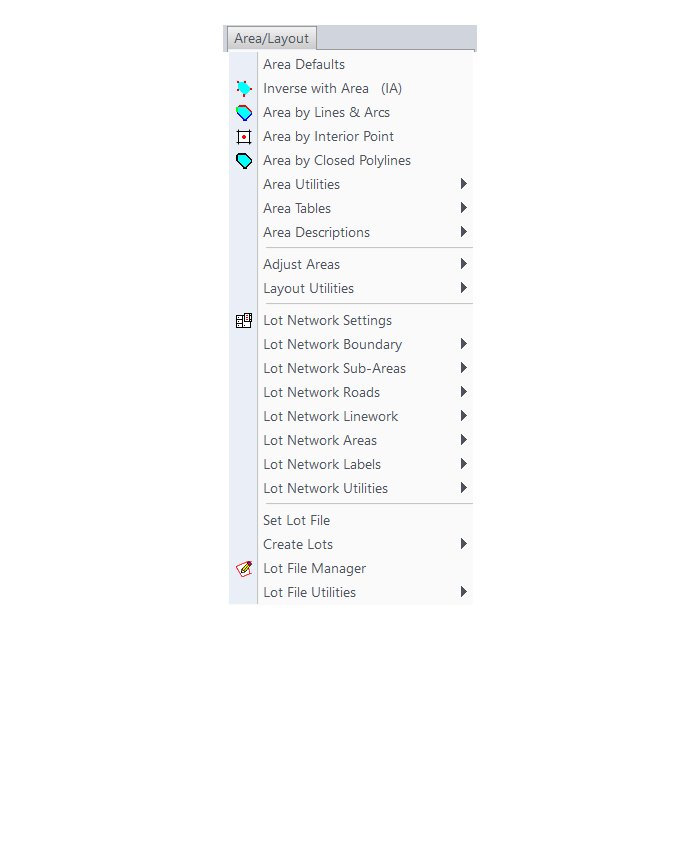
Annotate Menu
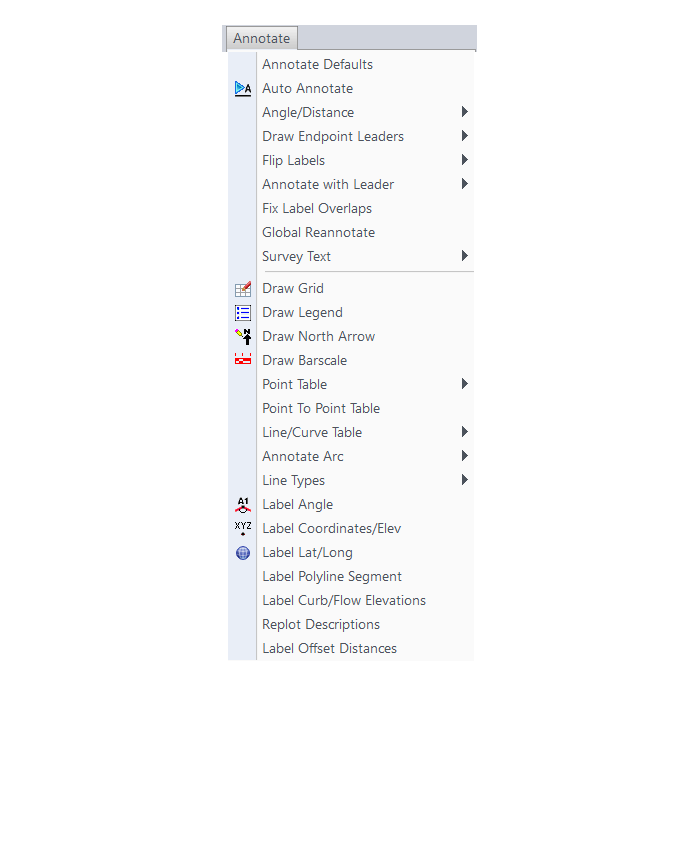
The menus below are in all non-OEM programs of Carlson 2017 desktop software
(Click image to see more)
If you find the material on this website helpful, please consider supporting That CAD Girl by purchasing our products or services.
If you are interested in purchasing products or services we do not offer, we would love to refer you to oe of our Trusted Partners. Please click here to send us a message with your request.
[FAQ302] What features & menus are in Carlson Survey with embedded AutoCAD (OEM)? (a running thread)
+Survey 2017 with embedded AutoCAD (OEM)

Features and Benefits of Survey 2017 with embedded AutoCAD (OEM)
Carlson Survey is a comprehensive program containing all of the tools that a surveyor needs. Here are some of the things you can do with Carlson Survey:
- Access both the Carlson Survey and the full C & G menus,
- Utilize the very best software tools for all your site design & subdivision design needs,
- Enter deed descriptions and generate a variety of lot reports including fully customizable legal descriptions,
- Enter deed descriptions and correlate field located property corners with deed property corners to find the best fit orientation & alignment,
- Use the Deed Reader command to extract deed line and curve data from a text file (the text file can sometimes be generated using the OCR feature of scanning software),
- Use the Lot Network feature to create a dynamic subdivision design that takes into account road centerline and right of way, building setbacks, wetland or poor soils areas and inserts one or more building footprints onto each lot,
- Have full point CAD management capabilities including data collector download/upload, import/export points in text and most other formats including Civil 3d,
- Process raw data files using various methods including SurvNet Least Squares,
- Perform dozens of COGO functions,
- Use Field to Finish (F2F) to process automatic linework and description key/description code definitions,
- Utilize dozens of time-saving point stake out commands,
- Import surfaces from Civil 3d and Google Earth®,
- Create surface model files for existing and proposed conditions,
- Edit the contours generated from a surface model and automatically update the underlying TIN file,
- Design and balance cut and fill for one or more building pads at a time,
- Calculate earthwork volumes between two surfaces including building pads, stockpiles and borrow pits,
- Create, define, edit and draw centerline alignments using a variety of methods including best fit,
- Create, define, edit and draw profiles using a variety of methods,
- Automatically update stationing when centerlines change, profiles when centerlines or surfaces change, etc,
- Automatically generate plan and profile sheets in model or paper space,
- Import, edit and export GIS shape files,
- Import a variety of image files including MrSid and geo-referenced TIF and JPG files.
Menus in Survey 2017 with embedded AutoCAD (OEM)
Menu bar in Survey 2017 showing the compact version of the CG-Survey menu

The menus below are available in Carlson Survey 2017 with embedded AutoCAD (OEM)
File Menu
Edit Menu
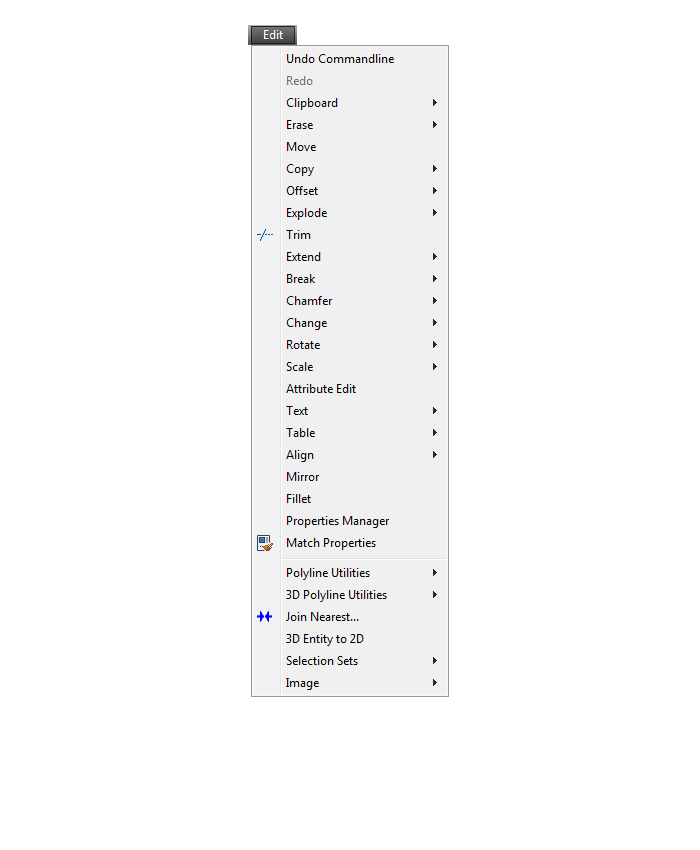
View Menu
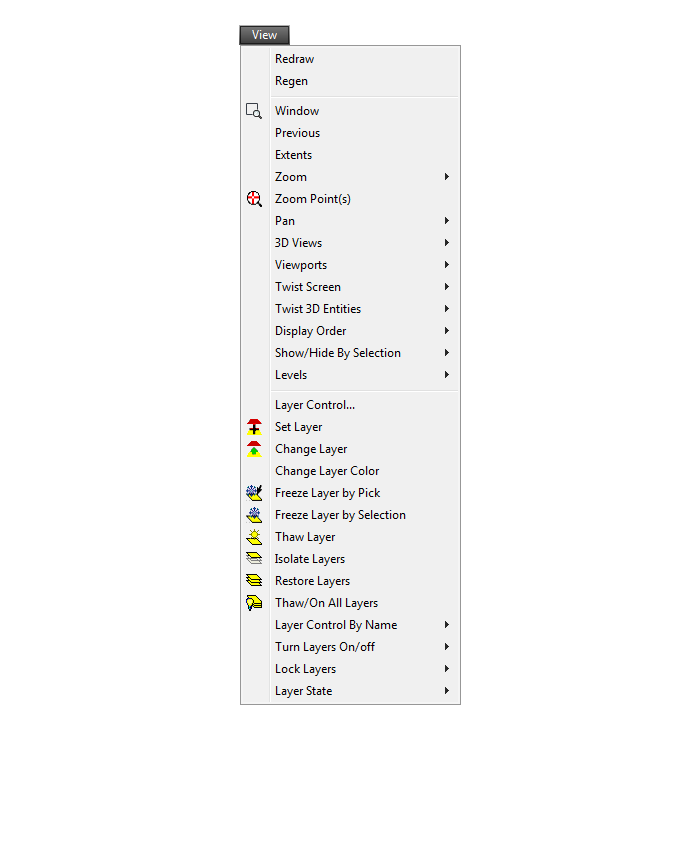
Draw Menu
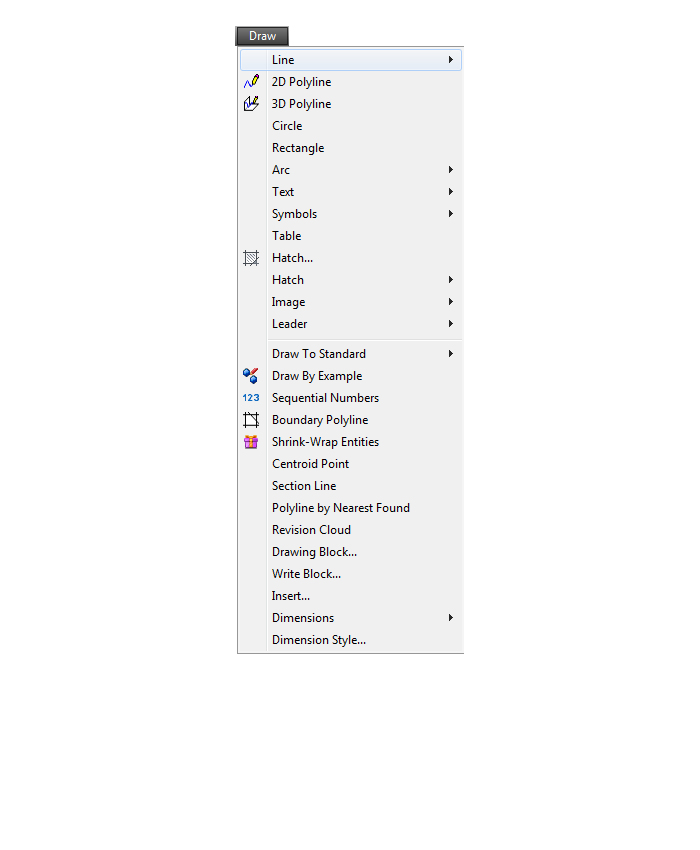
Inquiry Menu
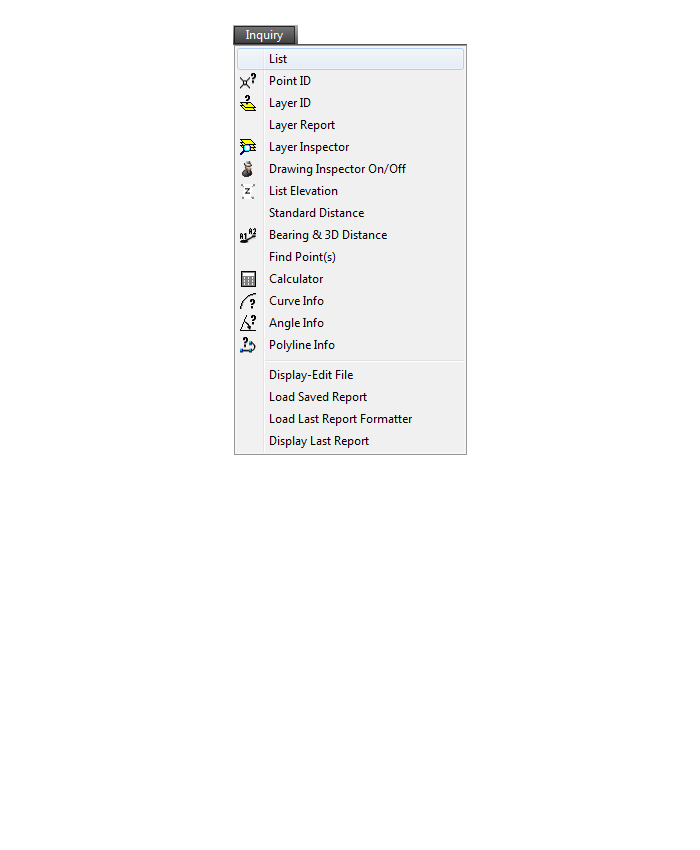
Settings Menu
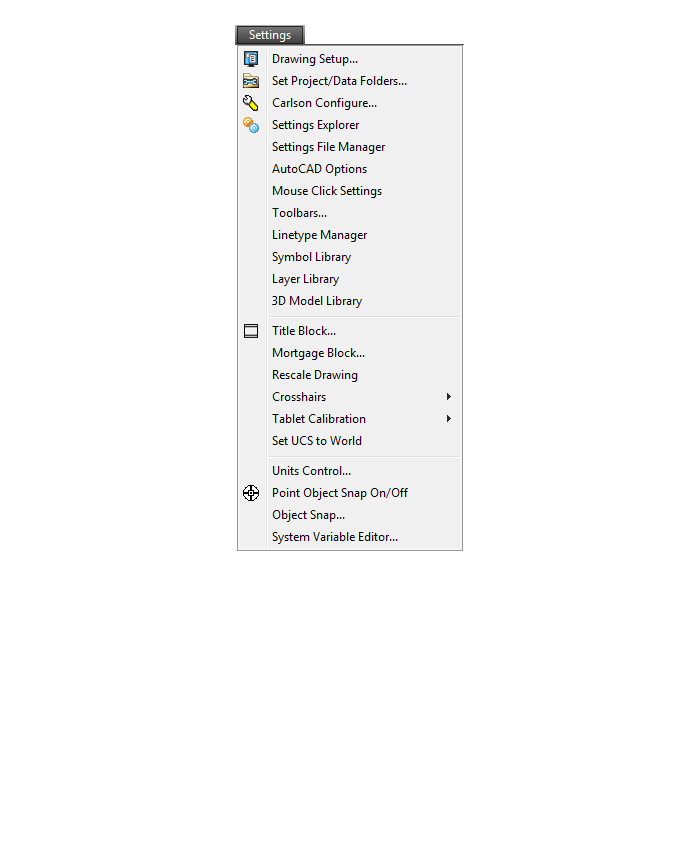
Points Menu
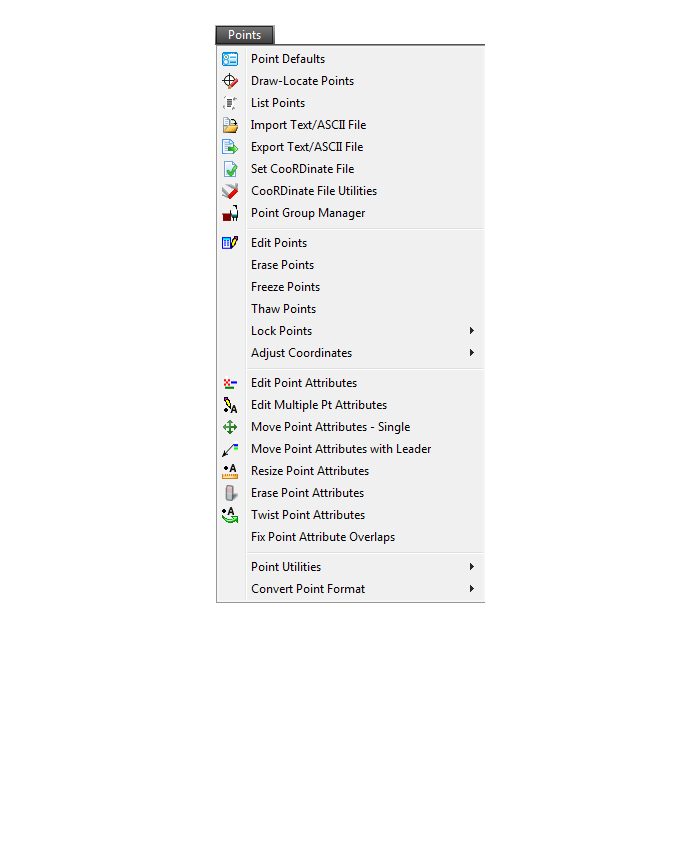
Survey Menu
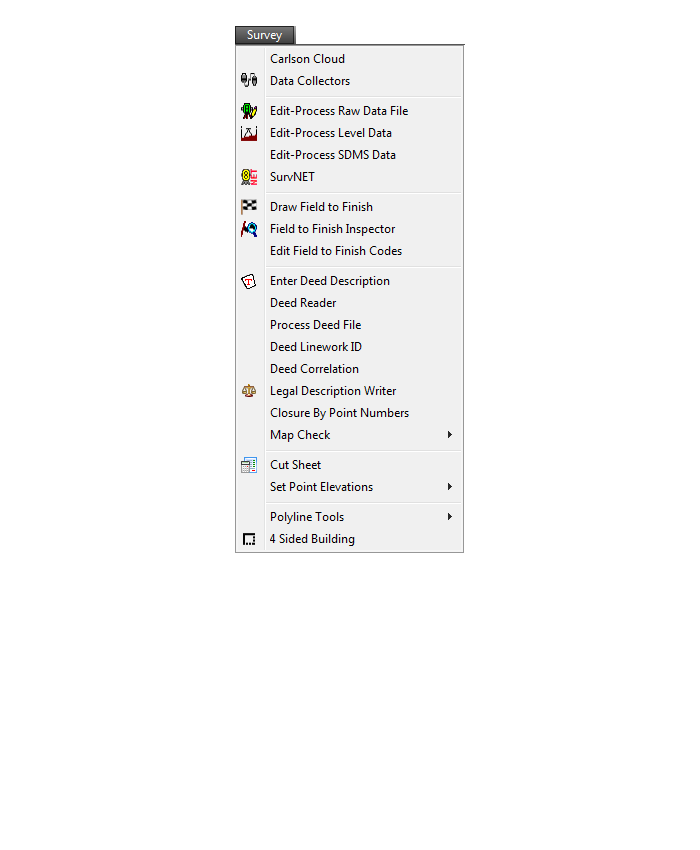
COGO Menu
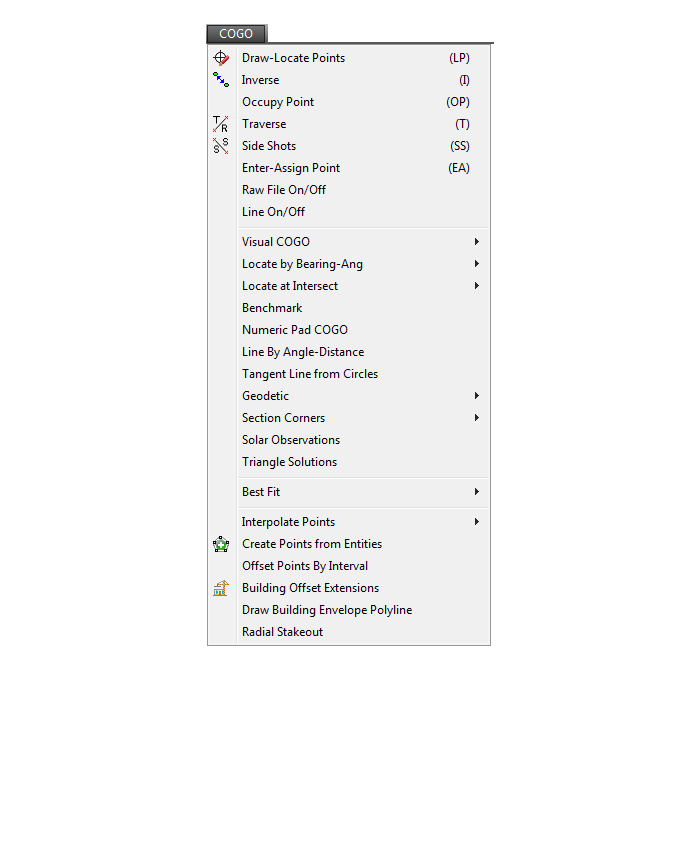
Centerline Menu
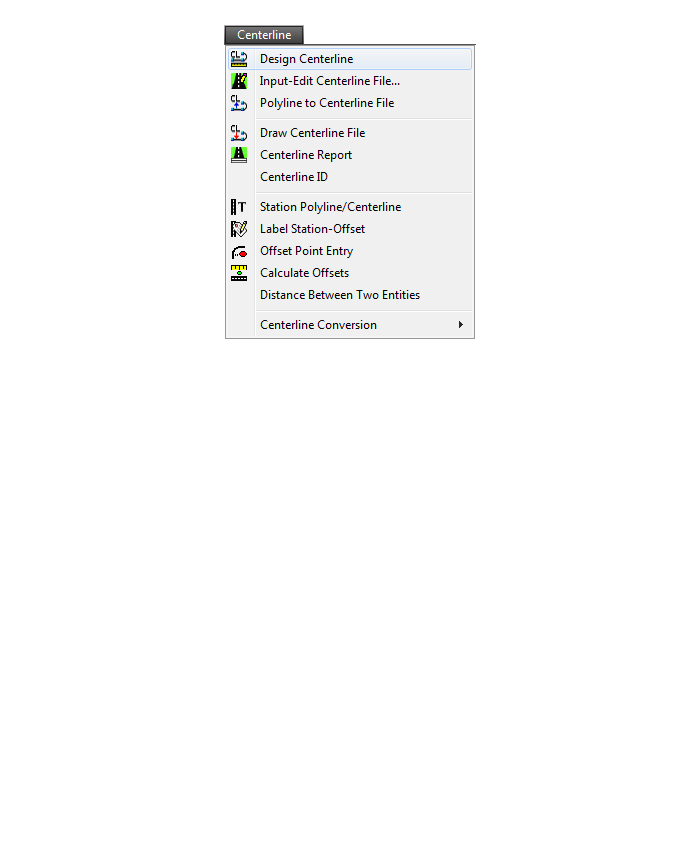
Area/Layout Menu
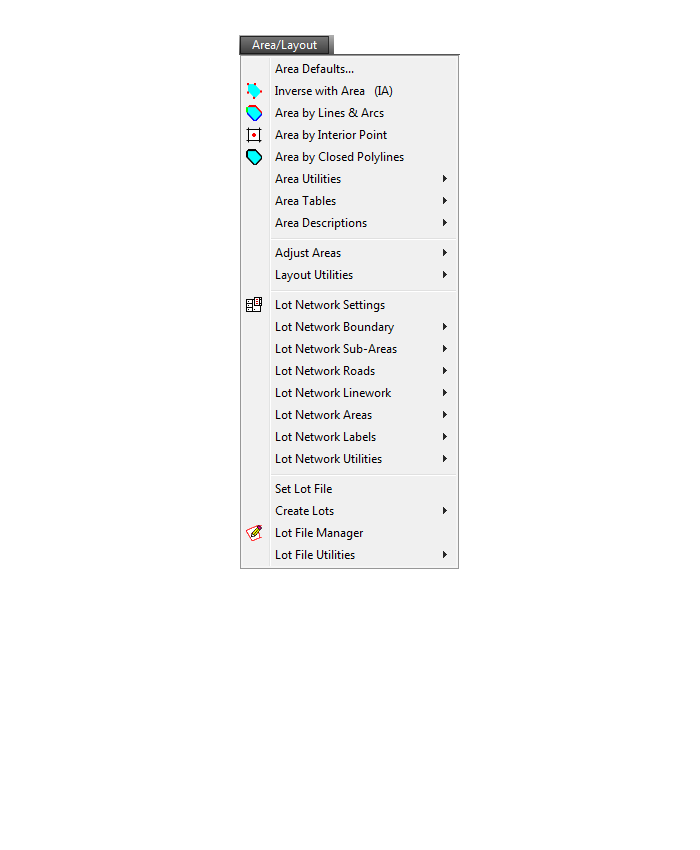
Annotate Menu
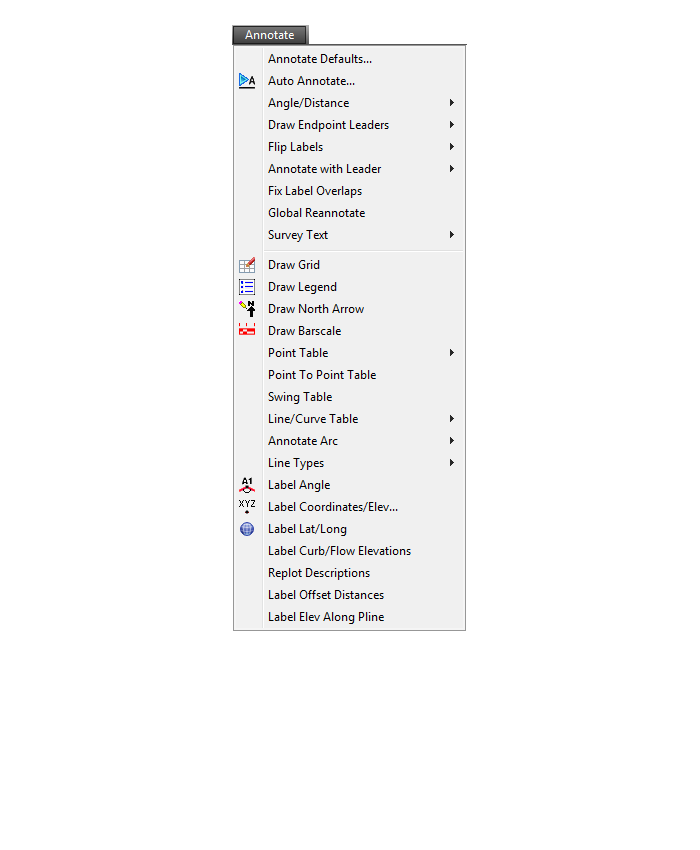
Surface Menu
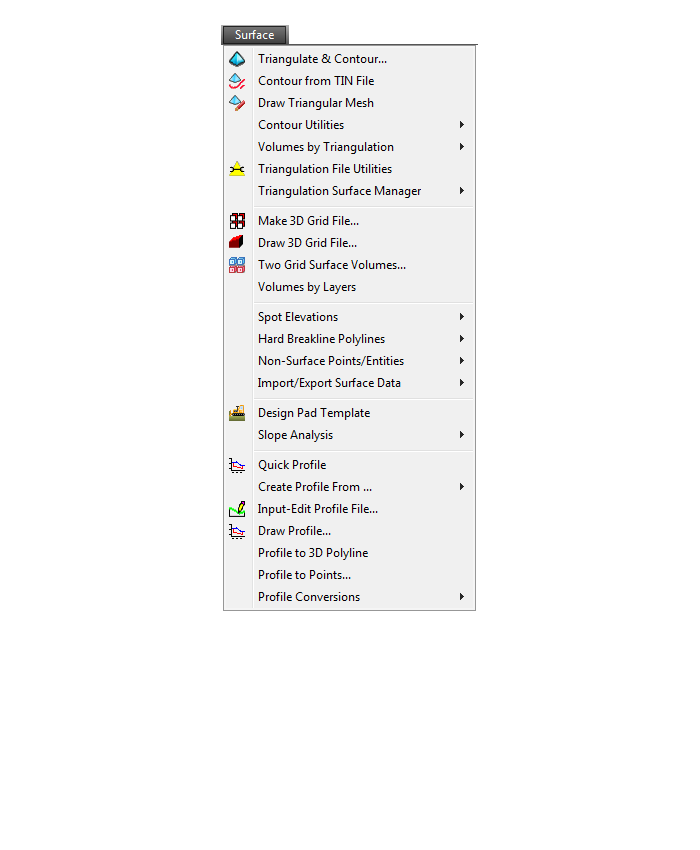
GIS Menu
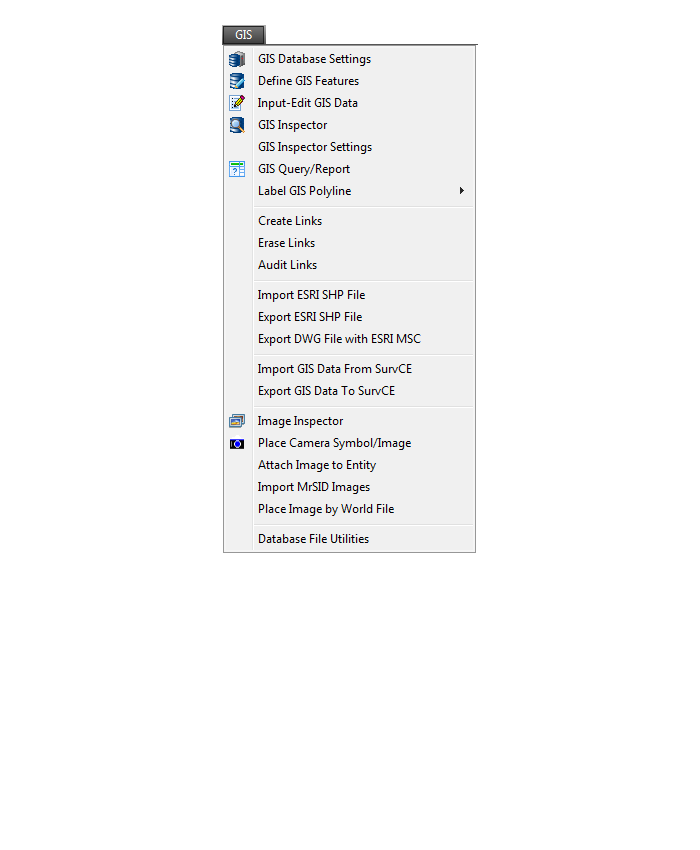
CG-Survey Menu
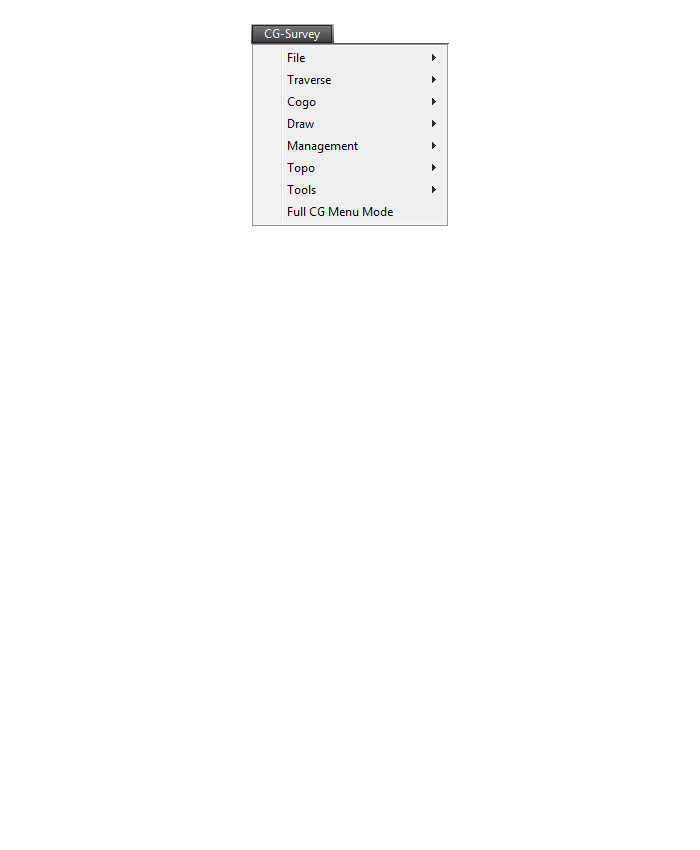
Window Menu
Help Menu
Menu bar in Survey 2017 showing the expanded version of the CG-Survey menu

The menus below are available when using the expanded version of the CG-Survey menu
CG File Menu
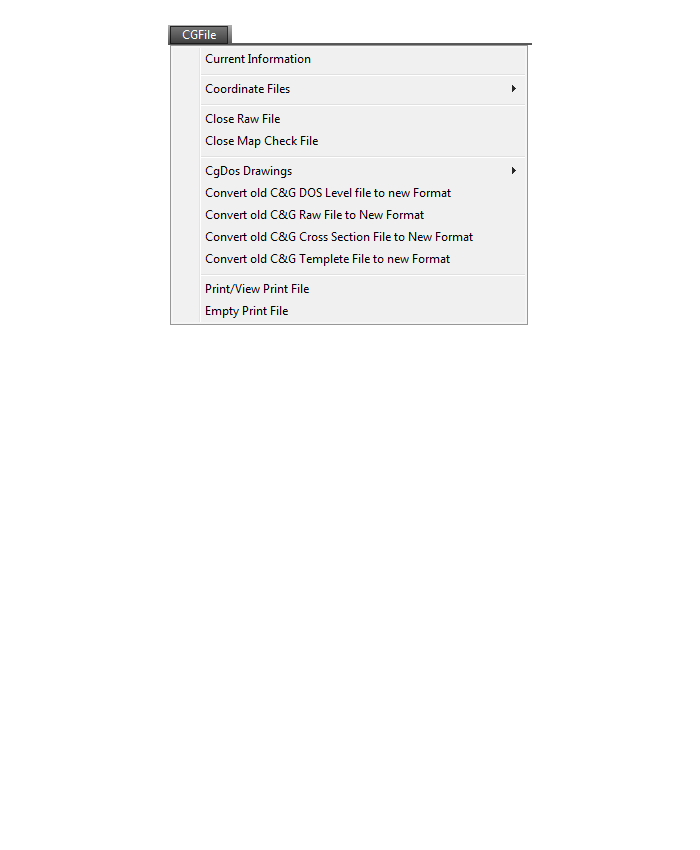
CG Trav Menu
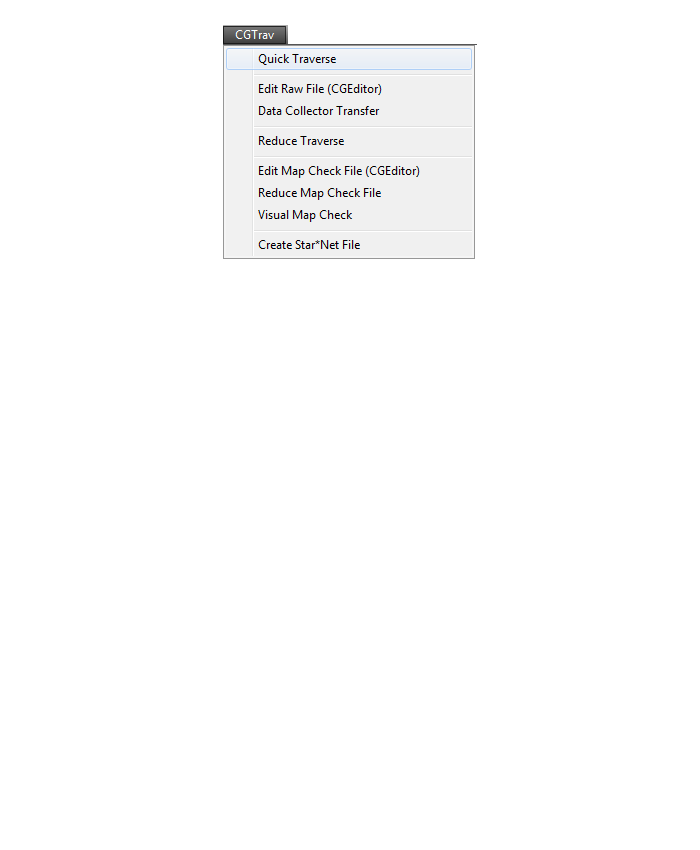
CG Cogo Menu
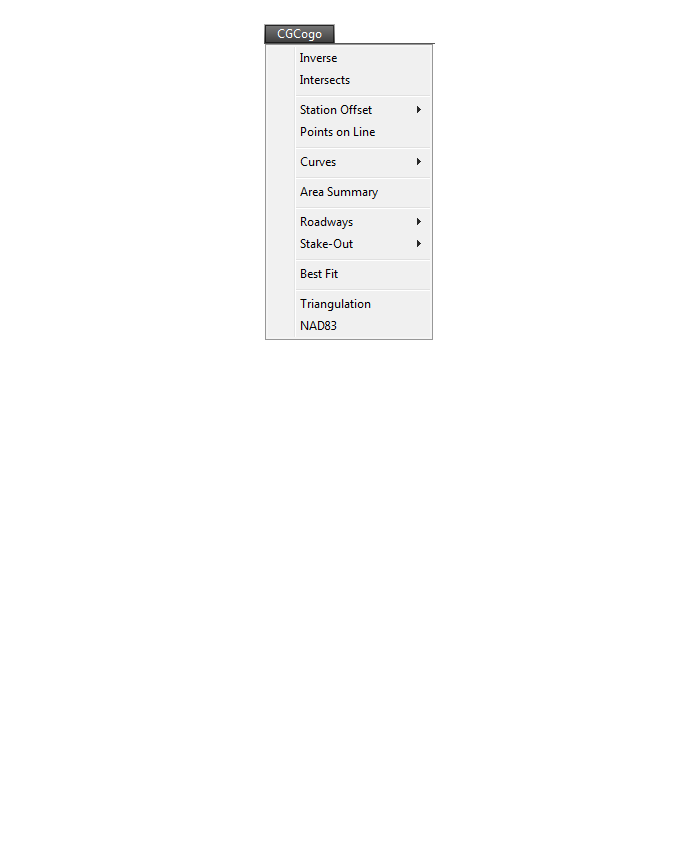
CG Draw Menu
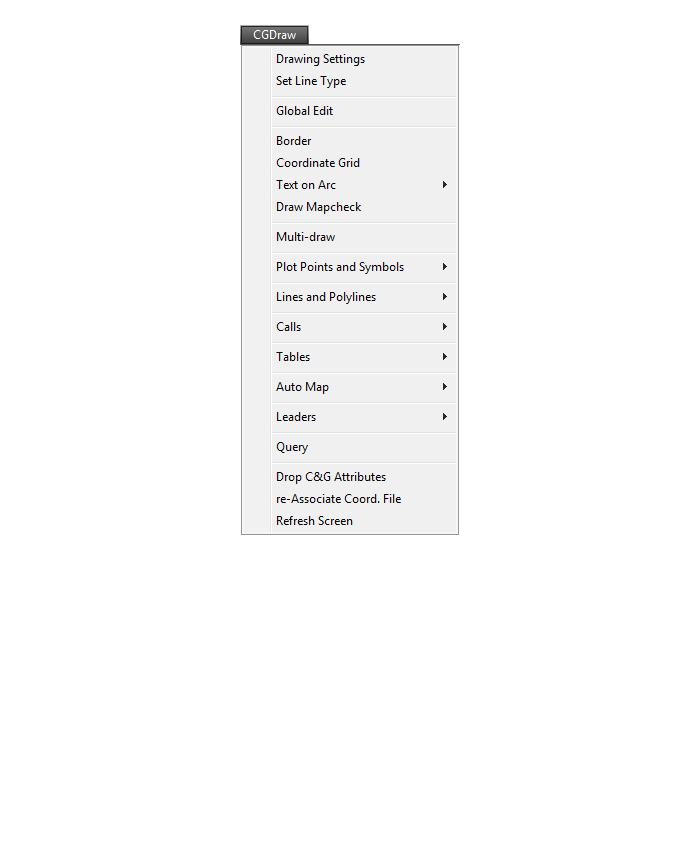
CG Mngmt Menu
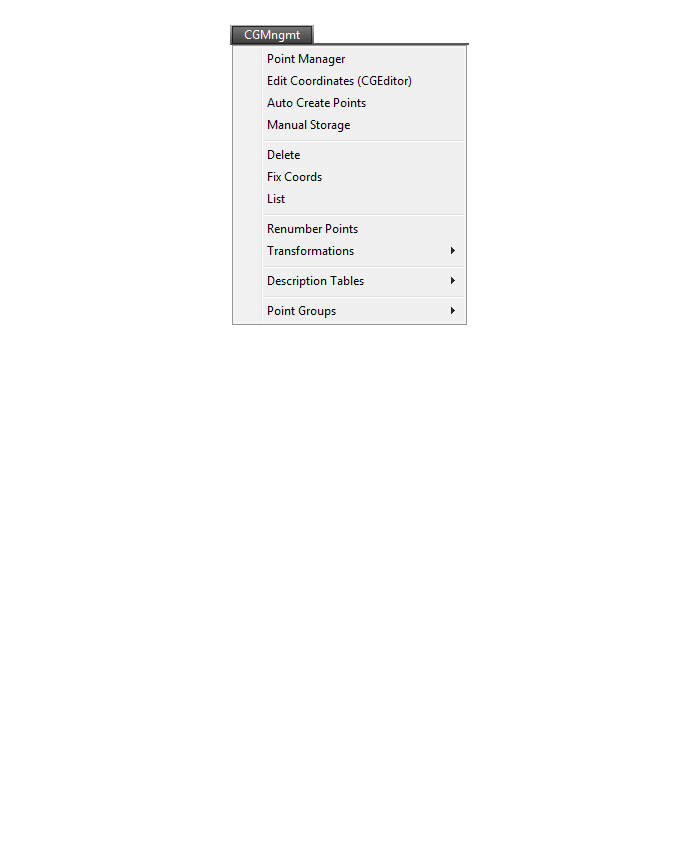
CG Topo Menu

CG Tools Menu
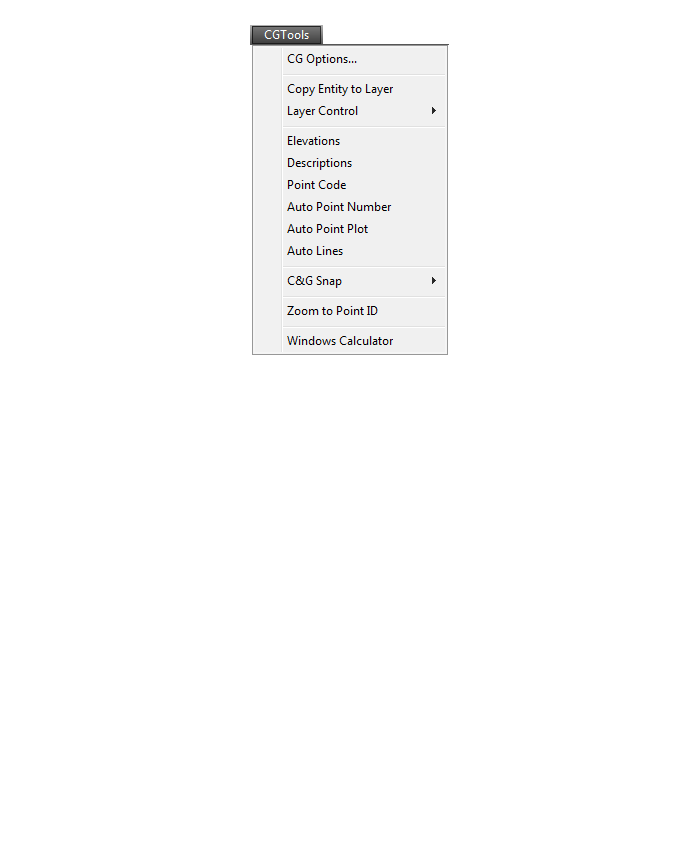
If you find the material on this website helpful, please consider supporting That CAD Girl by purchasing our products or services.
If you are interested in purchasing products or services we do not offer, we would love to refer you to oe of our Trusted Partners. Please click here to send us a message with your request.
[FAQ301] What features & menus are in the non-OEM Carlson Survey program? (a running thread)
+Survey 2017 with IntelliCAD or for your AutoCAD

Features and Benefits of Survey 2017
Carlson Survey is a comprehensive, CAD software program containing all of the tools that a surveyor needs. Here are some of the things you can do with Carlson Survey:
- Access both the Carlson Survey and the full C & G menus,
- Utilize the very best software tools for all your site design & subdivision design needs,
- Enter deed descriptions and generate a variety of lot reports including fully customizable legal descriptions,
- Enter deed descriptions and correlate field located property corners with deed property corners to find the best fit orientation & alignment,
- Use the Deed Reader command to extract deed line and curve data from a text file (the text file can sometimes be generated using the OCR feature of scanning software),
- Use the Lot Network feature to create a dynamic subdivision design that takes into account road centerline and right of way, building setbacks, wetland or poor soils areas and inserts one or more building footprints onto each lot,
- Have full point management capabilities including data collector download/upload, import/export points in text and most other formats including Civil 3d,
- Process raw data files using various methods via CAD software including SurvNet Least Squares,
- Perform dozens of COGO functions,
- Use Field to Finish (F2F) to process automatic linework and description key/description code definitions,
- Utilize dozens of time-saving point stake out commands,
- Import surfaces from Civil 3d and Google Earth®,
- Create surface model files for existing and proposed conditions,
- Edit the contours generated from a surface model and automatically update the underlying TIN file,
- Design and balance cut and fill for one or more building pads at a time,
- Calculate earthwork volumes between two surfaces including building pads, stockpiles and borrow pits,
- Create, define, edit and draw centerline alignments using a variety of methods including best fit,
- Create, define, edit and draw profiles using a variety of methods,
- Automatically update stationing when centerlines change, profiles when centerlines or surfaces change, etc,
- Automatically generate plan and profile sheets in model or paper space,
- Import, edit and export GIS shape files,
- Import a variety of image files including MrSid and geo-referenced TIF and JPG files.
Menus in Survey 2017
Menu bar in Survey 2017 showing the compact version of the CG Survey menu
Survey Menu
COGO Menu
Centerline Menu
Area/Layout Menu
Annotate Menu
Surface Menu
GIS Menu
CG-Survey Menu
Menu bar in Survey 2017 showing the expanded version of the CG-Survey menu
The menus below are available when using the expanded version of the CG-Survey menu
CG File Menu
CG Trav Menu
CG Cogo Menu
CG Draw Menu
CG Mngmt Menu
CG Topo Menu
CG Tools Menu
The menus below are in all non-OEM programs of Carlson 2017 desktop software
(Click image to see more)
If you find the material on this website helpful, please consider supporting That CAD Girl by purchasing our products or services.
If you are interested in purchasing products or services we do not offer, we would love to refer you to oe of our Trusted Partners. Please click here to send us a message with your request.
[FAQ300] What features & menus are in ALL Carlson, non-OEM, desktop software programs? (a running thread)
+Carlson 2017
Features and Benefits of all Carlson desktop programs
- Work natively in DWG format files – whether using the IntelliCAD or AutoCAD platform,
- Import DGN, DXF, DWF files,
- Import and Export LandXML/RoadXML files,
- Export Google Earth KML/KMZ files,
- Export files to be used in GPS guided machine control systems,
- Export DTM, Google, Idan, Microstation, MOSS, Peabody, Topcon, and 12D polyline files
- Customize project folders and sub-folders to organize your project data,
- Incorporate your own CAD Standards Tools into basic drafting functions,
Import, export and convert points using text or most any other format including Civil 3d, - Access to the entirety of the Carlson software File, Edit, View, Draw, Inquiry, Settings, Points and 3D Solids menus including these popular commands:
- Drawing cleanup
- 2d and 3d polyline editing commands to reverse polylines, add/remove segments or vertices, etc.
- Shrinkwrap entities
- Boundary polyline
- Erase and Copy by layer
- 3d Viewer Window
- Surface 3d Viewer
- Search Published Control – an Esri-powered command
Menus in all non-OEM Carlson desktop programs
File Menu
Edit Menu
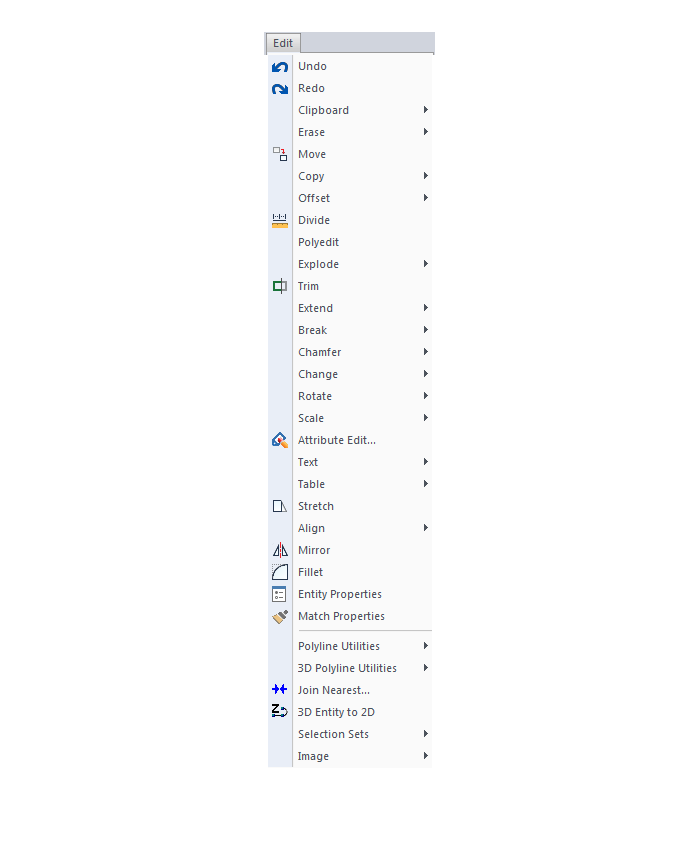
View Menu
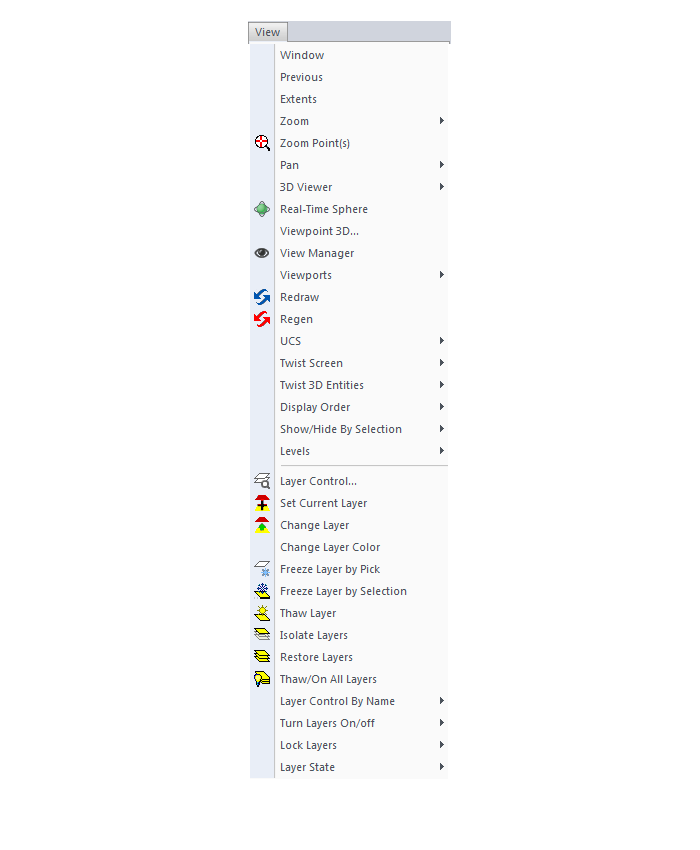
Draw Menu
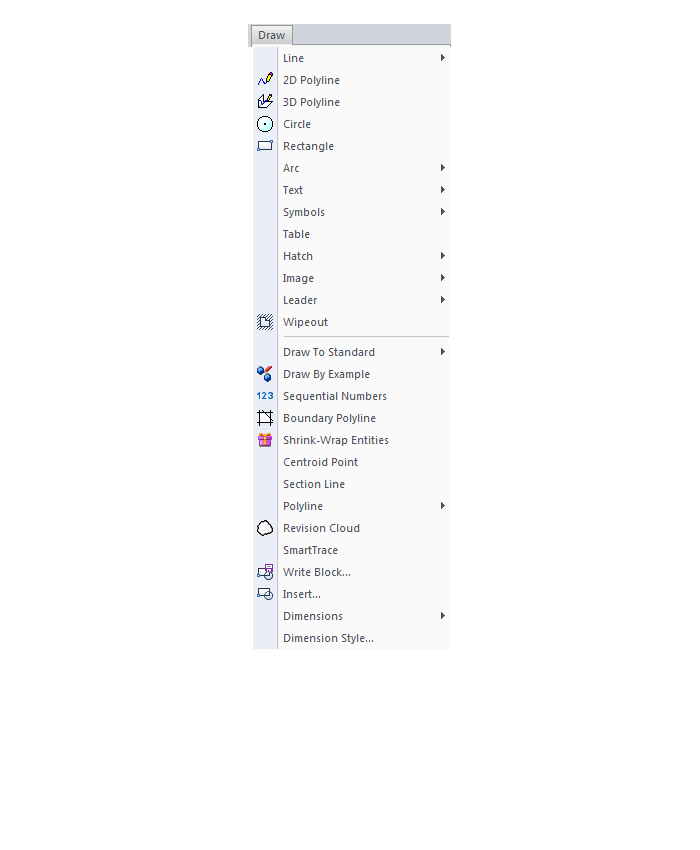
Inquiry Menu
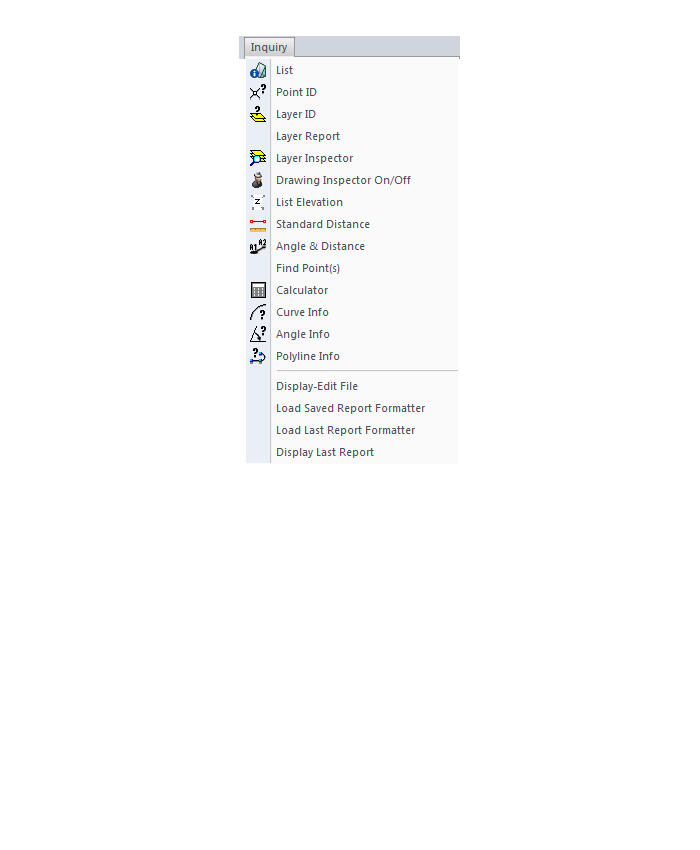
Settings Menu
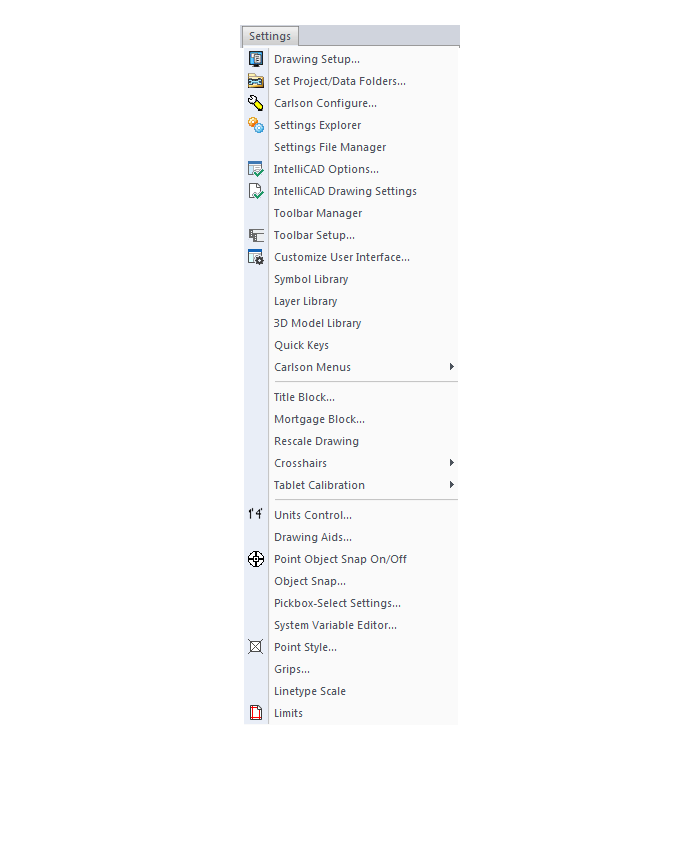
Points Menu
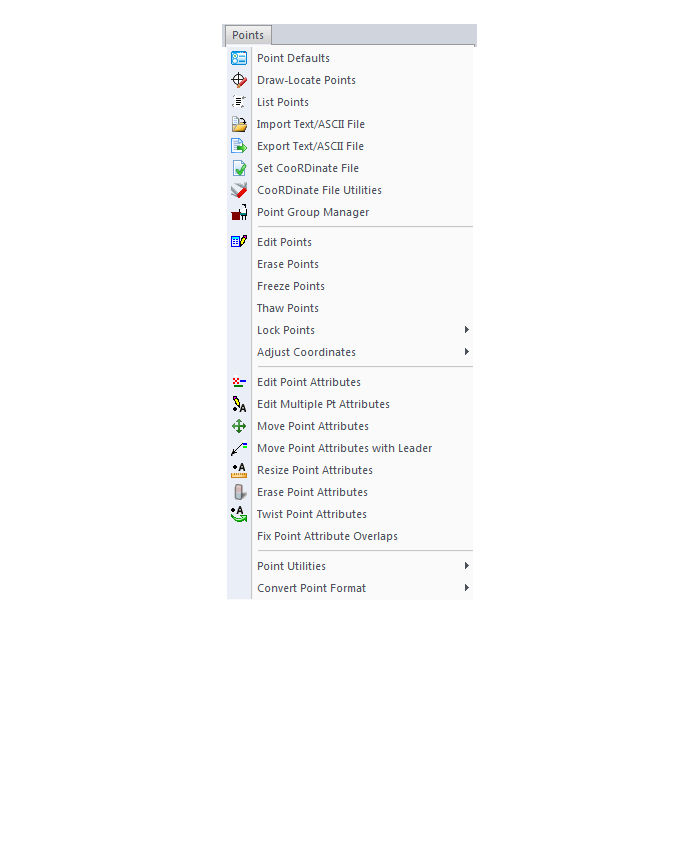
3D Solids Menu
Window Menu
Help Menu
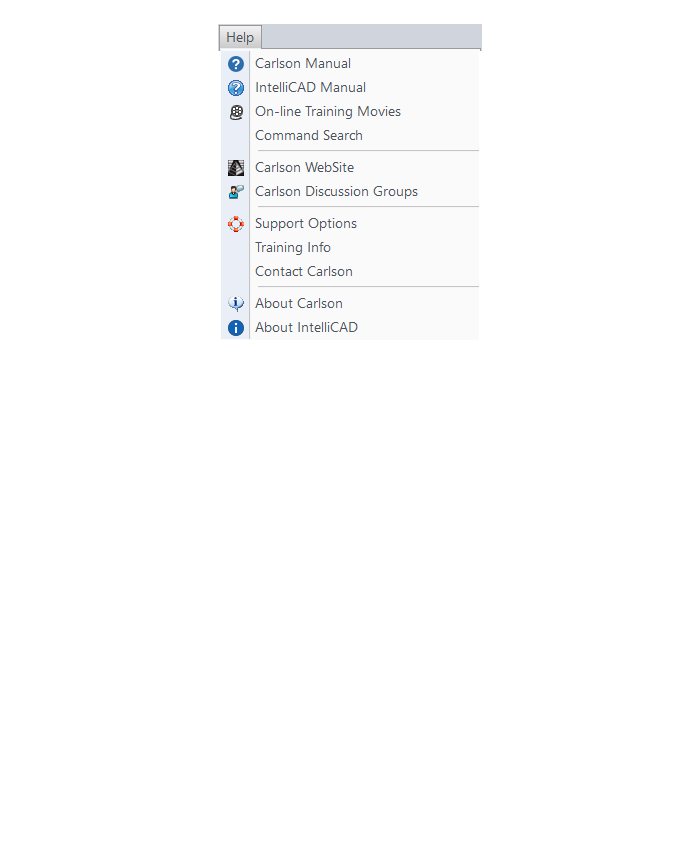
If you find the material on this website helpful, please consider supporting That CAD Girl by purchasing our products or services.
If you are interested in purchasing products or services we do not offer, we would love to refer you to oe of our Trusted Partners. Please click here to send us a message with your request.
[FAQ434] How do I know if I’m running the latest build of my Carlson Software?
+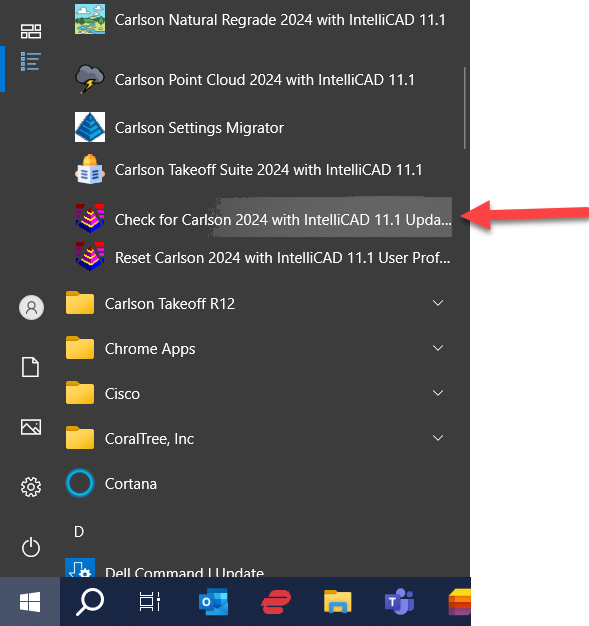
FAQ: Where do I find the build date or build number of my Carlson Software?
FAQ: What is the latest and greatest version/build of my Carlson Software? (a running thread)
FAQ: How can I find out when new versions or builds of Carlson are released?
If you find the material on this website helpful, please consider supporting That CAD Girl by purchasing our products or services.
If you are interested in purchasing products or services we do not offer, we would love to refer you to oe of our Trusted Partners. Please click here to send us a message with your request.
[FAQ241] Is embedded AutoCAD (OEM) more like AutoCAD or AutoCAD LT?
+
If you find the material on this website helpful, please consider supporting That CAD Girl by purchasing our products or services.
If you are interested in purchasing products or services we do not offer, we would love to refer you to oe of our Trusted Partners. Please click here to send us a message with your request.
[FAQ021] Does Carlson with IntelliCAD have an option to print to PDF?
+- PDF995: http://www.pdf995.com
- CutePDF: http://www.cutepdf.com
- PDF Creator: http://sourceforge.net/projects/pdfcreator/
- Adobe Acrobat, of course: http://www.adobe.com
If you find the material on this website helpful, please consider supporting That CAD Girl by purchasing our products or services.
If you are interested in purchasing products or services we do not offer, we would love to refer you to oe of our Trusted Partners. Please click here to send us a message with your request.
[FAQ265] Does Carlson run on a Mac?
+
If you find the material on this website helpful, please consider supporting That CAD Girl by purchasing our products or services.
If you are interested in purchasing products or services we do not offer, we would love to refer you to oe of our Trusted Partners. Please click here to send us a message with your request.
[FAQ022] Is Carlson Field to Finish the same as Land Desktop or Civil 3d Description Keys?
+
If you find the material on this website helpful, please consider supporting That CAD Girl by purchasing our products or services.
If you are interested in purchasing products or services we do not offer, we would love to refer you to oe of our Trusted Partners. Please click here to send us a message with your request.
[FAQ435] How can I find out when new versions or builds of Carlson are released?
+You can also refer to the FAQ below for an active list of the most recent builds for most of the desktop and Carlson field software programs.
FAQ: What is the latest and greatest version/build of my Carlson Software? (a running thread)
FAQ: How do I know if I’m running the latest build of my Carlson Software?
FAQ: Where do I find the build date or build number of my Carlson Software?
If you find the material on this website helpful, please consider supporting That CAD Girl by purchasing our products or services.
If you are interested in purchasing products or services we do not offer, we would love to refer you to oe of our Trusted Partners. Please click here to send us a message with your request.
[FAQ410] Where can I download my Carlson Software?
+If you are doing this manually, you will first have to select the correct program and version for downloading. You can choose your Carlson program and version from a drop-down list or, if you’re not sure of one or both, you can also enter your serial number to find the right download.
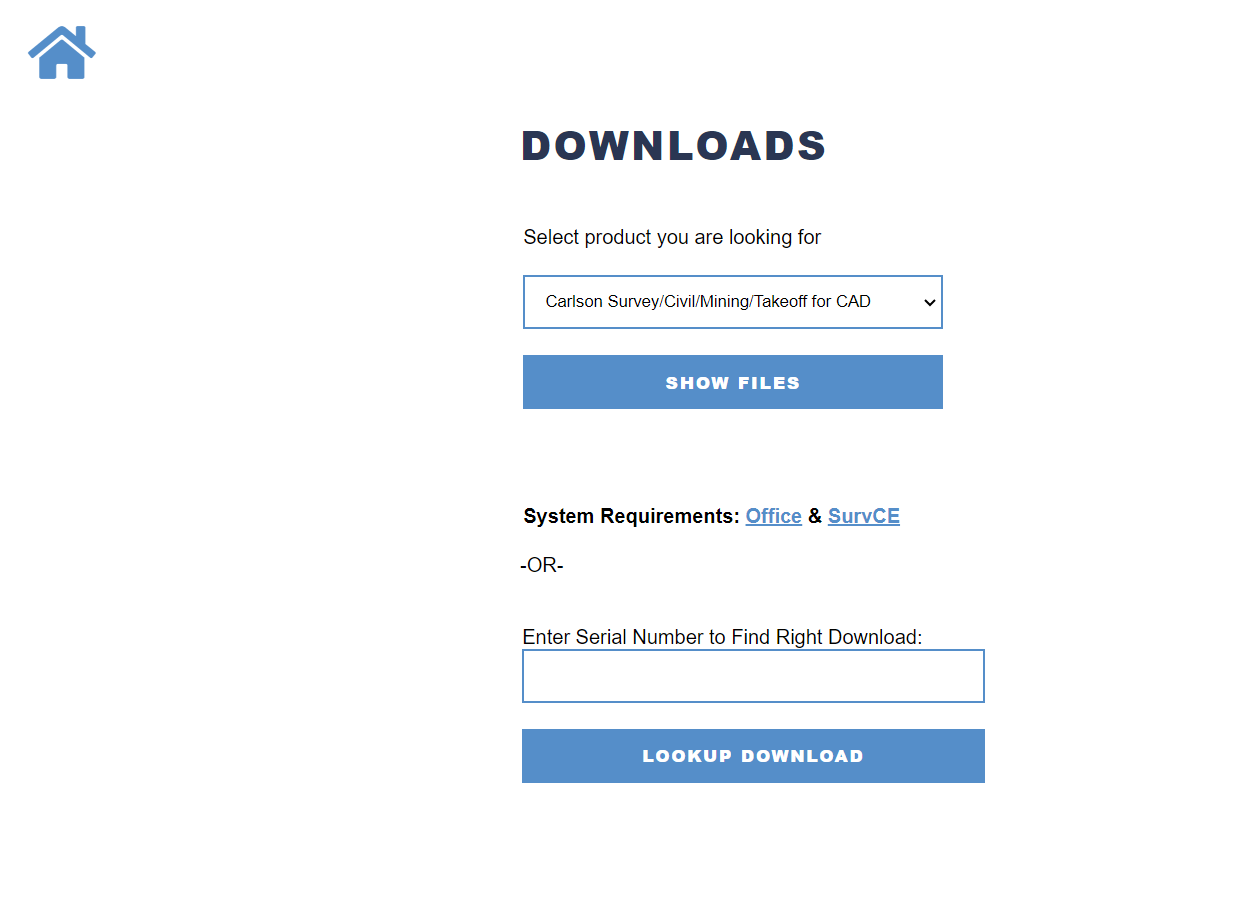
- For any of the Carlson Software desktop products that run on top of AutoCAD or come with IntelliCAD, select the default product Carlson Survey/Civil/Mining/Takeoff for CAD
- For Survey with embedded AutoCAD (OEM) select Carlson Survey Embedded
- For Takeoff with embedded AutoCAD (OEM) select Takeoff
FAQ: How do I know if I’m running the latest build of my Carlson Software?
FAQ: What is the latest and greatest version/build of my Carlson Software? (a running thread)
If you find the material on this website helpful, please consider supporting That CAD Girl by purchasing our products or services.
If you are interested in purchasing products or services we do not offer, we would love to refer you to oe of our Trusted Partners. Please click here to send us a message with your request.
[FAQ433] What is the latest and greatest version/build of my Carlson Software? (a running thread)
+FAQ: Where do I find the build date or build number of my Carlson Software?
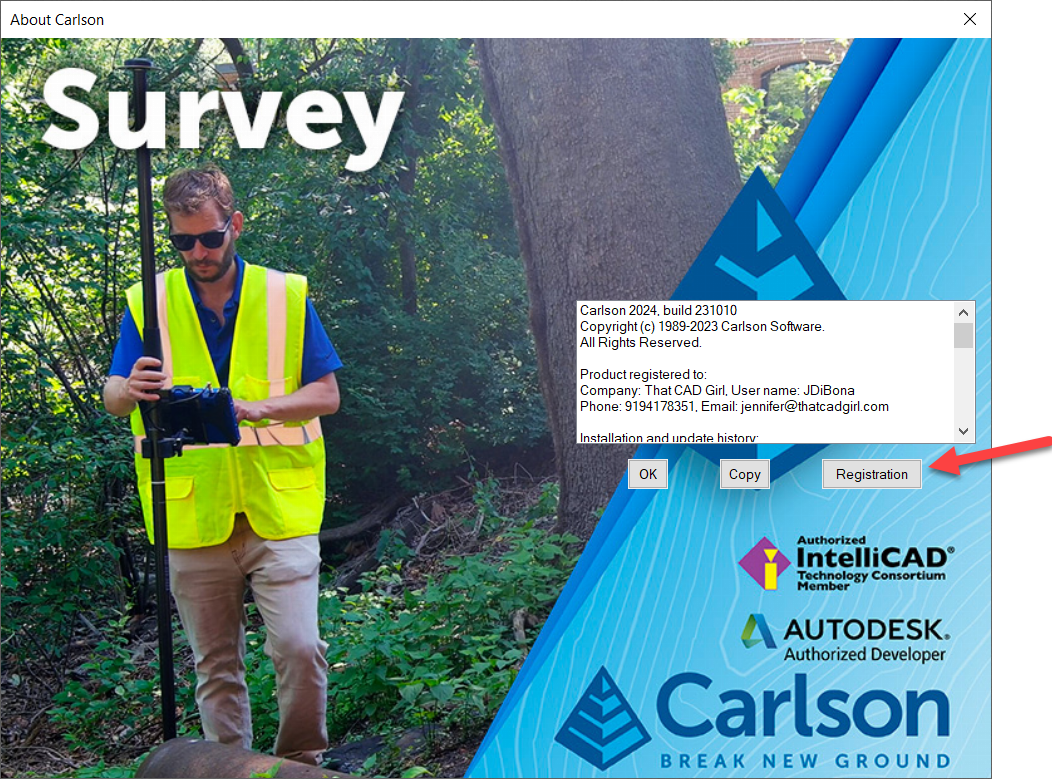
Next, click to highlight your Serial Number and click Downloads to open the download screen specific to your product and version.
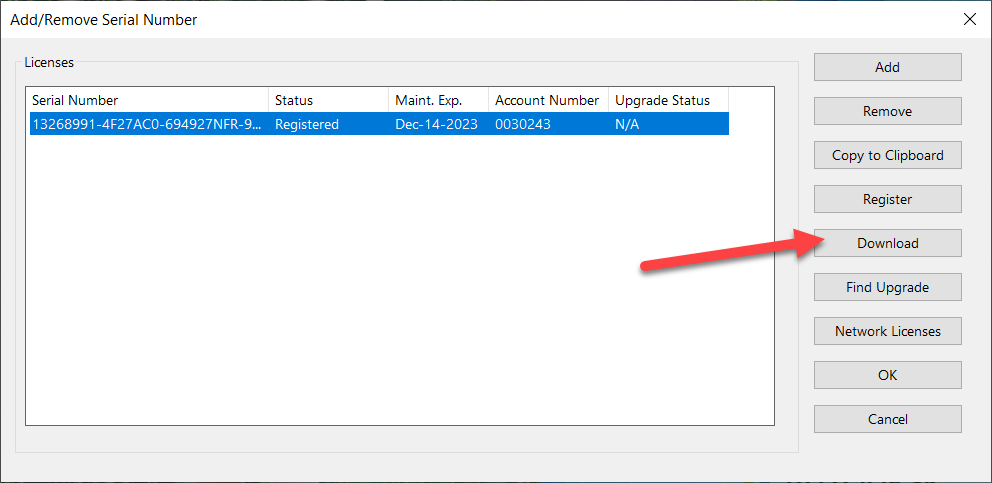
Carlson Survey/Civil/Mining/Takeoff for CAD
This can be installed on AutoCAD or with included Intellicad.
The following modules are included: Survey, Civil, Hydrology, GIS, Basic Mining, Geology, Underground Mining, Surface Mining, Natural Regrade, Field, CADnet, GeoTech, Trench, Construction and Point Clouds.
| Version | Build Date |
|---|---|
| 2025 | 2/12/2025 |
| 2024 | 6/25/2024 |
| 2023 | 9/26/2023 |
| 2022 | 10/11/2022 |
| 2021 | 3/16/2022 |
| 2020 | 9/2/2021 |
| 2019 | 12/20/2019 |
| 2018 | 5/20/2019 |
| 2017 | 11/15/2017 |
| 2016 | 6/29/2016 |
| 2015 | 7/28/2015 |
| 2014 | 8/11/2014 |
Carlson Survey with Embedded AutoCAD (OEM)
| Version | Build Date |
|---|---|
| 2024 | 7/29/2024 |
| 2023 | 11/14/2022 |
| 2022 | 7/22/2022 |
| 2021 | 2/14/2022 |
| 2020 | 6/23/2020 |
| 2019 | 6/28/2019 |
| 2018 | 9/27/2018 |
| 2017 | 6/22/2017 |
| 2016 | 6/15/2016 |
| 2015 | 5/8/2015 |
| 2014 | 7/14/2014 |
Carlson Takeoff with Embedded AutoCAD (OEM)
| Version | Build Date |
|---|---|
| 2022/R13 | 9/15/2024 |
| 2022/R12 | 2/15/2024 |
| 2022/R12 | 6/25/2022 |
| 2020/R11 | 3/10/2021 |
| 2018/R10 | 2/26/2019 |
| 2017/R9 | 7/3/2017 |
| 2016/R8 | 12/11/2015 |
| 2015/R7 | 9/26/2016 |
| 2014/R6 | 5/16/2013 |
SurvPC Data Collection Software
| Version | Build Date |
|---|---|
| 7.xx | 8/29/2023 |
| 6.00 | 7/10/2018 |
| 5.08 | 12/8/2017 |
| 5.06 | 8/1/2017 |
| 5.05 | 4/3/2017 |
| 5.04 | 12/12/2016 |
| 5.03 | 9/6/2016 |
| 5.02 | 7/25/2016 |
| 4.07 | 11/19/2015 |
| 4.06 | 7/23/2015 |
| 4.05 | 5/15/2015 |
| 4.03 | 12/17/2014 |
| 3.03 | 1/24/2014 |
SurvCE Data Collection Software
| Version | Build Date |
|---|---|
| 6.17 | 2/3/2023 |
| 6.16 | 8/16/2022 |
| 6.09 | 1/21/2021 |
| 6.08 | 9/29/2020 |
| 6.07 | 8/4/2020 |
| 6.03 | 5/3/2019 |
| 6.02 | 1/31/2019 |
| 6.00 | 7/10/2018 |
| 5.08 | 12/8/2017 |
| 5.06 | 8/1/2017 |
| 5.05 | 4/3/2017 |
| 5.03 | 9/6/2016 |
| 5.02 | 7/25/2016 |
| 4.07 | 11/19/2015 |
| 4.06 | 7/23/2015 |
| 4.05 | 5/15/2015 |
| 4.03 | 12/17/2014 |
| 3.03 | 1/24/2014 |
Precision 3D Software (Topo, Drill, Blast and Hydro)
| Version | Build Date |
|---|---|
| 2024 | 5/1/2024 |
| 2023 | 8/25/2023 |
| 2022 | 6/16/2023 |
| 2022 | 2/28/2023 |
| 2021 | 7/15/2021 |
| 2021 | 5/14/21 |
| 2020 | 12/11/2020 |
| 2019 | 8/13/2019 |
| 2018 | 1/9/2018 |
| 2017 | 11/19/2017 |
| 2016 | 6/6/2016 |
| 2015 | 6/10/2016 |
If you find the material on this website helpful, please consider supporting That CAD Girl by purchasing our products or services.
If you are interested in purchasing products or services we do not offer, we would love to refer you to oe of our Trusted Partners. Please click here to send us a message with your request.
[FAQ027] Are there any problems running Carlson on Windows 10?
+
Carlson Software running on Windows 10 seems to present just a couple of issues: registration and graphics card/performance. If you encounter any issues you may also want to check in here to see if you can narrow down the problem: KB 1078: Troubleshooting Guide.
Registration:
When Windows 10 originally came out, Carlson 2015 and earlier versions would not install and Carlson had to change the program to make it work, so Carlson 2016 was the first one supported on Windows 10. Microsoft may have changed Windows 10 since then and it’s possible that these versions will install today.
If you ARE able to install these versions, Carlson will able to help with the registration; however, every time Windows 10 has major update, Carlson products prior to the 2017 release will likely lose their registration and will have to be re-registered because Windows changes the signature that was used for the initial registration. Carlson has re-worked this mechanism to avoid the problem in later releases.
Graphics Cards and Performance Issues:
Carlson KB1108: Slow entities creation and modification on Windows 10
Carlson KB1123: Changing graphics card settings to use your dedicated GPU on a Windows computer
Carlson KB1131: NVidia video card: visual artifacts, pixelized lines, wrong text display
Only one that seems to show up every once in awhile… But it’s Microsoft’s fault!!
Windows 10 does updates – automatic updates – a lot. And, sometimes these updates can mess with your Carlson license registration. Carlson has free technical support so you can always call 606.564.5028 or email them at [email protected] during regular business hours but, if this happens on a weekend, their support staff is probably out enjoying Kentucky bourbon. Or something.
So, when Murphy’s Law strikes, you can refer to this Knowledge Base article on Carlson’s website: Carlson KB 995: Windows 10 effect on previously registered software.
If you find the material on this website helpful, please consider supporting That CAD Girl by purchasing our products or services.
If you are interested in purchasing products or services we do not offer, we would love to refer you to oe of our Trusted Partners. Please click here to send us a message with your request.
[FAQ430] How do I register my Carlson Software? And what are change keys?
+Pro-Tip! The Serial Number screen on your That CAD Girl Customer Portal has a “Customer Notes” section – that’s a great place to save your Change Key and other important information about each license!
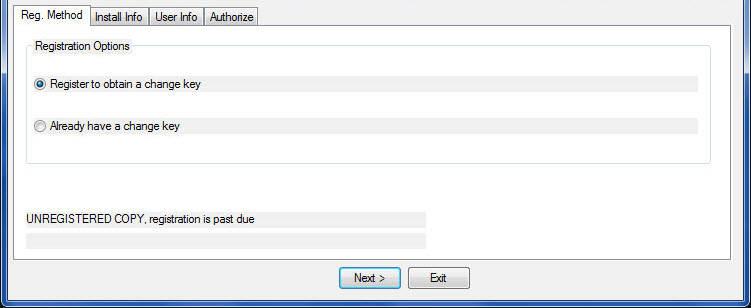
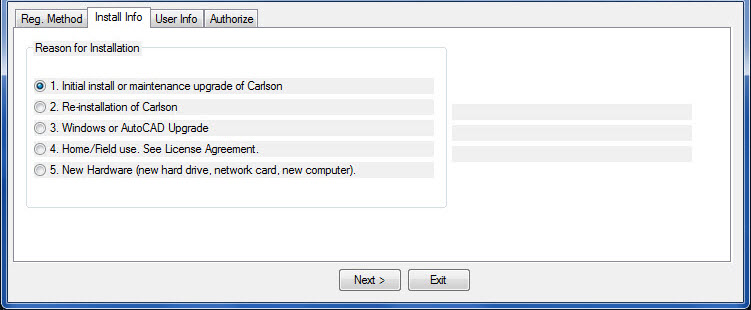
- Initial install or maintenance upgrade of Carlson
- Re-installation of Carlson
- Windows or AutoCAD Upgrade
- Home/Field use. See License Agreement.
- New Hardware (new hard drive, network card, new computer)
If you find the material on this website helpful, please consider supporting That CAD Girl by purchasing our products or services.
If you are interested in purchasing products or services we do not offer, we would love to refer you to oe of our Trusted Partners. Please click here to send us a message with your request.
[FAQ277] Carlson Software End User License Agreement (EULA)
+The text below is a SAMPLE only
License Agreement
Copyright 1992-2023 Carlson Software All Rights ReservedCAUTION! READ THIS NOTICE BEFORE USING SOFTWARE
Please read the following Software License Agreement before using the SOFTWARE. Using this SOFTWARE indicates that you have accepted its terms and conditions.
Carlson 2024END-USER LICENSE AGREEMENT FOR CARLSON SOFTWARE
IMPORTANT-READ CAREFULLY: This Carlson Software End-User License Agreement (“EULA”) is a legal agreement between you (either an individual or a single entity) and Carlson Software, Inc for the software accompanying this EULA, which includes computer software and may include associated media, printed materials, and “online” or electronic documentation (“SOFTWARE PRODUCT” or “SOFTWARE”). By exercising your rights to use the SOFTWARE, you agree to be bound by the terms of this EULA. If you do not agree to the terms and conditions of this EULA, you may not use the SOFTWARE. IF YOU DO NOT AGREE TO THE TERMS AND CONDITIONS OF THIS EULA, DO NOT INSTALL OR USE ANY PART OF THE SOFTWARE.
Carlson Software, Inc., referred to as “LICENSOR”, develops and/or licenses proprietary computer programs and sells use licenses for such proprietary computer programs together with or apart from accompanying copyrighted material and documentation and;
End User desires to obtain the benefits thereof and, in return for which, is willing to abide by the obligations and fee agreements applicable to LICENSOR’s use licenses in LICENSOR’s proprietary computer programs.
For good and valuable consideration, including but not limited to license grant in accordance with this Agreement by LICENSOR to End User’s covenant regarding LICENSOR’s proprietary rights, LICENSOR agrees to permit End User to utilize materials representing LICENSOR’s product or products subject to the following terms and conditions:
1. License Grant: Subject to the terms, conditions and limitations of this EULA, LICENSOR hereby grants End User a personal, limited, non-exclusive, non-transferable, license to utilize the Software Product you have purchased. The license granted in this EULA creates no license, express or implied, to any other intellectual property of Licensor, except for the specific Software Product which they have lawfully purchased from LICENSOR.
This EULA grants you the following rights: You may install and use one copy of the SOFTWARE PRODUCT, or any prior version for the same operating system, on a single computer. The primary user of the computer on which the SOFTWARE PRODUCT is installed may make a second copy for his or her exclusive use on a portable computer.
Storage/Network Use. You may also store or install a copy of the SOFTWARE PRODUCT on a storage device, such as a network server, used only to install or run the SOFTWARE PRODUCT on your other computers over an internal network; however, you must acquire and dedicate a license for each separate computer on which the SOFTWARE PRODUCT is installed or run from the storage device. A license for the SOFTWARE PRODUCT may not be shared or used concurrently on different computers.2. Exclusive Source. End User shall obtain all LICENSOR authorized product materials through LICENSOR or LICENSOR’S authorized representative and no other source. LICENSOR authorized product materials include, but are not limited to, manuals, license agreements and media upon which LICENSOR’s proprietary computer programs are recorded. End User shall make no copies of any kind of any of the materials furnished by LICENSOR or LICENSOR’s authorized representative, except as specifically authorized to do so in this EULA. End User is not entitled to make archival copies of those portions of LICENSOR’s product(s) that are provided on a machine readable media.
3. Proprietary Rights of Licensor. End User agrees that LICENSOR retains exclusive ownership of the trademarks and service marks represented by its company name and logo and all of the documentation and computer recorded data related thereto. End User also agrees that all techniques, algorithms, and processes contained in LICENSOR’s computer program products or any modification or extraction thereof constitute TRADE SECRETS OF LICENSOR and will be safeguarded by End User, but in no event shall End User exercise less than due diligence and care in accordance with the laws of the country of purchase and International Law, whichever operates to best protect the interests of LICENSOR. End User shall not copy, reproduce, re-manufacture or in any way duplicate all or any part of LICENSOR products WHETHER MODIFIED OR TRANSLATED INTO ANOTHER LANGUAGE OR NOT, or in any documentation, or in any other material provided by LICENSOR in association with LICENSOR’s computer program products regardless of what manner of storage and retrieval the product exists, except as specified in this Agreement and in accordance with the terms and conditions of this Agreement which remain in force. End User agrees that in the event End User breaches this EULA, End User will be liable for damages as may be determined by a court of competent jurisdiction.
4. Restrictions. End User’s rights and obligations under this EULA are nonexclusive and personal in nature, and the intellectual property Licensor grants to End User is subject to applicable law other than bankruptcy law. End User may not transfer or assign the SOFTWARE, rights under this EULA or accompanying user documentation, or any updates of the SOFTWARE which may be provided under this EULA, to a third party unless End User receives written consent from Licensor at least 30 days prior to the completion of transfer. Licensor reserves the right to deny transfer or assignment if, in its sole discretion, Licensor determines the transfer not to be a necessity. Whether or not a transfer or assignment is allowed shall be determined in Licensor’s sole discretion after taking into consideration certain factors to find the existence of a necessity including, but not limited to, merger or acquisition of an entity, complete asset acquisition, change of control, severe economic hardship, severe loss of human resources or significant loss in business divisions, or winding down of entity affairs.
If Carlson consents to a transfer, such transfer shall be allowed only as a one-time permanent transfer of this EULA and Software to another end user, provided the initial End User retains no copies or previous versions of the Software. The transfer must include all of the Software, including all component parts, any media and printed materials, any upgrades, this EULA, and any associated license key. The transfer may not be an indirect transfer, such as a consignment, rental or lease. No corresponding Maintenance Agreement rights shall transfer with the SOFTWARE transfer to the subsequent end user. Prior to the transfer, the subsequent end user receiving the Software from the initial End User must agree to all terms of this EULA, with the added condition that no further transfers to third parties are permitted for any reason whatsoever, and shall agree to the terms and conditions of a new Maintenance Agreement with Licensor.
You may not reverse engineer, decompile, or disassemble the SOFTWARE or alter the images utilized in the SOFTWARE and user documentation. The SOFTWARE PRODUCT is licensed as a single product. Its component parts may not be separated for use on more than one computer. You shall communicate to any individual user in your facility that they are bound by the restrictions of this license agreement may not copy or alter the SOFTWARE for use outside End User’s facilities.
Upgrades. If you purchase an upgrade of a SOFTWARE PRODUCT and you use it on different machine from one where upgraded SOFTWARE PRODUCT was used, use of original SOFTWARE PRODUCT must be discontinued and confirmed within 30 days. If such use is not discontinued, it is a material breach of this EULA and LICENSOR shall be entitled to all remedies available to it under this EULA, and under the laws of Kentucky, USA.5. Security Mechanisms. Licensor and its affiliated companies take all legal steps to eliminate piracy of their software products. In this context, the Software Product may include a security mechanism that can detect the installation or use of illegal copies of the Software Product, and collect and transmit data about those illegal copies. Data collected will not include any customer data created with the Software. By using the Software Product, you consent to such detection and collection of data, as well as its transmission and use if an illegal copy is detected. Licensor also reserves the right to use a hardware lock device, license administration software, and/or a license authorization key to control access to the Software. You may not take any steps to avoid or defeat the purpose of any such measures. Use of any Software without any required lock device or authorization key provided by Licensor is prohibited.
6. Audit Rights. End User agrees that LICENSOR has the right to require an audit (electronic or otherwise) of the LICENSOR Materials and the Installation thereof and access thereto. As part of any such audit, LICENSOR or its authorized representative will have the right, on fifteen (15) days’ prior notice to End User, to inspect End User’s records, systems and facilities, including machine IDs, serial numbers and related information, to verify that the use of any and all LICENSOR Materials is in conformance with this Agreement. End User will provide full cooperation to enable any such audit. If LICENSOR determines that End User’s use is not in conformity with this EULA, End User will obtain immediately and pay for a valid license to bring End User’s use into compliance with this EULA and other applicable terms and pay the reasonable costs of the audit. In addition to such payment rights, LICENSOR reserves the right to seek any other remedies available at law or in equity, whether under this Agreement or otherwise.
7. Warranty. THE PRODUCT IS PROVIDED “AS IS” WITH ALL FAULTS. TO THE MAXIMUM EXTENT PERMITTED BY LAW, LICENSOR HEREBY DISCLAIMS ALL WARRANTIES, WHETHER EXPRESS OR IMPLIED, INCLUDING WITHOUT LIMITATION IMPLIED WARRANTIES OF MERCHANITIBILITY, FITNESS FOR A PARTICULAR PURPOSE, AND WARRANTIES THAT THE PRODUCT IS FREE OF DEFECTS AND NON-INFRINGING, WITH REGARD TO THE SOFTWARE, AND THE ACCOMPANYING WRITTEN MATERIALS. YOU BEAR ENTIRE RISK AS TO SELECTING THE PRODUCT FOR YOUR PURPOSES AND AS TO THE QUALITY AND PERFORMANCE OF THE PRODUCT. THIS LIMITATION WILL APPLY NOTWITHSTANDING THE FAILURE OF ESSENTIAL PURPOSE OF ANY REMEDY. In any event, LICENSOR will not honor any warranty shown to exist for which inaccurate or incorrect identifying data has been provided to LICENSOR. The product(s) provided are intended for commercial use only and should not be utilized as the sole data source in clinical decisions as to levels of care.
8. LIMITATION OF LIABILITY. EXCEPT AS REQUIRED BY LAW, LICENSOR AND ITS DISTRIBUTORS, DIRECTORS, LICENSORS, CONTRIBUTORS AND AGENTS (COLLECTIVELY, THE “LICENSOR GROUP”) WILL NOT BE LIABLE FOR ANY INDIRECT, SPECIAL, INCIDENTAL, CONSEQUENTIAL OR EXEMPLARY DAMAGES ARISING OUT OF OR IN ANY WAY RELATING TO THIS EULA OR THE USE OF OR INABILITY TO USE THE PRODUCT, INCLUDING WITHOUT LIMITATION DAMAGES FOR LOSS OF GOODWILL, WORK STOPPAGE, LOST PROFITS, LOSS OF DATA, AND COMPUTER FAILURE OR MALFUNCTION, EVEN IF ADVISED OF THE POSSIBILITY OF SUCH DAMAGES AND REGARDLESS OF THE THEORY (CONTRACT, TORT OR OTHERWISE) UPON WHICH SUCH CLAIM IS BASED. THE LICENSOR GROUP’S COLLECTIVE LIABILITY UNDER THIS AGREEMENT WILL NOT EXCEED THE GREATER OF $500 (FIVE HUNDRED DOLLARS) AND THE FEES PAID BY YOU UNDER THIS LICENSE (IF ANY).
9. Update Policy. LICENSOR may, from time to time, revise the performance of its product(s) and in doing so, incur NO obligation to furnish such revisions to any End User nor shall it warrant or guarantee that any revision to the SOFTWARE will perform as expected by the End User on End User’s equipment. At LICENSOR’s option, LICENSOR may provide such revisions to the End User.
10. Customer Service. Although it is the LICENSOR’s customary practice to provide reasonable assistance and support in the use of its products to its customers, LICENSOR shall not be obligated to any End User to provide technical assistance or support through this Agreement and may at LICENSOR’s sole election charge a fee for customer support.
11. Termination of End User License. If any one or more of the provisions of this Agreement is breached, the license granted by this Agreement is hereby terminated. In the event of such termination, all rights of the LICENSOR shall remain in force and effect. Any protected health information data of End User maintained on LICENSOR’S data base shall upon reasonable notice to End User and at the discretion of LICENSOR may be destroyed.
12. Copyright. The SOFTWARE (including, but not limited to, any images, photographs, animations, video, audio, music and or text incorporated into the SOFTWARE), and all intellectual property rights associated with it, whether exists in a tangible media or in an electronic image media is owned by LICENSOR and is protected by United States copyright laws and international treaty provisions and all other commonwealth or national laws. LICENSOR reserves all intellectual property rights in the Products, except for the rights expressly granted in this Agreement. You may not remove or alter any trademark, logo, copyright or other proprietary notice in or on the Product. This license does not grant you any right to use the trademarks, service marks or logos of LICENSOR or its licensors. You may not copy any user documentation accompanying the SOFTWARE.
13. Injunctive Relief. It is understood and agreed that, notwithstanding any other provision of this Agreement, LICENSOR has the unequivocal right to obtain timely injunctive relief to protect the proprietary rights of LICENSOR.
14. Entire Agreement. This EULA constitutes the entire agreement between the parties and supersedes any prior agreements. This EULA may only be changed by mutual written consent.
15. End User Agreement Acknowledgment. The End User hereby accepts all the terms and conditions of this Agreement without exception, deletion, alteration. End User acknowledges they are authorized to enter this agreement on behalf of any organization for which the license is sought. Any unauthorized use of LICENSOR products will be considered a breach of this Agreement, subject to liquidated damages and otherwise unlawful and willful infringement of LICENSOR’s trade secrets and/or proprietary products.
16. Payment and Refund Policy. The use of the SOFTWARE herein is deemed a commercial use and under the terms of this license agreement End User shall not be entitled to any refund of purchase price. End User agrees to pay all user fees promptly. LICENSOR is authorized by End User to suspend any further access to SOFTWARE in the event fees are not fully paid. End user entity shall promptly pay any and all access and use charges incurred regardless of the end user. End user is responsible for protecting any pass word and user identity supplied to End User.
17. Loss/Theft/Misuse. End user shall promptly report to LICENSOR the theft or other loss of any password and/or user identity required to access SOFTWARE. LICENSOR shall not be responsible for maintaining the integrity of End User data in the event that end user’s data base is accessed and/or altered by an unauthorized end user due to the failure of licensed End User to protect its password or user identity. End User shall be responsible for any costs incurred by LICENSOR due to the negligence or reckless disregard of End User’s failure to protect its password or user identity.
18. Civil/Criminal Investigation. End user shall fully cooperate with LICENSOR and or any person authorized by LICENSOR (including local, state, or federal law enforcement officials) to investigate any alleged theft, misuse or unauthorized use of SOFTWARE or data related thereto.
19. U.S. Government Restricted Rights. The SOFTWARE PRODUCT and documentation are provided with RESTRICTED RIGHTS. Use, duplication, or disclosure by the Government is subject to restrictions as set forth in subparagraph (b)(1)(ii) and (c) of the Rights in Technical Data and Computer Software clause at DFARS 252.227-7013 or subparagraphs (c)(1) and (2) of the Commercial Computer Software-Restricted Rights at 48 CFR 52.227-19, as applicable.
20. Governing Law. This EULA shall be governed and construed in accordance with the laws of the Commonwealth of Kentucky, USA.
If you find the material on this website helpful, please consider supporting That CAD Girl by purchasing our products or services.
If you are interested in purchasing products or services we do not offer, we would love to refer you to oe of our Trusted Partners. Please click here to send us a message with your request.
[FAQ414] Download & install your license of Carlson Takeoff with embedded AutoCAD (OEM)
+- Follow this link: http://www.carlsonsw.com/support/software-downloads/?ss_email=&product=TakeOff
- Next to, “Takeoff”, pick “Show Files”.
- From the drop-down list, select the correct “Product Version”
- Download #1 or #2 will be the full, complete, up-to-date version of the software. Select “Download”.
- During installation, enter your serial number when prompted: XXXXX-XXXXX-XXXXX-XXXXX-XXXXX.
- Start Carlson Software
- Go to Help > About Carlson
- Pick the “Change Registration” button
- Once the “Add/Remove Serial Number” dialog box is open, pick the “Add” button
- Complete the Registration Information with your new serial number: XXXXX-XXXXX-XXXXX-XXXXX.
Instructions for installing the network license manager can be found here: http://www.carlsonsw.com/support/knowledge-base/?action=display_topic&topic_id=55.
You can also refer to this FAQ: Download and Install the Carlson Network License Manager
If you need a new (or updated) network license file, please contact Brian Hammer in Carlson’s Boston office. His email is [email protected] and the phone number is 606-564-5028.
If you find the material on this website helpful, please consider supporting That CAD Girl by purchasing our products or services.
If you are interested in purchasing products or services we do not offer, we would love to refer you to oe of our Trusted Partners. Please click here to send us a message with your request.
[FAQ413] Download & install your license of Carlson Survey with embedded AutoCAD (OEM)
+- Follow this link: http://www.carlsonsw.com/support/software-downloads/?product=CarlsonSurveyEmbedded
- Next to, “Carlson Survey Embedded”, pick “Show Files”.
- From the drop-down list, select the correct “Product Version”
- Download #1 or #2 will be the full, complete, up-to-date version of the software. Select “Download”.
- During installation, enter your serial number when prompted: XXXXX-XXXXX-XXXXX-XXXXX-XXXXX.
- Start Carlson Software
- Go to Help > About Carlson
- Pick the “Change Registration” button
- Once the “Add/Remove Serial Number” dialog box is open, pick the “Add” button
- Complete the Registration Information with your new serial number: XXXXX-XXXXX-XXXXX-XXXXX.
Instructions for installing the network license manager can be found here: http://www.carlsonsw.com/support/knowledge-base/?action=display_topic&topic_id=55.
You can also refer to this FAQ: Download and Install the Carlson Network License Manager
If you need a new (or updated) network license file, please contact Brian Hammer in Carlson’s Boston office. His email is [email protected] and the phone number is 606-564-5028.
If you find the material on this website helpful, please consider supporting That CAD Girl by purchasing our products or services.
If you are interested in purchasing products or services we do not offer, we would love to refer you to oe of our Trusted Partners. Please click here to send us a message with your request.
[FAQ507] Before I buy, can I attend a webinar for free?
+Be our guest! Be our guest!
Put our service to the test
Tie your napkin ’round your neck, cherie
And we’ll provide the rest
Of course! Click here to let us know which one you want to attend!
If you find the material on this website helpful, please consider supporting That CAD Girl by purchasing our products or services.
If you are interested in purchasing products or services we do not offer, we would love to refer you to oe of our Trusted Partners. Please click here to send us a message with your request.
[FAQ457] Working with Carlson’s network license manager
+See also:
Carlson KB 59: What does Network License Manager do?
Carlson KB 211: Troubleshooting the Network License Manager
Carlson KB 612: Carlson Software’s Network License Manager – An Overview
Carlson KB 903: License Manager System Requirements
Carlson KB 218: Sending a Network License To A Remote User (Off-Site) – ADVANCED METHOD
Carlson KB 999: How Carlson Software’s End-User License Agreement Applies to Networked Software
If you find the material on this website helpful, please consider supporting That CAD Girl by purchasing our products or services.
If you are interested in purchasing products or services we do not offer, we would love to refer you to oe of our Trusted Partners. Please click here to send us a message with your request.
[FAQ220] What versions of AutoCAD & IntelliCAD & Windows does Carlson run on top of? Does it run on AutoCAD LT? (a running thread)
+
Carlson Desktop Software with IntelliCAD or for Your AutoCAD
Carlson can be installed on top of any full-AutoCAD-based program such as AutoCAD, AutoCAD Map, Land Desktop or Civil 3d.
Carlson cannot be installed on top of any version AutoCAD LT.
| Carlson Version | AutoCAD & IntelliCAD Platforms | Windows Platforms |
|---|---|---|
| 2024 | AutoCAD 2018-2024, IntelliCAD 10.1a and 11.1 | 64 bit Windows |
| 2023 | AutoCAD 2018-2023, IntelliCAD 10.1a and 11.0 | 64 bit Windows |
| 2022 | AutoCAD 2017-2022, IntelliCAD 10.0a and 10.1a | 64 bit Windows 10 |
| 2021 | AutoCAD 2017-2021, Intellicad 10.0a | 64 bit Windows 10 |
| 2020 | AutoCAD 2015-2020, IntelliCAD 9.2 | 64 bit Windows 10 |
| 2019 | AutoCAD 2010-2019, IntelliCAD 9 | 32 or 64 bit Windows Vista, 7, 8, 8.1, and 10 |
| 2018 | AutoCAD 2010-2018, IntelliCAD 8.2 | 32 or 64 bit Windows Vista, 7, 8, 8.1, and 10 |
| 2017 | AutoCAD 2010-2017, IntelliCAD 8.2 | 32 or 64 bit Windows Vista, 7, 8, 8.1, and 10 |
| 2016 | AutoCAD 2007-2016, IntelliCAD 8.1 | 32 or 64 bit Windows Vista, 7, 8, 8.1, and 10 |
| 2015 | AutoCAD 2007-2015, IntelliCAD 8.0 | XP, 32 or 64 bit Windows Vista, 7, 8 and 8.1 |
| 2014 | AutoCAD 2004-2014, IntelliCAD 7.2 | XP, 32 or 64 bit Windows Vista, 7, 8 and 8.1 |
Carlson Desktop Software with Embedded AutoCAD (OEM)
| Carlson Version | Embedded AutoCAD Engine | Windows Platforms |
|---|---|---|
| Survey 2024 | 20222 | 64 bit Windows |
| Survey 2023 | 2022 | 64 bit Windows |
| Survey 2022/Takeoff R12 | 2022 | 64 bit Windows |
| Survey 2021 | 2018 | 64 bit Windows |
| Survey 2020 | 2018 | 64 bit Windows |
| Survey 2019/Takeoff R11 | 2018 | 64 bit Windows |
| Survey 2018/Takeoff R10 | 2018 | Windows 7, 8, 8.1, and 10 |
| Survey 2017/Takeoff R9 | 2013 | Windows XP, 7, 8, 8.1, and 10 |
| Survey 2016 | 2013 | Windows XP, 7, 8, 8.1, and 10 |
| Survey 2015/Takeoff R8 | 2013 | Windows XP, 7, 8, 8.1, and 10 |
| Survey 2014/Takeoff R7 | 2013 | Windows XP, 7, 8, 8.1, and 10 |
If you find the material on this website helpful, please consider supporting That CAD Girl by purchasing our products or services.
If you are interested in purchasing products or services we do not offer, we would love to refer you to oe of our Trusted Partners. Please click here to send us a message with your request.
[FAQ506] Am I eligible to attend your Carlson Software webinars for free?
+vc_row]
You can also log in to your That CAD Girl Customer Portal to confirm your webinar eligibility:
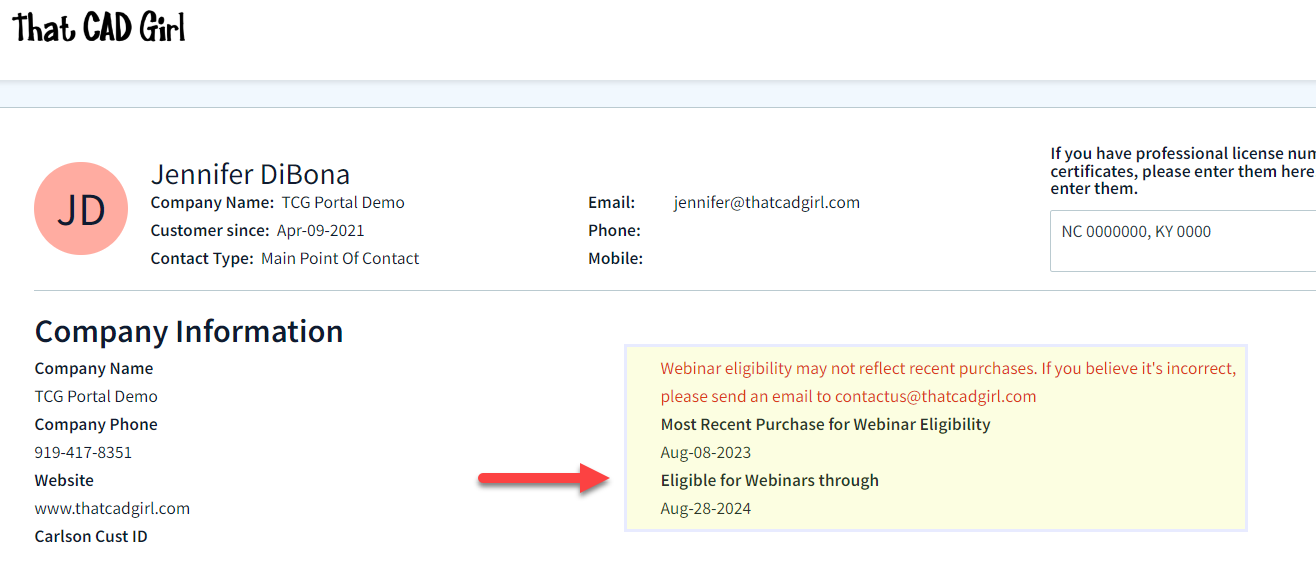 The fine print: There will be a limited number of “seats” available for the sessions (limits of the technology). If we start bumping up against the limit of attendees, only one person per company will be able to attend each session. If we have plenty of seats available, that won’t be an issue.
On the Free Webinars tab of your portal, you can find links to pre-register or join a session in progress.
Follow this link to pre-register for any webinars you’d like to attend.
If you find the material on this website helpful, please consider supporting That CAD Girl by purchasing our products or services.
If you are interested in purchasing products or services we do not offer, we would love to refer you to oe of our Trusted Partners. Please click here to send us a message with your request.
[FAQ505] Why did you start doing your webinar series for Carlson and CAD training?
+Over a 3 week period I had 14 2-hour sessions with different people or groups. At that point I realized I needed to find a better way if I wanted to continue to support those who purchased software from me – and the webinar series was born!
Now it has grown and is, I think, a great way to make everyone happy. Those needing an overview of the software or particular features can get that on a regular basis. And, it frees me up to offer more specialized training to those who want and need custom training.
If you find the material on this website helpful, please consider supporting That CAD Girl by purchasing our products or services.
If you are interested in purchasing products or services we do not offer, we would love to refer you to oe of our Trusted Partners. Please click here to send us a message with your request.
[FAQ262] Whew, what’s with all these changes to Autodesk purchasing, renting, subscriptions, etc…? Can you help?
+My answer is: I have no earthly idea and God bless Carlson Software for loving their customers and making it so easy!
In all seriousness, Autodesk’s pricing and purchasing model is changing so often and in substantial ways, I can’t keep up with it either.
I am not an Autodesk reseller so I can’t help other than to make referrals and give my opinion. But, I have a couple Autodesk resellers that I trust and who have helped me keep my own licenses of AutoCAD and Civil 3d straight over the years. They have also been hugely helpful to my Carlson customers needing to purchase licenses of AutoCAD.
Feel free to email me for a referral.
If you find the material on this website helpful, please consider supporting That CAD Girl by purchasing our products or services.
If you are interested in purchasing products or services we do not offer, we would love to refer you to oe of our Trusted Partners. Please click here to send us a message with your request.
[FAQ204] That CAD Girl’s top reasons to purchase Carlson Software
+Click here to watch our Carlson Software: All Substance, No Styles webinar
for an overview of the program
1
You have options as to the platform: embedded AutoCAD (OEM), on top of full-AutoCAD or IntelliCAD
2
Carlson has Free Technical Support regardless of whether your software is 1 year or 10 years old or even if you’re still trying it out before buying.
3
Carlson gives you the ability to design dynamically but does it with basic CAD entities such as lines, polylines, text and blocks which makes it easy to share drawings with others.
No more proxy entities or AECC Objects to fight with!
4
Carlson doesn’t retire their products and never forces you to upgrade. Their annual maintenance is optional.
5
Carlson Plays Well With Others: Their goal is to have their software be compatible with as many other software and hardware manufacturers as possible. There is a seemingly endless list of “Import from…” and “Export to…” commands in the software.
6
Carlson gives you the tools you need.
The first 7 or 8 menus in all programs are identical and have all the basic tools you need to be more productive. Here are just some of the things you can do in every program:
| Work natively in DWG files and import/export DGN, DXF & DWF |
| Import and Export LandXML/RoadXML/Google Earth files |
| Full management and editing of point data including point groups and edit tracking |
| Esri-powered Search Published Control feature |
| Export files for many GPS-guided machine control systems |
| Customize project folders & sub-folders to organize project data |
| Drawing Cleanup |
| Join Nearest |
| Drawing Inspector |
| Layer Inspector |
| Shrinkwrap Entities |
| Twist Screen |
| 2D and 3D Polyline utilities such as reverse polyline, add/remove segments, add/remove vertices, daylight polyline to surface, etc |
| Layer Tools such as Erase and Copy by layer, Isolate, Restore |
| 3D Viewer Window |
| Surface 3D Viewer |
If you find the material on this website helpful, please consider supporting That CAD Girl by purchasing our products or services.
If you are interested in purchasing products or services we do not offer, we would love to refer you to oe of our Trusted Partners. Please click here to send us a message with your request.
[FAQ025] How can I access and use my old Civil 3d, Land Desktop, Eagle Point or Terra Model data?
+From my Picks and Clicks: LandXML Data article in Professional Surveyor
What Is LandXML?
LandXML refers to a file format (.xml) containing data that has been generated from a civil engineering or land surveying software program.
If you’re hearing about it for the first time and want to learn more about the uses and acceptance of the LandXML initiative, visit www.landxml.org. According to their page LandXML.org in a Nutshell, “… LandXML.org is committed to providing a non-proprietary data standard (LandXML), driven by an industry consortium of partners.”
Simply put, the easiest way to convert, transfer, and archive data between Civil 3D, Carlson Software, Land Desktop, Eagle Point, TerraModel, and many other programs is to use the Import from LandXML and Export to LandXML functions available in these programs. Additionally, many machine control systems allow you to import LandXML files. I am most familiar with the Carlson and Autodesk families of civil/survey programs, so most examples in this article refer to them.
For a little more current look at where LandXML is today, you don’t want to miss this archived webinar from September 2015: If You’re Not Using LandXML, You Should Be… Yes, All of You!
The very best advice I can give to anyone who has years of archived Land Desktop, Terra Model or Eagle Point data and is still able to get into and run those programs is to start exporting all of it to LandXML files – starting yesterday! Many of these programs will be (or already are) impossible to re-install on new Windows computers so take advantage of it while you can.
Since LandXML is the industry standard, having all that data in the generic XML format virtually guarantees that you will be able to convert and work with it in any new software package you use in the future.
In addition to LandXML, Carlson gives you a bunch of different ways to import, export and convert data to and from other desktop, field and machine control software. For instance, here’s the menu for Import/Export Surface Data that’s in Construction, Civil & Survey:
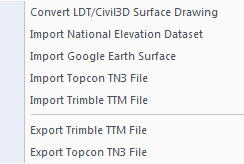
Civil 3d data is, by far, the most difficult data to share… In some cases it’s literally impossible to save data such as points and surfaces and be able to use it in any previous version of Civil 3d!
However, you can use the EXPORTTOAUTOCAD commands in Civil 3d to basically explode all the custom entities so they can be opened and used in other programs or in earlier versions of Civil 3d. Of course, by exploding everything, you essentially lose any perceived benefit of working on the drawing in Civil 3d.
If you find the material on this website helpful, please consider supporting That CAD Girl by purchasing our products or services.
If you are interested in purchasing products or services we do not offer, we would love to refer you to oe of our Trusted Partners. Please click here to send us a message with your request.
[FAQ278] That CAD Girl’s Terms & Conditions of Sales
+
Returns Policy
All sales are final.
Privacy Policy
That CAD Girl promises that we will never share customers’ personal information or browsing habits with third parties.
Cards Accepted

Contact Us
ThatCADGirl.com
Phone: 954.223.4475
Email: [email protected]
Mailing & Shipping Address: PO Box 1360 Holly Springs NC 27540
Primary Address: 2404 Plowridge Road Fuquay-Varina NC 27526
If you find the material on this website helpful, please consider supporting That CAD Girl by purchasing our products or services.
If you are interested in purchasing products or services we do not offer, we would love to refer you to oe of our Trusted Partners. Please click here to send us a message with your request.
[FAQ026] How can I install Land Desktop on a Windows 7 computer?
+
I had actually forgotten about this but recently had to re-install Land Desktop myself and I figured it was worth sharing. This method is not guaranteed but it just might work.
Instead of trying to install Land Desktop from the original DVD, try copying the contents of the DVD to a new folder on the hard drive of the Windows 7 machine. Then, run the installation from there by clicking on the Setup.exe file.
I haven’t tried this with anything newer than Windows 7 but it worked flawlessly on my Windows 7 64 bit computer.
If you find the material on this website helpful, please consider supporting That CAD Girl by purchasing our products or services.
If you are interested in purchasing products or services we do not offer, we would love to refer you to oe of our Trusted Partners. Please click here to send us a message with your request.
[FAQ276] About Carlson Software
+Carlson Software has been developing quality software solutions for land development professionals in the surveying, civil engineering, mining, and construction fields since 1983. Originally, the company offered a variety of products in support of the engineering & mining industries.
Today, according to a recent article in GIM International Magazine:
Carlson Mining is now in use by 90% of the US coal industry, and coal mining from Columbia to Russia, India and Australia, as well as mineral mining. In 2001 Carlson released SurvCE, a data-collection product now adopted by partners such as Magellan, Navcom, Sokkia, Leica and Topcon, and translated into fourteen languages.
Carlson developed the stand-alone Carlson Survey program in 1996 and in 1999 Autodesk contracted to market and sell a version of it called Autodesk® Field Survey®. Autodesk did away with Field Survey after a few years and Carlson migrated most users over to Carlson Survey where it has grown to become a favorite of surveyors.
Again, as noted in GIM International’s Independence All the Way article:
The Carlson Software mission is to become the premiere independent developer of land survey, civil engineering, construction and mining software; to maintain its reputation for technological innovation; to provide industry-leading customer service and support; and to provide one-source technology solutions from data collection to design, on through to construction. A complete suite of solutions is offered for land-development professionals, covering data collection, surveying, engineering design and drafting, mine planning and modelling, construction estimation and machine control; data-collection expertise produces accident and crime reconstruction field and office software for law-enforcement personnel or law consultants.
Customers are encouraged into a ‘positive feedback loop’ that ensures annual software releases are full of customer-driven new features. There is a high rate of customer retention, and the company continues its own tradition of providing free technical support.
BNP Media (POB magazine) recently conducted a survey of industry professionals through Clear Seas Research and Carlson ranked #1 in product support for both CAD and Data Collection software. Carlson also ranked in the top spots for price fairness and product quality.
Beginning in 2009, Carlson introduced a 2nd platform to its offerings. Now, in addition to Carlson Civil Suite and TakeOff products running on top of any AutoCAD® or Map® versions 2004-current (for Carlson 2012 and prior, the programs run on top of AutoCAD programs as old as 2000), these programs are now delivered with built-in IntelliCAD® — a robust, DWG-compatible CAD platform that looks, acts and feels like AutoCAD. An IntelliCAD version comes with each license of these Carlson products.
This CE News case study profiles the extensive review the civil engineering firm Dewberry went through to ultimately choose the Carlson Civil Suite for its 40 offices nationwide:
“Carlson works for us,” says Dave Palumbo, PE, Technology Manager for Infrastructure Services for Dewberry. “It is highly cost effective and people are doing better work… I think they are also having fun!”
Carlson Data Cycle
Carlson Products allow for complete control of the data flow through concept through construction and as-built records. View the video showcasing the many products that are offered by Carlson Software and how they work together to work for you.
If you find the material on this website helpful, please consider supporting That CAD Girl by purchasing our products or services.
If you are interested in purchasing products or services we do not offer, we would love to refer you to oe of our Trusted Partners. Please click here to send us a message with your request.
[FAQ267] Does Carlson retire their products?
+
If you find the material on this website helpful, please consider supporting That CAD Girl by purchasing our products or services.
If you are interested in purchasing products or services we do not offer, we would love to refer you to oe of our Trusted Partners. Please click here to send us a message with your request.
[FAQ244] Compared to AutoCAD or IntelliCAD, what would I miss in the embedded AutoCAD (OEM) versions of Survey & Takeoff? (a running thread)
+Some AutoCAD commands, such as the Layer Tools that used to be in Express Tools and are now in the Layers II toolbar of AutoCAD, have been built into the Carlson menus. So even though you may not find the Layers II toolbar you can still freeze and isolate layers by picking entities on the screen.
I’ll keep this post as a running thread and will add to it as I come across functions or features you may miss.
- In OEM – Can’t load LSP files (verified in 2016). This is possible in AutoCAD and IntelliCAD.
- In OEM – Can’t change command aliases (acad.pgp) or Carlson QuickKeys (verified in 2016) – although you may find a workaround in this Carlson KB Article:Bits and Pieces. This is possible in AutoCAD and IntelliCAD.
- In OEM – The command REGEN is available but REGENALL is not (verified in 2016). This is possible in AutoCAD and IntelliCAD.
- In OEM – Carlson Startup Settings (aka Launch Options) such as setting a default template (.dwt) file are not available in the OEM (verified in 2016). This is possible in AutoCAD and IntelliCAD.
- In OEM and IntelliCAD – Express Tools aren’t available. However, you can use Carlson’s Layer Tools and Layer Toolbar as a workaround to replace the Express Tools Layers commands and the Layers II toolbar.
If you find the material on this website helpful, please consider supporting That CAD Girl by purchasing our products or services.
If you are interested in purchasing products or services we do not offer, we would love to refer you to oe of our Trusted Partners. Please click here to send us a message with your request.
[FAQ431] What are the improvements to Carlson over previous versions? (a running thread)
+
Carlson released the 2020 version of their desktop products on October 1, 2019. Click here to download a PDF of improvements in Carlson 2020 products.
Carlson released the 2018 version of their desktop products on August 31, 2017. Click here to download a PDF of improvements in Carlson 2018 products.
If you find the material on this website helpful, please consider supporting That CAD Girl by purchasing our products or services.
If you are interested in purchasing products or services we do not offer, we would love to refer you to oe of our Trusted Partners. Please click here to send us a message with your request.
[FAQ504] I’m just learning CAD. What’s the one piece of advice you’d give to make me a power user?
+I lost one of my first CAD jobs because I’d been away from CAD work for about 6 months and I was given a CAD test during an interview. While my interviewer watched, I tried to draw a roadway intersection on a computer that had a 2-button mouse and a newly installed copy of AutoCAD R10. I quickly realized that in all my prior work and training I’d become too dependent on macros, LISP routines and the dreaded digitizer tablet (remember those?!). In those days we only had a Command: line and a right sidebar menu – not a toolbar to be found!
Commands like ERASE, COPY and MOVE were easy to remember but FILLET? Forget about it. I tanked.
I found a computer with CAD to practice and refresh a bit and made it through my next interview and test but I never forgot the experience. Although they were available if I wanted them, I swore off the digitizer tablet and even stopped using command aliases for a long time and typed in the whole long command in most cases. As new versions came out and new menus and toolbars came and went, I realized that the commands entered at the Command: line changed very little from version to version. Unlike co-workers, I didn’t panic with each new version install and had no problems working on someone else’s computer if necessary because it didn’t matter if I couldn’t find my magic toolbar.
If you find the material on this website helpful, please consider supporting That CAD Girl by purchasing our products or services.
If you are interested in purchasing products or services we do not offer, we would love to refer you to oe of our Trusted Partners. Please click here to send us a message with your request.
[FAQ251] What’s the difference between Carlson’s annual maintenance and an Autodesk subscription?
+The main difference between Carlson’s maintenance plan and Autodesk’s subscription is that Carlson’s tech support is not tied to maintenance at all while Autodesk tech support is only available for no additional fee to those who are current on subscription.
Also, in the past few years, there have been so many changes to Autodesk’s Subscription policies that it’s practically impossible to keep up and know exactly what you’re getting for that big price tag.
Regardless of whether you’re current on maintenance, whether you’ve let it lapse, whether you’re using today’s version of the software or whether you’re using a version that’s 10 years old, tech support is free from Carlson.
You can view the Carlson Software Maintenance Policy here
If you find the material on this website helpful, please consider supporting That CAD Girl by purchasing our products or services.
If you are interested in purchasing products or services we do not offer, we would love to refer you to oe of our Trusted Partners. Please click here to send us a message with your request.
[FAQ243] If I buy Carlson, should I go with the embedded AutoCAD (OEM)? Or with IntelliCAD? or just buy AutoCAD?
+
If you find the material on this website helpful, please consider supporting That CAD Girl by purchasing our products or services.
If you are interested in purchasing products or services we do not offer, we would love to refer you to oe of our Trusted Partners. Please click here to send us a message with your request.
[FAQ261] Can I buy my AutoCAD from you?
+
If you find the material on this website helpful, please consider supporting That CAD Girl by purchasing our products or services.
If you are interested in purchasing products or services we do not offer, we would love to refer you to oe of our Trusted Partners. Please click here to send us a message with your request.
[FAQ455] I can’t seem to keep up with my Carlson maintenance – Can you help?
+Carlson generates and sends renewal notices automatically but they are only sent to you and the Carlson reseller located nearest to you geographically. However, you are free to purchase new licenses, upgrades or maintenance directly from Carlson or any Authorized Reseller.
If you’ve recently received a Maintenance Renewal or OEM Upgrade notice from Carlson Software, you can forward that report to your Dealer of Choice and ask for them to provide a custom proposal.
If you find the material on this website helpful, please consider supporting That CAD Girl by purchasing our products or services.
If you are interested in purchasing products or services we do not offer, we would love to refer you to oe of our Trusted Partners. Please click here to send us a message with your request.
[FAQ451] Do I qualify for an automatic upgrade to the new version of Carlson?
+With every new license of Carlson that includes IntelliCAD or runs on top of your AutoCAD, Carlson includes 90 days of free Maintenance at no charge. This is Carlson’s way of guaranteeing that, if a new version of the software is released within 90 days of purchase, you will automatically be upgraded.
Also, you have the option of purchasing Maintenance for any of the desktop software with IntelliCAD or for your AutoCAD.
Bottom line: If your Maintenance is current when a new version is released, you’re eligible for an automatic upgrade to the new version.
Follow this link then click on Request a Custom Proposal to get pricing for upgrades or maintenance renewal or even just to request a report of your current licensing.
If you find the material on this website helpful, please consider supporting That CAD Girl by purchasing our products or services.
If you are interested in purchasing products or services we do not offer, we would love to refer you to oe of our Trusted Partners. Please click here to send us a message with your request.
[FAQ432] Where do I find the build date or build number of my Carlson Software?
+The number shown here roughly corresponds to the date that the updated file was posted to Carlson’s downloads page using a YY/MM/DD format. You can reference this FAQ to determine the current build of the software you have installed.
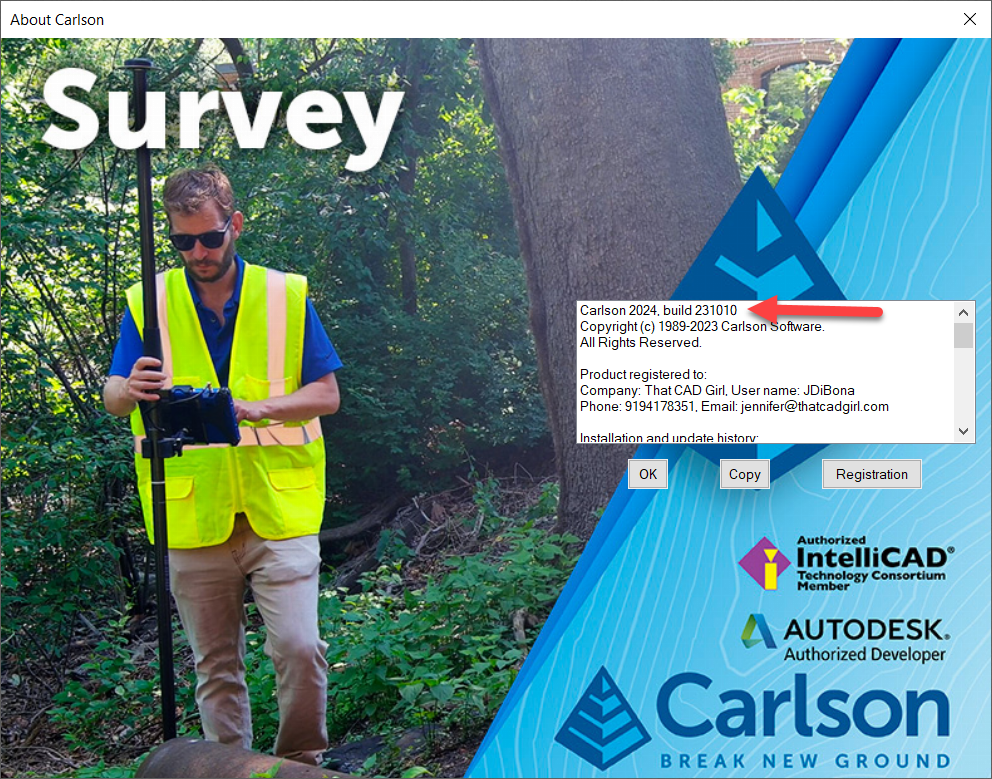
If you find the material on this website helpful, please consider supporting That CAD Girl by purchasing our products or services.
If you are interested in purchasing products or services we do not offer, we would love to refer you to oe of our Trusted Partners. Please click here to send us a message with your request.
[FAQ456] I think I found a bug in my Carlson Software – how can I get it resolved?
+If you encounter a bug in the program, you’ll first want to check for updates to see if you’re running the latest build of your program. If not, the latest build might resolve the issue.
There is a link to Check for Updates in your Windows Carlson Software program folder as shown below:
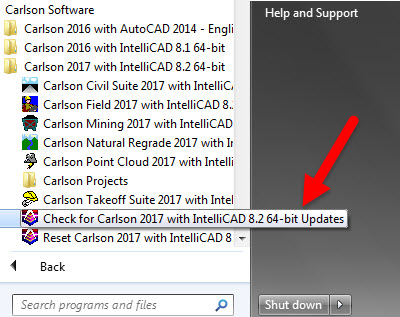
Rather than use the Check for Updates link, you can follow these FAQs to see if the build you currently have installed is the same as the one posted on Carlson’s Software Downloads page.
Once you’ve confirmed you’re running the latest build, you have several ways to submit a request for tech support.
After they have verified it’s a repeatable error/bug, Carlson may handle it a couple of ways. If it’s a stop-work situation for you in the latest version, Carlson will work to correct it and send you updated program files with instruction on how and where to copy them. Anyone else who stumbles upon the same issue will get the same files sent to them.
Your bug fix will be incorporated into the next build of the program when it’s posted to Carlson’s website.
If you find the material on this website helpful, please consider supporting That CAD Girl by purchasing our products or services.
If you are interested in purchasing products or services we do not offer, we would love to refer you to oe of our Trusted Partners. Please click here to send us a message with your request.
[FAQ415] Download & install your Carlson SurvCE
+
NOTE: You must have your SurvCE serial number in order to download the installation file.
- Follow this link: http://www.carlsonsw.com/support/software-downloads/?product=SurvCE
- Select your “Product Version”
- Enter your serial number to get access to the download files: XXXXX-XXXXX-XXXXX-XXXXX.
If you find the material on this website helpful, please consider supporting That CAD Girl by purchasing our products or services.
If you are interested in purchasing products or services we do not offer, we would love to refer you to oe of our Trusted Partners. Please click here to send us a message with your request.
[FAQ233] What happens if I get a new computer and need to reinstall Carlson?
+
- Initial install or maintenance upgrade of Carlson
- Re-installation of Carlson
- Windows or AutoCAD Upgrade
- Home/Field use. See License Agreement.
- New Hardware (new hard drive, network card, new computer)
If you find the material on this website helpful, please consider supporting That CAD Girl by purchasing our products or services.
If you are interested in purchasing products or services we do not offer, we would love to refer you to oe of our Trusted Partners. Please click here to send us a message with your request.
[FAQ205] Where can I get a 30 day trial of Carlson?
+Then click on Request a 30 day Trial Serial Number
If you find the material on this website helpful, please consider supporting That CAD Girl by purchasing our products or services.
If you are interested in purchasing products or services we do not offer, we would love to refer you to oe of our Trusted Partners. Please click here to send us a message with your request.
[FAQ263] I miss my Land Desktop/LDD! What is my next, best option?
+I really do miss the days when we had several options for our design software but the market has consolidated down to, pretty much, Civil 3d or Carlson Software.
My biases are obviously clear but, in my opinion, Carlson is far and away the closest thing to an upgrade to Land Desktop that’s on the market today. Carlson has a lot of the dynamic functionality (RoadNet, LotNet, Design Pad Template, etc.) that we wanted in Land Desktop. But, the entities created by these cool automated tools are all standard CAD entities such as polylines and 3d polylines and text.
The benefit is that, when you get to the end of your design and need to pinpoint and tweak an area, you have the option of doing basic CAD-editing of standard polylines or text to make changes the old-fashioned way.
One of my complaints about Civil 3d is that users get very little credit for knowing AutoCAD. Civil 3d requires you to create “Styles” for everything and these styles override basic CAD management of all other properties such as colors, layers, linetypes, text styles, formatting and so on.
Here is one of my favorite examples to illustrate my point. I have a 100 x 200 lot below that has a label inside for area in square footage and acres. The labels are generic and ugly but I can change that later. At this point, all I want to do is add a silly comma so that the area in SF reads “20,000 SF”.
If I’m in Carlson, I double-click on the label and edit it – because it’s CAD and it’s text.
If I’m in Civil 3d, that label is tied to the parcel-object and the style of the object must be changed. Unless you explode the object and lose all the perceived benefits of Civil 3d, there are many clicks and digging deep into dialog boxes to make the same change.
If you find the material on this website helpful, please consider supporting That CAD Girl by purchasing our products or services.
If you are interested in purchasing products or services we do not offer, we would love to refer you to oe of our Trusted Partners. Please click here to send us a message with your request.
[FAQ503] How much training will I need to learn Carlson?
+If you’ve used anything AutoCAD-based (such as Land Desktop, Eagle Point, Civil 3d) then the only thing you will need to learn is how Carlson manages points or surfaces compared to those programs. In many ways Carlson Software and Land Desktop are more similar than Land Desktop and Civil 3d so the learning curve is pretty short.
But, if you’re coming from TerraModel or Microstation-based program, learning the AutoCAD or IntelliCAD platform underneath Carlson programs will probably double the time it takes to learn the program. It’s all CAD so you’re not starting from scratch, but figuring out the fundamental differences between layers and levels, templates and seed files, cells and blocks, paper space and plan/profile views and so on will take some time.
Refer to this FAQ for training that’s available if you need to learn CAD or Carlson Software.
If you find the material on this website helpful, please consider supporting That CAD Girl by purchasing our products or services.
If you are interested in purchasing products or services we do not offer, we would love to refer you to oe of our Trusted Partners. Please click here to send us a message with your request.
[FAQ502] Does That CAD Girl training qualify for PDH/CEU/continuing education credit?
+That CAD Girl is an approved provider of continuing education credit for the THE NORTH CAROLINA BOARD OF EXAMINERS FOR ENGINEERS AND SURVEYORS so anyone licensed in NC should have no problem.
For those out-of-state who attend webinars or other online training, we do provide “Certificates of Attendance” for each session. We also archive recordings of all training (technology willing!) and are happy to provide access to these for proof of training and auditing.
Links to past or upcoming training sessions and your Certificates of Attendance can be found on your That CAD Girl Customer Portal.
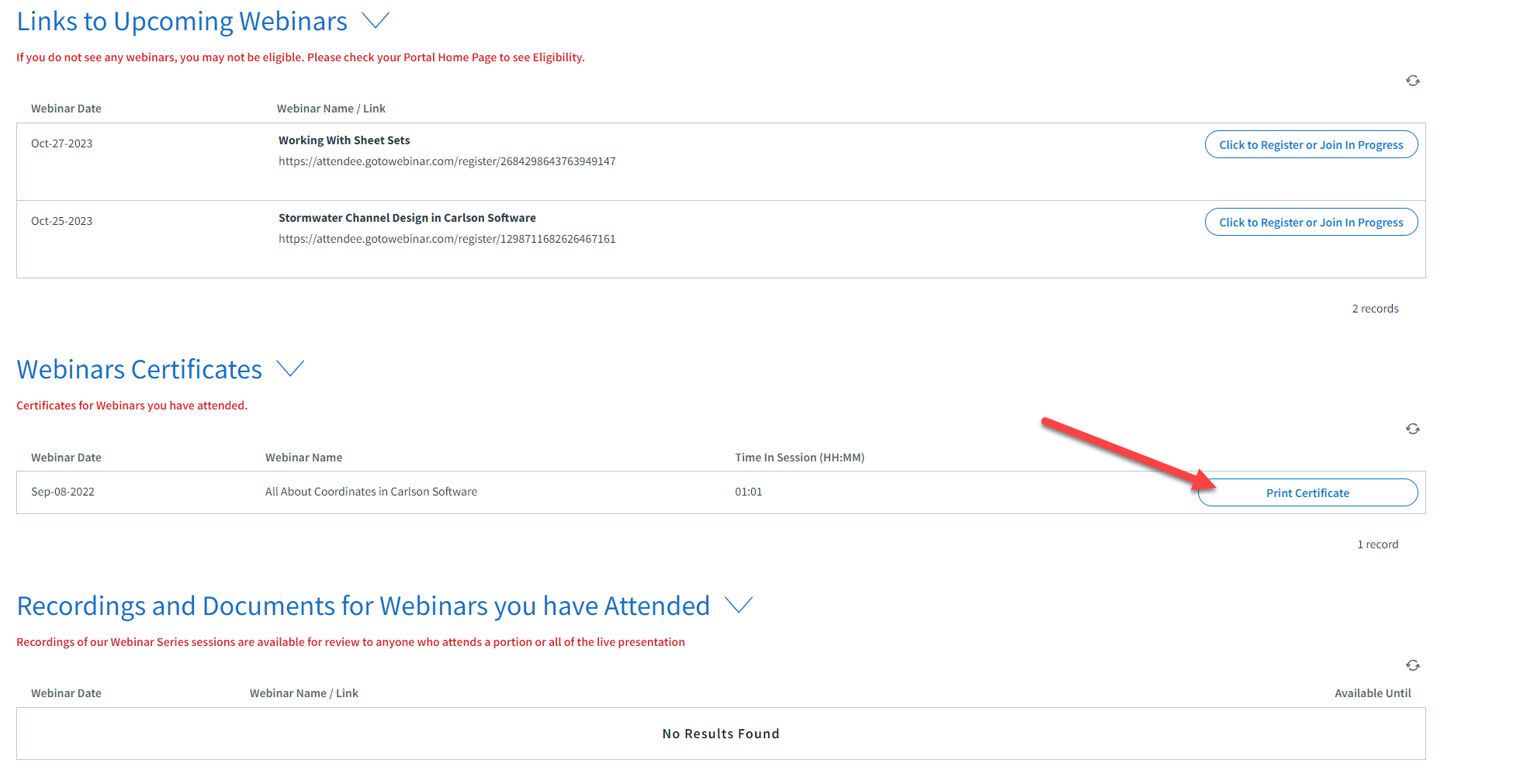

If you find the material on this website helpful, please consider supporting That CAD Girl by purchasing our products or services.
If you are interested in purchasing products or services we do not offer, we would love to refer you to oe of our Trusted Partners. Please click here to send us a message with your request.
[FAQ252] Where do I get Carlson support? How much will it cost me?
+It doesn’t matter if you’re on the latest version or on a version that’s 10 years old – it’s always free.
You can email Carlson tech support or call (606) 564-5028. You might also check Carlson’s Knowledge Base site which provides answers to many common questions including KB 1078: Troubleshooting Guide
Because we have Carlson as our backup, That CAD Girl also tries to answer as many tech support questions as we can. You can follow this link to send us a Request for Tech Support.
Pro-Tip!: When calling or emailing for technical support, the first question you’ll likely get from either me or Carlson is “Are you using the current build?”. If you want us to love you even more and help us answer your question in the first phone call, make sure to say, “Oh, by the way, I’ve already checked and I’m using the current build”.
FAQ: Where do I find the build date or build number of my Carlson Software?
FAQ: What is the latest and greatest version/build of my Carlson Software? (a running thread)
If you find the material on this website helpful, please consider supporting That CAD Girl by purchasing our products or services.
If you are interested in purchasing products or services we do not offer, we would love to refer you to oe of our Trusted Partners. Please click here to send us a message with your request.
[FAQ266] Does Carlson have student or academic licenses?
+Carlson Software provides unlimited desktop licensing to qualified colleges and universities around the world.
If you find the material on this website helpful, please consider supporting That CAD Girl by purchasing our products or services.
If you are interested in purchasing products or services we do not offer, we would love to refer you to oe of our Trusted Partners. Please click here to send us a message with your request.
[FAQ232] Can I install my Carlson desktop software on two computers?
+For your 2nd installation, follow the same steps to download and, during the installation process, use your same serial number. The key to NOT getting in trouble is how you register it the first time it launches on the 2nd computer. The image below shows the Install Info tab of the registration dialog box.
You must specify the Reason for Installation from one of these 5 options:
- Initial install or maintenance update of Carlson
- Re-installation of Carlson
- Windows or AutoCAD Upgrade
- Home/Field use. See License Agreement.
- New Hardware (new hard drive, network card, new computer)
For your 2nd installation, you’d choose option #4. It’s a little dated but you can refer to this Knowledge Base article from Carlson’s website explaining these options: Carlson KB 893: Desktop Software Reasons for Registration. This FAQ explains where to find your Carlson Software License Agreement (EULA).
If you find the material on this website helpful, please consider supporting That CAD Girl by purchasing our products or services.
If you are interested in purchasing products or services we do not offer, we would love to refer you to oe of our Trusted Partners. Please click here to send us a message with your request.
[FAQ231] Is it better to network Carlson than use standalone licenses?
+The only time I’d recommend networking individual licenses such as Survey, Survey OEM, Civil, etc. is if you have 2 or more people who can literally share a license. For instance, if you have a technician who works in one office or on one computer from 8-12 and another who works in a different office or computer from 1-5 then, yes, network away!
Using this example, only one license will ever be in use at any one time so you would only need to buy one networked license that can be shared on multiple computers.
Networking one or more licenses of individual seats can also be beneficial if you have several people using the software part-time. Maybe you buy 3 licenses for 4 to share because only 3 people will ever be using it at the same time.
All that being said, networking one of Carlson’s Suites (Civil or Takeoff) can potentially save a lot of money. Civil Suite includes 4 programs: Survey, Civil, Hydrology and GIS. Takeoff Suite includes 4 as well: Construction, CADNet, GeoTech and Trench. If you network either of the Suites, each of those programs acts like an individual license. Sweet Suite!
So, if you buy one standalone license of Civil Suite, that license is registered to one user who can access any of the 4 programs at will. But, if you network that Civil Suite, you can have one person working in Survey at the same time someone else is working in Civil, while a 3rd person is working in Hydrology and a 4th is in GIS.
Even though this sounds like a great way to save money, you should also be aware that sharing licenses can also become a headache to your staff and lead to some loss in productivity. It’s like anything else, networking the Suites has its pros and cons.
You may also want to refer to this updated FAQ: Working with Carlson’s network license manager for more information.
If you find the material on this website helpful, please consider supporting That CAD Girl by purchasing our products or services.
If you are interested in purchasing products or services we do not offer, we would love to refer you to oe of our Trusted Partners. Please click here to send us a message with your request.
[FAQ211] I’m a land surveyor. What software do I need?
+But, I find a lot of surveyors also need Carlson GIS for bringing in aerial photos, images of quad and soils maps.
And, this is a little out of the box, but if you’re a surveyor who does a lot of construction staking, I highly recommend Carlson Civil as well. Carlson Civil has a lot of tools that are meant to be used for design but, in my experience, can be invaluable for stakeout.
Most of these tools are in the 3D Data menu of Carlson Civil and include:
- 2D to 3D Polyline by Points and by Text with Leader
- Assign Contour Elevations
- Pad Polyline by Interior Text
- Draw Building Perimeter Polyline
- Convert Spot Elevations to Points
- Points by Slope
If you need Survey plus any of these other programs, you will have to use Carlson Survey with IntelliCAD or For Your AutoCAD because Survey and Takeoff are the only programs available on the embedded AutoCAD (OEM) platform.
And if you need Survey plus any of these other programs, you may want to consider the Civil Suite because the bundled pricing is often better than buying 2 or more individual modules.
If you find the material on this website helpful, please consider supporting That CAD Girl by purchasing our products or services.
If you are interested in purchasing products or services we do not offer, we would love to refer you to oe of our Trusted Partners. Please click here to send us a message with your request.
[FAQ212] I’m a civil engineer. What software do I need?
+Since all three of these modules are included in the Carlson Civil Suite, that’s usually the better deal.
If you find the material on this website helpful, please consider supporting That CAD Girl by purchasing our products or services.
If you are interested in purchasing products or services we do not offer, we would love to refer you to oe of our Trusted Partners. Please click here to send us a message with your request.
[FAQ213] I’m a contractor and need to do takeoffs and create machine control files.<br>What software do I need?
+The good thing about the Takeoff Suite is that you can buy the whole thing or just the pieces and parts you need. Many contractors only need the functionality of Construction and CADNet so, unless you need Trench and GeoTech as well, you could save a little money by just buying those modules. And you could always add the other pieces later if necessary.
Construction includes most of the functionality you will need for building models and doing takeoffs: tools for elevating 2D to 3D, site and roadway surface modeling (including resurfacing), quantity calcs, exporting to machine control and more.
CADNet includes the digitizing and imaging tools such as raster to vector, importing PDFs and BIM files and more.
GeoTech is for importing borehole data for analyzing subsurface conditions and materials.
Trench is for calculations related to installing pipes, sewers, or utility lines.
One other thing to note is that Construction is mostly a blend of the functionality you’ll find in Carlson Survey & Civil. Since the pricing of Civil Suite is the same as Construction, you may find that purchasing Civil Suite and CADNet is a good alternative to Construction and CADNet.
These images were current for the Carlson 2021 products but I don’t think much has changed…
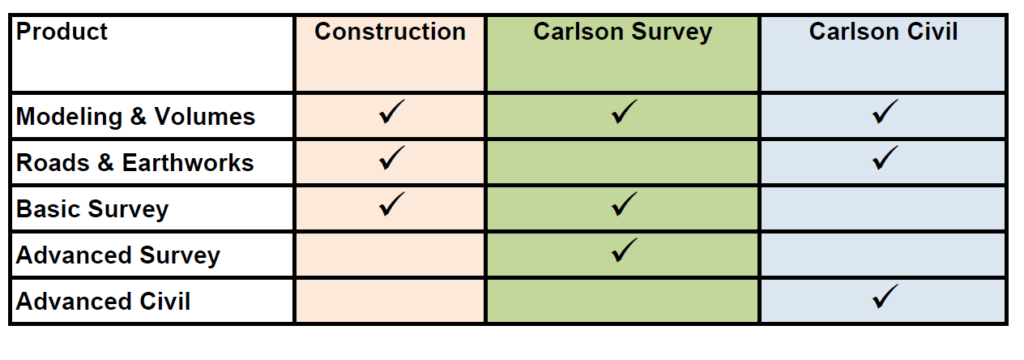
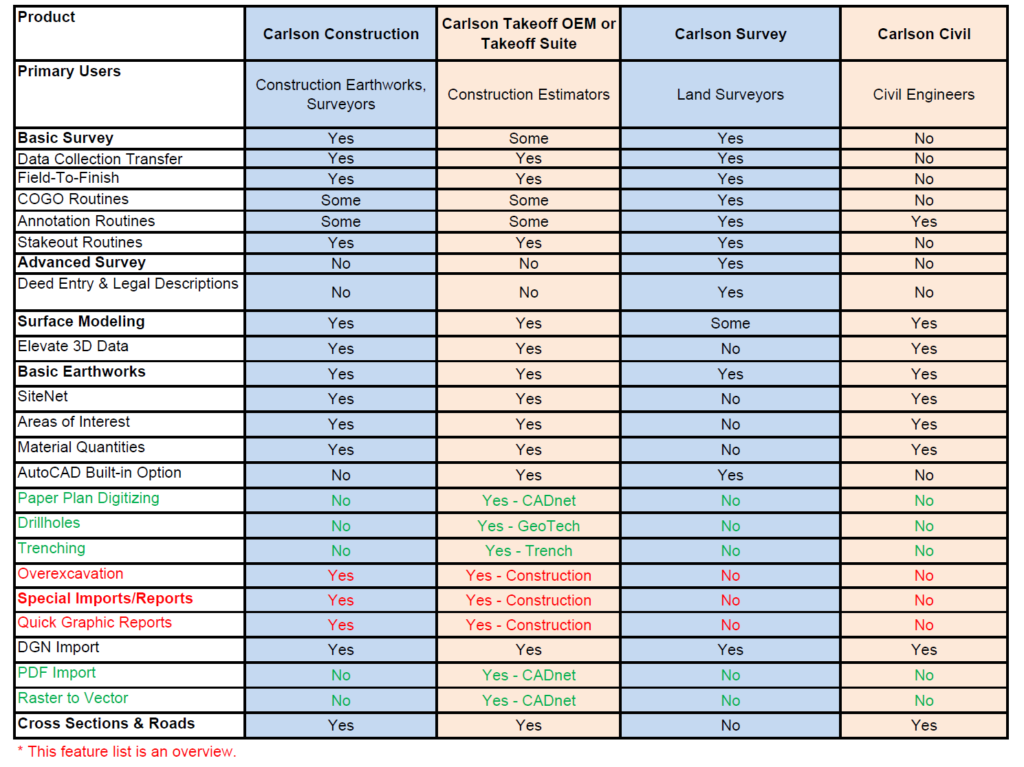
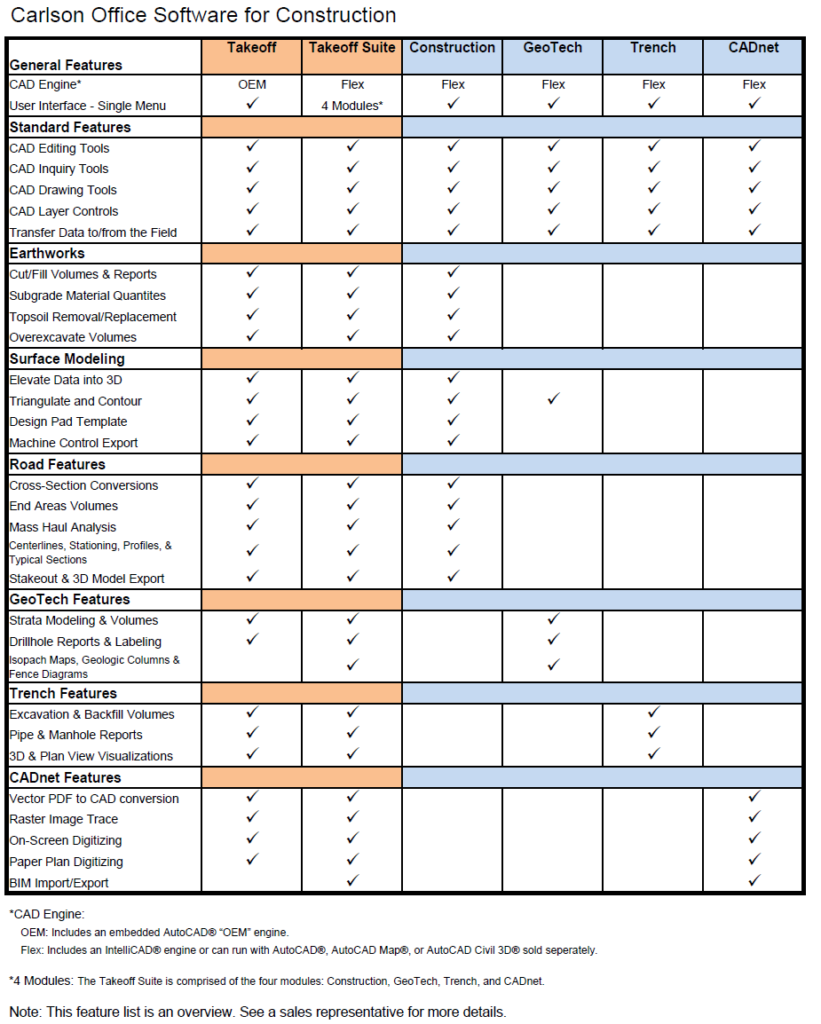
If you find the material on this website helpful, please consider supporting That CAD Girl by purchasing our products or services.
If you are interested in purchasing products or services we do not offer, we would love to refer you to oe of our Trusted Partners. Please click here to send us a message with your request.
[FAQ471] I lost my data collector with SurvCE, am I outta luck?
+
If you find the material on this website helpful, please consider supporting That CAD Girl by purchasing our products or services.
If you are interested in purchasing products or services we do not offer, we would love to refer you to oe of our Trusted Partners. Please click here to send us a message with your request.
[FAQ268] If I use Carlson Survey in the office, do I have to use SurvCE on my data collector?
+
Carlson Survey allows you to import, export and convert points and raw data from dozens of different formats and from a wide variety of manufacturers. Carlson Software, as a company, does everything within their power to make their software and hardware compatible with as many other manufacturers’ products as possible. Carlson wants their users to have the option of mixing and matching their software and equipment in a way that works best for their individual needs.
Here are just two examples of many throughout the program allowing you to import, export or convert external data.
The Convert Point Format menu:
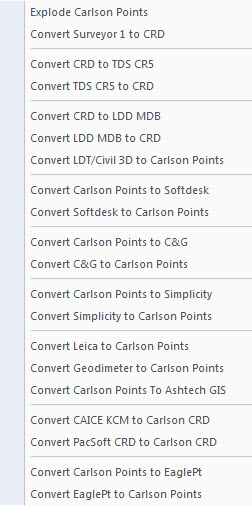
The Import Raw File menu:
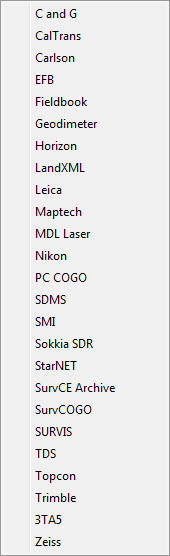
If you find the material on this website helpful, please consider supporting That CAD Girl by purchasing our products or services.
If you are interested in purchasing products or services we do not offer, we would love to refer you to oe of our Trusted Partners. Please click here to send us a message with your request.
[FAQ501] What options do I have for training on CAD or Carlson Software?
+But, don’t forget – there’s a difference between Carlson software TRAINING and Carlson Software TECH SUPPORT… you have to pay for one and the other is free!
I recommend you Click here to complete our Training Questionnaire – this will help you (and us) identify the training that will work best for you.
If it’s training you need, the best and most timely training I provide is through my live webinars or custom online training. You can see the list of upcoming webinars here or follow this link to Request Custom Training to schedule one-on-one custom training.
If it’s movies and videos you want, Carlson has an extensive library of recorded webinars and I’ve posted the webinars I presented on Carlson’s behalf here in my Video Library.
And, if you prefer written material, you may be interested in my Carlson Self-Study Training Manuals. These don’t cover everything Carlson… they’re more of the inch-wide but mile deep variety.
If you find the material on this website helpful, please consider supporting That CAD Girl by purchasing our products or services.
If you are interested in purchasing products or services we do not offer, we would love to refer you to oe of our Trusted Partners. Please click here to send us a message with your request.
[FAQ500] What is Carlson College?
+That CAD Girl was one of the first two training centers to meet the qualifications for Carlson College.
If you find the material on this website helpful, please consider supporting That CAD Girl by purchasing our products or services.
If you are interested in purchasing products or services we do not offer, we would love to refer you to oe of our Trusted Partners. Please click here to send us a message with your request.
[FAQ315] What data collectors, GPS and total stations can I run with my Carlson SurvCE or SurvPC?
+
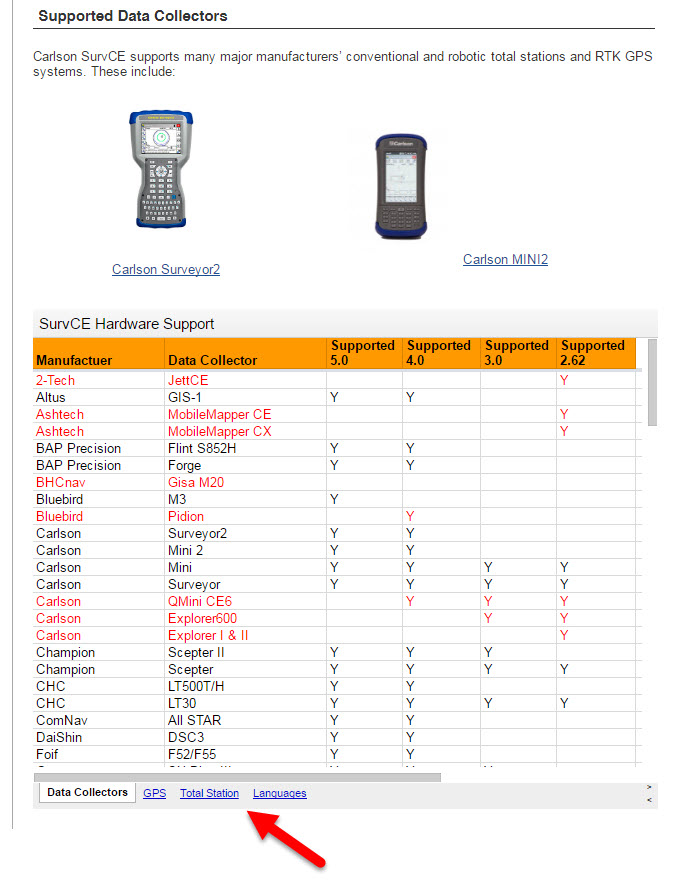
If you find the material on this website helpful, please consider supporting That CAD Girl by purchasing our products or services.
If you are interested in purchasing products or services we do not offer, we would love to refer you to oe of our Trusted Partners. Please click here to send us a message with your request.
[FAQ221] What are the system requirements to run Carlson Software in the office? Do I need a monster computer?
+
But, Carlson’s core product and IntelliCAD can run on pretty light-duty machines.
The minimum system requirements for running Carlson with embedded AutoCAD (OEM), on top of AutoCAD and with IntelliCAD are posted here.
Updated for 2020: Carlson 2020 software will no longer run on 32 bit machines.
Note: If you are using an Nvidia video card, you will want to make sure you get the driver and updates directly from Nvidia.com and not just let Windows search for updates.
See also: Carlson KB1123: Changing graphics card settings to use your dedicated GPU on a Windows computer
See also: Carlson KB1131: NVidia video card: visual artifacts, pixelized lines, wrong text display
If you find the material on this website helpful, please consider supporting That CAD Girl by purchasing our products or services.
If you are interested in purchasing products or services we do not offer, we would love to refer you to oe of our Trusted Partners. Please click here to send us a message with your request.
[FAQ240] Is IntelliCAD more like AutoCAD or AutoCAD LT?
+Now, you also shouldn’t expect IntelliCAD to be the equivalent of today’s AutoCAD. IntelliCAD is a generic version of AutoCAD and will have the feel of an older “model” of AutoCAD and be missing some of the bells and whistles included in newer releases of AutoCAD.
But, it’s more customizable, supports LISP routines and 3D drafting.
Follow these links to see my FAQs that explain the differences between AutoCAD, Carlson’s IntelliCAD and the embedded AutoCAD (OEM) platforms.
You may also want to read this Software Review: AutoCAD and IntelliCAD that I wrote for Professional Surveyor Magazine several years ago.
If you find the material on this website helpful, please consider supporting That CAD Girl by purchasing our products or services.
If you are interested in purchasing products or services we do not offer, we would love to refer you to oe of our Trusted Partners. Please click here to send us a message with your request.
[FAQ508] Why don’t you post recordings of your webinar series presentations for all to see?
+
The advantage of doing it this way is to keep the material fresh. I repeat some of the topics but, just because it’s called “Surfaces, Centerlines and Profiles” in March, doesn’t mean you’ll get the same exact lesson if I repeat it in November. For one thing, between March and November, a new version of the software with updates and new features will have been released and I’ll have different things to show.
Now, on the flipside (I’m a woman, you know there had to be at least two-sides… right?), I DO record each webinar and make it available for a short period of time but only to those who attended it live. That’s just to allow those who sneezed or rattled a bag of potato chips at the wrong time to figure out exactly what I said or what options I picked.
And, you can always use this link to my Video Library to watch the webinars I’ve done in the past for Carlson.
If you find the material on this website helpful, please consider supporting That CAD Girl by purchasing our products or services.
If you are interested in purchasing products or services we do not offer, we would love to refer you to oe of our Trusted Partners. Please click here to send us a message with your request.
[FAQ453] How is the price of Carlson maintenance calculated?
+However, if Maintenance is not renewed prior to expiration, a 1-year Maintenance Plan costs 20% of software list price and increases by 10% per year after the expiration date.
But, regardless of how many years you’ve fallen behind, Carlson will never charge more than 50% of the current retail price of the software in order to bring your license up to the current version.
If your license is not currently on maintenance, you can pay the maintenance fee plus an expiration fee which will both upgrade you to the current version of the program AND include any upgrades that are released within the maintenance year.
Carlson’s policy on Software Maintenance can be viewed by clicking here.
That CAD Girl tries to keep a copy of your most current Maintenance Report uploaded and available to you on your That CAD Girl Customer Portal.
Click here to request pricing for your Maintenance Renewals or Upgrades – if you upload a current Maintenance or Upgrade Report you received from Carlson, you may receive discounted renewal or upgrade pricing!
FAQ: I can’t seem to keep up with my Carlson maintenance – Can you help?
FAQ: What is Carlson Software Maintenance? And why should I buy it from That CAD Girl?
| Maintenance Status | Annual Maintenance (Percentage of Retail) | Expiration Fee (Percentage of Retail) | Total Fee to Renew (Percentage of Retail) |
|---|---|---|---|
| Active | 10% | 0 | 10% |
| Expired, up to 1 year | 10% | 10% | 20% |
| Expired, up to 2 years | 10% | 20% | 30% |
| Expired, up to 3 years | 10% | 30% | 40% |
| Expired, more than 3 years | 10% | 40% | 50% |
| Program | Retail Price of Standalone (effective 7/10/2024) | Annual Maintenance for Standalone | Retail Price of Network | Annual Maintenance for Network |
|---|---|---|---|---|
| Select Suite Pick 6 | $ 4,950 | $ 495 | $ 5,445 | $ 544.50 |
| Select Suite Pick 5 | $ 4,650 | $ 465 | $ 5,115 | $ 511.50 |
| Select Suite Pick 4 | $ 4,250 | $ 425 | $ 4,675 | $ 467.50 |
| Select Suite Pick 3 | $ 3,850 | $ 385 | $ 4,235 | $ 423.50 |
| Select Suite Pick 2 | $ 3,350 | $ 335 | $ 3,685 | $ 368.50 |
| Civil Suite | $ 4,250 | $ 425 | $ 4,675 | $ 467.50 |
| Survey | $ 2,150 | $ 215 | $ 2,365 | $ 236.50 |
| Civil | $ 1,950 | $ 195 | $ 2,145 | $ 214.50 |
| Hydrology | $ 1,550 | $ 155 | $ 1,705 | $ 170.50 |
| Point Cloud Basic | $ 2,000 | $ 200 | $ 2,200 | $ 220.00 |
| Point Cloud Advanced | $ 6,000 | $ 600 | $ 6,600 | $ 660.00 |
| GIS | $ 1,250 | $ 125 | $ 1,375 | $ 137.50 |
| Takeoff Suite | $ 7,500 | $ 750 | $ 8,250 | $ 825.00 |
| Construction | $ 3,950 | $ 395 | $ 4,345 | $ 434.50 |
| CADNet | $ 1,750 | $ 175 | $ 1,925 | $ 192.50 |
| Trench | $ 1,595 | $ 159.50 | $ 1,755 | $ 175.50 |
| GeoTech | $ 1,595 | $ 159.50 | $ 1,755 | $ 175.50 |
Sample Upgrade & Maintenance Renewal Pricing
| Program | # of Years Expired | Retail Price | Total Fee (Percentage of Retail) | Total Fee to Upgrade and/or Renew Maintenance for 1 Year |
|---|---|---|---|---|
| Survey | Not expired, maintenance is current | $ 2,150 | 10% | $ 215.00 |
| Survey | Expired for less than 1 year | $ 2,150 | 20% | $ 430.00 |
| Networked Survey | Expired for less than 1 year | $ 2,365 | 20% | $ 473.00 |
| Civil Suite or Select Suite Pick 4 | Not expired, maintenance is current | $ 4,250 | 10% | $ 425.00 |
| Civil Suite or Select Suite Pick 4 | Expired for less than 1 year | $ 4,250 | 20% | $ 850.00 |
| Networked Civil Suite or Select Suite Pick 4 | Expired for less than 1 year | $ 4,675 | 20% | $935.00 |
If you find the material on this website helpful, please consider supporting That CAD Girl by purchasing our products or services.
If you are interested in purchasing products or services we do not offer, we would love to refer you to oe of our Trusted Partners. Please click here to send us a message with your request.
[FAQ470] Maintenance for my SurvCE & SurvPC – Since when?
+If you purchased maintenance during that time feel free to send me a message and I’ll see if you’re eligible for an automatic upgrade.
If you find the material on this website helpful, please consider supporting That CAD Girl by purchasing our products or services.
If you are interested in purchasing products or services we do not offer, we would love to refer you to oe of our Trusted Partners. Please click here to send us a message with your request.
[FAQ242] What’s the difference between Carlson with IntelliCAD and with the embedded AutoCAD (OEM) platform?
+Whether you’re using Carlson Survey or Takeoff on the IntelliCAD or embedded AutoCAD (OEM) platform, the Survey and Takeoff functionality will be identical. Any differences are going to be strictly limited to the underlying engine – IntelliCAD or embedded AutoCAD.
- From a feature and functionality standpoint, IntelliCAD will be closer to a full AutoCAD and embedded AutoCAD (OEM) will be closer to an AutoCAD LT.
- IntelliCAD is generic version of AutoCAD and tracks closer to a 4-5 year old version of AutoCAD. See this FAQ comparing IntelliCAD and AutoCAD
- Embedded AutoCAD (OEM) will look more like today’s AutoCAD and may have more of the current bells and whistles – but it’ll also be missing some key functionality such as the ability to create aliases (command shortcuts) and load LISP routines. See this FAQ comparing embedded AutoCAD (OEM) and AutoCAD
It’s a work in progress but you can check out this FAQ where I’m starting a list of the differences between the two programs.
If you find the material on this website helpful, please consider supporting That CAD Girl by purchasing our products or services.
If you are interested in purchasing products or services we do not offer, we would love to refer you to oe of our Trusted Partners. Please click here to send us a message with your request.
[FAQ412] Download & install your license of Carlson Software (with your AutoCAD or IntelliCAD)
+These instructions are applicable to perpetual licenses, 90-day licenses and 30-day trials for the following modules: Survey, Civil, Hydrology, GIS, Geology, Underground Mining, Surface Mining, Natural Regrade, Field, CADnet, GeoTech, Trench, Construction and Point Clouds.
- Follow this link: http://www.carlsonsw.com/support/software-downloads/
- Next to, “Carlson Survey/Civil/Mining/Takeoff for CAD”, pick “Show Files”
- From the drop-down list, select the correct “Product Version”
- Download #1 or #2 will be the full, complete, up-to-date version of the software. Select “Download”.
- During installation, enter your serial number when prompted: XXXXX-XXXXX-XXXXX-XXXXX-XXXXX
- When prompted for the platform, select IntelliCAD or your current version of AutoCAD.
If you have previously downloaded and installed this same version of Carlson and have been running it under a trial serial number or you’ve purchased additional modules, you do not need to re-download and re-install.
You can follow the instructions below to update your registration with your new purchased serial number:
- Start Carlson Software
- Go to Help > About Carlson
- Pick the “Change Registration” button
- Once the “Add/Remove Serial Number” dialog box is open, pick the “Add” button
- Complete the Registration Information with your new serial number: XXXXX-XXXXX-XXXXX-XXXXX.
Instructions for installing the network license manager can be found here: http://www.carlsonsw.com/support/knowledge-base/?action=display_topic&topic_id=55.
You can also refer to this FAQ: Download and Install the Carlson Network License Manager
If you need a new (or updated) network license file, please contact Brian Hammer in Carlson’s Boston office. His email is [email protected] and the phone number is 606-564-5028.
If you find the material on this website helpful, please consider supporting That CAD Girl by purchasing our products or services.
If you are interested in purchasing products or services we do not offer, we would love to refer you to oe of our Trusted Partners. Please click here to send us a message with your request.
[FAQ260] Why do you prefer Carlson Civil Suite over Civil 3d?
+I always qualify my endorsement by acknowledging the fact that I make my living selling their software; but, I’m independent. And, if some day I get to the point where I no longer believe Carlson is the best option, I’ll be up front and admit that too.
I’ve written several times and in various formats over the years about Carlson vs Civil 3d and those word-storms seem to hold up pretty well so, rather than repeat everything, I’ll just link to the old stuff and put a few new comments in at the bottom here.
- Post from 2009 Why Carlson Civil Suite And Not Civil 3D?
- And More Carlson vs Civil 3D from 2009
- And Carlson, Civil 3D and Head-to-Head Shootouts, again in 2009
- This post is a follow up from 2010 Carlson Software VS Civil 3D – Revisited
- Here’s the article I wrote for Professional Surveyor magazine (now xyHt) My Evolution from Land Desktop to Carlson Software
- I’ll even play fair and give you the counter argument by Eric Colburn Moving from Land Desktop to Civil 3d
- If you want an outsiders take (from several years ago), you can read this article in CE News by David Palumbo of Dewberry describing the process his company undertook to evaluate the programs and find the right software solution for their surveying and engineering departments.
And, yes, it’s pretty much cheating but I’m stealing most of the rest of this from my FAQ I miss my Land Desktop/LDD! What is my next, best option?
One Reason I’m a Carlson Fan
Carlson has a lot of the dynamic functionality (RoadNet, LotNet, Design Pad Template, etc.) that we wanted in Land Desktop. But, the entities created by these cool automated tools are all standard CAD entities such as polylines and 3d polylines and text.
The benefit is that, when you get to the end of your design and need to pinpoint and tweak an area, you have the option of doing basic CAD-editing of standard polylines or text to make changes the old-fashioned way.
One of my complaints about Civil 3d is that users get very little credit for knowing AutoCAD. Civil 3d requires you to create “Styles” for everything and these styles override basic CAD management of all other properties such as colors, layers, linetypes, text styles, formatting and so on.
Here is one of my favorite examples to illustrate the point. I have a 100 x 200 lot below that has a label inside for area in square footage and acres. The labels are generic and crappy-looking but I can change that later. At this point, all I want to do is add a silly comma so that the area in SF reads “20,000 SF”.
If I’m in Carlson, I double-click on the label and edit it – because it’s CAD and it’s text.
If I’m in Civil 3d, that label is tied to the parcel-object and the style of the object must be changed. Unless you explode the object and lose all the perceived benefits of Civil 3d, there are many clicks and digging deep into dialog boxes to make the same change.
If you find the material on this website helpful, please consider supporting That CAD Girl by purchasing our products or services.
If you are interested in purchasing products or services we do not offer, we would love to refer you to oe of our Trusted Partners. Please click here to send us a message with your request.
[FAQ275] About IntelliCAD
+IntelliCAD – An IntroductionThe development of IntelliCAD is overseen by the IntelliCAD Technology Consortium, “an organization of CAD software developers, who develop applications for IntelliCAD, a Computer-aided design engine. The IntelliCAD engine, which is based on the DWGdirect library from the Open Design Alliance reads and writes the ‘.dwg’ data format – a widely used file format for storing both graphic and textual information of CAD-related software applications.”
The primary goals of the IntelliCAD Technology Consortium are to “research and develop CAD technology, the IntelliCAD platform, and to deliver CAD solutions to customers worldwide.” In other words, to provide the personal and commercial CAD markets with a cost-effective solution that is capable of reading and writing the common drawing (DWG) file.
The ITC is a non-profit, independent organization of commercial software developers (members). The ITC has an elected, volunteer, member based Board of Directors which guide its strategic vision. An independent (non-member) President manages the tactical business operations. Members pay annual dues that fund the ITC. Today the ITC has over 50 members who support 13 languages and ship product in more than 35 countries.
IntelliCAD – A Trip through Time
Except where noted, each of the following items were obtained from An Outside Look in at IntelliCAD (used by permission) which requires the free Adobe Reader.
“Where did the name come from? The name of the software ‘IntelliCAD’ comes from a programming company that was formed in the early 1990s in San Diego, CA, USA. Their main claim to fame was ADE (AutoCAD Data Extension), which they sold to Autodesk, and which eventually became part of Autodesk Map.”
“IntelliCAD the software has a complex and fascinating history that winds its way through Softdesk, Autodesk, Boomerang, Visio, just missing Microsoft, then onto the IntelliCAD Technology Consortium, and now [includes] a variety of brand names, such as CADopia, Bricscad, and DWGEditor.”
1994, August: “IntelliCAD is purchased by Softdesk of Henniker, NH.”
1996, December: “Autodesk acquires Softdesk… Softdesk apparently did not tell Autodesk about its AutoCAD clone.”
1997, March: “Autodesk investigated by the FTC (Federal Trade Commission) over the alleged monopoly status of AutoCAD… The FTC allowed Autodesk to purchase Softdesk after Autodesk agreed to: (1) spin off IntelliCAD; (2) not attempt re-acquire the technology; (3) not attempt to acquire any company that owns or controls IntelliCAD; and (4) not interfere with employees who leave Autodesk to work with IntelliCAD… IntelliCAD was spun off as Boomerang Technology in San Jose, CA.”
1997, March: “Visio bought Boomerang.”
1998, March: “IntelliCAD 98 ships. The price was originally pegged at US$495; upon release, the price dropped to $349 as a ‘special introductory price’; the price drops further to $149 at computer superstores, such as CompUSA. Through to the end of June, the first three months of sales for IntelliCAD were nearly 12,000 licenses, producing $3 million in gross revenue — an average of $250 per license.”
1998, May: “IntelliCAD is suddenly incompatible with AutoCAD! Autodesk releases a maintenance release for AutoCAD R14.01 that makes a change to the .dwg format, and preventing IntelliCAD from reading drawing files… Visio updated IntelliCAD 98 to work with 14.01 files.”
1999, July 27: “Visio cuts IntelliCAD loose by granting the IntelliCAD Technology Consortium a royalty-free, perpetual license for the source code of the IntelliCAD 2000 technology. The ITC was set up by Visio, but run by an independent board of directors.
1999, September: “IntelliCAD Technical Consortium opens its Web site at http://www.intellicad.org/.”
Subsequent releases of IntelliCAD through the ITC occur every year since its initial release (see the IntelliCAD version history link under the Press section of the IntelliCAD Technology Consortium web site).
IntelliCAD Release History
IntelliCAD 6.4 July 27, 2007
IntelliCAD 6.3 February 28, 2007
IntelliCAD 6.2 May 27, 2006
IntelliCAD 6.1 September 5, 2005
IntelliCAD 6.0 May 3, 2005
IntelliCAD 5.1 January 12, 2005
IntelliCAD 5.0 October 24, 2004
IntelliCAD 4.0 March 14, 2003
IntelliCAD 2001 version 3.3 July 19, 2002
IntelliCAD 2001 May 22, 2001
IntelliCAD 2000 March 6, 2000
IntelliCAD 98 May 1, 1998
Carlson Support for IntelliCAD
The Carlson 2009 installation comes with IntelliCAD 6.4 built-in. When you choose IntelliCAD as the CAD platform during installation, the IntelliCAD engine is installed along with the Carlson program files. Carlson 2009 only works with this built-in version of IntelliCAD and not on any other version of IntelliCAD or other IntelliCAD based products like Bricscad.
Running Carlson 2009 on IntelliCAD is largely the same as running on AutoCAD. IntelliCAD supports a development environment with a similar interface as AutoCAD which allows Carlson Software to use the same code base on both CAD platforms. Of the over 1700 Carlson commands across the Carlson 2009 products, there are 11 commands that are not supported with IntelliCAD for the Carlson 2009 release. These are:
Editor Reactors (ie Link Points To Coordinate File)
Point Object Snap (node snap does work)
Text Explode To Polylines
Edit Centerline On-Screen
Extract Centroid Data
Label Object Data Areas
Drape Image On Surface
Retaining Wall Placement
Pillar Cut
Calculate Variogram
Production By Block Model
IntelliCAD – AutoCAD Comparison
IntelliCAD has a very similar user interface as AutoCAD, supports the core AutoCAD commands and uses the DWG drawing formats 2009 to R14. For some Carlson commands, creating entities in AutoCAD is twice as fast as IntelliCAD which makes a significant difference in routines that create lots of entities.
The upcoming IntelliCAD 7 will be built on DWGdirect from the Open Design Alliance and will add a “DRX development environment” similar to ObjectARX with AutoCAD. Using DRX should greatly improve the speed of entity creation within IntelliCAD.
While most of the AutoCAD commands Carlson clients use in AutoCAD can also be found in IntelliCAD 6.4, there are many features in AutoCAD that are not in IntelliCAD. Among these features are ones for architectural and mechanical applications that don’t apply to Carlson customers. For this initial release of Carlson 2009 on IntelliCAD 6.4, here are AutoCAD commands that Carlson customers might miss:
Spell Check
DGN import/export
Orbit command
Find command
Express Tools
Tool Palettes
Annotative Text
Sheet Set Manager
Page Setup Manager
Import .PC3 Files
Irregular viewports
Clipboard commands for copybase and paste to original
VBA not supported for custom applications; VB with COM is supported
Object Enablers for LDT points and contours
User-interface for menu customizaiton (no CUI, old MNU method)
Ctrl-pick cycle for object selection
Dialog user interface for WBlock
Dialog user interface for Purge command
Dialog user interface for Filter command
Right-Click menus
Entity Properties as docked-dialog
Grip snapping to other grips
Highlighting of entities when dragging cursor over them
Mudst hatch pattern
If you identify any other AutoCAD feature that you miss when running Carlson with IntelliCAD, please email us at [email protected] and we willl add to this list which helps guide future developments.
Bibliography
“IntelliCAD Technology Consortium – Wikipedia, the free encyclopedia”
Available at:http://en.wikipedia.org/wiki/IntelliCAD_Technology_Consortium 09 April 2008
“IntelliCAD® Technology Consortium: The intelligent alternative for CAD developers.”
Available at: http://www.intellicad.org/join/index.php 09 April 2008
“Natural monopoly – Wikipedia, the free encyclopedia.”
Available at: http://en.wikipedia.org/wiki/Natural_monopoly#Regulation 09 April 2008
“An Outside Look in at IntelliCAD.”
Available at: http://www.intellicad.org/WorldMeeting2004/presentations/OutsideLookAtIntelliCAD.pdf 09 April 2008
Information in this document is subject to change without notice and does not represent a commitment on the part of the vendor.
IntelliCAD® is a registered trademark of the IntelliCAD Technology Consortium, Inc. and is used under permission.
AutoCAD® is a registered trademark of Autodesk, Inc.
Windows® and Visio® are registered trademarks of Microsoft Corporation.
All other registered or unregistered trademarks are the property of their respective holders.
All links contained herein open in a new web-browser window.
If you find the material on this website helpful, please consider supporting That CAD Girl by purchasing our products or services.
If you are interested in purchasing products or services we do not offer, we would love to refer you to oe of our Trusted Partners. Please click here to send us a message with your request.
[FAQ264] What is the relationship between Carlson and IntelliCAD?
+
If you find the material on this website helpful, please consider supporting That CAD Girl by purchasing our products or services.
If you are interested in purchasing products or services we do not offer, we would love to refer you to oe of our Trusted Partners. Please click here to send us a message with your request.
[FAQ024] GIS Starter Kit for Carlson’s IntelliCAD users
+Esri offers this promotion intermittently so I’ll just keep these details posted and will provide updates if and when I get word the promotion is currently “On” or “Off”…
- ArcGIS for Desktop Basic
- A to Z GIS: An Illustrated Dictionary of Geographic Information Systems
- Getting to Know ArcGIS for Desktop, Third Edition
If you find the material on this website helpful, please consider supporting That CAD Girl by purchasing our products or services.
If you are interested in purchasing products or services we do not offer, we would love to refer you to oe of our Trusted Partners. Please click here to send us a message with your request.
[FAQ200] What you should know about purchasing Carlson Software
+

About Carlson Software, the Company
About Carlson, the Software
Carlson programs work natively and produce DWG format files. There is NO need to convert, import or export – only Open and Save.
The programs are primarily delivered as “vertical” modules that can be installed and run on top of a generic-CAD platform.
Carlson’s desktop modules for land surveying, engineering and construction are built to run on top of the ITC’s IntelliCAD and Autodesk’s AutoCAD platforms. The modules include: Survey, Civil, Hydrology, GIS, Geology, Underground Mining, Surface Mining, Natural Regrade, Field, CADnet, GeoTech, Trench, Construction and Point Clouds.
Additionally, Survey and Takeoff are developed and run on top of an embedded AutoCAD (OEM).
You Have Options!
Purchase Carlson with the Platform that's Best for You
Carlson’s desktop programs can be installed as a standalone program on top of IntelliCAD or on top of your separately-purchased, full-AutoCAD-based program.
Each purchase includes a license of the latest version of IntelliCAD – it doesn’t have to be purchased separately.
Your separately-purchased, full-AutoCAD-based program can be AutoCAD, AutoCAD Map, Land Desktop, Civil 3D or other vertical – but does NOT include AutoCAD LT.
The following modules are available with IntelliCAD/for YOUR AutoCAD: Survey, Civil, Hydrology, GIS, Geology, Underground Mining, Surface Mining, Natural Regrade, Field, CADnet, GeoTech, Trench, Construction and Point Clouds
Carlson Survey and Takeoff can be purchased and installed standalone with embedded AutoCAD (also known as the OEM version).
Each purchase includes a license of the latest version of embedded AutoCAD (OEM) – it doesn’t have to be purchased separately.
Note that embedded AutoCAD (OEM) is more similar to AutoCAD LT than AutoCAD – so, experienced AutoCAD users may end up missing much of the functionality they are accustomed to.
The embedded AutoCAD (OEM) programs do not include IntelliCAD and do not require a separate purchase of AutoCAD.
Importantly, although both programs can be installed on the same computer, programs installed with the OEM platform will be completely separate from those installed with IntelliCAD/your AutoCAD. This means that you will not be able to work in a DWG file and simply switch between menus – you’ll have to close the drawing in one program in order to open it in the other.
Carlson's Versions vs AutoCAD's Versions
Carlson Software will run on earlier versions of AutoCAD; however, you cannot run a version of Carlson that is older than the AutoCAD. For instance, Carlson 2024 will run on AutoCAD 2018-2024 but Carlson 2022 will only run on AutoCAD 2018-2022.
Which Program or Modules Do I Need?
FAQ: I’m a land surveyor. What software do I need?
FAQ: I’m a civil engineer. What software do I need?
Programs with embedded AutoCAD (OEM)
FAQ: What features & menus are in Carlson Survey with embedded AutoCAD (OEM)? (a running thread)
FAQ: What features & menus are in Carlson Takeoff with embedded AutoCAD (OEM)? (a running thread)
Desktop Programs with IntelliCAD/for YOUR AutoCAD
FAQ: What features & menus are in the non-OEM Carlson Survey program? (a running thread)
FAQ: What features & menus are in Carlson Civil? (a running thread)
FAQ: What features & menus are in Carlson GIS? (a running thread)
FAQ: What features & menus are in Carlson Hydrology? (a running thread)
FAQ: What features & menus are in Carlson Point Cloud? (a running thread)
FAQ: What features & menus are in Carlson Construction? (a running thread)
FAQ: What features & menus are in Carlson CADNet? (a running thread)
FAQ: What features & menus are in Carlson GeoTech? (a running thread)
FAQ: What features & menus are in Carlson Trench? (a running thread)
Carlson iCAD
Retail Pricing for Carlson Software
| Program | Retail Price of Standalone (effective 7/10/2024) | Retail Price of Network |
|---|---|---|
| Select Suite - Pick 6 (from Survey, Civil, Hydrology, GIS, Point Cloud Basic, CadNet) | $ 4,950 | $ 5,445 |
| Select Suite - Pick 5 (from Survey, Civil, Hydrology, GIS, Point Cloud Basic, CadNet) | $ 4,650 | $ 5,115 |
| Civil Suite or Select Suite Pick 4 (from Survey, Civil, Hydrology, GIS, Point Cloud Basic, CadNet) | $ 4,250 | $ 4,675 |
| Select Suite - Pick 3 (from Survey, Civil, Hydrology, GIS, Point Cloud Basic, CadNet) | $ 3,850 | $ 4,235 |
| Select Suite - Pick 2 (from Survey, Civil, Hydrology, GIS, Point Cloud Basic, CadNet) | $ 3,350 | $ 3,685 |
| Survey | $ 2,150 | $ 2,365 |
| Civil | $ 1,950 | $ 2,145 |
| Hydrology | $ 1,550 | $ 1,705 |
| GIS | $ 1,250 | $ 1,375 |
| Point Cloud Basic | $ 2,000 | $ 2,200 |
| Point Cloud Advanced | $ 6,000 | $ 6,600 |
| Takeoff Suite (Construction, CADNet, Trench, GeoTech) | $ 7,500 | $ 8,250 |
| Construction | $ 3,950 | $ 4,345 |
| CADNet | $ 1,750 | $ 1,925 |
| Trench | $ 1,595 | $ 1,755.50 |
| GeoTech | $ 1,595 | $ 1,755.50 |
| Takeoff with embedded AutoCAD (OEM) | $ 9,000 | $ 9,900 |
| Survey with embedded AutoCAD (OEM) | $ 3,250 | $ 3,575 |
Upgrading Carlson Software
Upgrades are managed through the Annual Maintenance Plan which, essentially. allows users to pre-pay for future upgrades. As long as your Maintenance is active at the time a new version is released, you are eligible for an automatic upgrade to the new version.
See additional information about Maintenance below…
Survey and Takeoff with embedded AutoCAD (OEM)
Maintenance is NOT available for these products so upgrades are only available after a new version has been released.
The cost to upgrade Carlson’s OEM products is subject to change each year and varies depending on the program and how many versions behind you are.
However, Carlson never charges more than 50% of the current retail price to upgrade any license to the latest and greatest version of the software.
Carlson Software Annual Maintenance
Every new license of Carlson with IntelliCAD/for CAD includes 90 days of free Maintenance. This is Carlson’s way of ensuring that anyone who purchases a new license inside of that 90-day window can be assured of getting the free upgrade.
Renewing Maintenance Before it Expires
Renewing Maintenance is optional for users.
However, if you prefer to keep your software up-to-date when new versions are released, keeping the Maintenance plan active is the best way to do that.
If it is renewed prior to expiration, maintenance costs 10% of the retail price of the software.
Renewing Expired Maintenance
If your Maintenance has expired, you can pay the regular 10% Maintenance fee plus the expiration fee to activate your Maintenance for one-year. While Maintenance is active, you’ll be eligible for an immediate upgrade to the current version AND for automatic upgrades to any new versions released during the Maintenance year.
How Old is Too Old (to Renew)?
For licenses of Carlson with IntelliCAD/for CAD that are more than 4 years old, users can pay 50% of the retail price to activate Maintenance for 1-year.
While Maintenance is active, you’ll be eligible for an immediate upgrade to the current version AND for automatic upgrades to any new versions released during the Maintenance year.
See the tables below for sample pricing for Carlson Maintenance.
Carlson Software Maintenance Fees – per Product
Carlson’s policy on Software Maintenance can be viewed by clicking here
| Program | Retail Price of Standalone (effective 7/10/2024) | Annual Maintenance for Standalone | Retail Price of Network | Annual Maintenance for Network |
|---|---|---|---|---|
| Select Suite Pick 6 | $ 4,950 | $ 495 | $ 5,445 | $ 544.50 |
| Select Suite Pick 5 | $ 4,650 | $ 465 | $ 5,115 | $ 511.50 |
| Select Suite Pick 4 | $ 4,250 | $ 425 | $ 4,675 | $ 467.50 |
| Select Suite Pick 3 | $ 3,850 | $ 385 | $ 4,235 | $ 423.50 |
| Select Suite Pick 2 | $ 3,350 | $ 335 | $ 3,685 | $ 368.50 |
| Civil Suite | $ 4,250 | $ 425 | $ 4,675 | $ 467.50 |
| Survey | $ 2,150 | $ 215 | $ 2,365 | $ 236.50 |
| Civil | $ 1,950 | $ 195 | $ 2,145 | $ 214.50 |
| Hydrology | $ 1,550 | $ 155 | $ 1,705 | $ 170.50 |
| Point Cloud Basic | $ 2,000 | $ 200 | $ 2,200 | $ 220.00 |
| Point Cloud Advanced | $ 6,000 | $ 600 | $ 6,600 | $ 660.00 |
| GIS | $ 1,250 | $ 125 | $ 1,375 | $ 137.50 |
| Takeoff Suite | $ 7,500 | $ 750 | $ 8,250 | $ 825.00 |
| Construction | $ 3,950 | $ 395 | $ 4,345 | $ 434.50 |
| CADNet | $ 1,750 | $ 175 | $ 1,925 | $ 192.50 |
| Trench | $ 1,595 | $ 159.50 | $ 1,755 | $ 175.50 |
| GeoTech | $ 1,595 | $ 159.50 | $ 1,755 | $ 175.50 |
Carlson Software Maintenance & Expiration Fees
Carlson’s policy on Software Maintenance can be viewed by clicking here
| Maintenance Status | Annual Maintenance (Percentage of Retail) | Expiration Fee (Percentage of Retail) | Total Fee to Renew (Percentage of Retail) |
|---|---|---|---|
| Active | 10% | 0 | 10% |
| Expired, up to 1 year | 10% | 10% | 20% |
| Expired, up to 2 years | 10% | 20% | 30% |
| Expired, up to 3 years | 10% | 30% | 40% |
| Expired, more than 3 years | 10% | 40% | 50% |
Sample Pricing for Active and Expired Maintenance Renewal Fees
Carlson’s policy on Software Maintenance can be viewed by clicking here
| Program | # of Years Expired | Retail Price | Total Fee (Percentage of Retail) | Total Fee to Upgrade and/or Renew Maintenance for 1 Year |
|---|---|---|---|---|
| Survey | Not expired, maintenance is current | $ 2,150 | 10% | $ 215.00 |
| Survey | Expired for less than 1 year | $ 2,150 | 20% | $ 430.00 |
| Networked Survey | Expired for less than 1 year | $ 2,365 | 20% | $ 473.00 |
| Civil Suite or Select Suite Pick 4 | Not expired, maintenance is current | $ 4,250 | 10% | $ 425.00 |
| Civil Suite or Select Suite Pick 4 | Expired for less than 1 year | $ 4,250 | 20% | $ 850.00 |
| Networked Civil Suite or Select Suite Pick 4 | Expired for less than 1 year | $ 4,675 | 20% | $935.00 |
Carlson Licensing
A purchase of Carlson Software grants a perpetual license to the owner. This means that, once purchased, you “own it” and never need to pay additional fees to use it.
Carlson allows users to “network” their licenses for an additional fee. The fee is 10% of the retail price of the software being networked.
When installing their desktop software, Carlson recognizes 5 different “Reasons for Installation”:
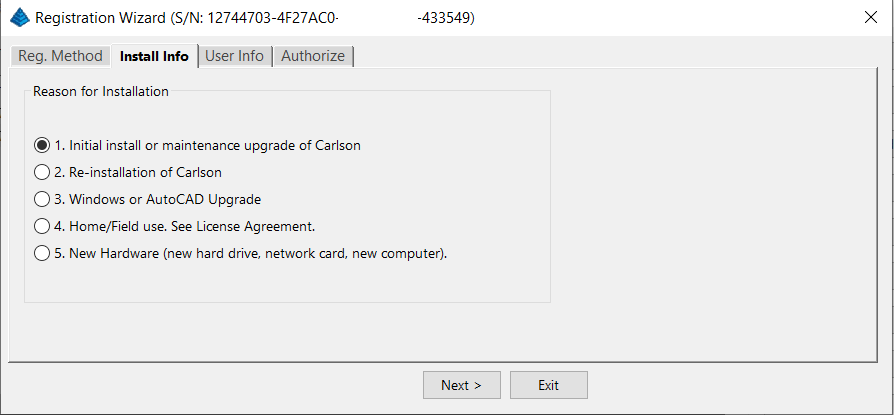
After installation and registration, Carlson provides a Registration Report that includes a “Change Key” and it’s a good idea to save the report and the change key.
And here’s a Pro-Tip for you! The Serial Number screen on your That CAD Girl Customer Portal has a “Customer Notes” section – that’s a great place to save your Change Key and other important information about each license!
FAQ: Does Carlson retire their products?
FAQ: What happens if I get a new computer and need to reinstall Carlson?
FAQ: Can I install my Carlson desktop software on two computers?
FAQ: Is it better to network Carlson than use standalone licenses?
FAQ: Does Carlson Software Still Offer Perpetual Licenses?
FAQ: How do I register my Carlson Software? And what are change keys?
System Requirements for Desktop Software
Technical Support & Training
You can see all the opportunities for training with That CAD Girl here and you can follow these links to see our FAQs about the training and technical support available from Carlson and That CAD Girl.
30-Day Trials
Once you decide to purchase, you won’t even need to uninstall. You can activate your software by simply updating your registration with your purchased serial number.
Frequently Asked Questions: What to Know Before Purchasing Carlson Software
1. What is Carlson Software and who should use it?
Carlson Software is a leading solution for land surveying, civil engineering, grading, and utility contractors. It offers powerful tools for site design, construction layout, data collection, and project management, making it ideal for professionals in land development and infrastructure projects.
2. What are the main features of Carlson Software for land development?
- Advanced survey data collection and processing
- 3D site modeling and earthwork calculations
- Road and subdivision design tools
- Utility and drainage design modules
- Seamless integration with GPS and total station hardware
- CAD drafting and mapping capabilities
- Automated grading and volume calculations
- Compatibility with DWG and DXF file formats
3. What types of licenses and versions are available?
Carlson Software offers perpetual, subscription, and network licenses. Choose from modules like Survey, Civil, Hydrology, GIS, and Takeoff. Bundle packages are available for comprehensive land development needs.
4. What are the system requirements and compatibility details?
Carlson Software runs on Windows-based PCs and is compatible with most CAD platforms, including AutoCAD and IntelliCAD. Check the latest system requirements on the Carlson website to ensure optimal performance.
5. How do I purchase Carlson Software?
You can buy Carlson Software directly from authorized dealers or the official Carlson website. Discounts may be available for multi-seat, educational, or government purchases.
6. Is technical support and training available?
Yes. Carlson provides extensive customer support, including phone, email, and online resources. Training options include webinars, tutorials, and in-person classes tailored for land surveyors and civil engineers.
7. Can I try Carlson Software before buying?
A free trial version is available for download. The trial allows you to explore core features relevant to surveying, civil engineering, grading, and utility design.
8. How are updates and upgrades handled?
Annual maintenance plans include software updates and technical support. Upgrades to new versions are available for users with active maintenance agreements.
9. What should I consider before purchasing?
- Ensure compatibility with your existing hardware and CAD platforms
- Identify which modules best fit your land development projects
- Review training and support options for your team
- Consider long-term maintenance and upgrade costs
10. Where can I find more information?
Visit the Carlson Software website or contact a local dealer for personalized advice on solutions for land surveying, civil engineering, grading, and utility contracting.
MicroSurvey Software: Your Questions Answered
About MicroSurvey
Who is MicroSurvey?
MicroSurvey is a Canadian software developer that has been creating software for land surveyors, engineers, and mapping professionals since 1985.
Software Platform Options
What makes MicroSurvey software unique?
MicroSurvey’s desktop programs run on 64-bit Windows computers and work natively with DWG files, eliminating the need for file conversion. Their software is built to run on various CAD platforms, including IntelliCAD, AutoCAD, and BricsCAD.
What are the different ways I can purchase and use MicroSurvey software?
- With IntelliCAD: MicroSurvey CAD can be installed as a standalone program with an embedded version of IntelliCAD included.
- With embedded AutoCAD (OEM): MicroSurvey embeddedCAD includes an embedded version of AutoCAD and is a standalone product. Note that its functionality is more similar to AutoCAD LT.
- With AutoCAD: MicroSurvey inCAD can be installed on top of your separately purchased, full version of AutoCAD-based programs (excluding AutoCAD LT).
- With BricsCAD: SurveyTools for BricsCAD can be installed on top of your BricsCAD, or you can bundle BricsCAD Pro with your purchase.
Licensing and Upgrades
What licensing options does MicroSurvey offer?
MicroSurvey provides both perpetual and subscription licensing. Licenses can be for a single user or floating (network) licenses that can be shared among users on the same network. Licensing is cloud-based, so no dongle is required.
How do software upgrades work?
Upgrades can be purchased for the current version from the previous version. Upgrades are also available to customers with an active Customer Care Package. Crossgrades to different editions or platforms may also be available.
Maintenance and Support
What is the MicroSurvey Customer Care Package (CCP)?
The CCP is a 12-month service plan that provides software updates and technical support. New software license purchases include one year of CCP.
Other MicroSurvey Products
What is MicroSurvey STAR*NET?
STAR*NET is software that adjusts and analyzes 2D/3D survey networks to improve accuracy. It runs on 64-bit versions of Windows 10 and 11.
What is MicroSurvey FieldGenius?
FieldGenius is data collection software for land surveyors that runs on Android and 64-bit versions of Windows 10 and 11. A legacy version for Windows devices is also available but is no longer updated.
Getting Started
How can I determine which MicroSurvey program is right for me?
It is recommended that you request a 30-day trial to test the software.
Carlson Software: Your Questions Answered
About Carlson Software
Who is Carlson Software?
Carlson Software, based in Maysville, Kentucky, has been a developer of software for land development professionals since 1983. They offer specialized modules for land surveying, civil engineering, construction, and mining industries.
Software Platform Options
What are my options for running Carlson Software?
Carlson’s desktop programs can be installed on top of IntelliCAD or a separately purchased full-AutoCAD-based program. A license for the latest version of IntelliCAD is included with each purchase. Compatible AutoCAD-based programs include AutoCAD, AutoCAD Map, Land Desktop, and Civil 3D, but not AutoCAD LT.
Does Carlson offer a standalone version with an embedded CAD engine?
Yes, Carlson Survey and Takeoff can be purchased with an embedded AutoCAD (OEM) version. This is a standalone product and does not require a separate purchase of AutoCAD. However, the functionality is more akin to AutoCAD LT.
Compatibility
What versions of AutoCAD are compatible with Carlson Software?
You can run Carlson Software on earlier versions of AutoCAD, but you cannot run a version of Carlson that is older than your AutoCAD version. For example, Carlson 2024 is compatible with AutoCAD 2018-2024, while Carlson 2022 works with AutoCAD 2018-2022.
Licensing and Upgrades
What type of license does Carlson offer?
Carlson Software offers perpetual licenses, meaning you own the software after purchase. They also provide network licensing for an additional fee.
How do software upgrades work?
Upgrades are managed through the Annual Maintenance Plan. If your maintenance is active when a new version is released, you receive an automatic upgrade. New licenses include 90 days of maintenance. The cost to upgrade OEM products varies.
Getting Started
Can I try the software before buying?
Yes, it is highly recommended to request a 30-day trial to test the software for your specific needs.
progeCAD Software: Your Questions Answered
About progeCAD
What is the story behind progeCAD?
Founded in 1985, progeCAD co-founded the IntelliCAD Technology Consortium (“ITC”) in 1999 to create a comprehensive and fairly priced alternative to AutoCAD. They offer a native DWG 2D/3D CAD software with a familiar interface and powerful features at a low cost.
progeCAD Software Features
What are the key features of progeCAD?
progeCAD works natively with AutoCAD DWG files without any conversion, ensuring complete compatibility. It features an “AutoCAD Like” interface and supports AutoCAD file types, fonts, and plotting styles. progeCAD Professional includes 3D ACIS Solid Modeling and realistic rendering. It also offers more functions than AutoCAD LT at a fraction of the price of other major CAD software.
Licensing Options
What licensing solutions does progeCAD offer?
- Single+ (SL): Allows installation and use on two computers by the same person, but not simultaneously.
- USB Portable (USB): Install on multiple computers and use the software on one computer at a time by plugging in a USB dongle.
- Network (NLM): Install on unlimited PCs on a network and use concurrently based on the number of licenses purchased. Licenses can be temporarily moved for offline use.
- Corporate One Site: Unlimited users at a single company location.
- Corporate Country: Unlimited users within the same country under one company name.
Maintenance and Support
What is iCARE?
iCARE is a one-year subscription-based maintenance and support program that provides all progeCAD updates, new versions, and free technical assistance.
Getting Started
Can I try progeCAD before I buy it?
Yes, it is highly recommended that you request a 30-day trial to test the software for yourself.
Why Buy from That CAD Girl?
Once you decide to purchase, you won’t even need to uninstall. You can activate your software by simply updating your registration with your purchased serial number.
If you find the material on this website helpful, please consider supporting That CAD Girl by purchasing our products or services.
If you are interested in purchasing products or services we do not offer, we would love to refer you to oe of our Trusted Partners. Please click here to send us a message with your request.